10 Best AI Album Cover Generators for Musicians

Your cover is the first thing a listener sees, often before they hear a note. An AI album cover maker turns a prompt or a few taps into release-ready artwork, so musicians can land a striking square without hiring a designer or wrestling with layout software.
The ten tools below differ in what they are really good at: raw image quality, built-in typography, free generations, mobile editing, and the commercial rights you need to publish on Spotify or Apple Music. Some are full design suites, some are pure image generators, and a couple are built only for covers, so the best option depends on whether you want a finished, text-ready square or a striking image you will typeset yourself. Here is how they compare, and where each one fits.
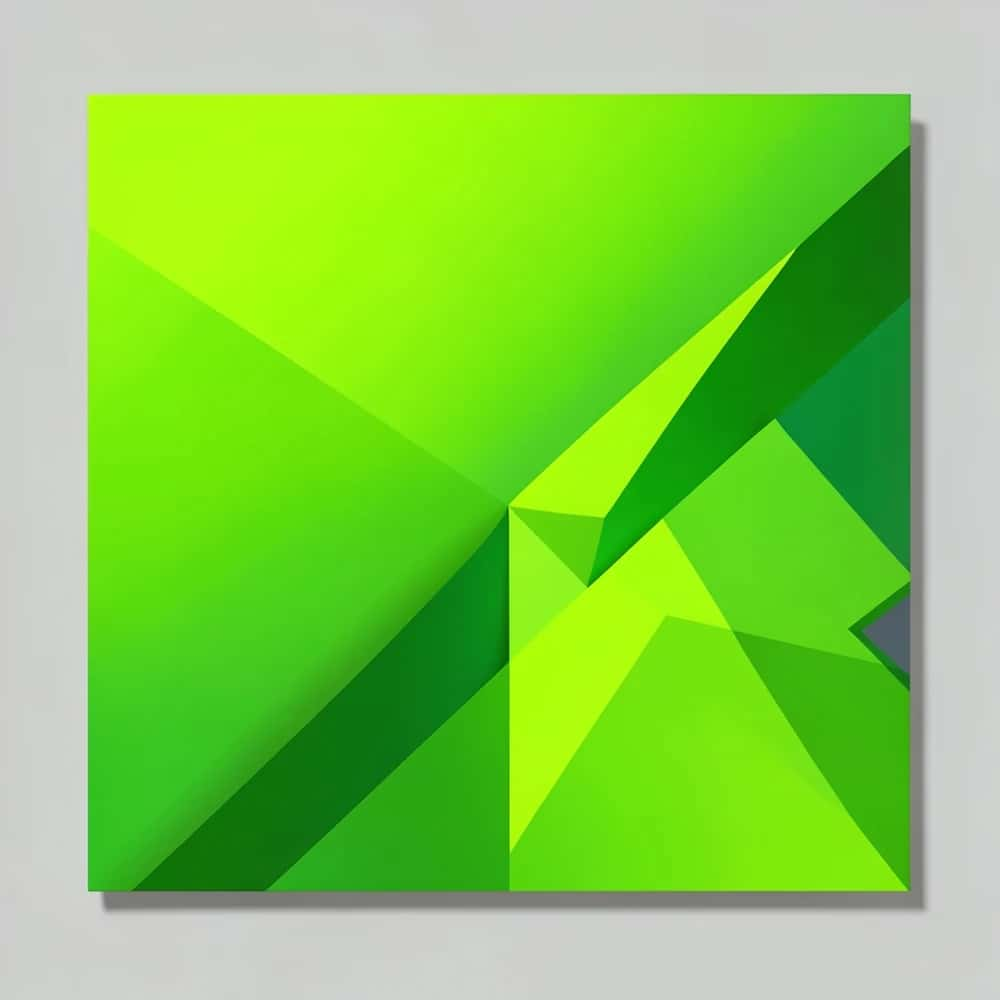
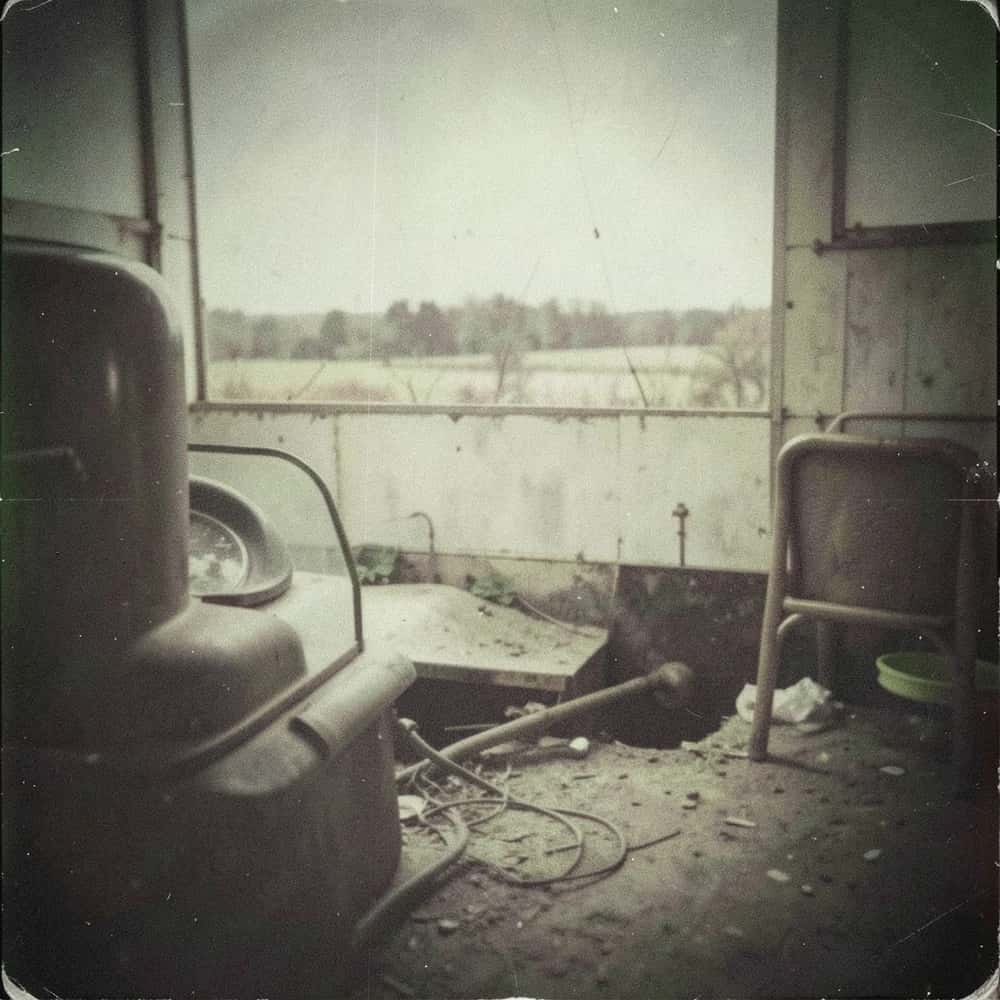
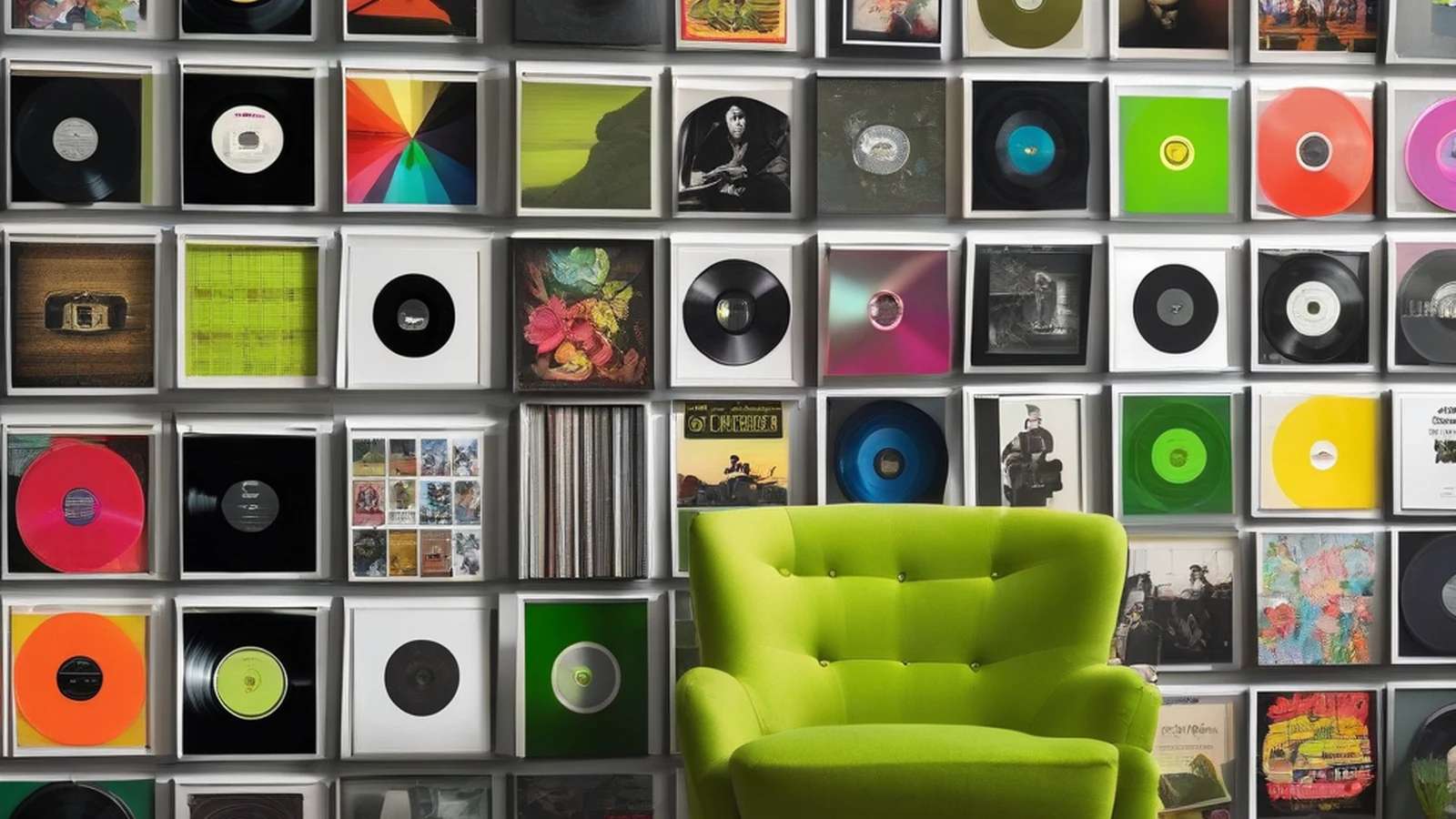
The crate: ten covers, ten styles
Think of this as flipping through a record crate. Each tool below leans toward a different look and workflow; skim the sleeves, then read the detail.
What to weigh as you choose: image quality and style range, built-in text and typography, whether there is a genuine free tier, mobile versus desktop, and, most important before you publish, clear commercial usage rights.
Capability comparison at a glance
A check means the capability is a core part of the tool. Scan it before reading the detail below.
| Tool | Templates | Text & type | Free | Commercial-safe | Mobile |
|---|---|---|---|---|---|
| 1. Adobe Express (Firefly) | ✓ | ✓ | × | ✓ | ✓ |
| 2. Fotor | ✓ | ✓ | ✓ | × | ✓ |
| 3. Kittl | ✓ | ✓ | × | × | × |
| 4. Picsart | × | ✓ | ✓ | × | ✓ |
| 5. VistaCreate | ✓ | ✓ | ✓ | × | ✓ |
| 6. Pixazo | ✓ | ✓ | ✓ | × | × |
| 7. PosterMyWall | ✓ | ✓ | ✓ | × | × |
| 8. Midjourney | × | × | × | ✓ | × |
| 9. Daft Art | × | ✓ | × | × | ✓ |
| 10. Pixlr | × | ✓ | ✓ | × | × |
1. Adobe Express (Firefly)
Best for: Commercially safe art with professional typography.
Adobe Express generates cover art with Firefly, which Adobe trains on licensed and public-domain material for commercial use, and pairs it with genuinely strong type, layout and brand tools. You can generate an image, set your title and artist name with proper typography, and export a clean square in one place, which makes it the cautious, rights-safe choice when you are releasing on streaming platforms and care about clean licensing.
Watch for: The best features need a paid Creative Cloud or Express plan.
2. Fotor
Best for: Beginner-friendly templates and quick edits.
Fotor offers a dedicated album-cover generator plus a big template library and a straightforward editor, so a non-designer can get a polished square in minutes and then adjust colours, type and layout by hand. It sits comfortably between pure AI generation and template design, which is why beginners and hobby musicians often land on it first before trying anything more advanced.
Watch for: Some styles and higher-resolution exports are gated behind Fotor Pro.
3. Kittl
Best for: Design-forward covers with standout typography.
Kittl leans into illustrated, typographic design with high-quality templates, textures and effects that look hand-crafted rather than machine-made. It shines when the lettering is the artwork, so it suits musicians who want a poster-like cover with a real type treatment and are willing to spend a little time in a proper design tool instead of one-click generation.
Watch for: It is more a design suite than a one-click generator, so expect a small learning curve.
4. Picsart
Best for: Mobile-first editing with a few free generations a day.
Picsart combines AI image generation with a deep mobile and web editor, and offers a handful of free generations a day plus stickers, masks and effects for finishing. It is built for creating and polishing a cover entirely on your phone, which fits independent artists who work mobile-first and want to make the artwork and post the release from the same device.
Watch for: The free tier is limited and the interface can feel busy.
5. VistaCreate
Best for: Template variety and a consistent release look.
VistaCreate brings a large template catalogue, stock assets and brand kits to cover design, with simple resizing for singles, albums and the matching social posts. If you release regularly, its real strength is consistency: you can keep a recognisable look across a whole catalogue instead of starting each cover from a blank canvas.
Watch for: AI generation is secondary to its template and editing features.
Suggested Read: 80 Poster Ideas for Every Occasion and Style
6. Pixazo
Best for: A free, fast way to generate a cover from a prompt.
Pixazo's AI album cover maker turns a short prompt into editable cover options in the browser for free, so you can explore several directions in a minute and keep the one that fits the track. There is no software to install or subscription to start, which makes it a quick way to produce a release-ready square or to sketch ideas before you refine the type and layout for your final artwork.
Watch for: Confirm the export size your distributor needs and refine the type after generating.
7. PosterMyWall
Best for: Templates that also export to print.
PosterMyWall offers thousands of templates and easy text editing, and crucially it exports to print as well as screen, so the same design can become a cover, a gig poster and merch. It suits musicians who sell physical copies or play live shows and want one place to produce all the artwork around a release rather than a cover alone.
Watch for: Its AI generation is basic and free exports carry a watermark.
Suggested Read: How to Design a Logo, Step by Step
8. Midjourney
Best for: The most striking, artistic imagery.
Midjourney produces the most distinctive, painterly imagery of this group, with a visual range that is hard to match when you want a cover that looks like nothing else on the shelf. It has no built-in text or layout, runs through Discord and rewards careful prompting, so the usual workflow is to generate the image here and set the type in another tool; paid plans grant the commercial rights you need to release.
Watch for: It runs through Discord, has no built-in text or layout, and rewards prompt skill.
9. Daft Art
Best for: A tool built only for album covers.
Daft Art is designed for one job: album covers. You bring an image or pick a style, and it pairs it with tuned typography presets so the title and artist name sit correctly, giving musicians a release-ready square without wrestling a general design app. It is a paid app and deliberately narrow, which is exactly the appeal for artists who just want a finished cover fast.
Watch for: It is a paid app and narrower than the general design suites here.
Suggested Read: Typography Design 101: Guidelines and Terms
10. Pixlr
Best for: A quick, free editor to finish a cover.
Pixlr is a lightweight online editor with AI features, handy for compositing a cover, cleaning up a generated image or adding type without installing heavy software. Its generation is basic, so it works best as the finishing tool after you already have your core artwork rather than the place you start a design.
Watch for: Its generation is basic and the free tier shows ads.
Suggested Read: Book Cover Design: Ideas and Best Practices
How do you choose and publish your cover?
Match the tool to the job. If you want commercially safe art with clean type, Adobe Express is the cautious pick; for pure visual impact, Midjourney; for fast and free, Pixazo, Fotor or VistaCreate; for a tool made only for covers, Daft Art. Whichever you use, export a square at the size your distributor asks for (most want 3000 x 3000 pixels), keep the title and artist name legible at thumbnail size, and confirm you hold commercial rights to the image before you release.
Suggested Read: 15 Best Color Palette Generators for Designers
Frequently asked questions
What is the best AI album cover generator?
It depends on your priority. Adobe Express leads for commercially safe art and typography, Midjourney for the most artistic image, and Fotor or VistaCreate for easy templates. For a free, fast start, Pixazo’s AI album cover maker generates editable covers from a prompt in the browser.
Can I use AI album covers commercially?
Usually, but check each tool’s terms. Platforms like Adobe Firefly are built for commercial use, and Midjourney grants commercial rights on paid plans. Always confirm the licence before releasing on Spotify or Apple Music, and avoid covers that include trademarked or copyrighted elements.
What size should an album cover be?
Most streaming platforms want a square image. Spotify accepts a minimum of 1400 x 1400 pixels, and 3000 x 3000 pixels is the common, safe size that also works for Apple Music and print. Export as a high-quality JPEG or PNG in RGB colour.
Are there free AI album cover makers?
Yes. Pixazo offers a free AI album cover maker, and Fotor, VistaCreate, Picsart and Pixlr have free tiers (some with watermarks or daily limits). Free tiers are great for experimenting; a paid plan usually unlocks higher resolution and more styles.
How do I add my artist name and title?
Use a tool with built-in type such as Adobe Express, Kittl, Fotor or Pixazo, or generate the image first and add text in an editor. Keep the type bold and simple so it stays readable when the cover shrinks to a thumbnail in a music app.
Deepak Joshi
Author · Pixazo
Deepak writes about generative AI models, APIs, and the workflows teams use to ship them. Reviewed by Abhinav Girdhar.