How to Design a Logo: A 7-Step Process With AI


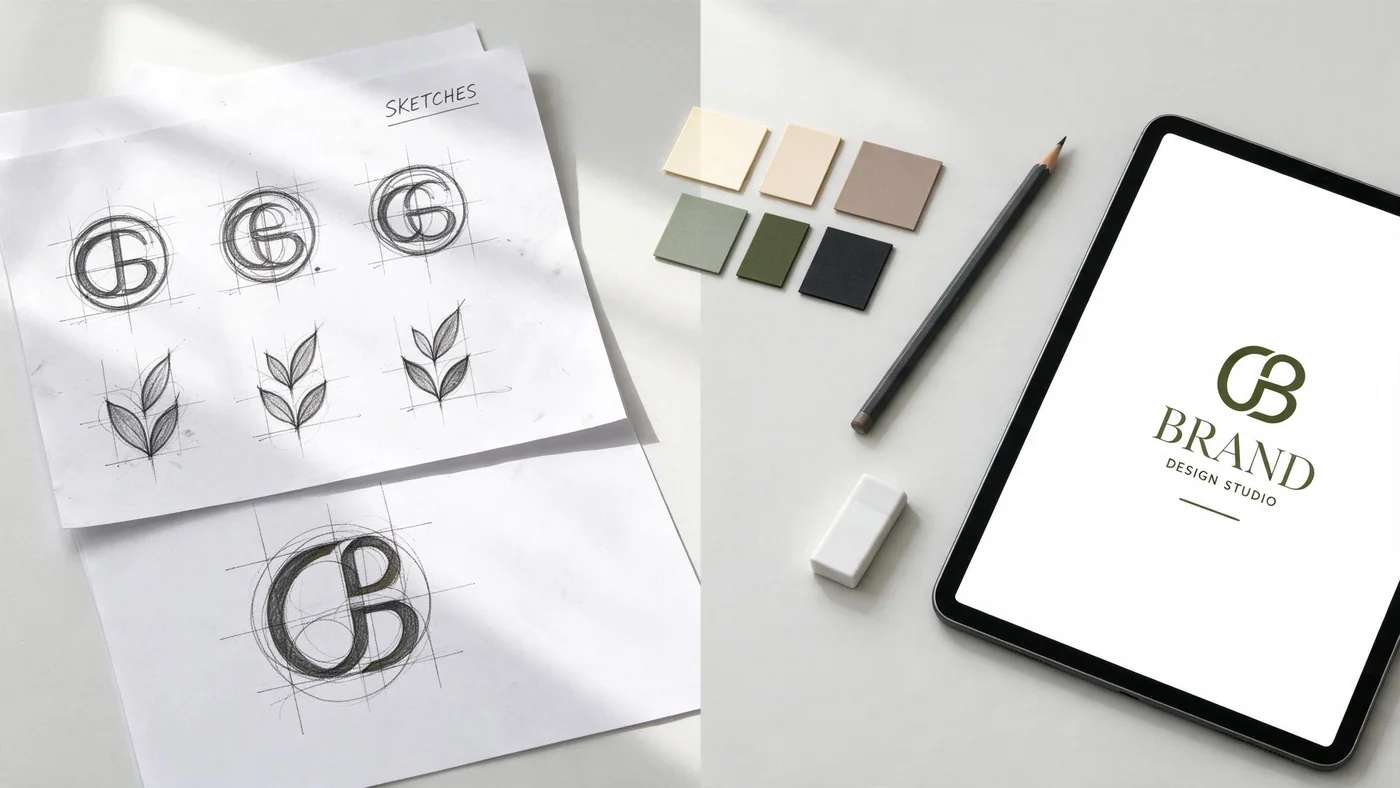
A great logo looks simple, but getting there is a process, not a lucky click. The good news in 2026: AI does the heavy lifting at almost every stage. The trick is knowing which decisions to hand to an AI logo maker and which to keep for yourself. This guide walks the full path, blank page to finished files, in seven steps, with real AI-made marks at each one.
To make it concrete, we follow one example brand the whole way: a small coffee roaster. You will see its logo go from a keyword, to rough concepts, to a clean final mark on a card and cup.
Define the brand and write a keyword compass
Before any shapes, pin down what the logo has to carry: the name, what it sells, its personality, and who it is up against. Boil it to a 3 to 5 word compass of adjectives you want people to feel. For our roaster: warm, earthy, small-batch, honest. Every later choice gets measured against those words.
Front-loads this as a short questionnaire: type your name, industry, and a few style keywords, and it turns them into a design direction in seconds.
The strategy, what the brand actually stands for and who it serves, has to come from you. AI styles pixels; it does not know your market.
Gather inspiration and build a moodboard
Collect colours, typefaces, shapes, and a handful of reference logos that match your compass onto one board. Look at 8 to 12 competitors and note the cliches of the category, the leaves and brown circles every coffee brand uses, so you can lean in just enough to be credible or break the pattern to stand out.
Generates many style variations in seconds, so it doubles as a rapid moodboard engine you can pull directions from.
Pinterest, Dribbble and Behance are still the honest human sources. You choose the direction that actually fits the brand, not just the prettiest tile.
Pick a logo type, colours and fonts
Decide which kind of mark fits your name. Short names suit wordmarks; long ones favour a lettermark or a symbol; new brands usually need the name present, so a combination mark is the safe default. Then choose one or two fonts and one or two colours plus a neutral. Type and colour do most of the talking, so keep them disciplined.
- Wordmark:the full name in a distinctive typeface (Google).
- Lettermark:initials for a long name (IBM, NASA).
- Pictorial mark:a recognisable object (Apple, Target).
- Abstract mark:a geometric shape suggesting values (Pepsi).
- Mascot:a character that personifies the brand (GEICO gecko).
- Combination mark:symbol plus name, the flexible default (Lacoste).
- Emblem:text inside a badge or crest (Harley-Davidson).
Want the full breakdown with more examples? Our guide to the types of logos covers each one in depth. For our roaster, a combination mark, a coffee symbol beside the name, is the sensible pick.
Write the AI prompt and generate concepts
This is where AI earns its keep. A good prompt names the subject, the style, the number of colours, and crucially says “flat vector” and “no text” (image models garble lettering, so add the name later). Swap the bracketed parts for your brand and generate a batch. Here are five you can copy:
A minimalist [coffee bean] logo mark for a [coffee roaster], flat vector, two colours, simple geometric shape, on a white background, no text
An abstract logo mark for a [tech startup], modern, bold, clever negative space, single colour, flat vector, no text
A combination logo: a [pine sprig] symbol beside clean sans-serif initials, balanced, flat vector, minimal, no extra text
A line-art emblem logo for a [bakery] inside a circular badge, vintage, one colour, flat, no text
A friendly mascot logo of a [fox], rounded shapes, flat colours, simple vector, no text
Generate a dozen or more and keep the three strongest. Here is the batch our roaster prompt produced:
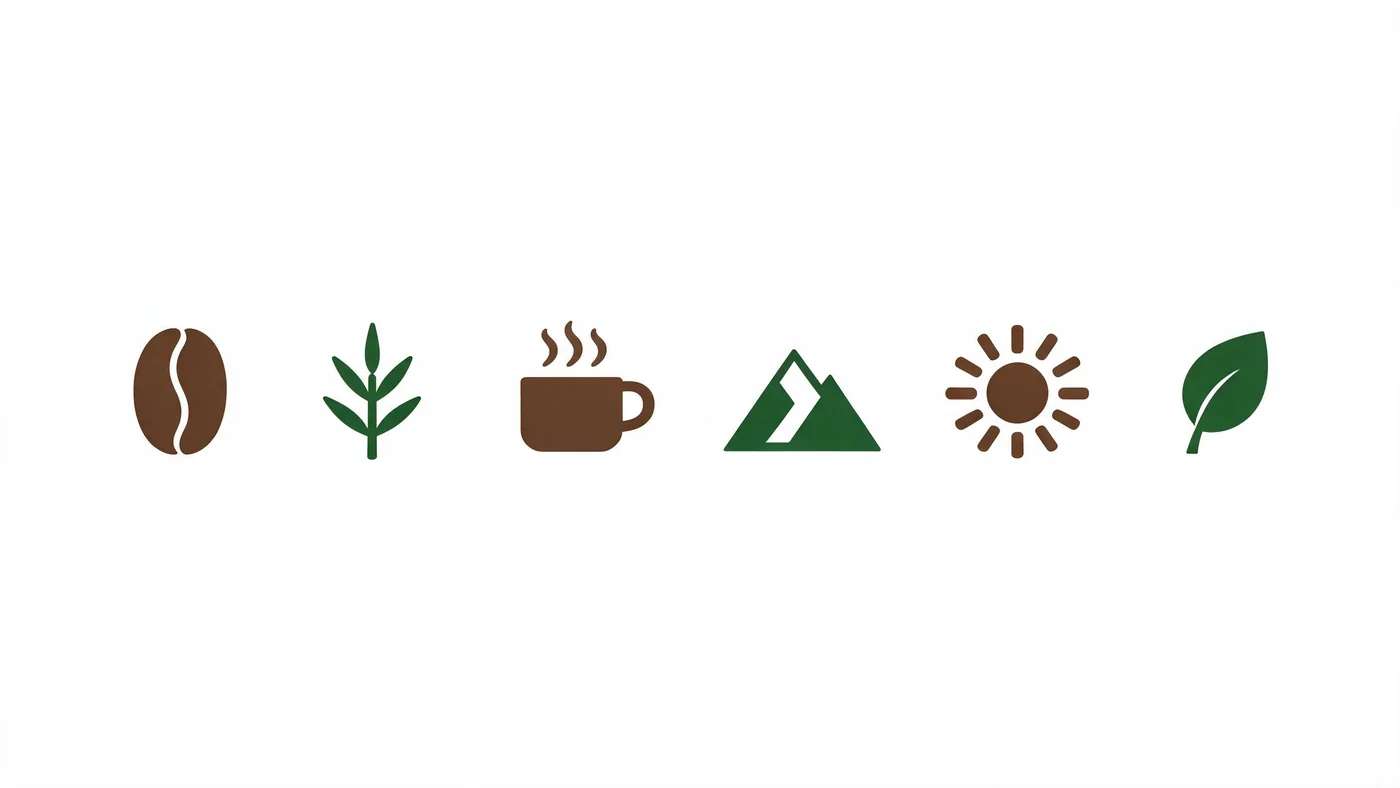
Beats the blank page: it spits out dozens of finished-looking directions in seconds for you to react to.
Outputs are often near-misses (odd spacing, fuzzy edges). You pick the three worth refining and discard the rest.
Suggested Read: Top Online Logo Makers to Brand Your App
Refine and simplify the strongest direction
Take your favourite and strip it back. Remove anything not pulling its weight until the mark reads instantly. Simplicity is what makes a logo memorable and lets it survive at any size. We combined the bean and the sprig into one clean, balanced mark:
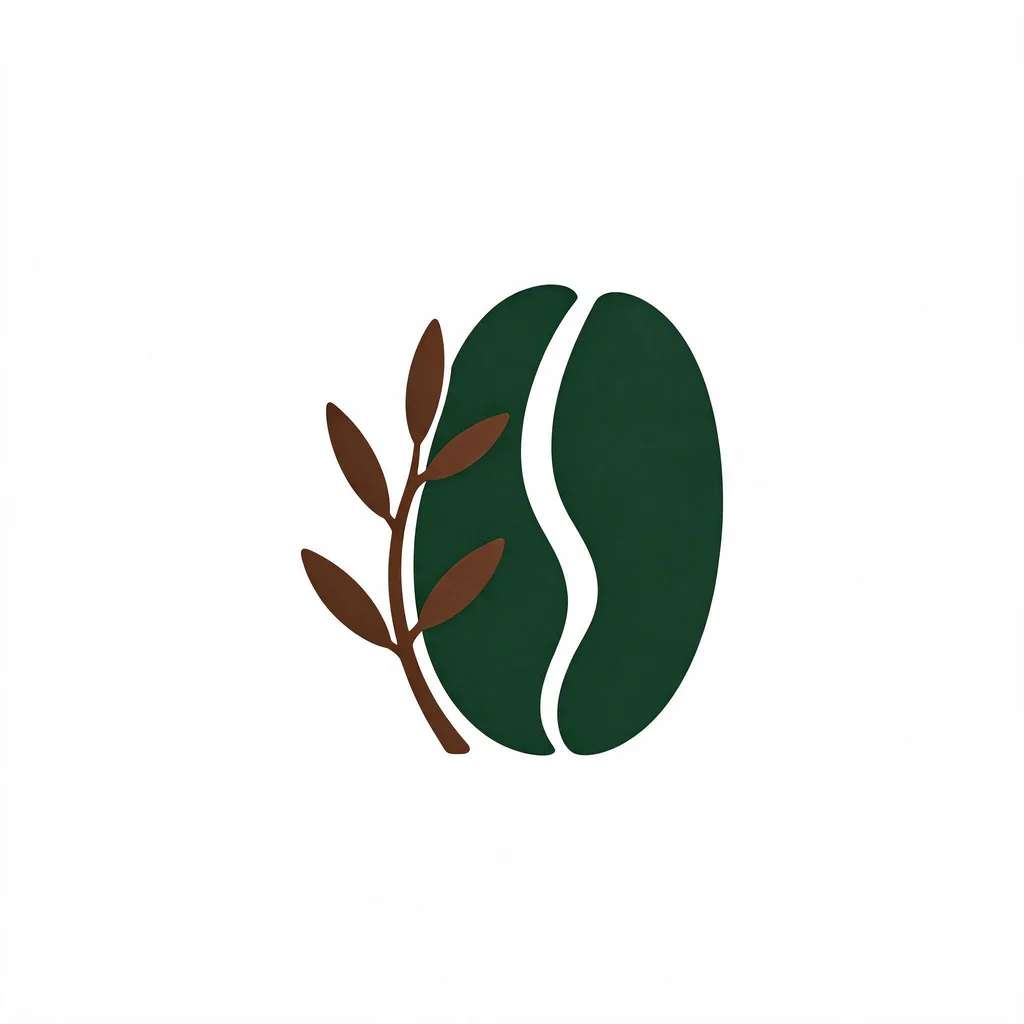
Can regenerate variations and tidy a concept toward your pick.
Fine craft, exact kerning, optical alignment, pixel-clean curves, still needs a human eye or a vector editor to finish.
Suggested Read: Best AI Art Generators in 2026
Vectorise and export the right files
A logo you cannot scale is a logo you cannot use. Get your mark as a true vector, an SVG or EPS master, then export everything else from it: transparent PNGs at several sizes, a JPG, and a favicon. Build simple lockups too: a horizontal version, a stacked version, an icon-only mark, and a reversed version for dark backgrounds.
Many generators auto-produce a brand kit, variations, favicon and social sizes, which saves real packaging time.
Check vector export before you rely on a tool. Free tiers often give only raster PNG or JPG, which will not scale to signage or print.
Suggested Read: 11+ Types of Logos and Their Purpose
Test everywhere, in black and white, and clear the trademark
Mock the mark where it will actually live, a tiny app icon, a website header, a business card, a cup, and confirm it holds up small and in a single flat colour. Always check the black-and-white version: if the shape works with no colour, it is strong. Finally, do a quick originality pass, a reverse-image search and a trademark lookup, before you commit it commercially.
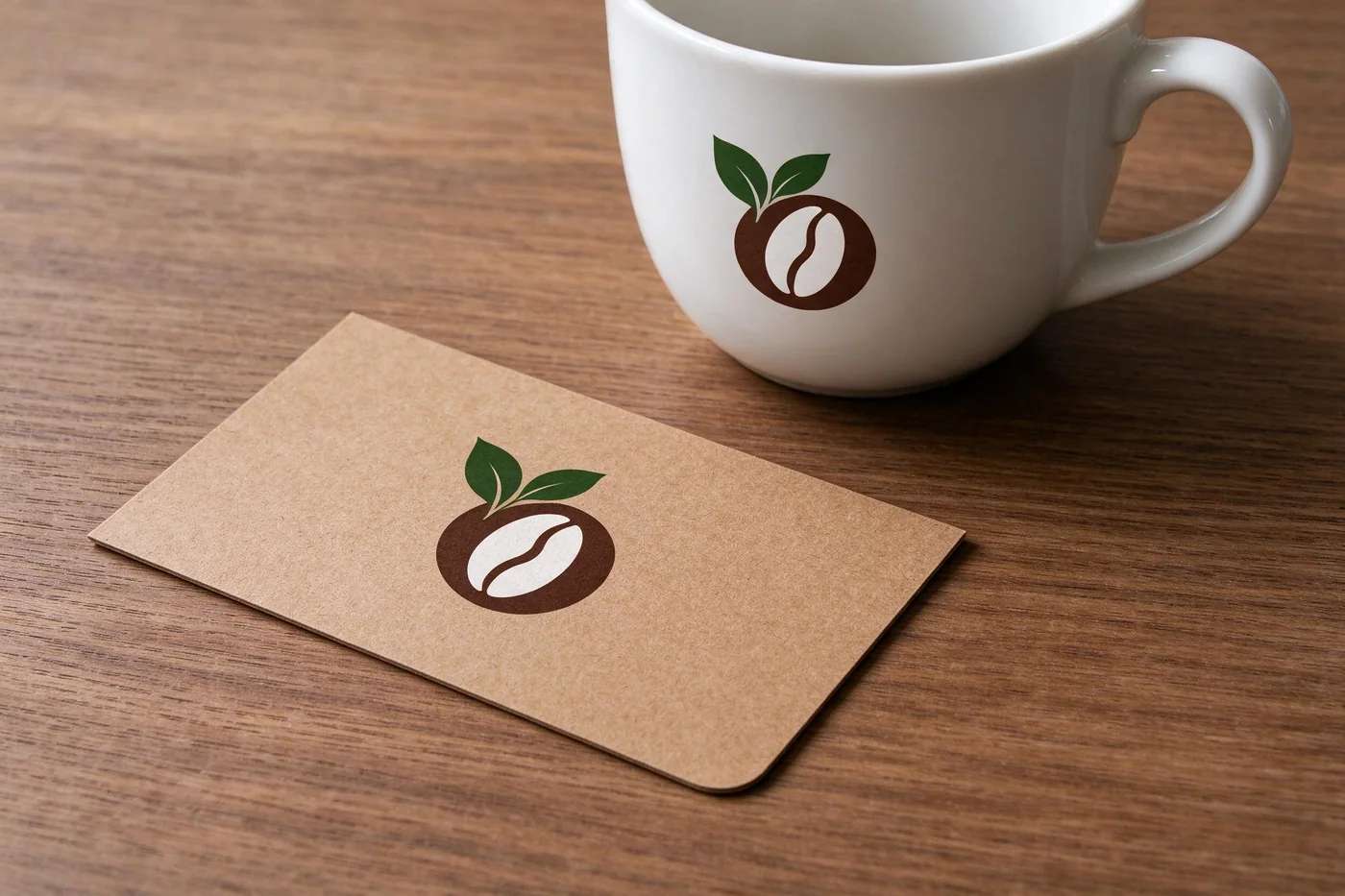
Generates mockups and a one-colour version instantly so you can see it in situ.
Trademark and originality are on you. AI trains on millions of existing logos and can echo a protected mark, so a human clearance check is non-negotiable.
Suggested Read: Logo Design Cost: Budgeting Your Brand Identity
AI is a brilliant accelerator, not a brand strategist. Keep these honest limits in mind:
- No trademark clearance. Outputs can unintentionally resemble a protected logo; you still need a human search.
- Raster-only on many free tiers. Without a clean SVG or EPS, a logo will not scale cleanly to print or signage.
- Font licensing traps. AI may render your name in a font you do not hold commercial rights to.
- No real strategy. It styles shapes; the meaning, positioning and usage rules around the logo are human work.
Deciding between doing it yourself, hiring a designer, or using AI? Our breakdown of logo design cost weighs the trade-offs. And a quick disclosure: the example logos in this guide were generated with Pixazo AI to demonstrate the workflow.
Suggested Read: Best AI Image Generators in 2026
Can you design a logo with AI?
Yes. An AI logo generator turns a short brief and prompt into dozens of concepts in seconds, then helps you recolour, vary and package the one you pick. The best workflow is AI for volume and a human for the final strategic and craft decisions.
Can an AI logo be trademarked?
Possibly, but not automatically. Because generators learn from millions of existing logos, an output can resemble a protected mark. Run a reverse-image search and a trademark lookup, and make the final logo distinct, before you register or use it commercially.
Do AI logo makers export vector (SVG) files?
Some do, many free tiers do not. A usable logo needs a true vector master (SVG or EPS) so it scales to any size. Always confirm vector export is available before you rely on a tool, or plan to vectorise the mark yourself.
Is there a free AI logo maker?
Yes, several let you generate concepts for free, though vector files, high resolution and full brand kits are often paid. You can start a logo in the Pixazo AI logo maker and describe the mark you want in plain words.
How many logo concepts should I make?
Explore widely, then narrow hard. Designers traditionally sketch dozens of rough ideas; with AI you can generate just as many in minutes. Keep only the three strongest directions and refine from there.
Deepak Joshi
Author · Pixazo
Deepak writes about generative AI models, APIs, and the workflows teams use to ship them. Reviewed by Abhinav Girdhar.