9 Best AI Book Cover Generators for Self-Publishers


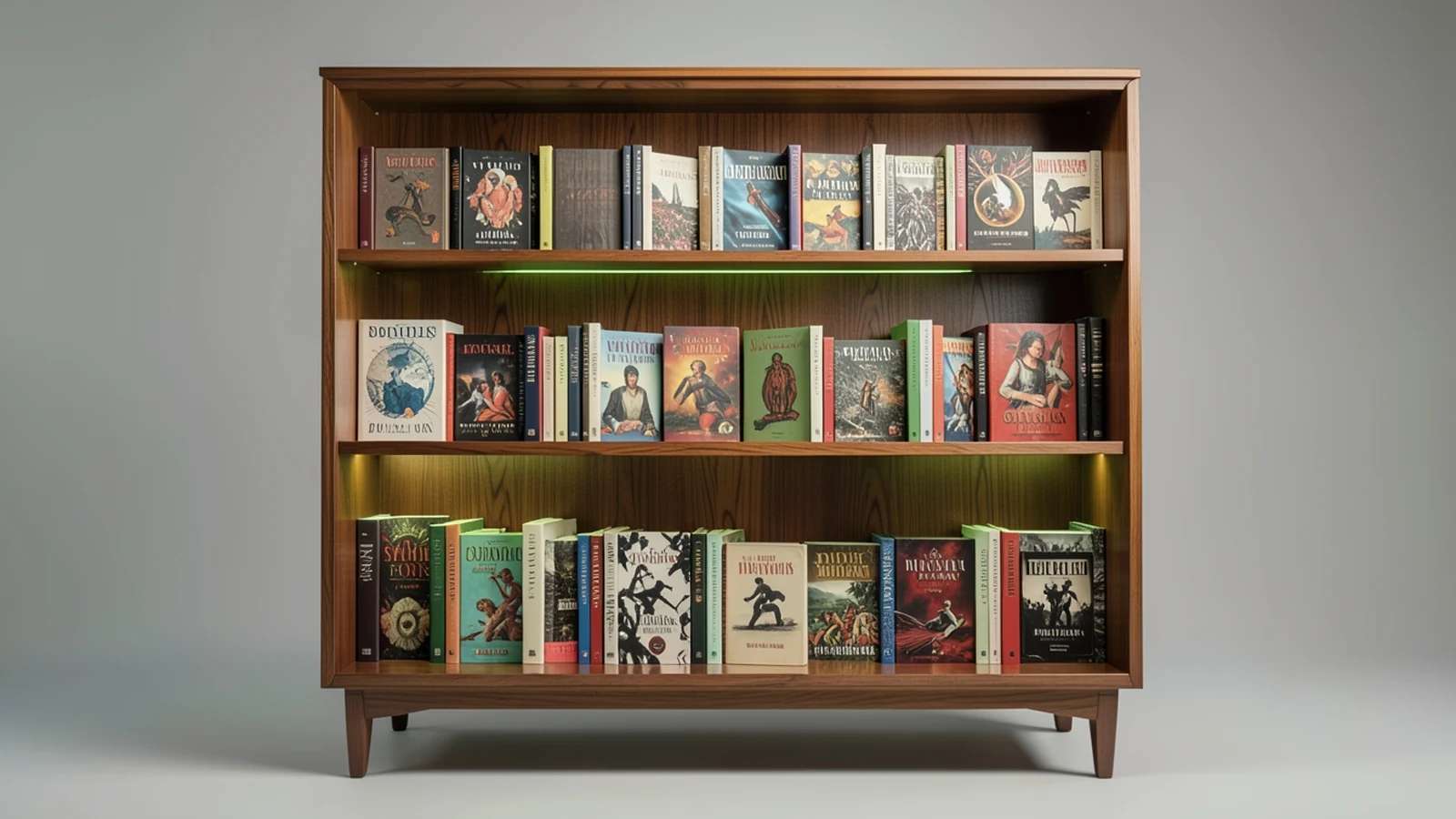
For a self-published author, the cover is the whole shop window. Readers scroll past hundreds of thumbnails, and a weak cover can sink a good book before the blurb is ever read. An AI Book Cover Maker turns a prompt or a template into professional artwork in minutes, so indie authors can land a cover that competes with traditionally published titles without hiring a designer.
The nine tools below differ in what they are really good at: ready-made templates, typography for your title and author name, a genuine free tier, clear commercial rights for selling your book, and print-ready export that matches Amazon KDP trim and spine sizes. Some are full design platforms, some are pure image generators you typeset elsewhere, and a couple are built only for authors. The best choice depends on your genre, your budget and whether you are publishing an ebook, a paperback, or both.

The card catalog: nine cover tools
Think of this shortlist as a catalog drawer. Each tab is one tool and the kind of cover it is built for; pull the one that fits your book, then read its card below.
What to weigh as you choose: template quality, built-in type for your title, whether there is a real free tier, the commercial rights to sell the finished book, and print-ready export for paperback at the correct KDP wrap size.
What each tool offers, side by side
A filled cell means the capability is a core part of the tool. Scan it before reading the catalogue cards below.
| Tool | Templates | Typography | Free | Commercial-safe | Print-ready |
|---|---|---|---|---|---|
| 1. Canva | ✓ | ✓ | ✓ | × | ✓ |
| 2. Adobe Express | ✓ | ✓ | ✓ | ✓ | ✓ |
| 3. BookBrush | ✓ | ✓ | × | × | ✓ |
| 4. Placeit by Envato | ✓ | ✓ | × | × | ✓ |
| 5. Ideogram | × | ✓ | ✓ | ✓ | × |
| 6. Pixazo | ✓ | ✓ | ✓ | × | × |
| 7. Fotor | ✓ | ✓ | ✓ | × | × |
| 8. Midjourney | × | × | × | ✓ | × |
| 9. Kittl | ✓ | ✓ | × | × | × |
1. Canva
Pick it for: Templates plus correct print sizing for Amazon KDP.
Canva pairs a huge library of book-cover templates with Magic Media, its built-in AI image generator, and genuinely good type and layout tools, so a self-publisher can generate art, drop in a title and author name, and lay out a full front-back-spine wrap in one place. It has custom dimensions for Kindle and paperback, which makes matching a KDP trim size and spine width straightforward. For most first-time authors it is the fastest path from blank page to a finished, upload-ready cover.
Fine print: Premium elements and some AI features need Canva Pro, and you must set the KDP wrap size yourself.
Suggested Read: 80 Poster Ideas for Every Occasion and Style
2. Adobe Express
Pick it for: Commercially safe AI art with professional typography.
Adobe Express generates cover imagery with Firefly, which Adobe trains on licensed and public-domain content and positions for commercial use, then pairs it with the strong type, layout and export tools you expect from Adobe. For an author who worries about the licensing of AI art on a book they intend to sell, this is the cautious, rights-aware pick. You can generate the image, set the title with real typographic control, and export a clean, high-resolution cover ready for print or ebook.
Fine print: The best templates and higher-resolution exports sit behind a paid Express or Creative Cloud plan.
3. BookBrush
Pick it for: A tool built specifically for authors and KDP wraps.
BookBrush is made by and for authors, so it speaks the language of self-publishing: it has a dedicated cover creator, a 3D mockup generator for marketing, and templates that handle the full paperback wrap with spine and back-cover copy. Its AI and stock image options help you assemble art, and the real value is how closely it maps to what KDP and other print platforms require, which removes a lot of the guesswork around bleed, spine width and trim size.
Fine print: It is a paid, subscription tool and its AI art is lighter than the dedicated image models here.
Also Read: How to Design a Book Cover in 8 Simple Steps
4. Placeit by Envato
Pick it for: Polished templates plus book mockups for promotion.
Placeit offers thousands of professionally designed book-cover templates you edit in the browser, plus a deep library of 3D book mockups for your store page and social posts. It leans on template design rather than raw AI generation, which suits authors who want a clean, modern cover without starting from scratch or learning a design app. Because the same account also produces marketing mockups, you can build the cover and the promo images for a launch in one sitting.
Fine print: Downloads require a subscription, and it is template-led rather than a true AI image generator.
5. Ideogram
Pick it for: Rendering a readable title directly in the AI image.
Ideogram is the standout for one thing most image models struggle with: legible text. It can render a book title and author name inside the generated artwork with far fewer garbled letters than its rivals, which is useful when you want the type baked into the illustration rather than layered on afterwards. It has a free tier, and paid plans cover commercial use, so it is a strong first stop when the lettering is part of the concept.
Fine print: It has no templates or layout tools, so you still finish the cover in a design app.

6. Pixazo
Pick it for: A free, fast way to generate a cover from a prompt.
Pixazo's AI Book Cover Maker turns a short prompt into editable cover options in the browser for free, so you can try several genre directions in a minute and keep the one that fits your story. There is nothing to install and no subscription to start, and you can set your title and author name on the generated art, which makes it a quick way to produce a release-ready cover or to sketch concepts before you refine the final design. It is a practical free starting point for self-publishers on a budget.
Fine print: Confirm the export resolution and the exact KDP wrap size your print book needs before uploading.
Related Read: 10 Best AI Album Cover Generators for Musicians
7. Fotor
Pick it for: Beginner-friendly editing with quick templates.
Fotor combines AI image generation with a straightforward online editor and a large template library, so a non-designer can produce a tidy cover in minutes and then adjust colours, type and layout by hand. It sits comfortably between one-click AI and template design, which is why hobby authors and first-timers often land on it early. It covers ebook work well and is a gentle place to learn the basics of composition and type before moving to a heavier tool.
Fine print: Some styles and higher-resolution exports are gated behind Fotor Pro.
8. Midjourney
Pick it for: The most striking, artistic cover imagery.
Midjourney produces the most distinctive, painterly artwork of this group, with a visual range that is hard to match when you want a cover that stands out in a crowded genre category. It has no built-in text or layout and runs through Discord or its web app, so the usual workflow is to generate the image here and set your title in another tool. Paid plans grant the commercial rights you need to sell the book, and careful prompting rewards the extra effort.
Fine print: There is no text or layout, it rewards prompt skill, and every plan is paid.
9. Kittl
Pick it for: Typographic, illustrated covers where the lettering is the art.
Kittl leans into illustrated, typographic design with high-quality templates, textures and effects that look hand-crafted. It shines when the title treatment is the hero of the cover, which suits literary fiction, non-fiction and any genre where bold lettering carries the design. It includes AI tools, but its real strength is giving you a proper type and layout environment, so you can build a cover that reads as designed rather than generated.
Fine print: It is more a design suite than a one-click generator, so expect a short learning curve, and full features are paid.
Suggested Read: How to Design a Logo, Step by Step
How do you pick and publish a cover that sells?
Match the tool to the job. For templates and correct KDP sizing, Canva or BookBrush; for commercially safe AI art with clean type, Adobe Express; for a readable title baked into the image, Ideogram; for pure visual impact, Midjourney; and for a fast, free start, Pixazo or Fotor. Whichever you pick, design to your genre so the cover signals the right category at a glance, keep the title legible at thumbnail size, export at 300 DPI for print, and confirm you hold commercial rights to the artwork before you upload. For paperback, build the full wrap, front, spine and back, at the exact trim size your printer specifies.
Also Read: 15 Best Color Palette Generators for Designers
Frequently asked questions
What is the best AI book cover generator for self-publishers?
It depends on your priority. Canva and BookBrush lead for templates and print-ready KDP sizing, Adobe Express for commercially safe AI art with strong typography, and Ideogram for rendering a readable title inside the image. For a free, fast start, Pixazo’s AI Book Cover Maker generates editable covers from a prompt in the browser.
Can I legally sell a book with an AI-generated cover?
In most cases yes, but you must hold commercial rights to the artwork. Tools like Adobe Firefly are built for commercial use, and Midjourney grants commercial rights on paid plans. Always read each tool’s licence before you publish, and never use covers that contain trademarked characters, logos or recognisable copyrighted art.
What size should a book cover be for Amazon KDP?
For a Kindle ebook, Amazon recommends an image around 2560 x 1600 pixels with a 1.6:1 ratio. For a paperback, you need a full wrap PDF, front, spine and back, sized to your exact trim and page count, at 300 DPI with bleed. Use KDP’s cover calculator to get the precise spine width before you export.
Are there free AI book cover makers?
Yes. Pixazo offers a free AI Book Cover Maker, and Canva, Fotor, Ideogram and Adobe Express all have free tiers, some with watermarks, resolution limits or a set number of generations. Free tiers are ideal for experimenting; a paid plan usually unlocks higher resolution, more styles and commercial licensing.
How do I add my title and author name to the cover?
Use a tool with built-in type such as Canva, Adobe Express, Fotor, Kittl or Pixazo, or generate the artwork first and add text in a design app. Ideogram can render the title inside the image itself. Keep the type bold and simple so it stays readable when the cover shrinks to a store thumbnail.
Deepak Joshi
Author · Pixazo
Deepak writes about generative AI models, APIs, and the workflows teams use to ship them. Reviewed by Abhinav Girdhar.