
How to Make an AI Video Prompt (8-Element Formula + Examples)


An AI video prompt is the text instruction that tells a video model what to generate, the subject, what it does, the camera, the lighting, the look, and even the audio. Get the prompt right and the model behaves like a crew that follows direction; get it vague and it guesses. This guide gives you a repeatable 8-element formula, copy-paste examples, model-by-model tips, and fixes for when output goes wrong. You can try every prompt here in a free AI Video Generator.
Try the AI Video Generator Free
AI video is moving fast, by 2025 a majority of marketers were using AI somewhere in video creation (Wyzowl), and short-form vertical (9:16) now rivals landscape (16:9) for AI output. Whatever you are making, the prompt is the lever that decides whether a clip looks generic or directed. Think of yourself as the director: the model is a very fast crew that does exactly what you say.

The 8-element AI video prompt formula
node
Almost every strong video prompt is built from the same parts, wired together in order. Chain these eight nodes and you hand the model a complete shot; unplug any of them and it starts guessing.
At a glance, here is what each element controls and an example phrase for it.
| Element | What it controls | Example phrase |
|---|---|---|
| Subject | Who or what is on screen | "a vintage red convertible" |
| Action & motion | The single main movement | "speeds along a coastal highway" |
| Setting | Place, time, atmosphere | "at golden hour, waves below" |
| Camera | Shot, angle, lens, movement | "side tracking shot, low angle, 35mm" |
| Lighting & mood | Light source, quality, feeling | "warm sunlight, lens flare, cinematic" |
| Style | Medium and aesthetic | "photorealistic film look" |
| Audio | Ambience, SFX, dialogue | "engine roar, wind, no music" |
| Constraints | Limits and exclusions | "smooth stable camera, no text" |
Suggested Read: 30+ Prompts to Create Amazing Videos using AI
The universal rules of AI video prompting
node
These cross-model rules matter as much as the formula. Follow them and almost any model behaves better.
Camera, shot and lens vocabulary
node
Naming the camera like a filmmaker is the fastest way to make a clip feel professional. Pull from this vocabulary.
Lighting, look and pacing
node
The same subject feels completely different under different light and grade. Reach for named recipes.
Weak prompt vs strong prompt
node
Here is the pipeline in action. The weak prompts leave almost everything unplugged; the strong ones wire in every node.
Templates you can copy
node
Keep this wiring handy and fill in the sockets. The first is the universal fill-in; the others are shortcuts for common jobs.
Also Read: SeeDance 2.0 Prompts Collection
Text-to-video vs image-to-video prompts
node
There are two ways to prompt, and they ask for different things. In text-to-video you describe the whole scene from scratch; in image-to-video you upload a still and describe only the motion and camera to apply to it.
In our stack, image-to-video runs on Runway Gen-4.5; in the AI Video Generator, upload your still as the start frame (JPG, PNG, or WEBP), then prompt the motion.
Build a longer video as a timed shot list
node
Because each clip is independent, you make a longer video by generating short shots separately and stitching them. Here is a 13-second product ad as a shot list.
| Shot | Length | Prompt (abbreviated) |
|---|---|---|
| 1 | 2s | ECU of the product on a matte surface, slow push-in, soft window light |
| 2 | 3s | Hands open the box, top-down shot, warm light, shallow focus |
| 3 | 3s | Product rotates on a turntable, slow orbit move, studio lighting |
| 4 | 3s | Lifestyle wide shot, person uses the product outdoors, golden hour |
| 5 | 2s | Clean end frame on the product, static shot, soft gradient background |
Generate each shot on its own, keep the lighting and style wording consistent across all five, then edit them together.
Related Read: The Complete Guide to Text-to-Video Generation
Copy-paste prompt library by video type
node
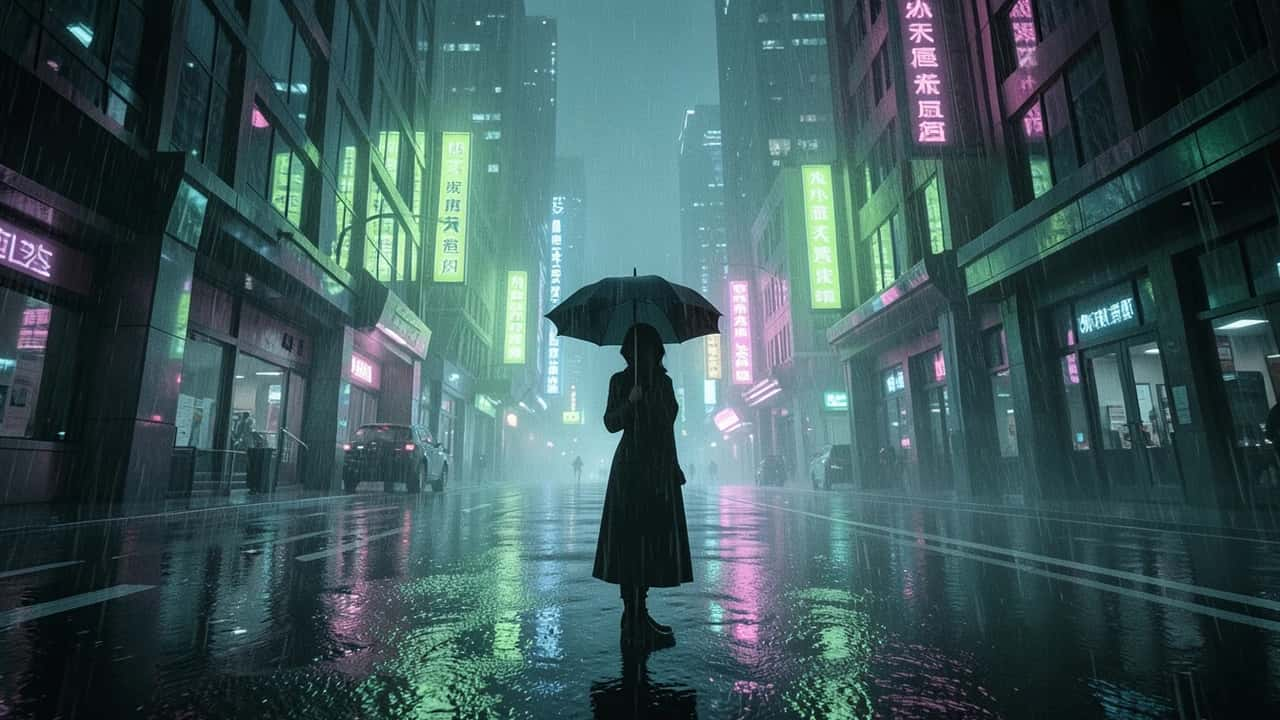
Adapt one of these ready-made prompts, each already uses the 8-element formula.
Match your prompt to the model
node
Different video models reward slightly different phrasing. The pipeline stays the same; the emphasis shifts. Pixazo’s AI Video Generator runs Seedance 2.5, Veo 3.1 Fast, Gemini Omni, and Runway Gen-4.5; here is how the major models across the market differ, with each name linking to its page on Pixazo.
- Narrative models, Veo and Sora: respond to rich, natural-language scene descriptions and audio cues like “ambient rain and distant traffic”.
- Motion-first models, Kling and Hailuo: love explicit camera and movement terms and clear constraints, so lean into shot type, speed, and direction.
- Style-driven, Runway: does well with tight, keyword-led prompts and strong aesthetic references, and it also handles image-to-video.
- Subject models, Wan and Seedance: want a clear subject, one action, and a defined camera move; keep it clean and uncluttered.
Not sure which to use? Our AI video model comparison breaks down the strengths of each. Inside Pixazo’s AI Video Generator you can run the same prompt on Seedance 2.5, Veo 3.1 Fast, Gemini Omni, or Runway Gen-4.5 and compare the results.
How long should an AI video prompt be? Most models reward a focused 40 to 120 words, front-loaded.
| Prompt length | Best for | Notes |
|---|---|---|
| Short (15-40 words) | quick tests, simple shots | fast to iterate; may leave the model guessing on look |
| Medium (40-90 words) | most shots | the sweet spot: full formula without contradictions |
| Long (90-150 words) | complex cinematic shots | front-load the key parts; extra words dilute weight |
Suggested Read: GPT Image 2.5 Prompt Guide: How to Write Prompts
When output goes wrong, it is usually a prompt fix, not a model fault. Match the problem to the phrasing that fixes it.
| Problem | Fix with this phrasing |
|---|---|
| Distorted hands or faces | "hands relaxed at sides, natural anatomy"; use fewer simultaneous actions |
| Drifting or shaky camera | "locked-off tripod shot, smooth stable framing" |
| Generic, flat look | add a lens, a lighting recipe, and a colour grade |
| Garbled on-screen text | remove text from the prompt; add it in post |
| Flicker or morphing | shorten the clip, one subject, simpler background |
| Too fast or too busy | one action per clip; "slow, deliberate movement" |
Suggested Read: How to Dub a Video Into Another Language With AI
How do you write a prompt that gets the video you want?
node
Direct it like a shot. Start with a specific subject, give it one clear action, place it in a vivid setting, then add the camera move, the lighting, the style, the audio, and the constraints. Front-load the important words, keep the clip short, phrase negatives as positives, and when a result is close, change just one node and regenerate. The eight-element pipeline turns a vague idea into instructions a model can actually follow. Open a free AI Video Generator, paste a template above, and start swapping in your own details.
Related Read: Google Veo 3.1 Prompts Collection
Frequently asked questions
What is an AI video prompt?
An AI video prompt is a text instruction that tells a video model what to generate, covering the subject, the action, the setting, the camera, the lighting, the style, the audio, and any constraints. The clearer and more specific the prompt, the closer the output matches your vision.
How do you write a good AI video prompt?
Use the 8-element formula: name the subject, one clear action, the setting, the camera shot and movement, the lighting and mood, the visual style, the audio, and any constraints. Front-load the most important words, keep it to one action per clip, and iterate one element at a time.
What is the best structure for an AI video prompt?
A reliable structure is: [subject] [one action] in [setting]. [camera shot and movement], [lighting and mood], [visual style], , [pacing and duration], [constraints]. Layering these eight parts in that order is what separates cinematic clips from generic ones.
How long should an AI video prompt be?
Aim for about 40 to 120 words, front-loading the subject and main action in the first 20 to 30 words. Short prompts leave the look to chance, while very long prompts dilute the weight of each phrase and can contradict themselves.
What are the key elements of a video prompt?
Subject, action and motion, setting, camera, lighting and mood, style, audio, and constraints. Most strong prompts include all eight; the camera and lighting elements do the most to make a clip feel professional.
What is the difference between text-to-video and image-to-video prompts?
A text-to-video prompt describes the entire scene from scratch. An image-to-video prompt starts from an uploaded still and describes only the motion and camera to apply to it, so you keep the exact look of your image and just bring it to life.
Do negative prompts work for AI video?
Yes, where the model supports them. Use a dedicated negative-prompt field to exclude things like “blurry, distorted, extra limbs, text, watermark”. If there is no such field, phrase what you want positively instead, because some models read inline negatives as instructions to include.
How do I fix blurry or distorted AI video?
Simplify to one main action, add specific camera and lighting direction, shorten the clip, and keep one subject with a simpler background. For bad hands or faces, add “natural anatomy, hands relaxed” and reduce simultaneous movement, then regenerate.
Can an AI video prompt add sound or dialogue?
With models that generate audio, yes. Describe the ambience, sound effects, or dialogue you want, for example “soft rain ambience, distant traffic, no music”, or ask for silence. Models without audio simply ignore those terms.
How do you make a longer or multi-scene AI video?
Build it as a shot list. Generate each short clip separately with consistent lighting and style wording, avoid temporal words like “then”, and edit the clips together, since each generation is independent and runs only a few seconds.
Deepak Joshi
Author · Pixazo
Deepak writes about generative AI models, APIs, and the workflows teams use to ship them. Reviewed by Abhinav Girdhar.

