
Negative Prompts: What They Are and How to Use Them


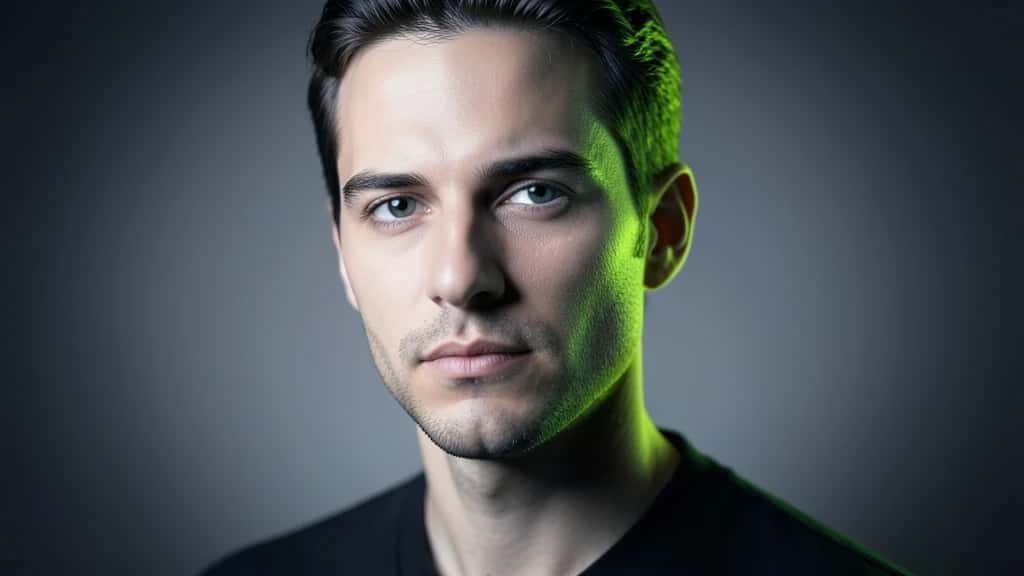
Every prompt has two halves. The positive prompt tells an AI image model what to make. The negative prompt tells it what to leave out: no blurry edges, no extra fingers, no watermark, no cartoon look on a photo. Used well, a negative prompt cuts the most common failures out of an image before you ever hit generate, and you can try one right now in the AI Image Generator.
Try It in the AI Image Generator
This guide covers negative prompts for AI image generation: what they are, how they work, when they do nothing, what to put in one, and copy-ready recipes you can adapt.
- ▸A negative prompt lists what to keep out. On standard models it steers the image away from those concepts.
- ▸It only has an effect when the guidance scale is above 1. Some models (FLUX, DALL-E 3) and fast checkpoints (Turbo, Lightning, LCM) weight or support negative prompts weakly or not at all.
- ▸Keep it short: five to eight focused terms beat a forty-word dump, which just dilutes the signal.
- ▸Never repeat a word that is already in your positive prompt, or the two fight each other.
- ▸Build it from the defects you actually see, one term at a time, not from a copy-pasted mega-list.
What are negative prompts?
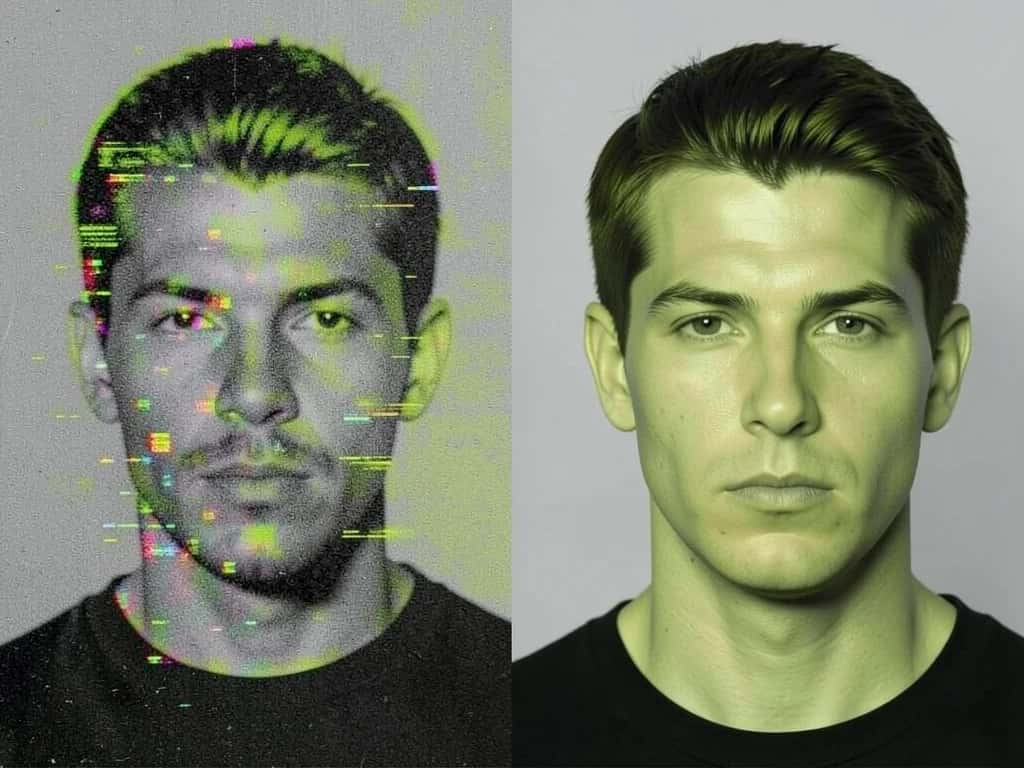
A negative prompt is a short list of things you do not want in the output: quality problems, anatomy glitches, a style the model keeps drifting toward, or a watermark it learned from training data. On most diffusion image tools it sits in a separate field from the main prompt. A positive prompt of “a sharp portrait in natural light” says what to render. A negative prompt of “blurry, plastic skin, watermark” says what to avoid, and the result is the overlap of the two.
Suggested Read: Prompts to Create Amazing Images With AI
How do negative prompts work?
On classifier-free guidance (CFG) models, the kind behind Stable Diffusion, SDXL, and similar, a negative prompt is not a rule the model reads and obeys. At each step the model makes two predictions, one guided by your positive prompt and one by your negative prompt, and the sampler moves toward the first and away from the second. How far it moves is set by the guidance scale.
A negative prompt only has an effect when the guidance scale is above 1. At a scale of 1 the negative term cancels out and you get the positive prediction alone. So this works on CFG-based models with guidance above 1. Check your model’s documented setting instead of guessing a number.
When do negative prompts not work?
Negative prompts are not universal. If you copy a token list onto the wrong model, it does nothing and you lose time.
- ▸Natural-language models: FLUX and DALL-E 3 do not use classic keyword negatives. Describe what you want instead, or phrase the exclusion as a plain sentence.
- ▸Fast, distilled checkpoints: Turbo, Lightning, and LCM models are trained to run at a guidance scale of 1, so negatives barely apply and forcing a higher scale breaks them.
- ▸Too few sampling steps: When you do rely on negatives, give the generation enough steps, since too few can let the unwanted concept leak back into the image.
Here is a quick test. Find out whether your model is CFG-based with guidance above 1. If it is, keyword negatives work. If it is a natural-language or distilled model, steer with the positive prompt instead.
Suggested Read: Best AI Image Generators
What goes in a strong negative prompt?
Strong negatives fall into four buckets. Keep each short and specific, and only include a bucket you actually need for that image.
For a photo, the style-drift bucket names illustrated looks. For an illustration, flip it and exclude “photorealistic, 3d render.” One note: motion blur is a real still-image artifact and a fine negative, but cross-frame video terms like “flicker” or “jitter” mean nothing in a single image, so leave them out.
Suggested Read: How to Upscale an Image Without Losing Quality
Negative prompt recipes you can copy
Treat these as starting points. Strip what does not apply and add the specific defect your test render shows.
Suggested Read: Best AI Image Extenders and Uncrop Tools
Common negative prompt mistakes
- ▸Stacking too many terms: Forty tokens are weaker than eight. The guidance signal spreads thin across all of them, and the image can flatten.
- ▸Repeating a positive word: If “red” is in your positive prompt, do not put it in the negative. A shared word fights itself and the result is unpredictable.
- ▸Contradicting the positive prompt: Do not ask for “dramatic shadows” and then negative-prompt “shadows.” The model drops one, and you do not choose which.
- ▸Copying video lists onto stills: Terms like “flicker” or “frame jump” do nothing in a single image. Build an image-specific list.
- ▸Assuming every model obeys it: On FLUX, DALL-E 3, and distilled fast models, a keyword negative may do nothing. Check your model first.
Suggested Read: How to Write an AI Video Prompt
How to use negative prompts well
The best results come from building the negative prompt against real output, not guessing up front.
Conclusion
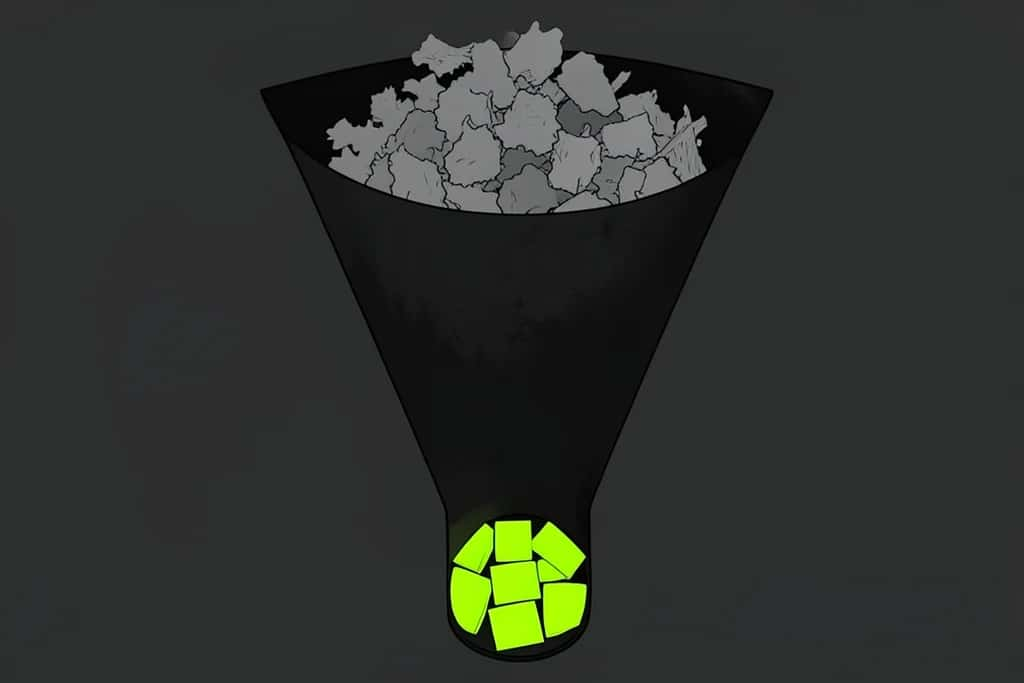
A negative prompt is the second half of prompting: a short, specific list of what to keep out, which on CFG-based models steers the image away from those concepts when the guidance scale is above 1. Keep it to a handful of terms, never repeat a word from your positive prompt, build it from the defects you actually see, and confirm your model even uses negatives before relying on them. Do that and you cut most AI image failures before the first render.
Suggested Read: 8 Best AI Image Sharpeners for Blurry Photos
FAQ
What is a negative prompt in AI image generation?
A negative prompt is a short list of things you want the model to leave out, such as “blurry, extra fingers, watermark.” On classifier-free guidance models it steers the generation away from those concepts, improving quality and removing common artifacts.
How do I write a good negative prompt?
Get the positive prompt right first, generate once, then add three to five terms targeting the defects you actually see, drawn from quality, anatomy, brand, and style-drift categories. Keep it short and never repeat a word from the positive prompt.
Do negative prompts always work?
No. They only affect classifier-free guidance models with a guidance scale above 1. Natural-language models like FLUX and DALL-E 3, and distilled fast checkpoints like Turbo, Lightning, and LCM, weight or support keyword negatives weakly or not at all.
How many words should a negative prompt have?
Usually five to eight focused terms. A long, forty-word negative prompt dilutes the guidance signal and can flatten the image, so add only what the specific shot needs.
Why is my negative prompt not working?
Most often the model is natural-language or distilled, the guidance scale is at or near 1, you repeated a word from the positive prompt, or you used too many terms or too few sampling steps. Check the model type first.
What is the difference between a positive and negative prompt?
The positive prompt describes what you want in the image. The negative prompt describes what to exclude. The model pushes toward the first and away from the second, and the result is the overlap.
Can I reuse the same negative prompt for every image?
A short base list is fine to reuse, but tailor it per subject. Anatomy terms matter for people, style-drift terms hold a medium, and a close-up headshot does not need “deformed hands.”
Do negative prompts work for AI video too?
On video models that use classifier-free guidance, yes, and you would add motion-specific terms. But many modern video models favor natural-language prompting, so check your model before relying on a keyword negative.
Deepak Joshi
Author · Pixazo
Deepak writes about generative AI models, APIs, and the workflows teams use to ship them. Reviewed by Abhinav Girdhar.

