
What Are AI Comic Generator Tools?
AI comic generator tools use artificial intelligence to convert text prompts or uploaded images into complete, stylized comic panels with minimal user input. These tools typically combine large language models, GANs (generative adversarial networks), and comic-style rendering engines to help users visualize narratives or ideas in a graphic storytelling format. With intuitive interfaces and features like speech bubbles, layout customization, and character auto-generation, they simplify the comic creation process for beginners and pros alike.
Whether you’re exploring AI comic creation for personal storytelling or need visuals for content marketing, these tools support you with drag-and-drop editors and scene building. Platforms like the AI Comic Generator allow anyone to make fun comics with AI using smart presets and pre-trained models. If you’re building characters from scratch, consider pairing your workflow with a resource like this best AI character generator guide to bring more personality to your creations.
Use these tools to easily transform images into AI comics or generate multi-panel strips from simple storylines. With features like the AI comic maker or the AI comic generator from text, the process of creating rich narratives has never been more accessible. Dive into the world of AI-generated comic art where imagination meets automation.
For design leads standardizing creative workflows, this in-depth look at the best AI storyboard platforms explains how to align brand style, accelerate reviews, and keep multi-scene projects consistent.
How Do AI Comic Generator Tools Work?
AI comic generator tools analyze narrative input such as text descriptions or sketches and use neural rendering with vector synthesis to produce complete comic panels. These tools break down components like character roles, dialogue, scene settings, and transitions to generate consistent layouts, visual sequences, and speech balloons. Modern AI comic generator tools also include modules for facial expression matching, dynamic lighting, and comic-style filters that enhance visual storytelling.
Many of the best AI comic generators offer multi-page sequencing, PSD or SVG exports, and smart layout features—making them ideal for writers and illustrators aiming to create comics with AI in a streamlined way. Platforms like Pixazo provide access to a suite of creative tools including an AI Image Generator, which complements your comic creation process by generating unique artwork for characters and backgrounds. These features open up new possibilities for generating unlimited AI comics that feel customized and professionally designed.
How We Select the Best AI Comic Generator Platforms at Pixazo
At Pixazo, our team rigorously tests AI comic generators across narrative consistency, art quality, ease of use, and export versatility. We craft sample scripts and prompts, then evaluate each platform’s ability to render characters, backgrounds, and dialogues cohesively. Every recommendation is based on real‑world testing, with no paid placements influencing our findings. Want to know more about our evaluation process? Explore our detailed methodology.
Disclaimer – Portions of this article were drafted with AI and reviewed by Jayesh Chaubey
Which AI Comic Generators Offer the Best Features?
AI comic generators vary in art style variety, dialogue integration, panel layout controls, and export formats. Some prioritize one-click simplicity, while others offer granular customization of speech bubbles, character poses, and scene composition. Tools like AI avatar generator integrate seamlessly into broader storytelling workflows, allowing users to create comics with AI characters that reflect unique identities using avatar-based customization.
If you need multi-page support or advanced art styles, consider platforms that also rank among the best AI story generator tools. Features like narrative automation, scene continuity, and AI-generated comic panels make these platforms especially useful for those producing long-form content. The table below compares the top 10 generators to help you decide which tool best fits your creative needs, whether you’re crafting a short strip or an entire graphic novel using an AI comic generator tool.
| Tool | Features | Pros | Cons | Best For |
|---|---|---|---|---|
| Pixazo AI Comic Generator |
|
|
| Writers, educators, marketers, hobbyists creating multi‑page comics from scripts |
| Comic‑ai – A Great Show |
|
|
| Fast single‑page comic panels in diverse cartoon styles |
| AI Comic Generator .net |
|
|
| Hobbyists & beginners seeking a free, preset-driven AI comic creator |
| Dzine |
|
|
| Creators using voice narration for dynamic, audio‑synced comics |
| Fotor |
|
|
| Social media creators & educators needing quick photo‑based strips |
| Open Art |
|
|
| Designers & marketers needing one‑off, privacy‑focused comic illustrations |
| Llama Gen AI |
|
|
| Professional artists & webtoon creators needing detailed panel control |
| ComicsMaker .ai |
|
|
| Independent artists, educators, marketing teams, webcomic authors |
| Dashtoon |
|
|
| Creators aiming to publish & monetize comics on a dedicated platform |
| Imagine Art |
|
|
| Designers, educators, hobbyists & social‑media creators needing quick single‑panel comics |
What Is the Best AI Comic Generator for Creators?
The best AI comic generator balances narrative coherence, art style flexibility, and export options for creators of all skill levels. These platforms let you craft engaging comic panels from simple prompts, offering character design, panel layouts, and speech bubble integration with minimal manual work. With the ability to transform text into visual storytelling, tools like the AI comic generator from text or AI comic maker help streamline the entire creation process.
Creators seeking to tell stories through comics will benefit from tools like Pixazo AI Comic Generator, known for its robust template library and multi-format exports. When aiming for visual consistency across scenes, pairing it with an AI consistent character generator ensures characters stay recognizable across multiple panels. Additionally, if you want to explore artistic variations or generate supporting visuals, the AI art generator can provide comic-style backgrounds and props to enrich your storyline.
- Pixazo AI Comic Generator – Quickly turn text or image prompts into stylized comics with multi-format export and real-time editing.
- Comic‑ai – A Great Show – Specializes in transforming dialogue-heavy scripts into vivid comic layouts with cinematic flair.
- AI Comic Generator .net – A minimalist comic creation tool focused on ease-of-use and basic panel generation from text prompts.
- Dzine AI Comic Generator – Offers AI-powered storyboards, character styling, and advanced scene composition for storytellers.
- Fotor AI Comic Generator – Converts images into comic-style art using filters, effects, and preset visual themes.
- OpenArt AI Comic Art Generator – Provides customizable comic templates with a focus on anime and manga-inspired designs.
- Llama Gen AI – Converts long-form narratives into sequential comic panels using advanced text interpretation and art generation.
- ComicsMaker .ai – Enables users to build comic strips from scratch with editable panels and AI-driven character assets.
- Dashtoon Studio – A professional-grade comic creation platform with collaborative tools and publishing-ready outputs.
- Imagine Art – Focuses on imaginative visual storytelling, turning prompts into high-resolution comic art with artistic flair.
1. Pixazo AI Comic Generator
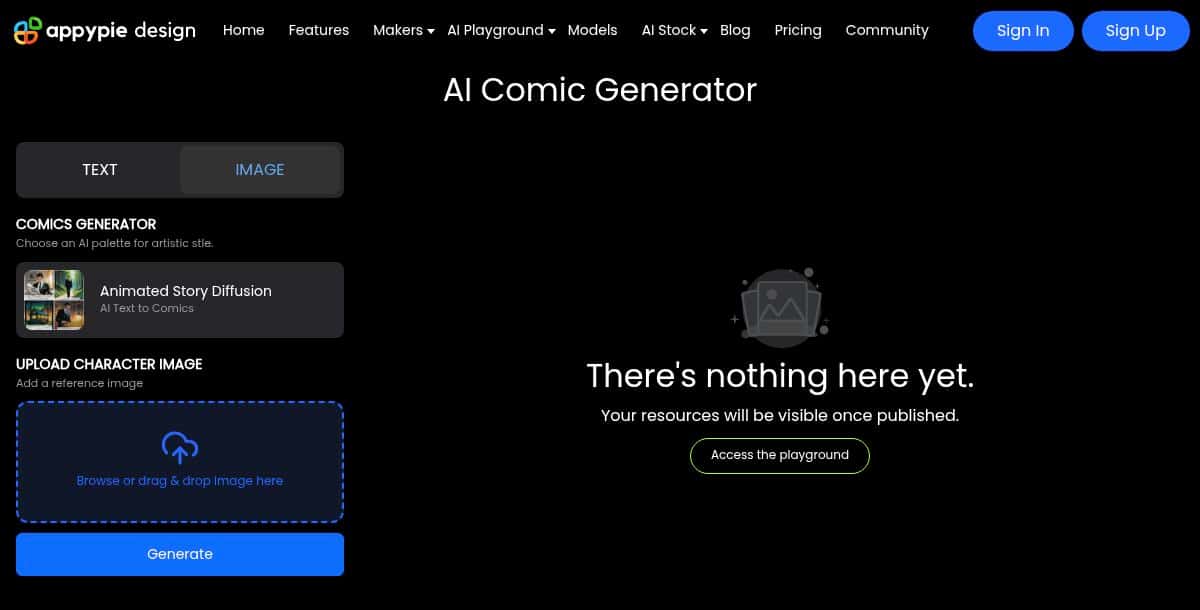
Pixazo AI Comic Generator is a browser-based platform that turns detailed character and story prompts into polished comic panels in seconds. It supports text-to-comic generation with frame-by-frame narrative input, reference image uploads for custom characters, and a selection of bold visual styles ranging from Japanese anime to cinematic and Disney-inspired designs. An intuitive editor lets you fine-tune panel layouts, adjust negative prompts, and preview results in real time. You can also enhance your comic creation workflow with tools like the AI cartoon generator for expressive, stylized frames or use the AI image to cartoon converter to quickly transform photos into comic-ready visuals that align with your chosen aesthetic.
Features
- Prompt-driven panel generation: frame-by-frame story inputs separated with newline separators
- Reference image upload and “img” tag support for character customization
- Five+ art styles, including Anime, Disney Character, Comic Book, Line Art, and Cinematic
- Built-in drag-and-drop editor for panel layouts and negative prompt adjustments
- High-speed AI rendering for publication-ready comic strips
Pros
- No design experience required—just enter your prompts
- Real-time preview with full control over composition
- Clean, polished output that minimizes post-editing
Cons
- Complex scenes may need manual touch‑ups in the editor
- Continued use beyond the free trial requires account creation and subscription
- Background details and character poses can sometimes feel repetitive
How It Works
Appy Pie’s AI Comic Generator employs a custom “Animated Story Diffusion” model. Users enter character descriptions and frame‑by‑frame story text separated by newline markers; reference images can be tagged with “img” for custom characters. The pipeline encodes each prompt, runs a fine‑tuned diffusion pass to render panel artwork, automatically places speech bubbles based on text segmentation, and offers real‑time, frame‑by‑frame preview with negative‑prompt adjustments before export.
Pricing: Visit the official pricing page for subscription details and credit plans.
Best For
Writers, educators, marketers, and hobbyists who want to turn scripts into multi‑page illustrated comics quickly using text prompts.
2. Comic‑ai – A Great Show
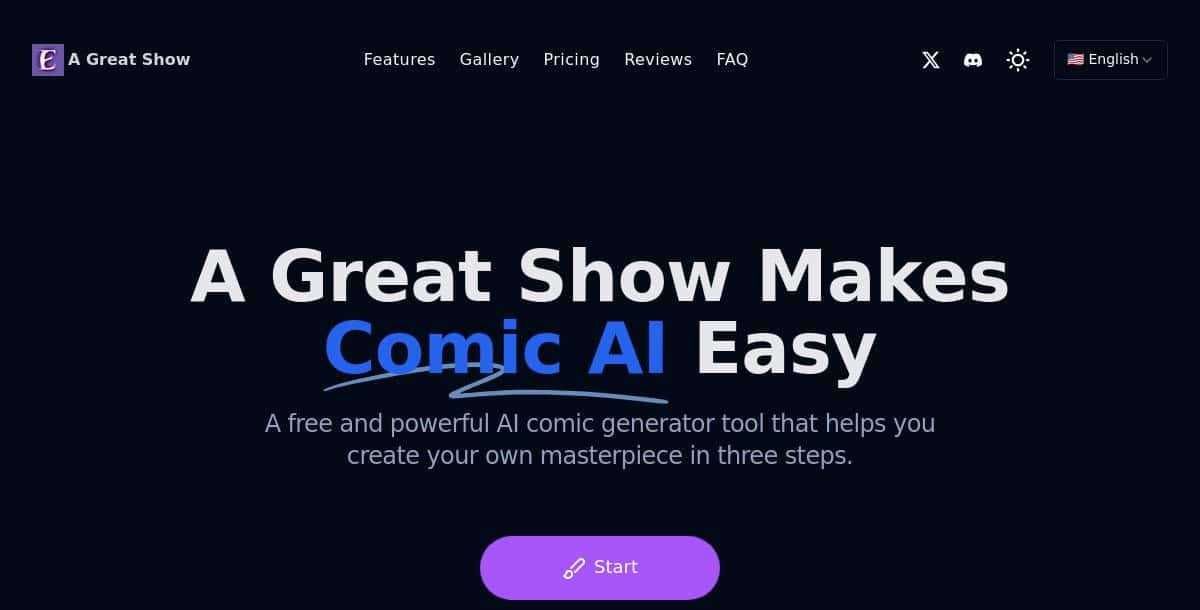
Comic‑ai – A Great Show is a free, browser-based AI comic generator that converts text and scene descriptions into high-quality cartoon panels in three simple steps. Users enter their script or synopsis, choose from diverse art styles, and let the AI assemble layouts, generate characters, and place speech bubbles with consistent design across pages.
Features
- Creative freedom with 100 free credits per day for unlimited basic creation
- High-quality, professional-grade output with rich detail and textures
- Support for long-form comics and multi-page story generation
- Character consistency technology to maintain visual coherence across panels
- Simple, three-step workflow requiring no design skills
- Diverse style options including Manga, American comics, and Manhua
- Export in PNG, JPEG, or PDF formats
Pros
- Generous free plan with daily credits
- User-friendly interface with minimal learning curve
- Robust support for continuous, multi-page storytelling
- Character consistency ensures cohesive visuals
- Wide range of art styles for different genres
Cons
- Advanced features (extra credits, priority queuing, custom layouts) require a paid plan
- Browser-only tool—no dedicated desktop or mobile application
- Fixed layout options limit granular panel control
- Export resolution and credits tied to subscription level
How It Works
Comic‑ai uses a three‑stage generative pipeline: first it parses the user’s script and segments it into scenes, then a layout engine selects panel configurations tailored to the chosen art style (manga, western, chibi). Next, style‑specific generative networks synthesize characters and backgrounds per panel. Finally, a text‑layout module auto‑places speech bubbles with font matching and exports the panels as PNG or scalable SVG files.
Pricing: Visit the official pricing page for detailed subscription and credit plan information.
Best For
Anyone seeking fast, single‑page comic panels in diverse cartoon styles with minimal setup.
3. AI Comic Generator
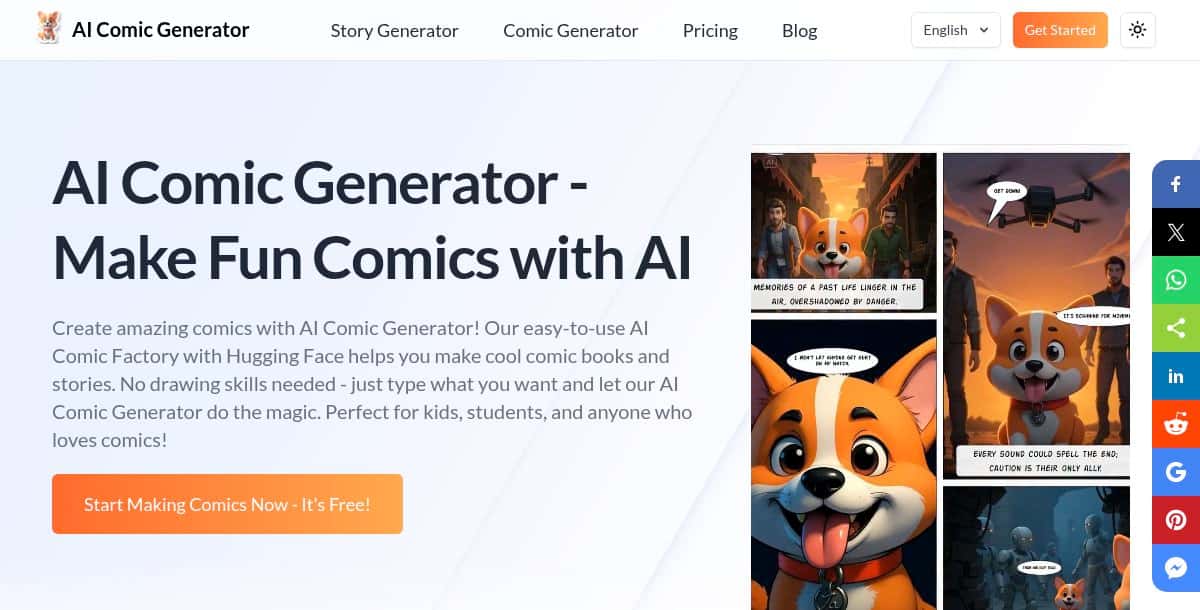
AI Comic Generator .net is a free, browser‑based tool powered by Hugging Face that turns text prompts and reference images into polished comic panels in seconds. Users enter their story or scene descriptions, pick from a variety of art styles (superhero, manga, cartoon, line art), and the AI auto‑generates consistent character artwork across single‑page or multi‑page comics. You can also upload photos or sketches to be transformed into comic illustrations.
Features
- Free text‑to‑comic generation—no drawing skills needed
- Multiple art styles including superhero, manga, cartoon, and line art
- Character consistency across panels and pages
- Reference image upload to convert photos into comic art
- Quick one‑page comic mode for single‑panel storytelling
- Download comics as PDF or high‑resolution image files
Pros
- Completely free to use with no signup for basic features
- Simple three‑step workflow: prompt → generate → download
- Maintains visual consistency of characters across pages
- Supports both single‑page and multi‑page comic creation
Cons
- Limited control over panel layouts and bubble placement
- Advanced features (batch processing, priority generation) require account creation and may be behind a paywall
- Complex scenes can sometimes produce inconsistencies, requiring manual re‑prompting
How It Works
AI Comic Generator .net leverages Hugging Face diffusion pipelines alongside a drag‑and‑drop panel builder. Users arrange sketches, photos, or text prompts into sequence placeholders. The system vectorizes uploads via an auto‑trace module, then applies a diffusion‑based renderer to generate each panel. Once all panels are created, a formatting engine compiles them into a downloadable PDF or high‑resolution PNG sequence.
Pricing: Visit the official pricing page for detailed subscription and feature plan information.
Best For
Hobbyists and beginners looking for a free, no‑friction AI comic creator with a variety of preset looks.
4. Dzine AI Comic Generator
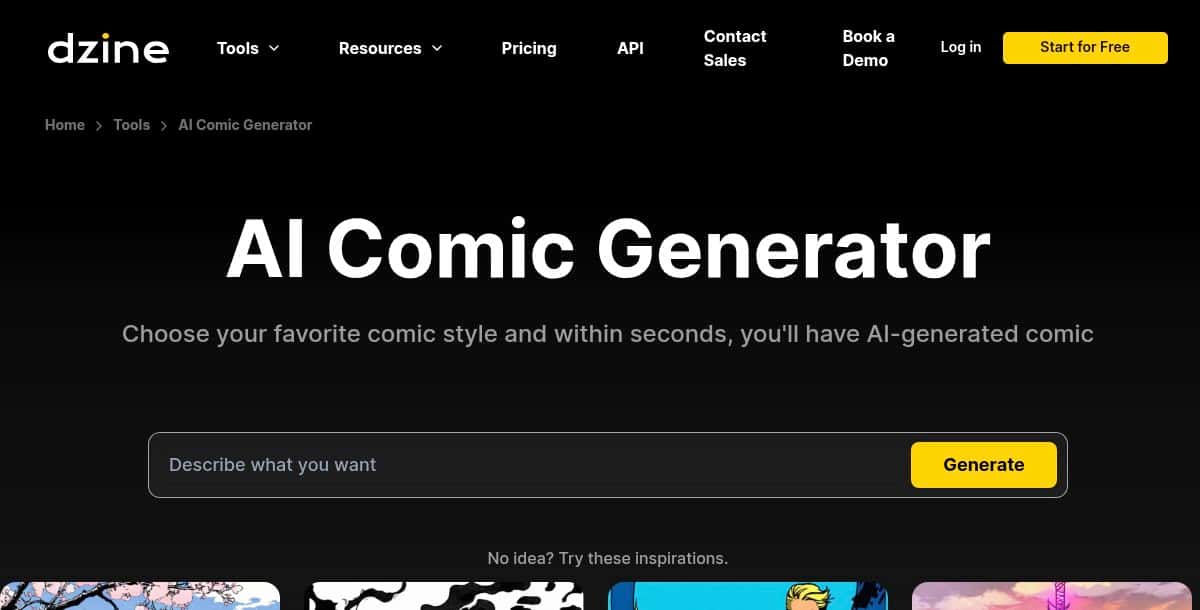
Dzine AI Comic Generator helps creators turn scripts and scene descriptions into engaging comic panels using AI-driven storyboarding, layout tools, and style presets. Users input dialogue or narrative, choose from a variety of art templates, and Dzine’s AI automatically generates sequential comic pages with consistent character designs and dynamic compositions.
Features
- Storyboard creation and prompt-based script-to-comic conversion
- AI-powered narrative enhancement with dialogue and plot suggestions
- Customizable templates and drag-and-drop comic layout editor
- Rapid prototyping for multi-page comic projects
- Collaboration tools for sharing and co-editing within teams
Pros
- Easy-to-use interface ideal for both beginners and experienced artists
- Comprehensive AI assistance for storytelling and visual consistency
- Supports rapid multi-page comic generation with minimal manual setup
- Free to use with community gallery and shared style assets
Cons
- Advanced features like private generation and premium assets require a paid plan
- Limited granular control over individual panel details compared to manual design tools
- Complex scenes may produce inconsistencies that need manual adjustments
How It Works
Dzine converts voice or text scripts into comics using a dual‑pipeline approach: speech‑to‑text transcription extracts dialogue and auto‑places it in frames, while a neural style‑transfer engine—trained on comic and manga datasets—renders stylized artwork for each panel. A timeline scrubber provides real‑time previews and adjustments, and outputs can be exported as layered PSD or SVG files.
Pricing: Visit the official pricing page for subscription and feature plan details.
Best For
Creators who want to narrate their comics via voice and leverage style‑transfer art for a dynamic, audio‑synced comic experience.
5. Fotor AI Comic Generator
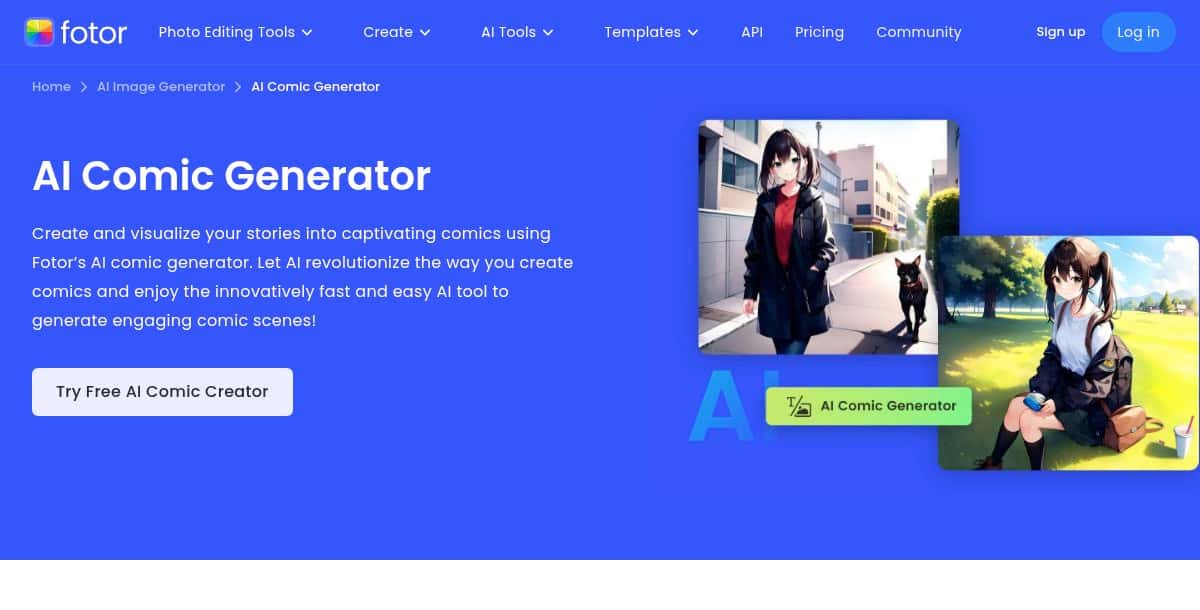
Fotor’s AI Comic Generator lets you transform story text or images into vibrant comic scenes in seconds, using a variety of popular styles and built-in editing tools. Enter your narrative, select from American comic, manga, pixel art or line drawing styles, and the AI automatically generates panels complete with characters, backgrounds, and placeholder dialogue.
Features
- Text-to-comic generation: turn story prompts into AI-created comic scenes
- Image-to-comic transformation: upload a photo to convert it into American comic or anime-style art
- Multiple style presets: American comic, color manga, pixel art, anime, and line drawing
- Post-editing tools: add speech bubbles, apply strip templates, and customize with Fotor Design elements
- Rapid rendering: AI creates scenes in just a few seconds
Pros
- User-friendly—no illustration skills required
- Supports both text and image inputs for versatile creation
- Wide range of art styles to suit different genres
- Integrated editing tools for quick customization
Cons
- Limited fine-grained control over panel layouts compared to dedicated comic-making software
- Complex or lengthy narratives may require several iterations for best results
- Advanced customization and high-resolution exports require a Fotor account and may be part of the Pro plan
How It Works
Fotor’s AI Comic Generator first parses story text with NLP to structure scene prompts, then feeds each into a diffusion model fine‑tuned on multiple comic styles (American comics, manga, pixel art, line drawing). For image‑to‑comic, it uses style‑transfer to apply comic textures to user photos. An integrated layout engine auto‑positions speech bubbles and stickers, rendering complete comic panels in seconds.
Pricing: Visit the official pricing page for detailed subscription and feature plan information.
Best For
Social media content creators, educators, and casual users who need fast, photo‑based comic strips with fun stickers and filters.
6. OpenArt AI Comic Art Generator
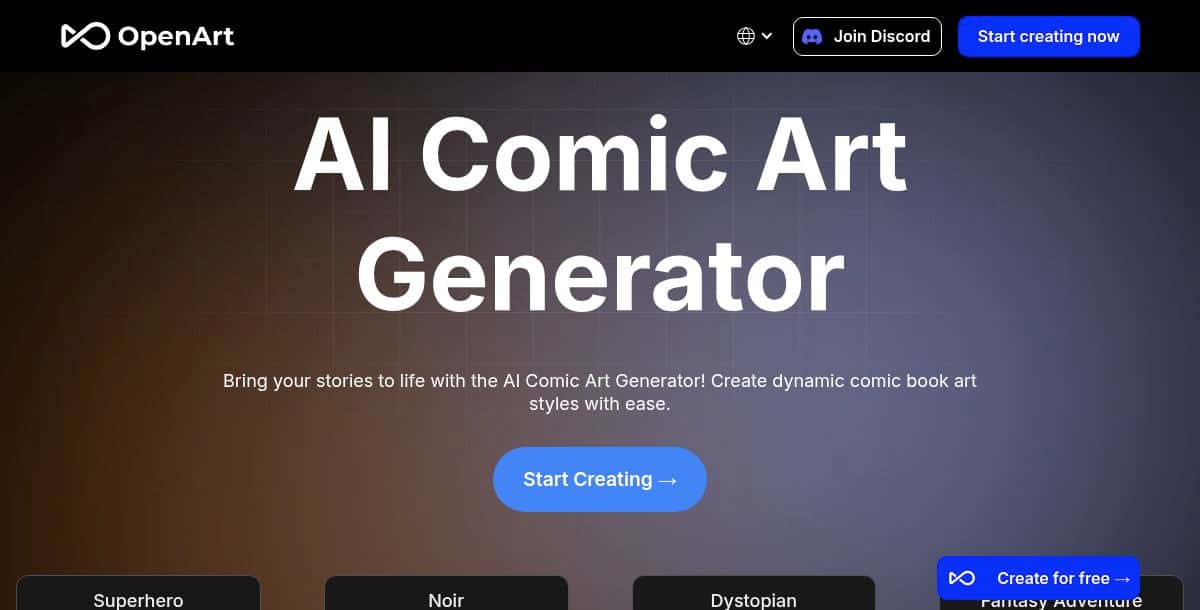
OpenArt AI Comic Art Generator turns text prompts into dynamic comic book–style art using a range of preset themes, all within a browser-based interface. Users can choose from themes like Superhero, Noir, Dystopian, Fantasy Adventure, Urban Fantasy, Horror, Mystery, Action, and Comedy, input descriptions, and generate high-quality panels. The platform offers unlimited free generation on its basic models, 50 trial credits for premium themes, and keeps projects private by default; attribution is required for commercial use.
Features
- Unlimited free use on four basic AI models
- 50 trial credits on signup to try premium themes and advanced models
- Preset theme packs including Superhero, Noir, Dystopian, Fantasy Adventure, and more
- All projects remain private unless explicitly shared
- Beginner-friendly design with one-click generation and real-time previews
Pros
- No-cost access to basic comic art models
- Wide variety of art themes for diverse storytelling
- Private by default, safeguarding creative work
- Easy to start, with intuitive prompts and live feedback
Cons
- Advanced style packs and model features require subscription credits
- Attribution and backlink to OpenArt are required for commercial use
- Quality may vary with complex prompts, requiring experimentation
How It Works
OpenArt’s Comic Art Generator relies on Stable Diffusion‑based models segmented into basic (free) and premium variants. Users submit text prompts and pick a theme pack; the backend generates multiple candidate images, applies style‑blending via slider controls, and presents live previews. The selected output is delivered as PNG or SVG, with all projects kept private unless shared.
Pricing: Visit the official pricing page for detailed subscription and credit plan information.
Best For
Designers and marketers needing one‑off comic‑style illustrations with strong privacy guarantees and no cost barrier.
7. Llama Gen AI
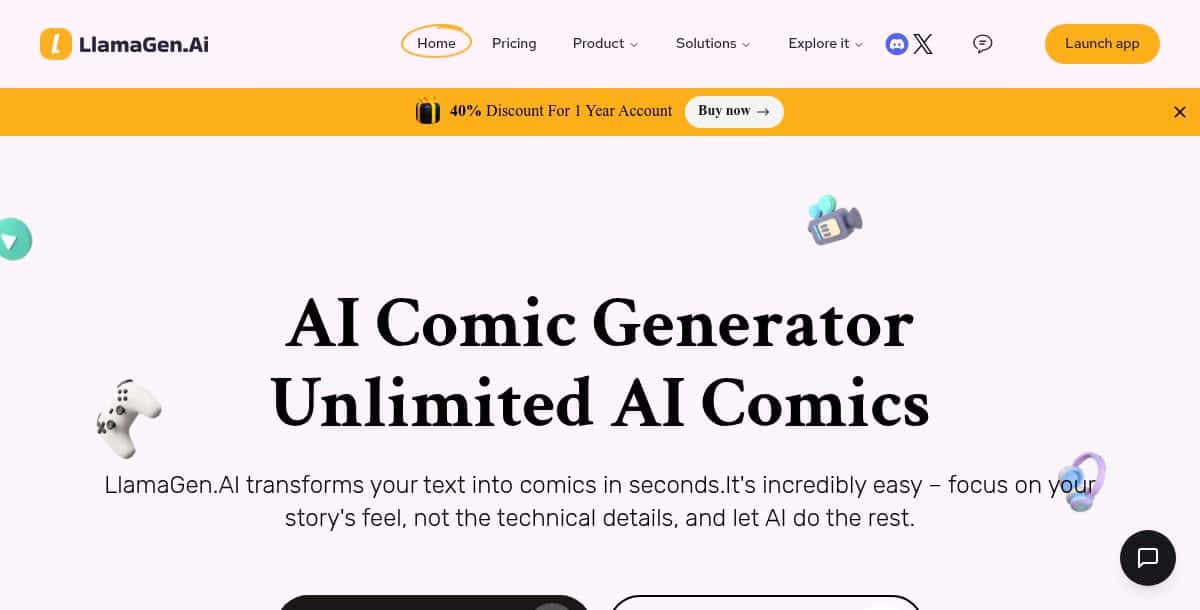
Llama Gen AI is a free, browser-based platform that uses AI to generate comics, webtoons, and manga-style stories from text prompts or reference images. The tool supports multiple art styles—ranging from anime and manga to Western superhero and Studio Ghibli-inspired aesthetics—and maintains character consistency across panels. Additional features include voice-to-text story conversion, video-to-comic generation, and an API for developers to integrate comic creation into their workflows.
Features
- Text-to-comic generation for comics, webtoons, and manga
- Style templates inspired by anime, manga, Western comics, Studio Ghibli, Marvel, and DC
- Reference image uploads for consistent character rendering
- Voice story and video-to-comic conversion tools
- API access for programmatic integration and workflow automation
Pros
- Completely free tier with no signup required
- Wide range of art style presets
- Supports multi-page and long-form comic creation
- Browser-based—no downloads or installations needed
- Additional storytelling tools like storyboard and character generators
Cons
- Output quality can vary based on prompt clarity
- Limited manual control over individual panel layouts
- Advanced features and API usage may require a paid plan
How It Works
Llama Gen AI combines a large language model for script parsing with a fine‑tuned diffusion model for comic art. The LLM breaks down the narrative into scene‑level instructions, then the diffusion engine generates each panel’s artwork. A consistency module maintains character embeddings across frames. Users can upload Markdown or PDF scripts and receive multi‑page comics as PDF or PNG sequences, or integrate via API.
Pricing: Most basic features are free; visit the official pricing page for details on credit packages and enterprise plans.
Best For
Professional artists, writers, and webtoon creators needing detailed control over each panel and character across multi‑page projects.
8. ComicsMaker .ai
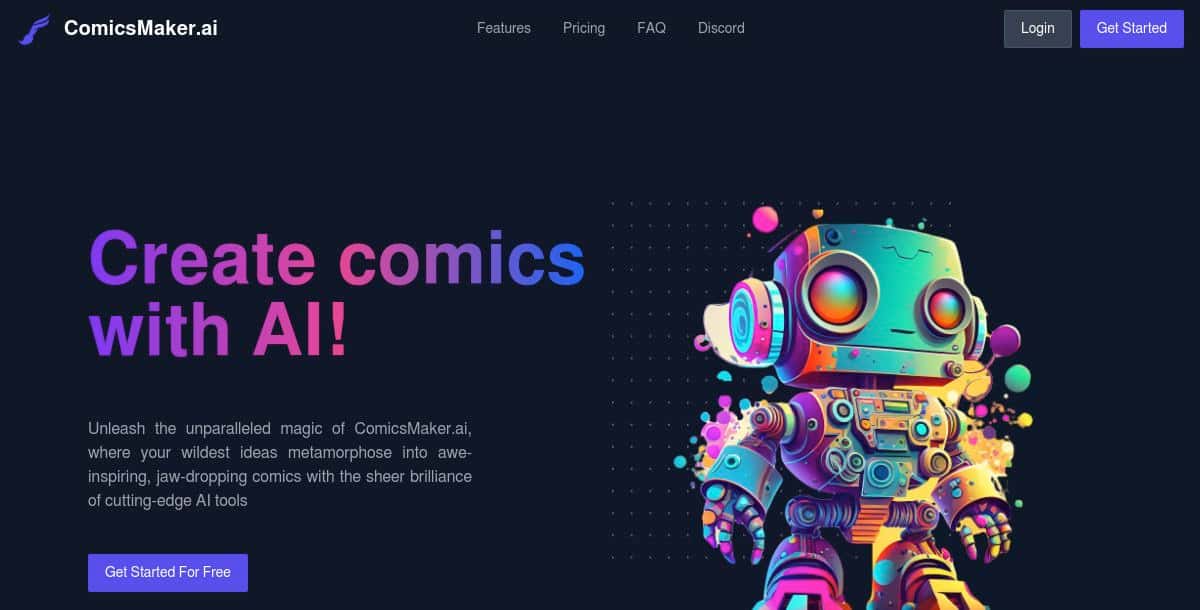
ComicsMaker .ai is a web-based AI platform that streamlines comic creation by automating layout, artwork generation, and dialogue integration—no drawing skills needed. Users can input story text or upload sketches, choose from diverse style presets (manga, anime, superhero, line art), and let the AI generate multi-panel pages with consistent characters and dynamic compositions.
Features
- Page Designer for creating custom panel layouts and strip designs
- Text-to-Image conversion to illustrate dialogue and scene descriptions
- Image-to-Image transformation with ControlNet for sketch enhancements
- Pose Creation tools for dynamic character positioning
- Inpainting and Region Prompting for refined panel detailing
- Character Training to maintain custom character consistency across panels
- Support for reference image uploads to guide artwork
- Export options including PDF, CBZ, PNG, and JPEG
Pros
- Intuitive drag-and-drop interface accessible to both beginners and experienced creators
- Comprehensive AI-driven tools covering layout, art, and editing in one platform
- Free tier with complimentary credits and pay-as-you-go credit system for flexible usage
- Wide variety of art styles and preset themes for diverse storytelling
- Layered exports (PDF, CBZ) suitable for print and digital distribution
Cons
- Advanced features and premium style packs require purchasing credits or a subscription
- Credit consumption per panel can add up for large projects
- Occasional inconsistencies in complex scenes may need manual adjustments
How It Works
ComicsMaker .ai’s workflow starts with the Page Designer for custom panel layouts. Text‑to‑Image and Image‑to‑Image modules (leveraging ControlNet and Stable Diffusion) generate character poses and scene art. Inpainting tools and region prompts refine details, while a character‑training feature ensures visual consistency. Final pages are compiled into PDF, CBZ, or layered PSD exports with version history support.
Pricing: Visit the official pricing page for detailed subscription and credit plan information.
Best For
Independent comic artists, educators, marketing teams, and webcomic authors needing professional layouts, consistency, and team workflows.
9. Dashtoon Studio
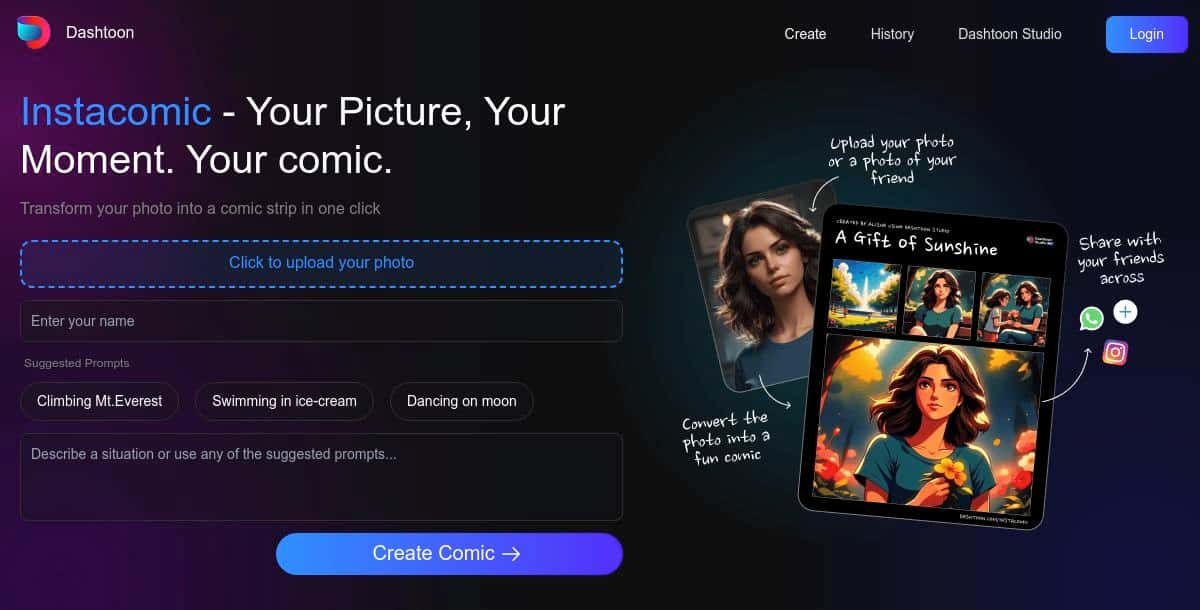
Dashtoon Studio is a web-based AI comic creation platform that transforms photos, text prompts, or storyboards into engaging comic and manga panels in seconds. Choose between Instant Comic (photo‑to‑comic), Story‑to‑Comic, or Storyboard‑to‑Comic modes, then customize characters, styles, and panel layouts with intuitive AI tools and real‑time previews.
Features
- Instant Comic: one‑click photo‑to‑comic strip generation
- Story‑to‑Comic: convert text prompts or scene descriptions into multi‑panel comics
- Storyboard‑to‑Comic: sketch frame‑by‑frame storyboards and auto‑generate polished panels
- Extensive character library and Custom Character creation with consistency across panels
- Genre‑flexible style packs: Manga, Manhwa, Anime, Superhero, Noir, Cyberpunk, and more
- AI native tools: inpainting, background removal, upscaling, auto‑colorization, and magic eraser
- Publish & Monetize: distribute via Dashtoon Reader and join the Creator Program
Pros
- No drawing skills required—select a mode and let the AI generate for you
- Multiple creation workflows cover photos, text, and hand‑drawn storyboards
- Real‑time previews and drag‑and‑drop editor for fine‑tuning layouts and characters
- Free to use for basic features, with optional paid plans for premium styles and heavy usage
Cons
- Advanced style packs and custom assets require a paid subscription
- Web‑only platform—requires an internet connection
- Complex scenes may need manual adjustments in the editor
How It Works
Dashtoon Studio offers three generation modes: Instant Comic uses an image‑to‑comic diffusion model to convert photos into strips; Story‑to‑Comic applies NLP to segment text into frames and uses a diffusion engine for panel art; Storyboard‑to‑Comic turns user sketches into polished panels via ControlNet. Post‑processing tools like Magic Erase, dynamic shading, and automatic bubble placement finalize the output, which can be published on the Dashtoon Reader.
Pricing: Visit the official pricing page for details on free tier limits and paid plans.
Best For
Creators looking to publish, distribute, and monetize their AI‑generated comics and manga on a dedicated platform.
10. Imagine Art
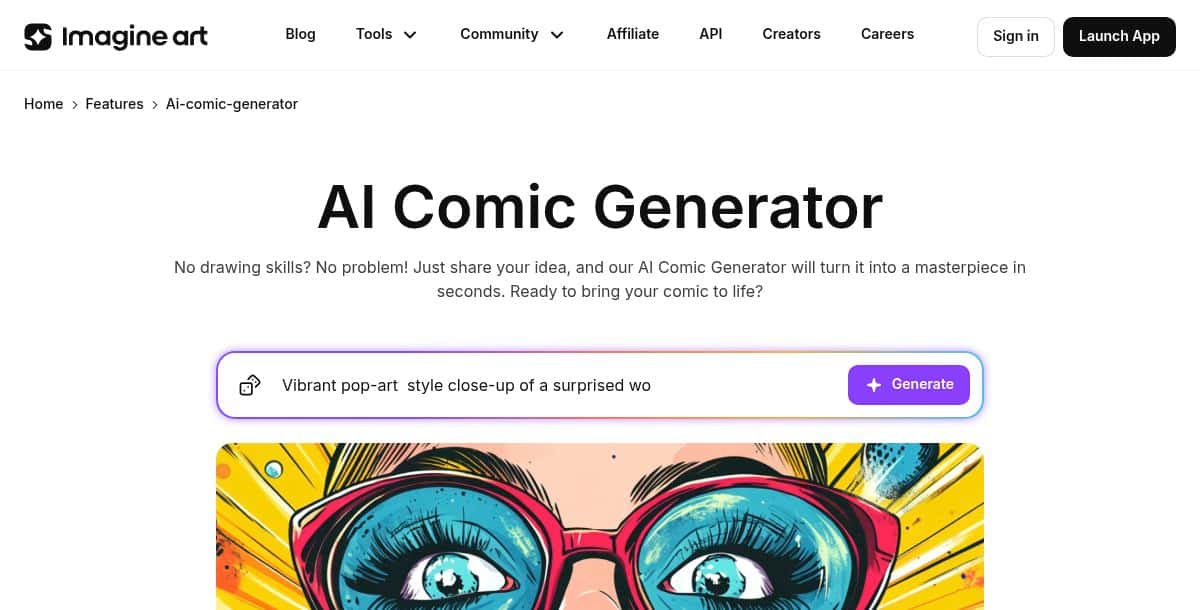
Imagine Art AI Comic Generator turns text prompts into polished comic panels in seconds without any drawing skills required. Simply describe your scenes and characters, choose from themed templates—superhero, fantasy, sci‑fi, slice‑of‑life, educational—and the AI generates complete panel layouts you can preview, refine, and download as PNG images for presentations, social media, or digital publications.
Features
- Text-to-comic panel generation with genre-specific templates (superhero, fantasy, sci‑fi, education, etc.)
- Live AI preview offering multiple layout and style options
- No-code, browser-based interface—no design or drawing experience needed
- One-click download of generated panels in high-resolution PNG format
- Dedicated modes for marketing, education, entertainment, and personal storytelling
Pros
- Extremely user-friendly—ideal for non-artists and educators
- Diverse templates cover a wide range of storytelling genres
- Rapid generation—panels ready in seconds
- Free to try with a community gallery for inspiration
- No installation—runs entirely in the browser
Cons
- Fixed templates limit granular control over panel layout and design
- No built-in multi-page comic export—each page must be generated separately
- Advanced themes and higher-resolution exports require account signup and credit allocation
- Minimal in-app editing—detailed tweaks require external graphic tools
How It Works
Imagine Art’s AI Comic Generator parses user text into a branching dialogue tree and frame descriptions via an LLM. Each node is fed to a genre‑specific diffusion model that applies theme‑pack filters. The system compiles panels into an interactive HTML5 comic with clickable choices and tracks reader interactions. Static exports are available as high‑resolution PNG or PDF for traditional storytelling.
Pricing: Visit the official pricing page for detailed subscription and credit plan information.
Best For
Designers, educators, hobbyists, and social‑media creators who need quick, eye‑catching single‑panel comics without any drawing.
What Does the Future of AI Comic Generator Tools Look Like?
AI comic generators are evolving toward more collaborative, contextual, and interactive storytelling capabilities. Upcoming innovations will empower creators to iterate faster and engage readers in novel ways. The future will likely merge the flexibility of AI comic creation with adjacent technologies like stylized avatars and caricature generation, expanding how creators visualize characters and emotions. Emerging tools featured among the best AI caricature generator tools will play a key role in enhancing expression and personality in comic art.
- Real-Time Collaborative Editing: Multiple creators editing panels and dialogue simultaneously in the cloud, with live previews of changes.
- On-Device AI Rendering: Offline comic creation on phones and tablets for privacy and low-latency performance.
- Context-Aware Art Generation: AI that reads narrative context to adapt character expressions and panel composition dynamically.
- Interactive and Multimedia Comics: Integration of audio, animations, and clickable elements for immersive web-native comic experiences.
What Other Creative Tools Are Advancing Alongside AI Comic Generators?
Beyond comics, AI-driven creative suites are expanding to cover end-to-end storytelling and design workflows. These emerging tools support creators in refining everything from character development to scene building, bringing greater control and depth to AI comic creation. As tools evolve, platforms highlighted among the best AI anime generators are influencing comic art styles, while resources such as the best AI character generators enhance the quality and consistency of illustrated protagonists.
- AI Anime Generator – Create anime-style visuals that complement narrative-driven comics or enhance panel aesthetics.
- AI Consistent Character Video Generator – Maintain character identity across dynamic scenes for cohesive visual storytelling in motion or comics.
- AI Effect Generator – Apply stylistic filters and visual effects to panels or illustrations for enhanced mood and impact.
Which AI Comic Generator Tool Is Right for You?
The right AI comic generator depends on what you’re creating—whether it’s a full webcomic series, quick social content, or concept art. Some tools prioritize storytelling, others focus on visual quality or ease of use. Matching the platform to your workflow is key.
For narrative-focused creators, Dashtoon Studio and ComicsMaker.ai stand out. Both support episodic storytelling with customizable panels, perfect for serialized content on platforms like Webtoon or Tapas.
If speed and simplicity matter most, Pixazo AI Comic Generator and Dzine AI Comic Generator make it easy to generate comic strips without a steep learning curve—great for educators, marketers, or solo creators.
For high-quality comic art, Imagine Art and OpenArt AI Comic Art Generator offer advanced illustration styles and creative freedom. They’re ideal for graphic novels, concept art, or bold visual experiments.
Content teams and studios will find Comic-ai – A Great Show and AI Comic Generator .net suited for scalable production. These tools support multi-user workflows, asset reuse, and script-to-panel automation.
For creative exploration, Llama Gen AI and Fotor AI Comic Generator are strong picks. Llama Gen offers AI-driven storytelling; Fotor adds vibrant comic layouts with a social media edge.
Whether you’re publishing weekly comics or visualizing a new idea, these tools offer diverse paths to bring your stories to life—from solo creators to global teams.
Frequently Asked Questions (FAQs)
Q1. What is an AI comic generator?
An AI comic generator is a tool that uses machine learning and procedural design to turn text prompts, scripts, or reference images into illustrated comic panels. These platforms typically include auto-generated characters, backgrounds, panel layouts, and speech bubbles, helping users create comics with AI faster than traditional methods.
Q2. Are these comic generators free?
Many AI comic generators offer free versions or trials to get started quickly, especially for single-panel or short comics. However, advanced features such as high-resolution exports, multi-page layouts, consistent character tools, and AI comic art generator presets may require a paid subscription.
Q3. Which is the best AI comic generator in 2026?
Pixazo AI Comic Generator is considered one of the best in 2026 due to its intuitive interface, multi-format export support, and customizable visual styles. It supports everything from text-to-panel automation to reference-image generation. Other notable platforms like Comic-ai and Llama Gen AI also stand out for script-based generation and scalable storytelling.
Q4. Can I export multi-page comics?
Yes, most leading AI comic generators support multi-page exports in formats such as PDF, layered PSD, or HTML for interactive web viewing. These features are ideal for creators looking to publish digital comics or print-ready layouts with professional quality.
Related AI Tool Guides

Deepak Joshi
Author · Pixazo
Deepak writes about generative AI models, APIs, and the workflows teams use to ship them. Reviewed by Abhinav Girdhar.