

What Are AI Brochure Generator Tools?
AI brochure generator tools use artificial intelligence to convert text prompts, brand assets, or uploaded images into fully designed brochure layouts with minimal user effort. These platforms typically combine large language models for copy generation, design-focused neural networks for layout synthesis, and template engines to deliver professional brochure designs in minutes. With features like brand kit import, drag and drop editing, and prebuilt template libraries, they democratize marketing collateral creation for teams of all sizes.
Whether you’re a marketer crafting promotional flyers, a small business owner preparing event pamphlets, or a designer prototyping client pitches, these tools streamline the brochure creation workflow. Platforms like the AI brochure generator from Pixazo let anyone produce polished, multipage brochures using smart presets and real-time editing.
From transforming raw images into branded brochure spreads to generating multipage layouts from simple outlines, AI brochure makers make design accessible to non-experts. Dive into the world of AI-powered brochure design where creativity meets automation.
How Do AI Brochure Generator Tools Work?
AI brochure generators analyze input such as content briefs, brand guidelines, and imagery, then apply neural layout engines to craft cohesive brochure designs. The process often involves extracting key headings and body copy via a language model, selecting a suitable template based on industry or style, and arranging elements like text and visuals into structured layouts using design automation techniques.
Advanced features may include brand kit support for consistent fonts and colors, image refinement tools, and automated pagination for multipage formats. Platforms like Pixazo offer an AI brochure generator that complements other tools in their ecosystem such as the AI flyer maker and AI business card maker, helping users create visually aligned marketing assets.
How We Select the Best AI Design Generator Platforms at Pixazo
At Pixazo, we carefully evaluate AI design generator platforms to help users skip the overwhelming trial-and-error process. Our experts, with extensive experience in AI-powered design tools, assess each platform based on creativity, ease of use, customization options, and overall performance. We put these tools to the test by creating designs across different categories to ensure they deliver high-quality results effortlessly. Every recommendation is based on thorough research and real-world testing, with no paid placements or outside influence. Want to know how we pick the best AI design platforms? Explore our detailed evaluation process.
Disclaimer – Portions of this article were drafted with AI and reviewed by Jayesh Chaubey
Which AI Brochure Generators Offer the Best Features?
AI brochure generators vary in template richness, brand kit support, collaboration features, and export formats. Some emphasize one-click simplicity, while others provide granular control over typography, imagery, and pagination. Tools like Pixazo AI Brochure Generator integrate seamlessly with broader design workflows, while data-centric platforms like Piktochart excel at embedding live charts.
| Tool | Features | Best For |
|---|---|---|
| Pixazo | AI-driven layout generation | Marketers, small businesses, event planners |
| Pik to Chart | Data-driven brochure templates | Analysts, consultants, financial reports |
| Visme | Drag-and-drop editor with animations | Marketing teams, educators |
| Venngage | Infographic-style templates | Data-driven marketing materials |
| Storydoc | Interactive web-based brochures | Sales teams, content marketers |
| Edraw AI | AI-assisted diagrams and brochures | Educators, project managers, engineers |
| Xara | Vector-based brochure design | Design professionals, print publications |
| Writecream | AI copywriting integration | Small businesses, startups |
| Phot AI | Image-first brochure layouts | Photographers, real estate agents |
| Instapage | Landing page to brochure conversion | Web marketers, agencies |
What Is the Best AI Brochure Generator for Creators?
The best AI brochure generator balances design flexibility, brand consistency, and export versatility for creators of all skill levels. These platforms let you craft professional, multipage brochures from simple outlines or content briefs, offering brand kit integration, layout suggestions, and AI-powered copywriting with minimal manual work. For step-by-step guidance, explore our resource on how to make a brochure.
Designers, marketers, and small business owners will benefit from tools that provide robust template libraries and real-time editing. Whether you need data-driven layouts, interactive web brochures, or print-ready PDFs, the right AI brochure maker can streamline your workflow and elevate your collateral. You can also check out how to design a flyer for business to expand your marketing toolkit beyond brochures.
- Pixazo – Quickly turn text and brand assets into polished, multi-page brochures with real-time editing and brand kit support.
- Pik to Chart – Ideal for embedding live charts and data visualizations into sleek brochure layouts.
- Visme – Combines interactive multimedia embeds with animated brochure templates for engaging presentations.
- Venngage – Offers infographic-style brochure designs with extensive icon libraries and collaboration features.
- Storydoc – Creates interactive, scroll-based web brochures with built-in analytics.
- Edraw AI – Provides AI-assisted diagram and brochure tools for technically detailed layouts.
- Xara – A vector-based desktop app with AI layout suggestions and advanced typography controls.
- Writecream – Integrates AI copywriting with design templates to maintain brand voice across brochures.
- Phot AI – Focuses on image-first brochure layouts with AI-powered photo enhancements.
- Instapage – Converts landing pages into responsive HTML and PDF brochures with analytics integration.
1. Pixazo
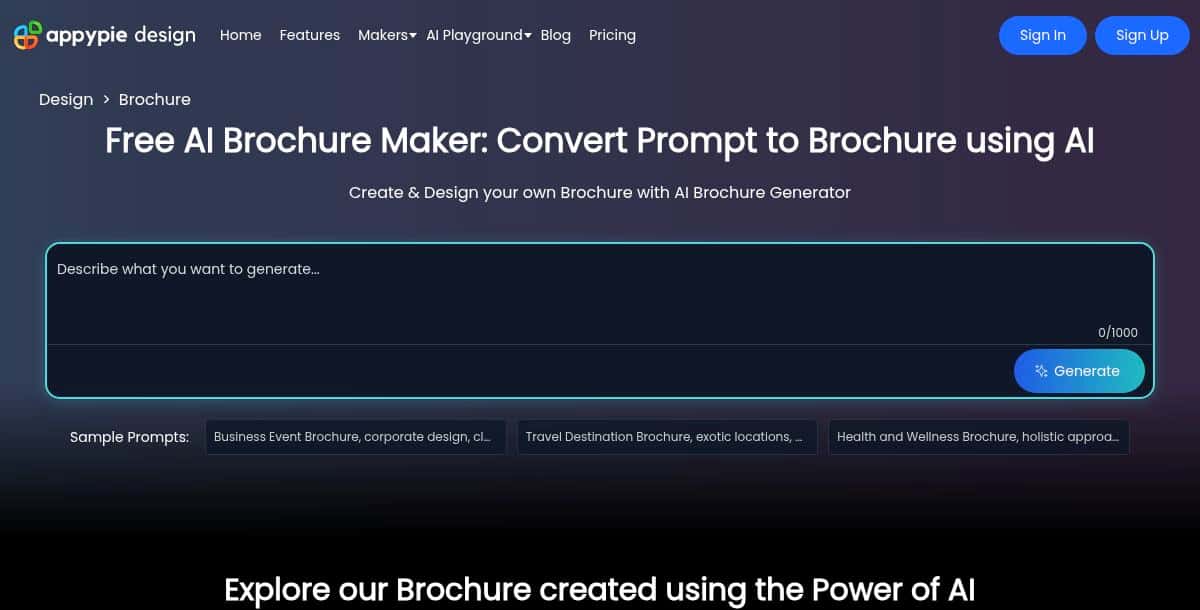
Pixazo AI Brochure Generator is an AI-powered tool where you enter a text prompt to generate a complete brochure layout, then customize it further using an AI-driven chat editor. You can refine content, adjust design elements, and tweak styles simply by typing instructions into the chat interface.
Features
- Prompt‑to‑brochure AI generation
- Conversational chat editor for iterative design tweaks
- Library of ready‑to‑use templates and style presets
- Real‑time preview of chat‑driven edits
Pros
- Fast initial drafts from simple prompts
- No design skills required
- Intuitive conversational interface
Cons
- May require follow‑up prompts for detailed adjustments
- Less granular manual control outside the chat flow
How It Works
Enter a brief description of your brochure’s purpose and style. The AI generates a full layout; then type requests in the chat and see the design update instantly.
Best For
Anyone looking for a guided, conversational approach to brochure design without manual layout work.
2. Piktochart
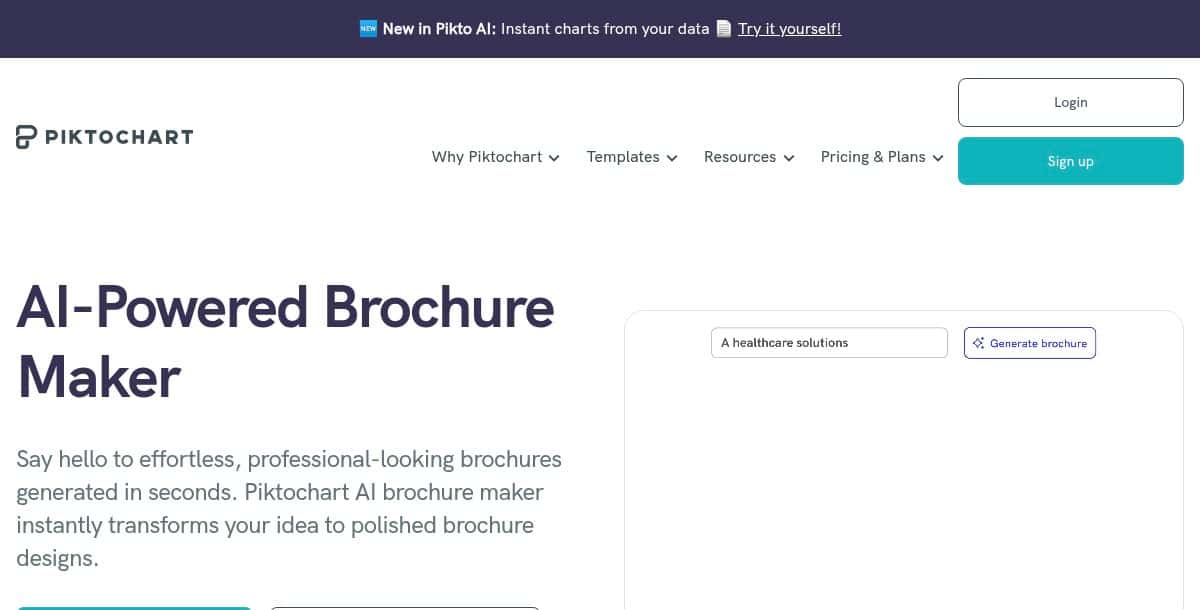
Piktochart AI Brochure Maker transforms text prompts into polished brochure designs in seconds, leveraging AI to automate layout and style selection for professional results. With an array of free brochure templates and AI-driven generation, users can input a description of their project and receive multiple design drafts, which can be customized via a drag‑and‑drop editor before downloading as PDF.
Features
- Instant AI generation from text prompts
- Library of professional‑grade brochure templates
- Drag‑and‑drop customization of layouts, fonts, and colors
- Personalization based on uploaded content or links
- Export: PDF (print‑ready)
Pros
- Quick first‑draft designs
- No design experience needed
- Free access with basic features
- Wide variety of templates and infographic elements
Cons
- Limited manual layout control
- Advanced exports (high‑res, editable) require a paid plan
- Credit‑based AI usage on higher tiers
How It Works
Type a textual prompt describing your brochure’s purpose and audience; the AI analyzes the input, selects suitable template drafts, and generates brochure designs in seconds. You can then edit elements in the editor and download the final PDF.
Pricing: Free with optional paid plans for additional credits and high‑resolution exports.
Best For
Startups, educators, and content marketers seeking fast, AI‑assisted brochure creation.
3. Visme
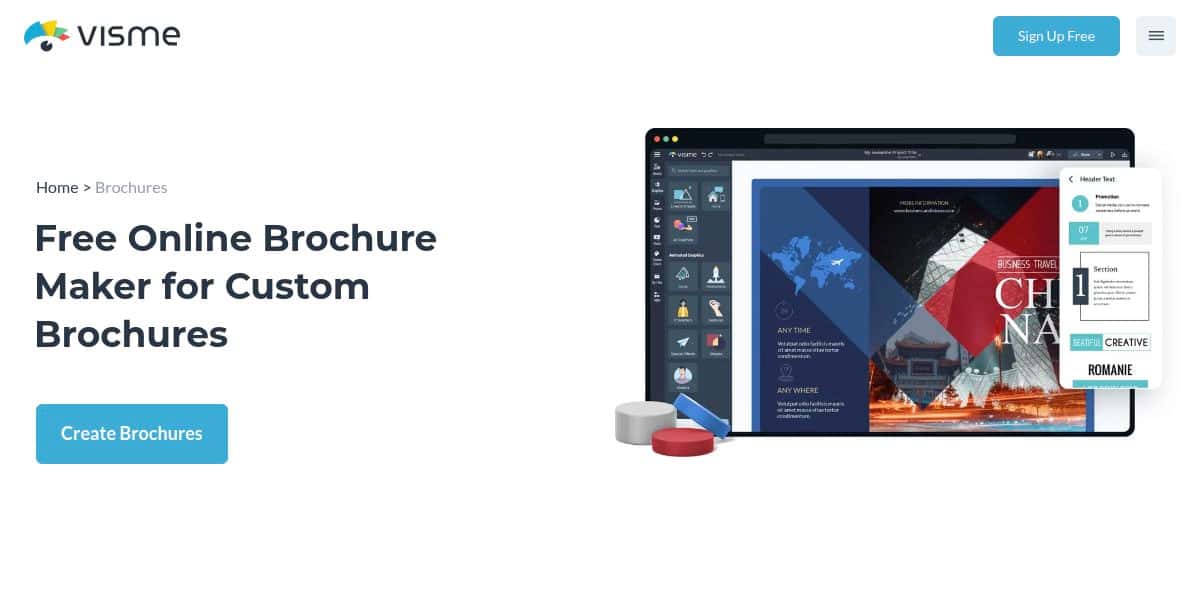
Visme AI Brochure Maker uses AI and a per‑credit system to generate draft brochure designs based on text prompts and industry templates. It supports bifold, trifold, and A4 layouts, with each generation costing three credits. Users can customize every aspect—images, text, color, and animation—and export as PDF, HTML, or PPTX.
Features
- AI‑driven brochure draft generation (3 credits per design)
- Credit system: free accounts get 10 credits, Starter 200, Pro 500, Enterprise unlimited
- Bifold, trifold, A4 size support
- Integrated AI tools: image generator, writer, touchup, brand wizard
- Export: PDF, HTML embed, PPTX
Pros
- Comprehensive AI toolset for design and copy
- Brand kit integration for consistency
- Per‑credit model offers flexibility
- Full customization in Visme’s editor
Cons
- Credits can deplete quickly
- Subscription required for bulk generation
- Learning curve around credit management and AI tools
How It Works
In Visme, select “Generate with AI” for a new project, enter a detailed prompt about your brochure’s goals, choose a style, and let the chatbot generate draft layouts. You can then refine the design, add images, set brand colors, and export.
Pricing: Starter, Pro, and Enterprise plans with varying credit allowances, plus 10 free credits on registration.
Best For
Agencies and marketing teams needing AI‑assisted first drafts and integrated branding in one platform.
4. Venngage
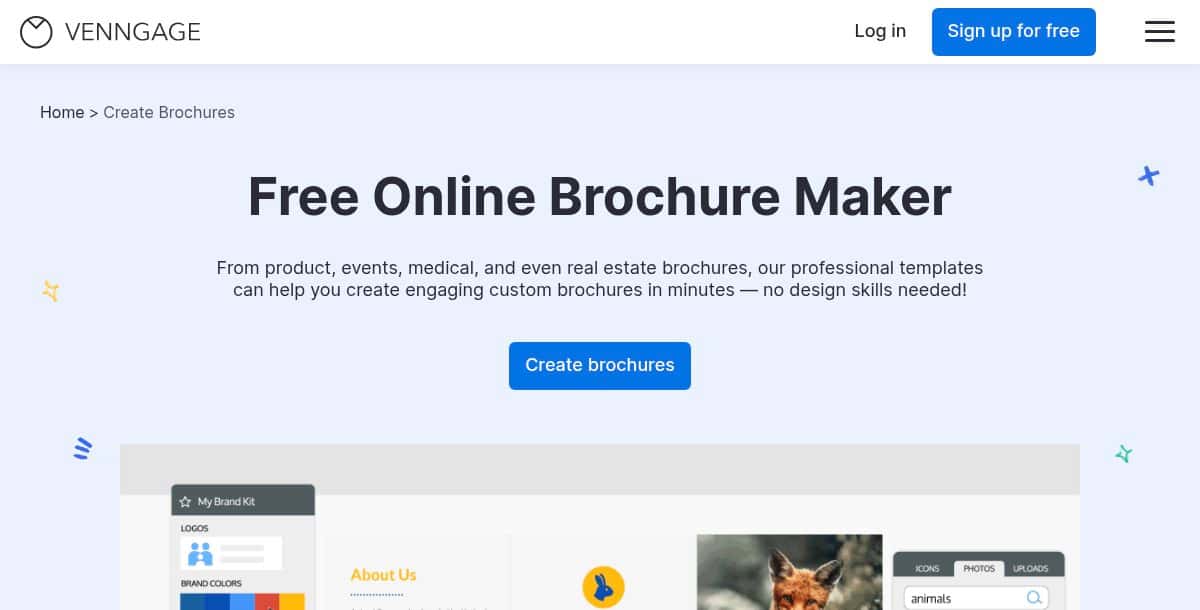
Venngage’s brochure maker provides a robust template library and a cloud‑based editor ideal for non‑designers. It offers infographic‑style layouts, chart integration, and an AI brochure generator to create designs from text prompts. The platform supports collaboration, brand kit management, and export options including PDF, PNG, and PowerPoint.
Features
- Infographic and brochure templates (tri‑fold, bi‑fold, one‑page)
- AI Brochure Generator for prompt‑based drafts
- Drag‑and‑drop editor with charts and icons
- Brand kit integration and teamwork workflows
- Export: PDF, PNG, PPTX
Pros
- Highly accessible for non‑designers
- Real‑time collaboration and commenting
- Constantly updated template library
- Free starter plan to explore features
Cons
- Premium templates locked behind paid plans
- Limited animation and interactive options
- Fewer AI features compared to dedicated AI tools
How It Works
Choose a brochure template, customize design elements and data visuals, or use the AI tool by entering a prompt to generate a draft. Refine the layout, adjust brand assets, and export the final file.
Pricing: Free plan available; paid tiers unlock premium templates and advanced features.
Best For
Content creators and marketing teams seeking quick, template‑driven brochure designs with basic AI assistance.
5. Storydoc
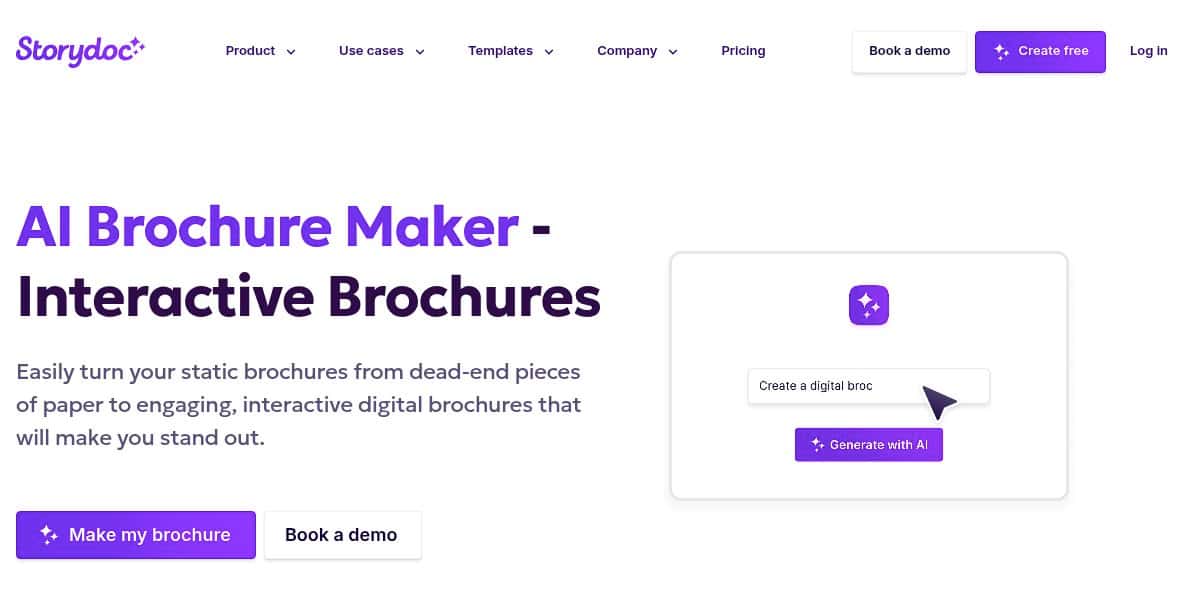
Storydoc transforms static presentations and PDFs into interactive, web-based brochures with scroll-based navigation and click-through storytelling. You start by uploading your source file or choosing a Storydoc template. The platform automatically converts each slide or page into an engaging web section, complete with embedded video, audio, maps, and contact forms. Built-in analytics track reader behavior on a per-section basis, so you can see which parts of your brochure capture the most attention.
Features
- Interactive scroll-based web brochure format
- Auto-placement of multimedia blocks such as video, audio, and maps
- Built-in analytics dashboard for engagement tracking
- Forms and chat widgets for lead capture
- Export options include shareable link and PDF download
Pros
- Highly engaging and dynamic presentation style
- No design or coding skills required
- Detailed reader insights through analytics
Cons
- Requires internet connection for optimal experience
- Limited template variety compared to traditional design tools
- Offline exports lose interactivity
How It Works
Upload a PDF or slideshow to Storydoc. The AI engine converts each page into a scrollable web section, placing multimedia and interactive elements automatically. You can then rearrange sections, customize branding, and add forms before publishing or exporting.
Pricing: See official Storydoc site for available plans.
Best For
Sales teams, marketers, and educators who need trackable, interactive digital brochures that engage audiences online.
6. Edraw AI
Edraw AI’s online tool blends diagramming and brochure design, using AI to suggest page layouts, color schemes, and asset placement. After selecting a brochure template or blank canvas, you provide a brief description of your content. The AI then proposes a layout, complete with symbols, icons, and text blocks. Real-time collaboration features let teams co-edit and comment, while built-in version control tracks changes.
Features
- AI-assisted layout and design suggestions
- Extensive library of symbols, icons, and templates
- Cloud storage with version history
- Real-time collaboration and permissions
- Export formats include PDF, SVG, PPTX, JPEG, GIF, and Visio
Pros
- Powerful diagramming capabilities alongside brochure creation
- Flexible export options for print and digital
- Strong collaboration and version control features
Cons
- Interface can feel complex for simple brochure tasks
- Requires learning curve to master advanced diagram tools
- Fewer marketing-oriented templates than specialized brochure apps
How It Works
Log in and select the AI Brochure Maker module. Enter your brief and brand details. The AI engine generates layout drafts which you refine using the drag-and-drop editor. You can then export to your preferred format.
Pricing: Visit Edraw’s website for current subscription information.
Best For
Engineers, project managers, and technical teams who need detailed, diagram-rich brochures for documentation and presentations.
7. Xara Cloud
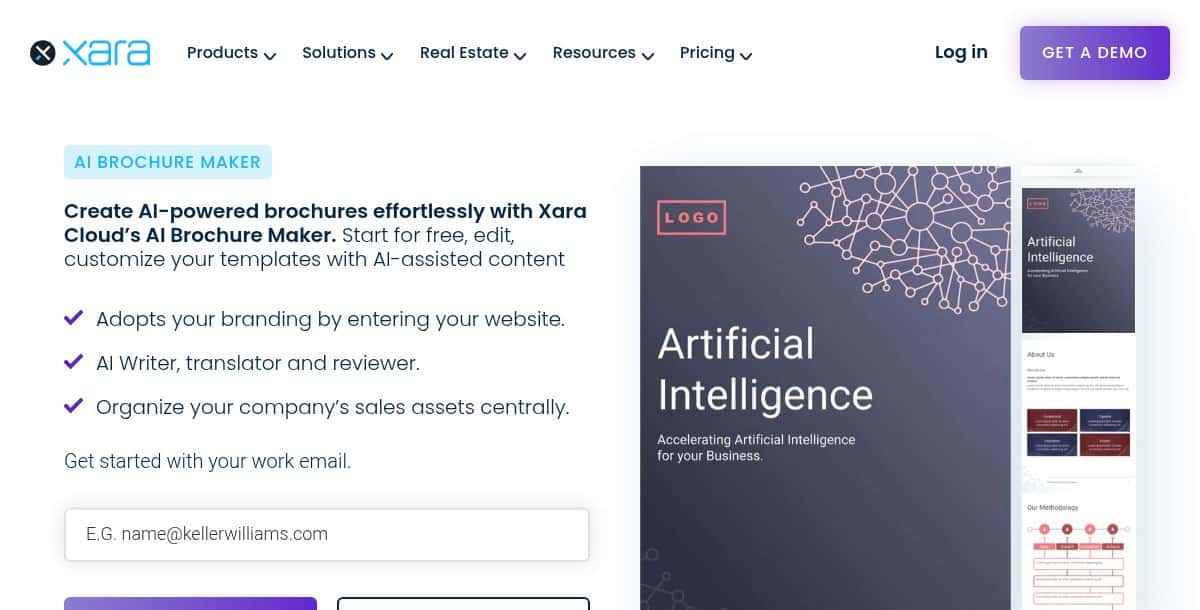
Xara Cloud’s AI Brochure Maker uses your website URL and brand assets to generate a polished brochure draft in seconds. After entering your site address and uploading a logo, the AI scrapes brand colors, fonts, and key messaging to create a multi-page layout. You can then switch to the browser-based editor to adjust text, swap images, and refine typography. Xara also offers seamless handoff to its desktop Designer Pro+ app for pixel-perfect finishing touches.
Features
- One-click AI draft generation from your website URL
- Automatic brand asset extraction for colors and fonts
- AI Writer, Translator, and Reviewer tools
- Cloud-based collaboration and asset management
- Export options include PDF, PNG, JPG, and HTML
Pros
- Generates brand‑consistent brochures with minimal input
- No software install required for initial drafts
- Easy workflow between cloud editor and desktop app
Cons
- Advanced desktop features require a Pro+ subscription
- AI drafts may need manual adjustment for complex designs
- Enterprise pricing requires direct contact
How It Works
Enter your website URL and brand assets on Xara Cloud. The AI generates a brochure draft that you can edit in the browser. When ready, export or open in Designer Pro+ for precise layout control.
Pricing: Check Xara’s website for free tier and subscription details.
Best For
Design professionals and marketing teams who want a quick AI-assisted start with a pathway to advanced desktop refinement.
8. Writecream
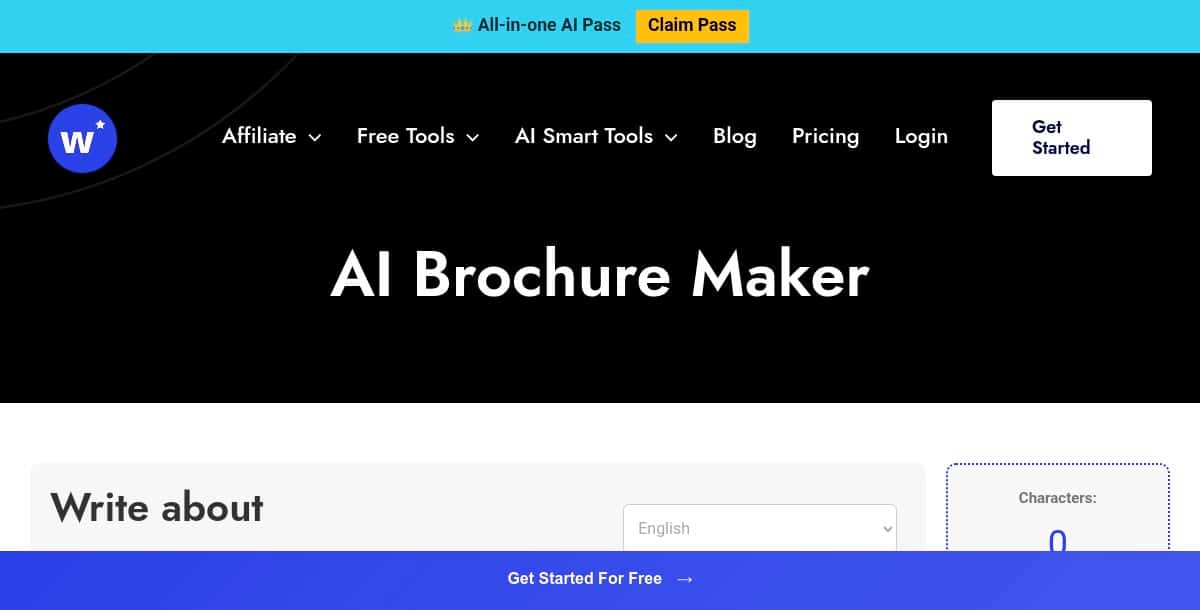
Writecream AI Brochure Maker is a 100% free, no-login AI service that generates polished brochure copy in seconds. Enter your brochure topic, select language, tone and word count, and click “Generate” to receive structured content including headings, benefits, and contact details, ready to paste into any design template.
Features
- Instant content creation from text prompts
- Supports over 90 languages
- Choose from 13 tone and style presets (e.g. formal, casual, persuasive)
- No signup required—start generating immediately
- Outputs sectioned copy with headlines, body text, and highlights
Pros
- Completely free and user-friendly
- No account, payment, or credit system
- Professional-grade content suitable for brochure layouts
- Downloadable as HTML or plain text
Cons
- Text-only output—no built-in design or layout features
- Requires a separate design tool to assemble visuals
How It Works
Provide your brochure’s purpose, audience, and key points; select language, tone, and desired length; then click “Generate” to instantly receive your brochure copy, which you can copy and paste into any brochure design application.
Best For
Individuals, startups, and small teams needing high-quality brochure text without a subscription—ideal for marketers and content creators who use external design tools for layout.
9. Phot AI
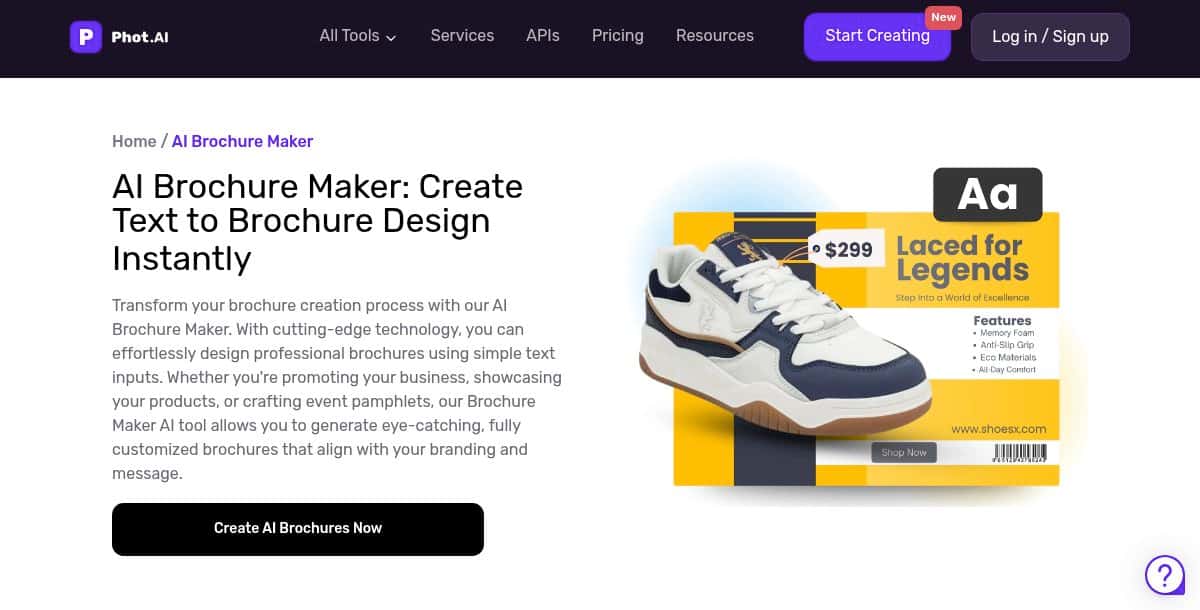
Phot AI’s Brochure Maker uses advanced text-to-design AI to generate professional product brochures in minutes. Simply input your product details or promotional text, and the AI converts it into visually engaging brochure layouts. Customize the generated design with your own images, branding elements, and copy tweaks before exporting.
Features
- Text-to-brochure generation: convert product details into brochure layouts
- Professional-grade design templates optimized for product promotion
- Instant creation with no manual layout work
- Drag-and-drop customization of images, text, and colors
- Export formats: PDF and PNG
Pros
- Rapid brochure drafts ready in seconds
- No design skills required
- High-quality, print-ready output
Cons
- Design customization options are basic
- Limited template variety focused on product brochures
How It Works
Enter your brochure’s key details into the AI prompt, choose a template style, and let the AI generate a draft. Use the editor to adjust imagery, swap colors, and refine text before exporting your final brochure.
Best For
Small businesses, e-commerce sellers, and product marketers who need quick, professional product brochures without a designer.
10. Instapage
Instapage’s AI-powered brochure feature integrates content generation into its landing page builder, enabling the creation of digital brochures with optimized copy and layout. Use AI to generate headlines, paragraphs, and calls to action, then arrange them within flexible landing page templates to produce interactive, shareable brochure pages.
Features
- AI copy generator for headlines, body text, and CTAs
- Template library of landing page designs repurposed as digital brochures
- Drag-and-drop editor with advanced grid and block controls
- A/B testing and in-depth analytics for each section
- Personalization and dynamic content blocks
- Export as live web page (no print-ready PDF)
Pros
- Seamless AI-assisted content creation and layout
- Integrated optimization through A/B testing and analytics
- Fast digital distribution via custom URLs
Cons
- No native print or PDF export for offline use
- Design flexibility tied to landing page templates
- Requires Instapage subscription
How It Works
Log in to Instapage, select “Create brochure with AI,” and enter your marketing goals and target audience. The AI suggests copy and layouts, which you can refine in the editor. Publish the brochure as a live, interactive web page to share with your audience.
Best For
Digital marketers, agencies, and businesses seeking interactive, data-driven brochure experiences online.
What Does the Future of AI Brochure Generator Tools Look Like?
AI brochure generators are moving toward even more personalization, collaboration, and interactivity. Upcoming features may include on-device AI rendering for privacy, context-aware design adjustments based on user behavior, and deeper integration with CRM and analytics platforms for real-time content optimization. As the future of visual content creation evolves, understanding the fundamentals of what is graphic design becomes more important than ever.
- Real-Time Collaborative Editing: Multiple stakeholders editing designs simultaneously with live feedback.
- On-Device AI Rendering: Offline brochure creation on tablets and laptops for security and low latency.
- Context-Aware Design: AI that adapts layouts based on reader engagement data and brand guidelines.
- Interactive & Multimedia Brochures: Embedding video, audio, and clickable CTAs directly within brochure pages.
These innovations align closely with how tools like an AI logo maker and AI poster maker are also evolving—offering integrated, intelligent design solutions across different content formats.
Can AI Tools Help Streamline Brochure Creation and Business Operations Together?
Yes, AI tools are now capable of streamlining both creative and administrative workflows—making them invaluable across departments. While AI brochure generators automate design tasks like layout structuring, branding, and formatting, other AI tools tackle back-office needs like invoicing and documentation. For instance, integrating solutions like an AI invoice maker into your workflow allows creators and small business owners to maintain consistency not just in marketing materials but also in customer-facing documents like quotes, bills, and receipts.
By combining visual design automation with AI-powered financial documentation, businesses can present a unified brand identity while saving time across repetitive tasks. It’s a practical synergy that supports both creative output and operational efficiency.
Which AI Brochure Generator Is the Best for Your Project?
The best AI brochure generator for your project depends on your design goals—whether you’re focused on speed, visual storytelling, interactivity, or data-driven layouts. With today’s platforms offering drag-and-drop simplicity and AI-powered design support, your ideal tool comes down to how fast you want to work, the type of content you’re presenting, and the audience you’re targeting.
For quick brochure creation, Pixazo AI Brochure Maker offers an intuitive setup that helps users produce clean, professional designs in minutes. It’s ideal for marketers, small businesses, and teams looking to launch campaigns without a steep learning curve.
If visual storytelling and infographics are a priority, Piktochart, Visme, and Venngage shine. These tools are built for users who need data visualization, multi-page layouts, or engaging educational content, making them well-suited for educators, nonprofits, and B2B teams.
When interactivity is key, Storydoc delivers scroll-based, animated brochure experiences. It’s a strong fit for pitch decks, product showcases, and interactive reports where storytelling needs to hold attention and drive action.
For AI-generated content and visuals, Writecream combines design with copywriting, while Phot AI supports image-rich layouts. These are great for marketers or content creators who want automation across both visuals and messaging.
Need precise layout control? Xara and Edraw AI offer more customization options, making them a smart pick for designers and teams who want tight control over branding, spacing, and structure.
Converting digital assets into brochures? Instapage simplifies turning existing landing pages into printable or shareable brochures, helping web teams repurpose content without starting from scratch.
Whether you’re building a one-pager or a multi-section catalog, these AI tools give you the creative freedom and efficiency to design brochures that match your message and audience.
For custom graphics that stay on brand, many users also combine these platforms with an AI image generator to create cohesive, standout visuals that bring their brochures to life.
Frequently Asked Questions (FAQs)
Q1. What is an AI brochure generator?
An AI brochure generator is a design tool powered by artificial intelligence that automatically transforms text, images, and branding elements into polished brochure layouts. These platforms use machine learning models to automate tasks like content placement, font styling, and layout structuring—helping users generate professional brochures with minimal manual effort.
Q2. Are these brochure generators free?
Most AI brochure generators offer limited free versions, often with watermarked exports or restricted templates. To unlock premium templates, high-resolution downloads, brand kits, and team collaboration tools, a subscription or credit-based payment plan is usually required.
Q3. Which is the best AI brochure generator in 2026?
Pixazo AI Brochure Generator is one of the top choices in 2026 due to its ease of use, real-time editing, and support for multipage exports. It also includes brand kit features and a wide template library. Other popular options include Venngage for infographics, Pik to Chart for data-focused designs, and Storydoc for interactive brochures.
Q4. Can I export multi-page brochures?
Yes, most top-tier AI brochure makers allow users to export multi-page brochures in formats such as PDF, PPTX, and even interactive HTML. This flexibility makes it easy to publish both print-ready documents and web-friendly digital assets from a single project.
Related AI Tool Guides

Deepak Joshi
Author · Pixazo
Deepak writes about generative AI models, APIs, and the workflows teams use to ship them. Reviewed by Abhinav Girdhar.