
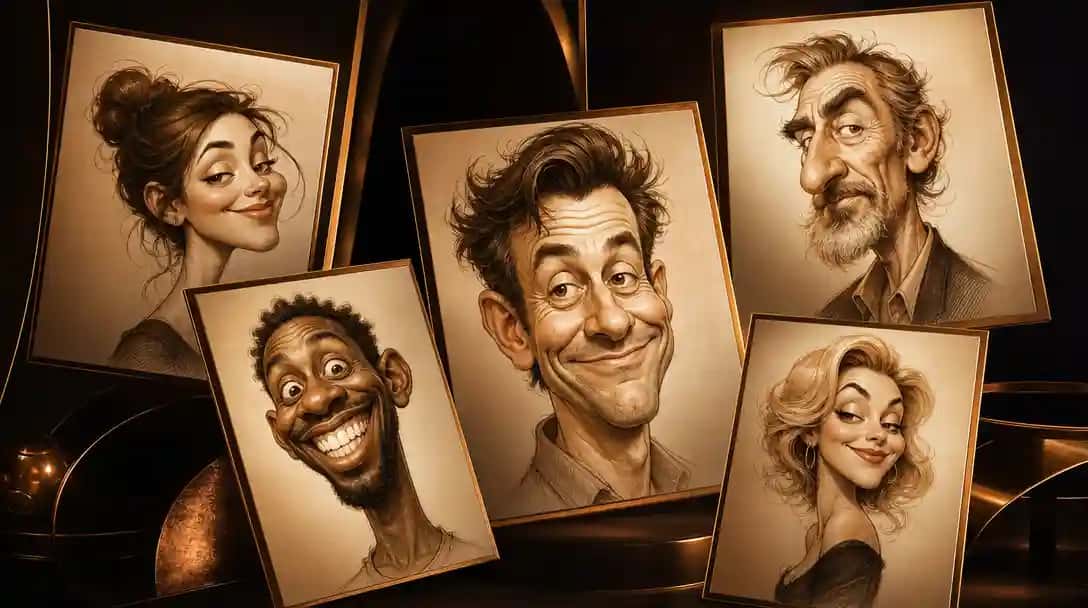
What Are AI Caricature Generators?
AI caricature generators are tools that leverage artificial intelligence and neural style‑transfer algorithms to convert ordinary photos into stylized, exaggerated caricatures. These platforms employ deep learning models trained on thousands of artwork samples to accentuate facial features, apply creative distortions, and render cartoon-like effects. Whether you’re looking to personalize your social media avatar, create humorous gifts, or explore digital art, AI caricature generators provide instant, high-quality results in various artistic styles. A notable example is the Pixazo AI Caricature Maker, known for its user-friendly interface and vibrant outputs.
Want to bring your ideas to life in comic form? Check out our guide to the best AI comic generator tools.
How Does an AI Caricature Generator Work?
An AI caricature generator works by preprocessing your photo, transferring learned artistic styles, and then postprocessing the result with neural network enhancements. First, it analyzes key facial landmarks and proportions using computer vision to map features like eyes, nose, mouth, and facial contours. Next, a generative model applies exaggeration patterns such as enlarging eyes or accentuating smiles through style transfer technology similar to Pixazo’s AI image generator. Finally, the system refines colors, textures, and backgrounds to produce a high quality caricature. Simply upload a clear photo from any desktop or mobile device, choose your preferred style—as you would in the AI avatar generator—and let the cloud based AI deliver a download ready, high resolution image in seconds, accessible worldwide.
How We Select the Best AI Caricature Generators
Our team of AI researchers and digital art experts evaluates each platform based on style diversity, customization controls, output quality, processing speed, user interface, and pricing transparency. We test a range of photos—from close-up portraits to group shots—to ensure consistent, high-fidelity caricature results. Our recommendations are unbiased, grounded in hands-on testing and real-world performance metrics.
Disclaimer – Portions of this article were drafted with AI assistance and reviewed by Jayesh Chaubey
Which AI Caricature Generators Offer the Best Value and Features?
AI caricature generators differ in their artistic styles, level of exaggeration, customization options, and pricing models. The table below compares the 10 leading platforms to help you choose the best fit for your caricature creation needs.
| Tool | Pros | Cons | Pricing |
|---|---|---|---|
| Pixazo AI Caricature Maker |
|
| See platform for details. |
| Light X |
|
| Subscription plans—see app for details. |
| OpenArt |
|
| Credit-based pricing—see platform. |
| Imagineme |
|
| Free & premium plans available. |
| Caricature io |
|
| Free basic; paid high-res export. |
| YouCam Online Editor |
|
| Subscription required—see website. |
| Vondy |
|
| Free & Pro plans—see app store. |
| FlexClip |
|
| See platform for subscription options. |
| Imagine Art |
|
| Credit‑based pricing—see site. |
| Prome AI |
|
| Free initial credits; coin‑based plans. |
What Are the Top AI Caricature Generators Available Today?
The top AI caricature generators available today combine intuitive interfaces with advanced style transfer and exaggeration algorithms to turn your photos into fun, personalized caricatures. From subtle cartoon effects enabled by the Pixazo AI cartoon generator to wild, exaggerated distortions powered by the AI art generator, each platform offers unique presets, customization options, and high-resolution downloads, perfect for social media, gifts, or creative projects. All of these platforms are accessible worldwide, with optimized servers in major regions such as Asia Pacific, Europe, and North America to ensure fast processing and reliable performance wherever you are.
- Pixazo AI Caricature Maker – Instant, high-resolution caricature transformations with multiple style presets.
- Light X – Comprehensive editing app offering caricature filters, layer controls, and manual brush tools.
- OpenArt – Open-source, prompt-based caricature generation with credit-based pricing.
- Imagineme – Privacy-focused, dual photo-to-caricature and text-to-caricature modes.
- Caricature io – No-login, browser-based tool with quick face detection and simple flow.
- YouCam Online Editor – Real-time preview, AI filters, and comprehensive cloud-based editing.
- Vondy – Mobile-first caricature app with one-click transformations and in-app purchases.
- FlexClip – Video editor with built-in caricature filters, exportable as GIF or video.
- Imagine Art – Multi-modal input (sketch, text, photo) with customizable exaggeration.
- Prome AI – One-click caricature generator with gallery, remix features, and coin-based plans.
1. Light X
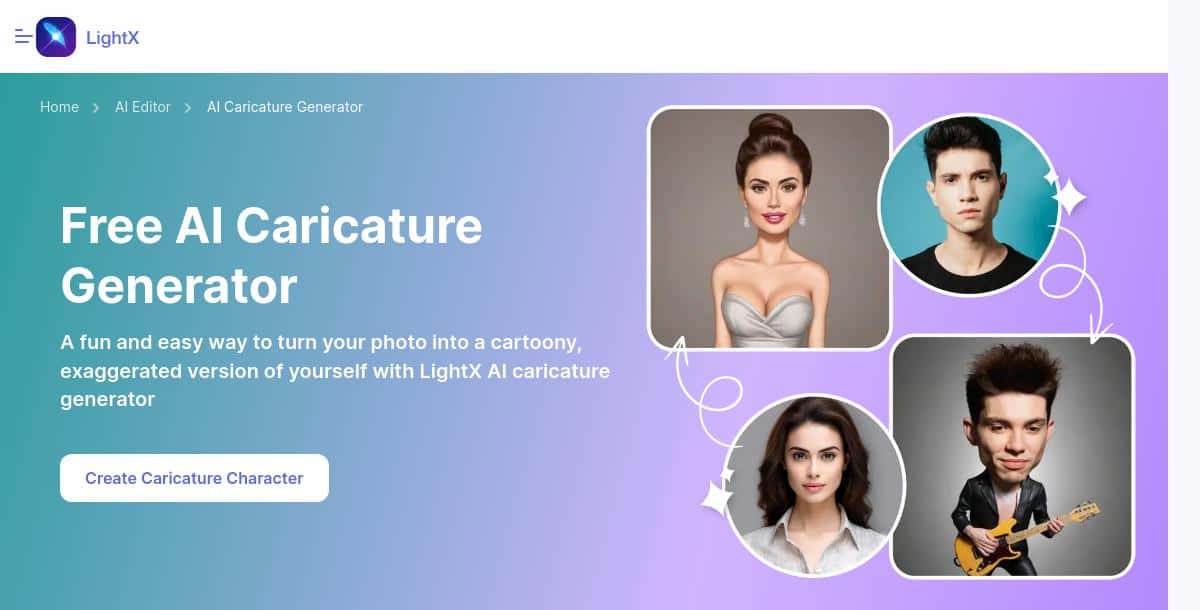
Light X is a full-featured photo editing app that includes powerful caricature filters and manual editing tools. Whether you prefer automated filter application or hands-on adjustments, Light X provides layers, brushes, and vector tracing to refine your caricature to perfection.
- Editable Layers: Fine-tune exaggeration with brush and eraser tools.
- Filter Library: Multiple cartoon and caricature styles ready to apply.
- Cross-Platform: Available on iOS, Android, and web.
- Regular Updates: New filters and effects added frequently.
Pros:
- High level of manual control
- No watermark after subscription
- Supports large image files
- Comprehensive tutorial resources
Cons:
- Subscription required for full feature set
- Interface can be complex for beginners
How It Works:
- Install or open Light X and import your photo.
- Apply a caricature filter or draw custom exaggerations.
- Use layers to adjust intensity and detail.
- Export your final caricature in high resolution.
Pricing: To view up‑to‑date subscription tiers and feature bundles, check the Light X pricing page on their official website.
2. OpenArt
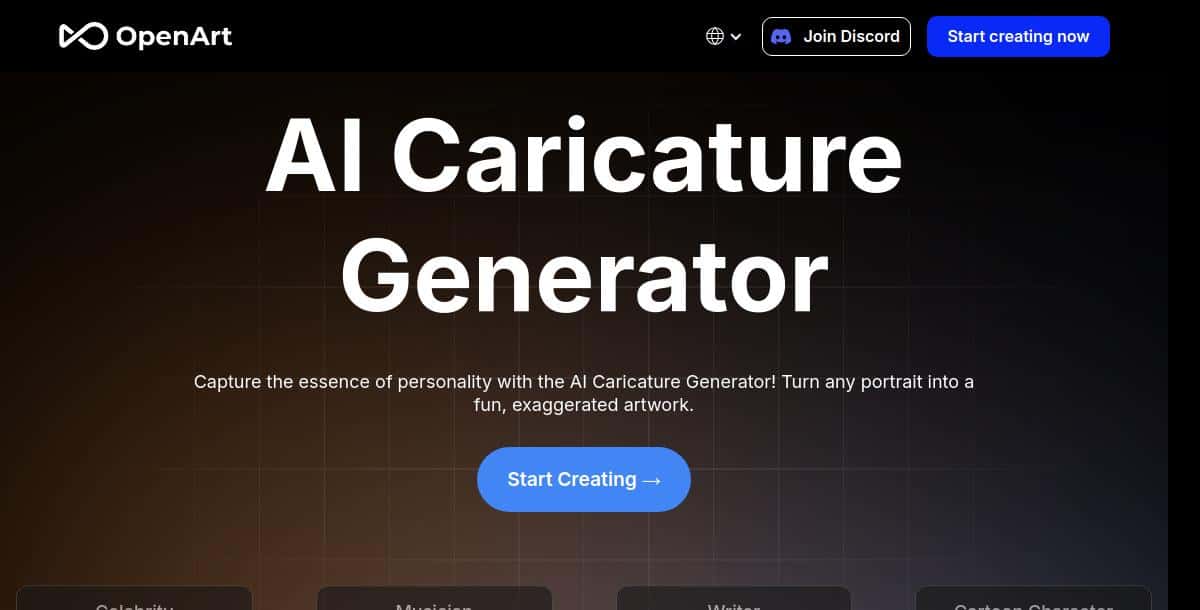
OpenArt offers open-source AI models for prompt-based caricature creation, allowing both photo-to-caricature and text-driven workflows. Free to use with optional paid credits, OpenArt is ideal for tinkerers and developers who want transparent access to the underlying models.
- Prompt Customization: Describe the style, exaggeration level, and background in plain text.
- Model Selection: Choose from multiple open-source algorithms for varied artistic effects.
- No Account Needed: Start generating immediately with free credits.
- Extensible: API access for integration into your own apps.
Pros:
- Complete transparency of AI models
- No sign-up barrier
- Free tier with generous credits
- Community-contributed style packs
Cons:
- Inconsistent output quality across models
- Requires prompt engineering for best results
How It Works:
- Go to OpenArt and select “Caricature” mode.
- Upload a photo or enter a descriptive prompt.
- Choose your preferred model and style parameters.
- Generate and download your caricature; purchase more credits if needed.
Pricing: For the newest credit‑based pricing and model access fees, head over to the OpenArt pricing page and explore their current rates.
3. YouCam Online Editor
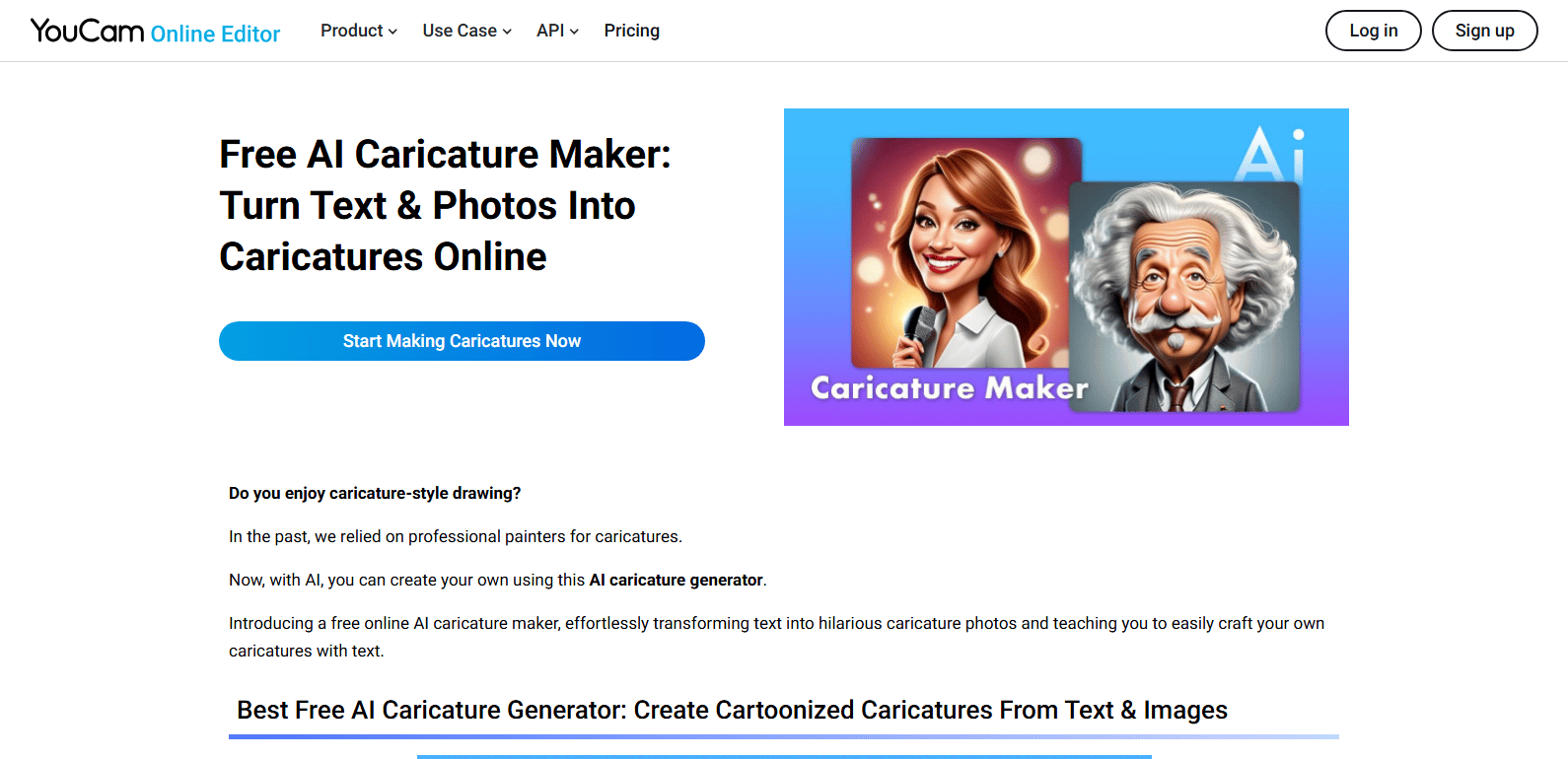
YouCam Online Editor combines advanced AI filters with full photo-editing capabilities to create custom caricatures in real time. Upload your portrait, apply the caricature filter, and tweak settings such as exaggeration level, color tone, and background effects—all within a cloud-based interface.
- Real-Time Preview: See caricature effects instantly as you adjust sliders.
- Full Editing Suite: Crop, retouch, add text and overlays after caricature generation.
- Cross-Platform: Accessible via desktop browser or mobile app.
- Auto-Save: Cloud-based projects are saved automatically.
Pros:
- Comprehensive editing beyond just caricatures
- No installation required for browser use
- High-res exports available
- Regular AI filter updates
Cons:
- Subscription required for premium filters
- Large files may load slowly
How It Works:
- Go to the YouCam Online Editor and create or open a project.
- Upload your photo and select the “Caricature” AI filter.
- Adjust exaggeration, color, and background settings.
- Save and download your final caricature in high resolution.
Pricing: For the latest subscription packages and premium filter unlocks, refer to the YouCam Online Editor pricing page.
4. FlexClip
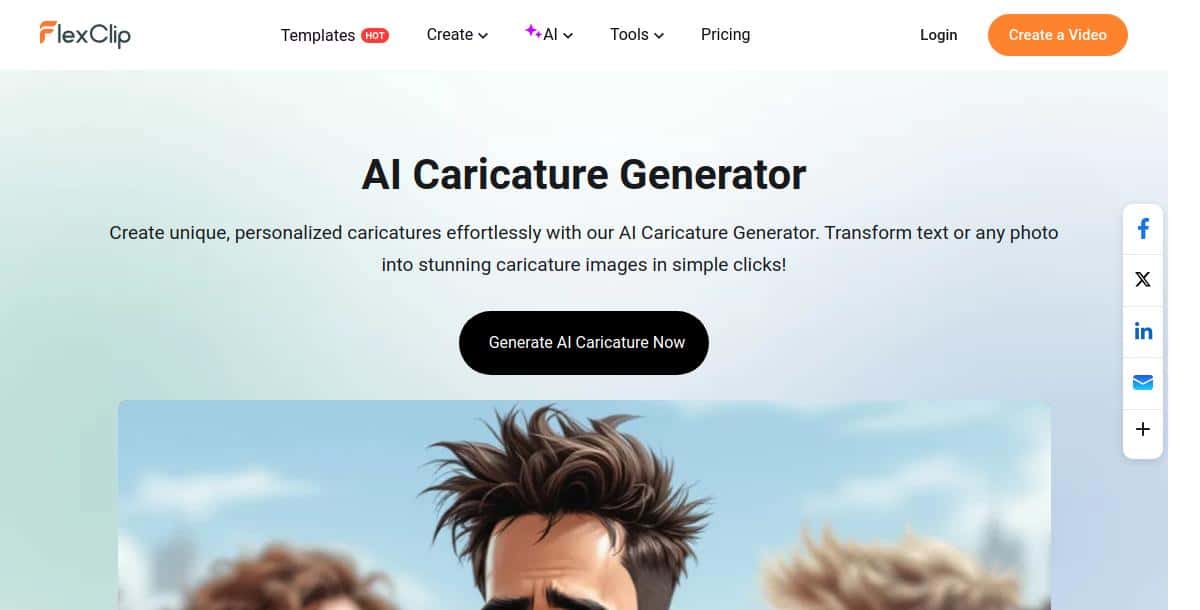
FlexClip’s online video editor includes AI caricature filters that can be applied to both images and video clips. Create dynamic, animated caricatures by exporting as GIF or MP4, then add text, music, and transitions for shareable social content.
- Video & GIF Support: Export caricatures in motion.
- Editing Tools: Crop, trim, add overlays and text.
- Preset Templates: Cartoon-style themes for quick styling.
- Cloud-Based: No installation required; projects saved online.
Pros:
- Supports animated exports
- Rich post-processing toolkit
- Collaborative project sharing
Cons:
- Limited dedicated caricature presets
- Advanced features behind paywall
How It Works:
- Visit FlexClip and start a new project.
- Upload an image or video, then apply the “Caricature” filter.
- Use editing tools to refine and add effects.
- Export as GIF or video for animated caricatures.
Pricing: For current plan comparisons and advanced editing tiers, visit the FlexClip pricing page on their website.
5. Imagine Art
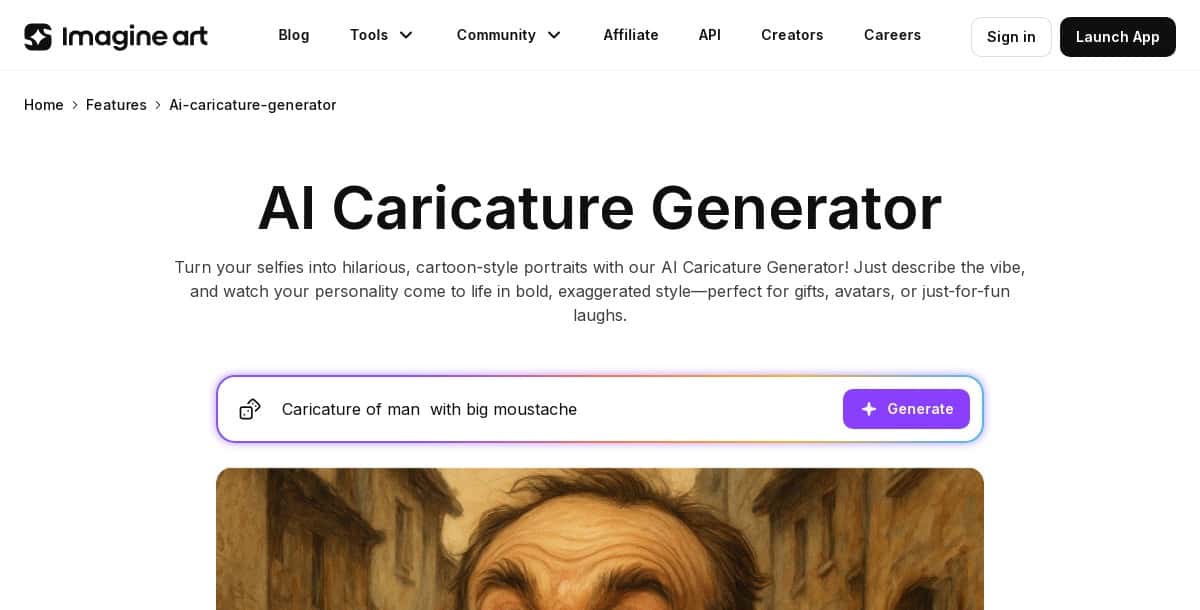
Imagine Art offers a multi-modal AI platform where you can upload photos, sketches, or text prompts to generate customizable caricatures. With adjustable exaggeration levels and a large library of style filters, it’s ideal for creators who want both control and variety.
- Multi-Modal Input: Photo-to-caricature, sketch-to-caricature, or text-to-caricature.
- Exaggeration Slider: Fine-tune the intensity of distortions.
- Community Gallery: Browse and remix others’ creations.
- API Access: Integrate into your own apps or workflows.
Pros:
- Highly customizable exaggeration
- Supports hand-drawn sketches
- Active user community
Cons:
- Credit-based usage can get expensive
- Processing times vary by input type
How It Works:
- Go to Imagine Art and choose your input mode.
- Upload or sketch your source image, or enter a prompt.
- Adjust the exaggeration slider and select a style.
- Generate and download your caricature; purchase credits as needed.
Pricing: To see Imagine Art’s latest credit offerings and subscription rates, head to their official pricing page.
6. Pixazo AI Caricature Maker
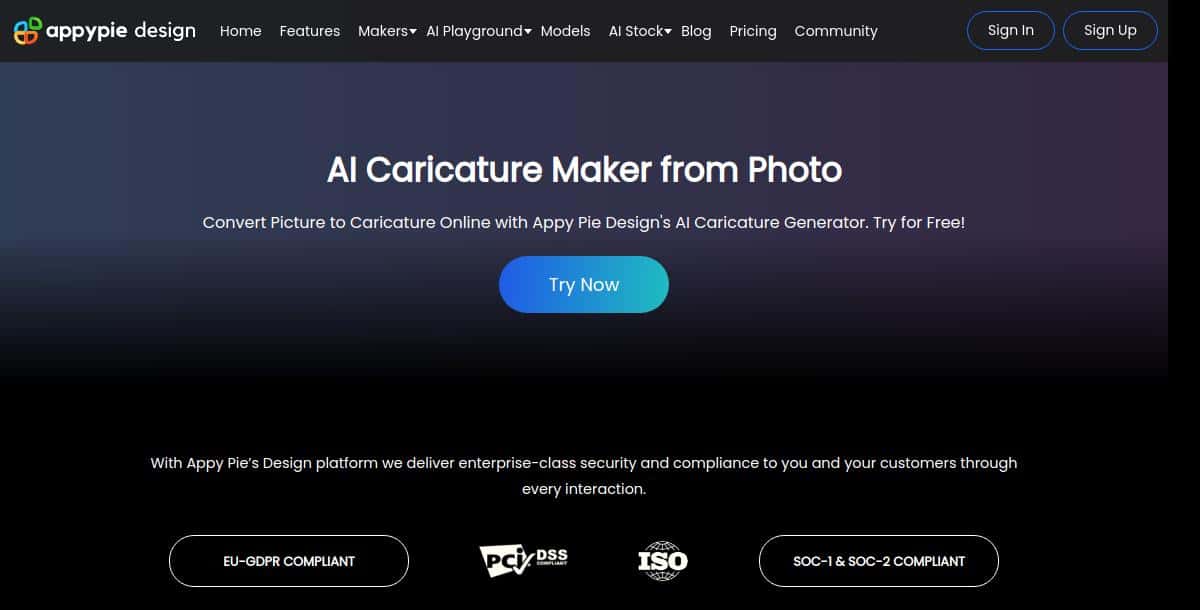
Pixazo’s AI Caricature Maker instantly transforms your photos into polished caricatures using state-of-the-art neural networks. The tool processes images in seconds and delivers high-resolution, watermark-free caricatures after you sign in. It’s perfect for creating personalized avatars, fun gifts, or marketing graphics with no design skills required.
- AI Transformation: Converts JPEG/PNG uploads into stylized caricatures with adjustable exaggeration.
- Style Presets: Choose from cartoon, comic, and exaggerated portrait modes.
- Fast Processing: Live preview and download in under 10 seconds.
- User-Friendly: Drag-and-drop interface on web and mobile.
Pros:
- One-click generation with consistent results
- Wide range of preset styles
- High-res, watermark-free downloads
- No manual editing needed
Cons:
- Requires Pixazo account and credits to unlock full features
- Free trial limited to low-resolution outputs
How It Works:
- Visit the Caricature Maker page and upload a clear photo (max 5 MB).
- Sign in or create an Pixazo account.
- Select your preferred exaggeration style and preview the result.
- Download your high-resolution caricature and share it online.
Pricing: For the most current credit packages and subscription plans, visit the Pixazo pricing page and review the latest plans.
7. Imagineme
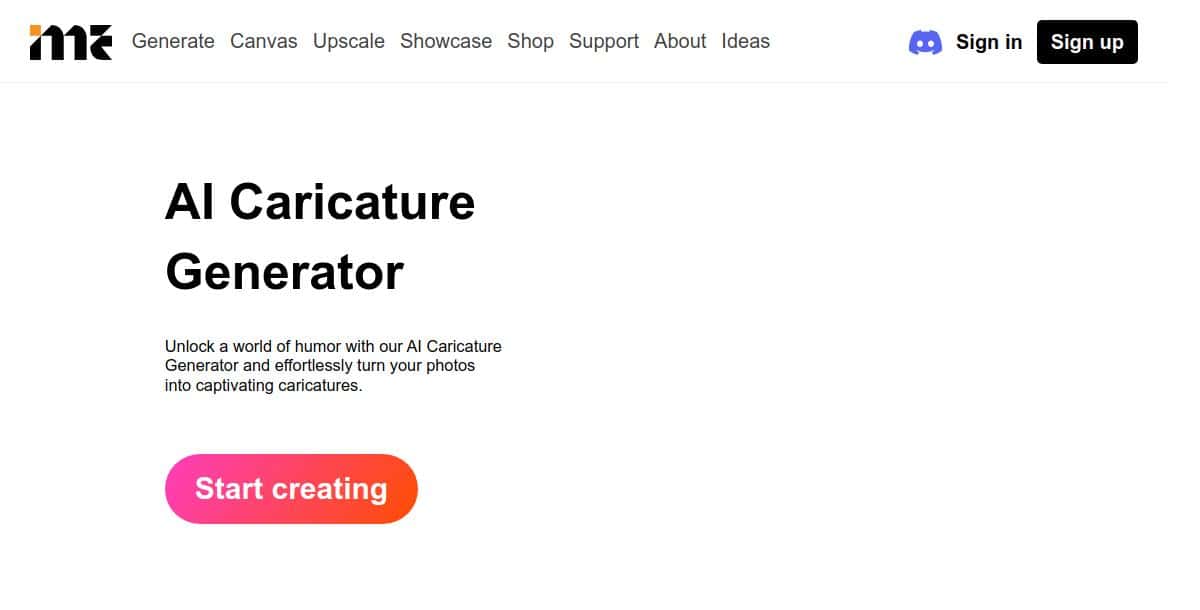
Imagineme’s Caricature Maker offers both photo-to-caricature and text-to-caricature modes with a strong focus on user privacy. No sign-up is required, and all processing happens on secure servers without retaining your original images.
- Dual Modes: Convert selfies or input text prompts for AI-driven caricatures.
- Style Presets: Choose from cartoon, comic strip, and pop-art looks.
- Privacy-First: No image storage; all data deleted after generation.
- Quick Turnaround: Download ready in under 15 seconds.
Pros:
- No account or login needed
- Free basic usage with premium options
- High-definition downloads available
- Clean, ad-free interface
Cons:
- Limited manual fine-tuning controls
- No batch processing for multiple images
How It Works:
- Visit the Imagineme Caricature Maker page.
- Upload a JPEG/PNG photo or enter a text description.
- Select your favorite style preset.
- Click “Generate” and download your caricature.
Pricing: See Imagineme’s official pricing page for fresh details on their free plan and premium subscription options.
8. Caricature io
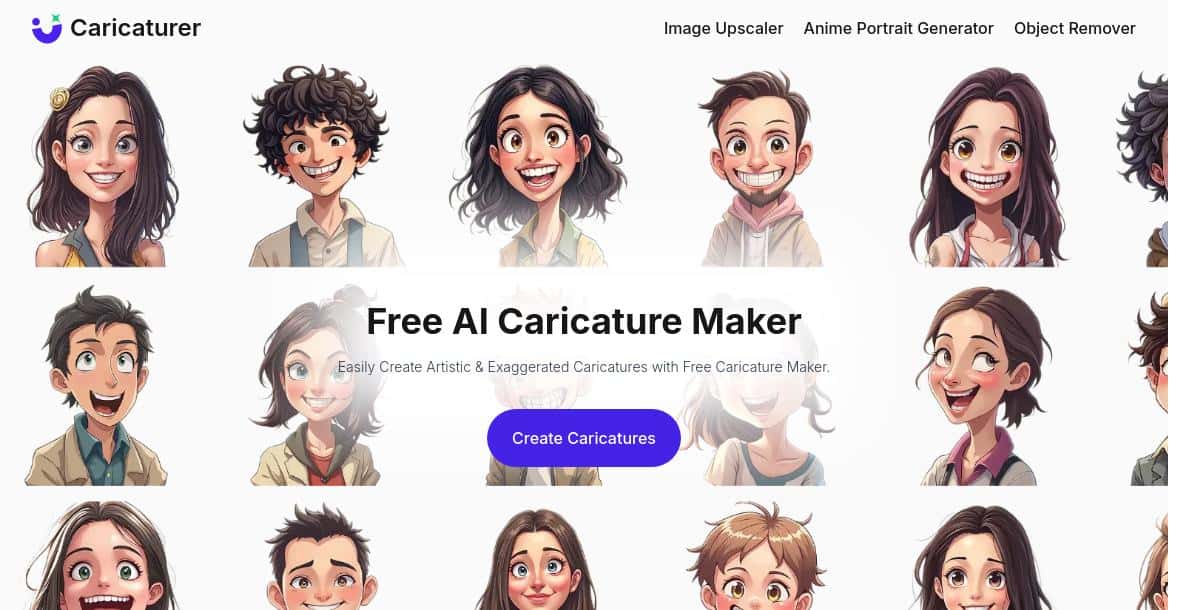
Caricature io is a straightforward, no-login browser tool that detects faces and applies quick caricature effects. Perfect for lighthearted fun, it offers a minimal interface and instant results without any account setup.
- Automatic Face Detection: Upload, and the system finds and caricaturizes faces.
- Simple Workflow: One-click generation—no menus or settings to navigate.
- Browser-Based: Works on any desktop or mobile browser.
Pros:
- Truly free with no sign-up
- Super-fast processing
- Minimalist, ad-free interface
Cons:
- Limited to one style option
- Watermark on downloaded images
How It Works:
- Navigate to Caricature io and click “Upload Photo.”
- Wait for automatic face detection.
- Download your caricature with a single click.
Pricing: Visit the Caricature io pricing page to learn about their free usage limits and one‑time fee for high‑resolution exports.
9. Vondy
Vondy is a mobile-first app focused on quick, one-click caricature creation with a variety of cartoon and sculpture-inspired styles. Its simple UI allows users to upload a selfie and instantly receive a stylized caricature, with in-app purchases unlocking advanced styles and higher export resolutions.
- One-Click Transformation: Generate a caricature with a single tap.
- Style Packs: Unlock additional looks via in-app purchases.
- Mobile-Optimized: Fast processing on iOS and Android devices.
- Free Basic Use: Core styles available without payment.
Pros:
- Extremely fast and easy to use
- No account required
- Regular style pack updates
Cons:
- Most premium styles cost extra
- Free exports limited to low resolution
How It Works:
- Install Vondy from the App Store or Google Play.
- Open the app, upload a selfie, and choose a style.
- Tap “Generate” and wait a few seconds.
- Save or share your caricature—upgrade for HD export.
Pricing: Check Vondy’s pricing page to review their free basic features and Pro plan details for unlimited style access.
10. Prome AI
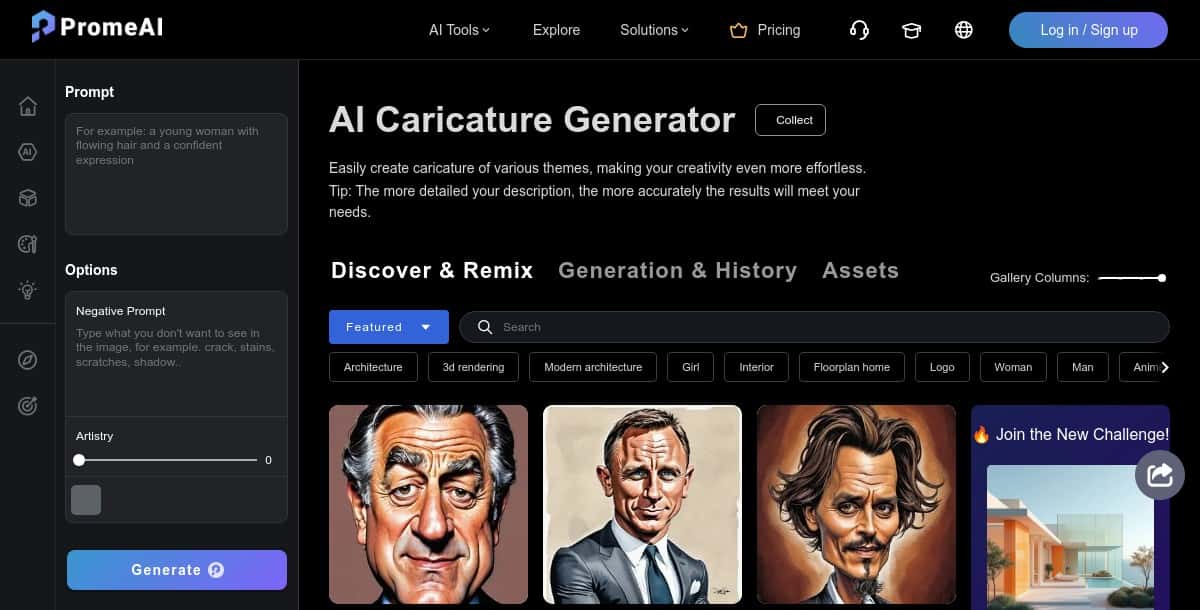
Prome AI’s Caricature Generator offers one-click transformations and a built-in gallery for inspiration and remixing. Upload a clear photo, select from categories like “Funny,” “Comic,” or “Exaggerated,” and let the AI render a playful caricature ready for sharing.
- One-Click Generation: Fast, automated caricature creation.
- Style Categories: Funny, comic, portrait, and more.
- Gallery & Remix: Browse community caricatures and apply variations.
- No Install: Works entirely in-browser.
Pros:
- Instant results with minimal input
- Community-driven style variations
- No subscription to preview
Cons:
- High-res downloads require coins
- Limited manual editing options
How It Works:
- Visit the Prome AI Caricature page.
- Upload a photo and choose a style category.
- Click “Generate” and preview your caricature.
- Download or purchase coins for high-resolution exports.
Pricing: For up‑to‑date coin packages and export options, explore the Prome AI pricing page for the newest information.
What Does the Future Hold for AI Caricature Generation?
The future of AI caricature generation lies in more personalized, dynamic, and integrated experiences. Upcoming innovations will let users animate their caricatures with short looping GIFs, control exaggeration with voice or gesture inputs, and leverage on-device AI for faster offline processing on smartphones and desktops worldwide, with optimized performance for users across North America, Europe, and Asia Pacific.
For insights into the technology behind these creative transformations, see our guide on the best AI image generator. To explore related avatar creation tools, check out our article on the best AI avatar generators.
Expanding Creative Possibilities
AI caricature tools are expanding creative possibilities with animated formats, voice control, and AR filters. These innovations are available globally with low latency for users in North America, Europe, and Asia Pacific, and draw on advanced techniques from leading solutions highlighted in our best AI art generators and best AI cartoon generator tools.
- Animated Caricatures: Short GIFs or video loops with blinking, head-turns, and gestures.
- Voice & Gesture Control: Adjust exaggeration levels via simple spoken commands or hand motions in real time.
- AR Integration: Use your caricature as a live filter in video calls and social media stories.
Key Innovations to Watch
The key innovations to watch include 3D modeling, multi modal inputs, privacy preserving AI, and seamless cross platform synchronization. These trends mirror developments seen in the top best AI anime generators and will redefine how users create and deploy caricatures.
- 3D Caricature Modeling: Generate rigged, poseable 3D caricatures for games and VR.
- Multi-Modal Fusion: Combine sketches, photos, and text prompts to create richer, hybrid caricatures.
- Privacy-Preserving AI: On-device inference ensuring no images leave your phone.
- Cross-Platform Sync: Automatic updates of your caricature across social, gaming, and streaming profiles via APIs.
Conclusion: Which Features Make an AI Caricature Generator Truly Great?
A truly great AI caricature generator blends artistic accuracy, ease of use, and fast performance to deliver fun, stylized results instantly. From playful avatars to marketing visuals and personalized gifts, these tools empower users of all skill levels to create high-resolution caricatures with minimal effort. With support from Pixazo’s robust platform, users can enjoy quick rendering, diverse style filters, and seamless customization options.
Whether you’re experimenting with looks or crafting digital art with personality, these generators make it easy to bring exaggerated, expressive portraits to life. For even more stylized transformations, explore the AI Anime Generator and push your creativity further.
Frequently Asked Questions (FAQs)
Q1. What is an AI caricature generator?
An AI caricature generator is a tool that converts your photos into stylized, exaggerated caricatures using neural networks and style-transfer algorithms. These platforms detect facial features, apply learned distortion patterns, and refine colors and backgrounds to produce high-quality cartoon-like portraits.
Q2. Which is the best AI caricature generator in 2026?
Pixazo AI Caricature Maker leads in 2026 for its extensive style library, intuitive interface, and high-resolution outputs. Other standout options include Light X for manual editing, OpenArt for open-source flexibility, and YouCam Online Editor for real-time previews and full editing suites.
Q3. Can I customize my caricature?
Yes, most AI caricature generators allow you to adjust exaggeration levels, select different style presets, and edit backgrounds or colors. Tools like Light X and Imagine Art offer granular controls, while one-click solutions like Vondy and Prome AI provide quick presets for instant fun.
Q4. Are AI caricature generators free to use?
Many platforms offer free trials or basic plans with watermarks or usage limits. To access premium styles, batch processing, or watermark-free high-res downloads, you may need a subscription or to purchase credits. Always check each tool’s pricing page for the most up-to-date details.

Deepak Joshi
Author · Pixazo
Deepak writes about generative AI models, APIs, and the workflows teams use to ship them. Reviewed by Abhinav Girdhar.