
8 Best AI Comic and Comic Strip Generators


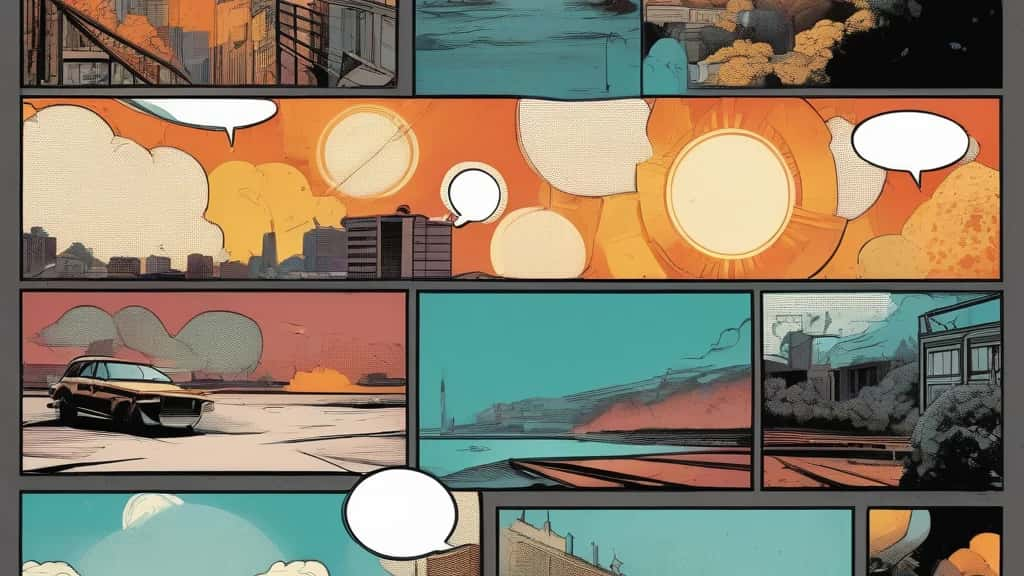
AI has turned comic-making from a months-long craft into something you can rough out in an afternoon. But the tools are not all the same: some are full webtoon studios that handle characters, panels, pages and speech bubbles end to end, while others are single-image generators you assemble into a strip yourself. The right pick depends on whether you want to publish a serial, make a one-off strip, or just turn a photo into a comic character. These are the eight best, grouped by what they actually do, including Pixazo’s AI comic generator.
What makes a good AI comic generator?
A regular image model can draw a nice panel. A comic tool has to do more, so we weighed five things:
- ▸Character consistency: Can it keep the same character across panels, the single hardest part of AI comics?
- ▸Panels and layout: Does it compose pages and strips, or just make one image at a time?
- ▸Lettering: Can it place speech bubbles and captions, or do you letter by hand afterwards?
- ▸Art style: Manga, western, webtoon or cartoon, and how much control you get over the look.
- ▸Ease: Can a non-artist go from idea to finished strip without design skills?
A quick honesty note on pricing: plans in this space change often and several tools hide exact numbers behind signup, so treat the pricing below as a category (free, freemium or paid) and confirm current figures on each tool’s own page.
What types of AI comic tools are there?
- ▸Full comic studios: Build the whole comic, characters, panels, pages and bubbles, in one place, usually with consistency tooling. Best for serials and multi-page projects.
- ▸Template and builder tools: Drag-and-drop panels with reusable characters and bubbles, where consistency comes from assets rather than re-generation. Popular in classrooms.
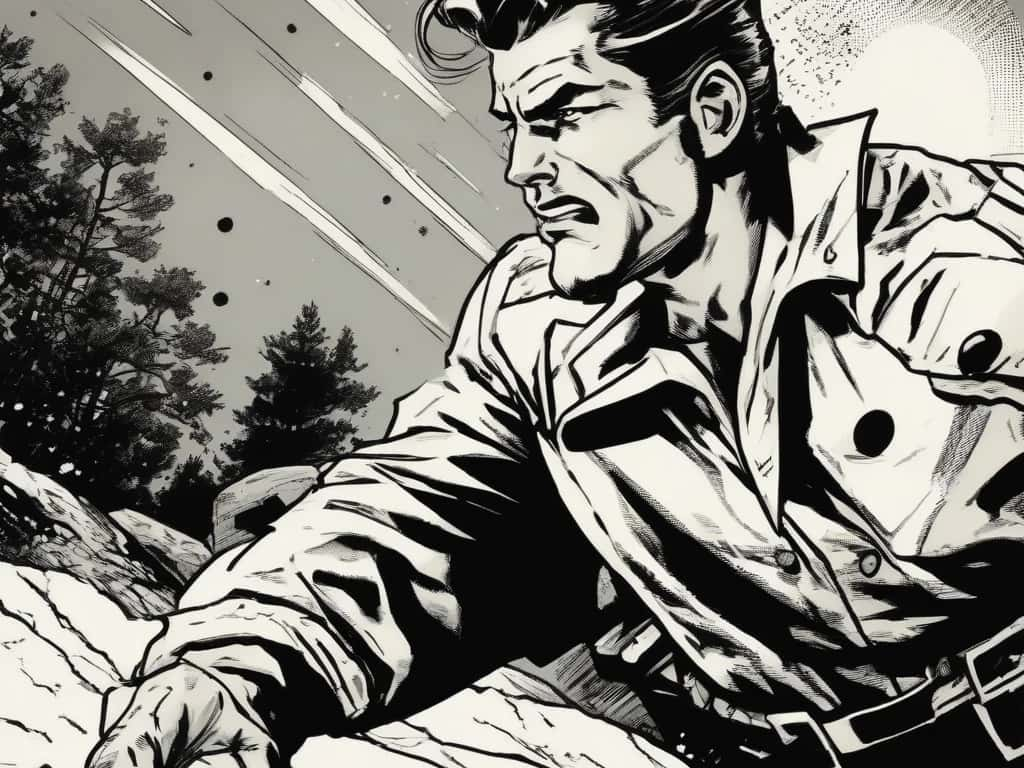
- ▸Photo-to-comic and single-panel: Turn a photo into a comic character, or generate one striking panel at a time that you assemble yourself.
Suggested Read: Free AI Character Sheets
The 8 best AI comic and comic strip generators
Suggested Read: How to Turn a Photo Into a Cartoon
AI comic generators compared
| Tool | Type | Best for | Pricing |
|---|---|---|---|
| Dashtoon Studio | Full studio | Ongoing webtoons | Freemium |
| ComicsMaker.ai | Full studio | Guided panel builder | Freemium |
| Canva | Templates + AI | Clean layout and lettering | Freemium |
| AI Comic Factory | Free studio | Free one-page comics | Free |
| Pixton | Education builder | Classroom projects | Freemium |
| Pixazo | Prompt generator | Fast strips from a prompt | Free to start |
| Picsart ComicMe | Photo-to-comic | Personalized comics | Freemium |
| Midjourney | Single-panel art | Highest-quality panels | Paid only |
Suggested Read: Best AI Character Generators
What are the honest limits of AI comics?
AI comics have come a long way, but three limits are worth knowing before you start.
- ▸Lettering is unreliable: Text generated inside panels and speech bubbles often comes out garbled, so most tools place bubbles over the art or expect you to letter by hand.
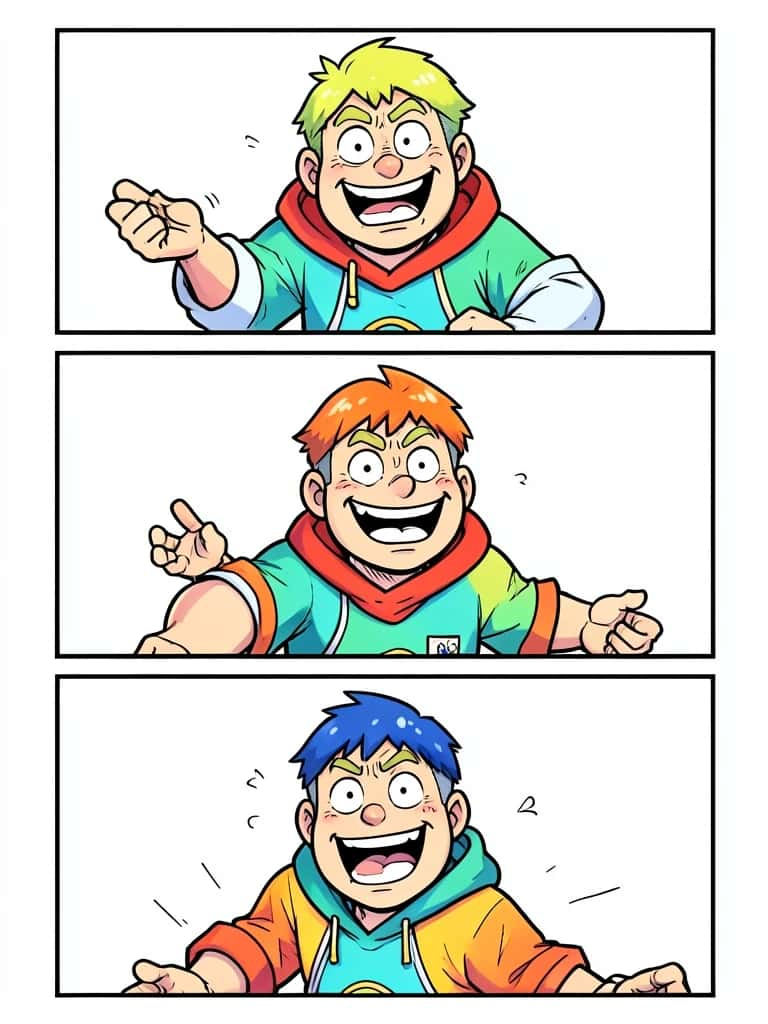
- ▸Characters still drift: Consistency has improved but remains the biggest weakness, usually reliable across a handful of panels, then faces, outfits and proportions wander, especially in multi-character scenes.
- ▸Page composition is weak: Full-page pacing and panel flow are hard to automate, so creators often generate panels individually and assemble the layout themselves.
Suggested Read: 35+ Prompts to Create Amazing Images using AI
Which AI comic generator should you use?
Match the tool to the project. For an ongoing webtoon or multi-page series, Dashtoon Studio and ComicsMaker.ai give you characters, panels and pages in one place. For a clean, well-lettered strip without art skills, Canva is the smoothest, and AI Comic Factory is the best free way to try a full page. In the classroom, Pixton and its reusable avatars win. To turn a photo into a comic character, Picsart ComicMe is the fun pick, and for the best-looking individual panels, Midjourney leads if you assemble the page yourself. And to sketch out comic-style art and strips from a prompt for free, Pixazo is the quickest no-install start. Pick by the job, letter over the art, and keep your character runs short, and AI will carry most of the drawing for you.
Suggested Read: Best AI Cartoon Generator Tools
Frequently asked questions
What is the best AI comic generator in 2026?
It depends on the job. Dashtoon Studio and ComicsMaker.ai are best for full multi-page comics and webtoons, Canva for clean layout and lettering, and Midjourney for the highest-quality individual panels.
Is there a free AI comic generator?
Yes. AI Comic Factory is free and open-source, and Pixazo, Canva, Pixton and Picsart have free tiers or free-to-start access, usually with limits. Confirm current limits on each tool.
Can AI keep the same character consistent across every panel?
Partly. Studios like Dashtoon and ComicsMaker.ai train a character for consistency, and Pixton uses reusable avatars, but most tools drift after a handful of panels, especially in multi-character scenes.
Can I turn my own photo into a comic?
Yes. Picsart ComicMe is built for photo-to-comic, turning a hero photo into a personalized comic character, and several cartoonizers do the same for single images.
Can AI add speech bubbles and lettering automatically?
Some tools can, such as AI Comic Factory and full studios, but generated text is often garbled, so most creators place bubbles over the art or letter by hand for a clean result.
Do I need drawing skills to make an AI comic?
No. These tools generate the art from a prompt, photo or template, so you focus on the story, characters and layout rather than drawing.
Can I use AI-generated comics commercially?
It depends on the tool and your plan. Many paid plans grant commercial rights while free tiers may not, and rules around AI art and ownership are still evolving, so check the licence for your tool.
What is the difference between an AI comic generator and a regular image generator?
An image generator makes one picture at a time. A comic generator adds comic-specific tooling: panels and page layouts, speech bubbles, and character consistency across a sequence.
Deepak Joshi
Author · Pixazo
Deepak writes about generative AI models, APIs, and the workflows teams use to ship them. Reviewed by Abhinav Girdhar.

