
How to Turn a Photo Into a Cartoon (6 Free Ways)


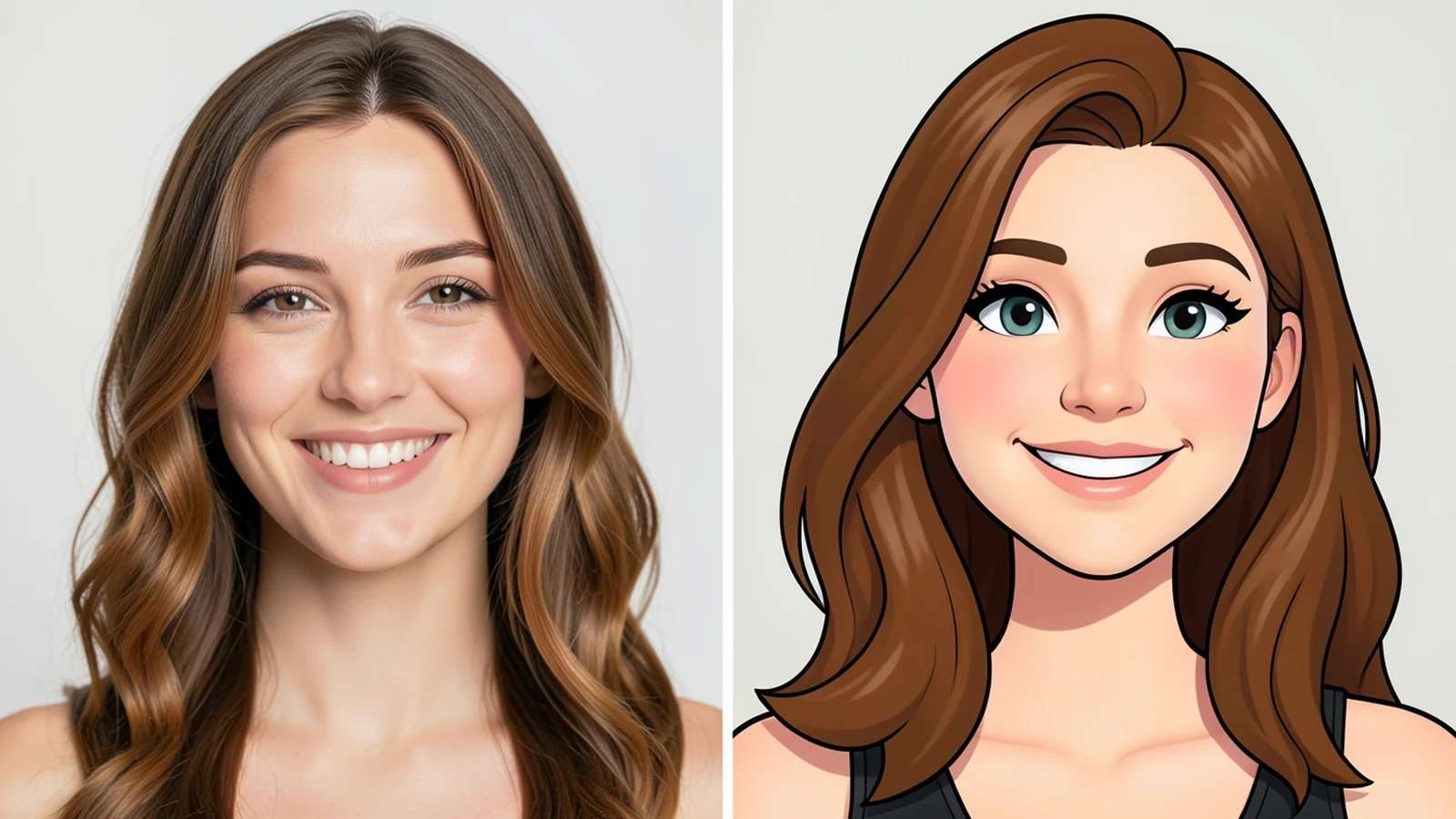
Turning a photo into a cartoon used to mean hours of tracing in expensive software. Not anymore. Today an AI cartoon generator can do it in seconds, often for free, right in your browser.
This guide walks through 6 free ways to turn a photo into a cartoon. Each option lists what it is best for, how hard it is, and the cartoon style you can expect, so you can pick the right one for your photo, whether it is a selfie, a pet, or a group shot.
What does turning a photo into a cartoon actually do?
Cartoonizing a photo simplifies it. The tool flattens realistic shading into solid blocks of color, smooths skin and background detail, and often adds clean outlines so the subject reads like a drawing. Good cartoon tools keep the likeness, the face still looks like you, while swapping photographic detail for a stylized look.
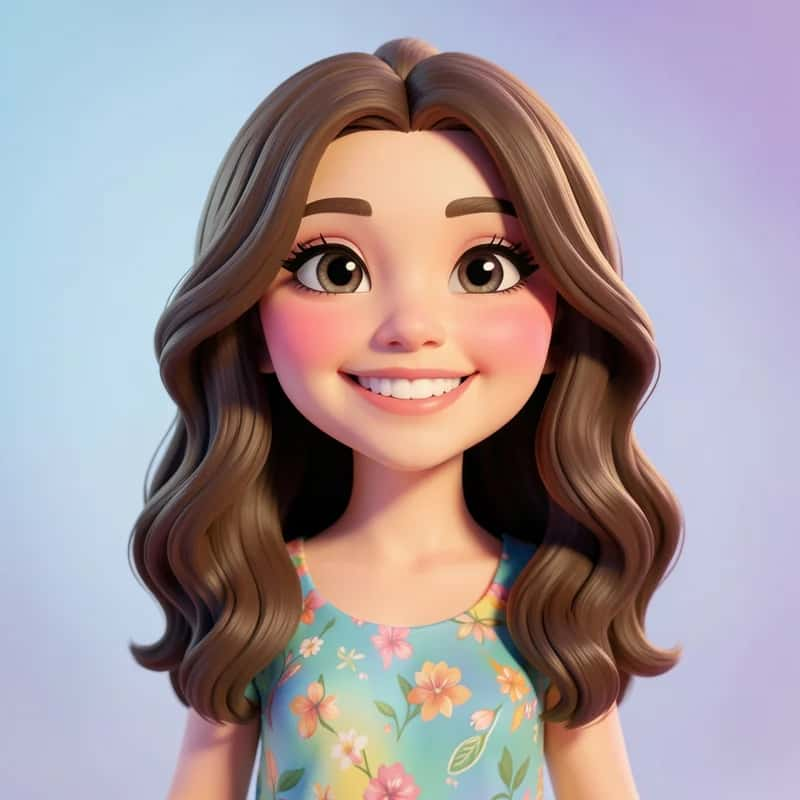
There is no single “cartoon” style. Depending on the tool and your settings, you can land anywhere from a soft 3D animated-movie look to flat comic-book panels, anime, caricature, or a sticker-ready cutout. Knowing the style you want makes it much easier to choose a method below.
Suggested Read: 50 Wedding Invitation Ideas and Wording Examples
The 6 free ways to turn a photo into a cartoon
From fully automatic to fully hands-on, here are six free routes, roughly ordered from easiest to most manual.
Use a dedicated AI cartoon generator
The quickest route for most people. A dedicated AI cartoon generator reads your photo and rebuilds it as a cartoon in one step. You upload, pick a style, and download, usually in under a minute with nothing to learn.
Turn your photo into a cartoon with Pixazo
Pixazo’s AI cartoon generator turns a photo into a cartoon in seconds and lets you guide the look with a short prompt, so you can push toward a classic cartoon, anime, comic, or sticker style. It runs in the browser with a free option, so you can test it on a selfie before doing a whole set.
- Open the AI cartoon generator and upload your photo.
- Describe the cartoon style you want, for example “flat comic-book style” or “soft 3D animated look”.
- Generate, compare a few versions, and download the one you like.
Cartoonize your photo with a mobile app
Most free photo apps include a one-tap cartoon or comic filter. This is handy when you are already editing on your phone and want a quick result to share. The trade-off is a fixed set of styles and, on some apps, a watermark on the free tier.
Use a free online cartoonizer in your browser
Browser-based cartoonizers let you upload and convert without installing anything, which is great on a work laptop or a shared computer. Quality varies between tools, and free tiers may limit resolution or add a watermark, so check the output before you rely on it.
Prompt an AI image tool to cartoonize your photo
General AI image tools can restyle a photo straight from a text prompt. Try something like “turn this photo into a soft 3D cartoon” or “flat comic-book illustration, bold outlines”. You get far more creative control over the style, but it usually takes a few tries to land exactly the look you want.
Make a cartoon effect yourself in free software
Free editors such as GIMP or Photopea can fake a cartoon look by combining posterize (to flatten colors) with an edge-detection pass (for outlines), then cleaning up by hand. It is the slowest option and needs some editing comfort, but you control every line and shade.
Suggested Read: The Best AI Cartoon Generator Tools, Compared
Before and after: what the cartoon styles look like
The same photo can become very different cartoons depending on the style you pick. Here is the basic idea: a photo on the left, a flattened, outlined cartoon on the right.
Flat color, bold outlines, and simplified features are what separate a cartoon from the original photo. AI tools do this automatically; manual methods recreate it by hand.

Suggested Read: How to Convert a Photo to a Pencil Sketch
Comparison: which free photo-to-cartoon tool should you use?
A quick side-by-side of the six free methods so you can match one to your photo and skill level.
| Method | Best for | Skill needed | Cartoon style | Cost |
|---|---|---|---|---|
| AI cartoon generator | Speed and ease | None | Preset styles | Free |
| Pixazo AI cartoon generator | Clean results with control | None | Prompt-guided | Free option |
| Mobile app | Editing on the go | None | Fixed filters | Free |
| Online cartoonizer | Quick, any device | None | Preset | Free (with limits) |
| AI prompt tool | Custom, creative styles | Some | Any style | Free option |
| Manual in free software | Total control | High | Fully custom | Free |
Suggested Read: The Best AI Avatar Generators for Every Style
How do you get the best cartoon from your photo?
The method matters less than the photo you start with. These tips lift results on every tool.
- Start with a clear, well-lit photo. Even lighting and a sharp subject give the AI clean edges to work from.
- Keep the face unobstructed. Hair over the eyes, sunglasses, or heavy shadows confuse cartoon tools.
- Use a simple background. A plain or blurred background cartoonizes more cleanly than a busy scene.
- Pick a style on purpose. Decide between anime, comic, 3D, or sticker before you generate, so you can judge the result against a goal.
- Use the highest resolution you can. More detail in equals a crisper cartoon out, especially if you plan to print.
Suggested Read: The Best AI Anime Generators to Try
Which free way to turn a photo into a cartoon is best?
For most people, a dedicated AI cartoon generator is the best free option, it is fast, needs no skills, and the quality is strong out of the box. If you want to steer the style, an AI tool with prompt control like Pixazo gives you the best mix of speed and creative direction. If you need total control over every line, the manual software route wins, as long as you have the time and patience for it.
Suggested Read: The Best AI Illustration Maker Tools
Conclusion: turning your photo into a cartoon
Turning a photo into a cartoon is genuinely a one-minute job in 2026, and you can do it for free. Start with a clean, well-lit photo, decide on the style you want, and pick the method that fits, a one-tap AI generator for speed, a prompt-driven tool for control, or free software if you love doing it by hand. Try one on a selfie and see how quickly your photo becomes a cartoon.
Turn Your Photo Into a Cartoon
Suggested Read: The Best AI Clipart Tools for Quick Graphics
Frequently asked questions
How can I turn a photo into a cartoon for free?
Upload your photo to a free AI cartoon generator, pick a style, and download the result. Most AI cartoon tools, mobile cartoon filters, and browser cartoonizers have a free option, so you can cartoonize a photo in under a minute without paying.
What is the best app to turn a photo into a cartoon?
A dedicated AI cartoon generator is usually the best choice because it is fast and needs no editing skills. If you want to control the style, pick an AI tool that accepts a text prompt so you can choose anime, comic, 3D, or sticker looks.
Can AI turn a photo into a cartoon automatically?
Yes. AI cartoon generators rebuild your photo as a cartoon in one step, flattening colors, smoothing detail, and adding outlines while keeping the likeness. You just upload, choose a style, and download.
Is it okay to cartoonize a photo I took?
If you took the photo and everyone in it agrees, you can usually cartoonize it freely for personal use. For commercial use, or for photos of other people or copyrighted characters, get permission first and check the tool’s terms.
What photo works best for a cartoon conversion?
A clear, well-lit photo with an unobstructed face and a simple background works best. High resolution helps, and avoiding heavy shadows, sunglasses, or busy backgrounds gives the AI clean edges to turn into a cartoon.
Deepak Joshi
Author · Pixazo
Deepak writes about generative AI models, APIs, and the workflows teams use to ship them. Reviewed by Abhinav Girdhar.

