8 Best Online Passport Photo Makers (Compliance Checked)
A passport photo looks like the easiest picture in the world to take, right up until a government office rejects it and your application stalls for weeks. The rules are strict, oddly specific and different in every country, which is exactly why an online passport photo maker is worth using: the good ones crop to the exact size, fix the background and check your photo against the official requirements before you ever pay to print it.
We looked at the leading tools and sorted them by the thing that actually matters: whether they help you pass. This guide covers the universal rules, the country-by-country differences people miss, and the 8 best online passport photo makers, each marked for whether it offers a real acceptance guarantee, a free option or a human review.
What does every compliant passport photo need?
Almost every country shares the same core rules. Nail these and you are most of the way to an accepted photo anywhere.
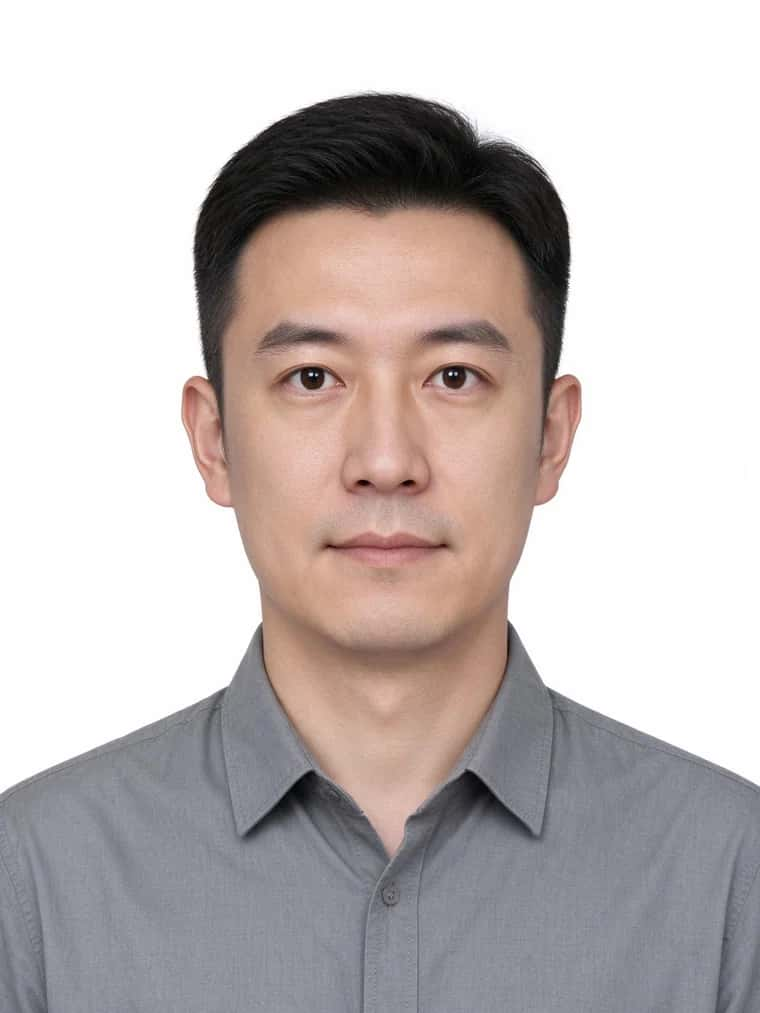
A good maker enforces most of this automatically. It will centre and scale your head, flatten the background to the right colour and flag obvious problems, but it cannot fix a smile or remove glasses glare, so you still have to take a sensible photo to start with.
The rules that change by country
This is where self-printed photos go wrong. Size, head height and even background colour differ by country, and getting one of them wrong is the most common reason for rejection. A few of the big ones:
| Country | Photo size | Head height | Background | Watch-out |
|---|---|---|---|---|
| United States | 2 x 2 in (51 x 51 mm) | 25 to 35 mm | Plain white or off-white | No glasses; taken within 6 months |
| United Kingdom | 35 x 45 mm | 29 to 34 mm | Plain cream or light grey | Not pure white; neutral, no glasses |
| Schengen / EU | 35 x 45 mm | 32 to 36 mm | Light grey or neutral | Head fills 70 to 80% of the frame |
| Canada | 50 x 70 mm | 31 to 36 mm | Plain white | Larger size; needs a stamp and date on the back |
| India | 2 x 2 in (51 x 51 mm) | Centred, face clear | Plain white | Neutral expression, full face |
| Australia | 35 x 45 mm | 32 to 36 mm | Plain light grey or white | Neutral, no shadows |
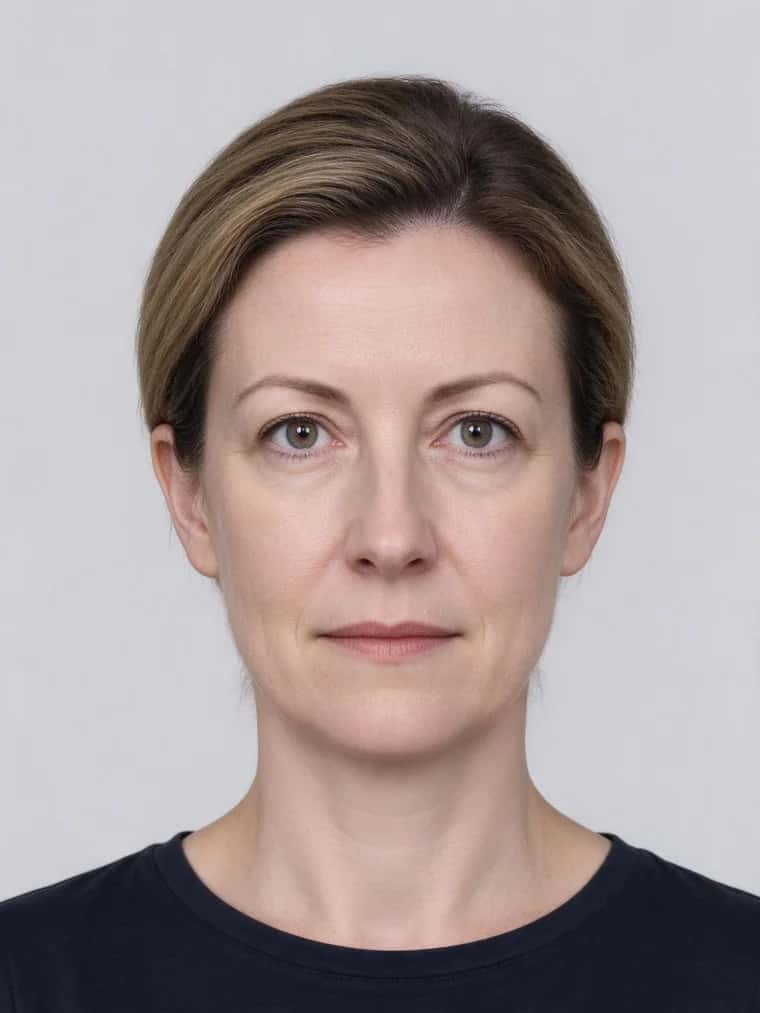
The lesson: always pick your exact country in the tool, and treat the two details people forget, head height and background colour, as the ones most likely to get you rejected. The figures above are a guide; check your government’s current official page before you submit.
Why do passport photos get rejected?
Officials reject photos for a short, predictable list of reasons. Knowing them is the fastest way to pass on the first try.
- Wrong head size. The face is too big or too small in the frame, the single most common technical failure.
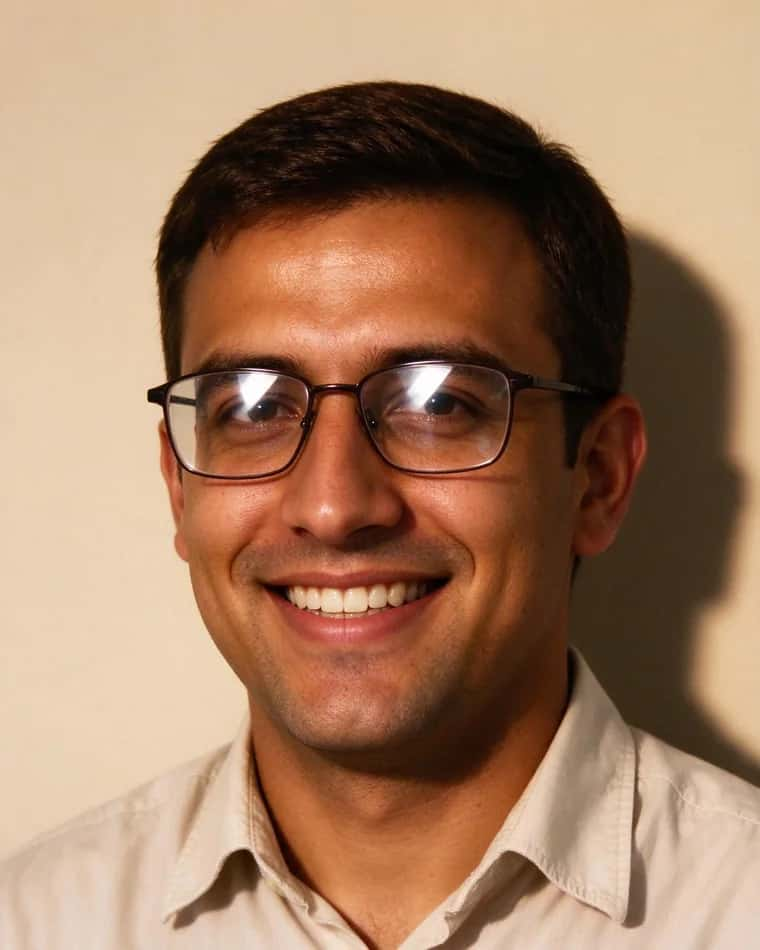
- Glasses and glare. Frames across the eyes or reflections on the lenses. Most countries now prefer no glasses at all.
- Shadows. On the face or cast on the background by uneven, one-sided lighting.
- Wrong background. A coloured, patterned or shadowed backdrop, or pure white where a grey tone is required.
- Expression. Smiling, an open mouth or a tilted head instead of a neutral, square pose.
- Quality. Low resolution, pixelation, red-eye, filters or an out-of-date photo that no longer looks like you.
Suggested Read: What Is the Best AI Headshot Generator App?
The 8 makers at a glance
| # | Tool | Price | Guarantee | Free option |
|---|---|---|---|---|
| 1 | Passport Photo Online | About $16.95 | 100% acceptance, double money-back | No |
| 2 | Visafoto | About $7 | Money-back, 99.7% accepted | No |
| 3 | ePassportPhoto | Download fee | 200% money-back | No |
| 4 | Persofoto | Free online | Paid prints only | Yes |
| 5 | Make Passport Photo | Free / $2.99 AI | On paid plans | Yes |
| 6 | Pixazo | Free to start | None stated | Yes |
| 7 | IDPhotoDIY | Free | None | Yes |
| 8 | 123PassportPhoto | Free / small fee | None | Yes |
Suggested Read: 12 Best Profile Picture Makers for Every Platform
The 8 best online passport photo makers
Also known as PhotoAiD, this is the most reassuring option if you cannot risk a rejection. It auto-crops to your country’s spec, removes the background, and backs the result with a 100% acceptance promise and a double money-back guarantee, with photos checked rather than purely automated.
Watch out: It is the priciest pick here, and the flow pushes printed-delivery upsells. For a simple digital photo you may be paying for a guarantee you do not strictly need.
Visafoto has processed photos for years and handles a huge range of visa and passport formats. Upload any photo, pick the document, and it returns a correctly sized, background-corrected image, with no account needed and a money-back promise if a photo is rejected.
Watch out: The interface is dated and purely algorithmic, with no human expert review. You pay per photo to download the finished file, so it is not a free option.
ePassportPhoto pairs automatic formatting with an expert check and an unusually strong 200% money-back guarantee, so it is a confident middle option between the free DIY tools and the premium services.
Watch out: It covers fewer countries than the biggest players, and you pay to download the final file. Confirm your specific country is supported before you start.
Persofoto lets you crop and format a compliant digital passport photo online for free, then optionally order a printed sheet mailed to you. A genuinely useful free path if you only need the digital file.
Watch out: The free tier is self-service with no acceptance guarantee, and you are trusting your own eye on the final result. Printed delivery is the paid upsell.
Make Passport Photo offers a free basic tool, a low-cost AI background-removal upgrade at a few dollars, and a guarantee on its paid plans. A flexible, budget-friendly ladder from free to assured.
Watch out: The free tier is basic, and the better background and compliance features sit behind the small paid upgrade. Guarantees apply to paid plans only.
Pixazo’s AI passport photo maker auto-detects the face, formats to a chosen country’s size and cleans the background to a compliant colour, all inside a broader creative platform you may already use for other images. It is a fast, free way to produce a correctly sized photo.
Watch out: This is the honest catch: Pixazo offers no acceptance guarantee, no human expert review and no published per-photo price, and it covers fewer countries than the specialists. You should still check your government’s exact rules yourself before submitting.
IDPhotoDIY is a long-running free tool covering more than 70 countries and document types. For a no-cost, no-signup way to crop a photo to the right dimensions, it is dependable and broad.
Watch out: There is no guarantee, no expert review and a dated interface, and the process is manual, so accuracy rests entirely on you. Treat it as a formatting helper, not a compliance service.
123PassportPhoto lets you generate a compliant layout for free and preview it on a printable sheet, with a modest fee only when you download or order prints. A practical option for printing at home or a local shop.
Watch out: There is no acceptance guarantee or human review, and the download or print step is the paid part. The tool formats the photo but does not vouch for its acceptance.
Suggested Read: The Best AI Background Changer Tools
Which passport photo maker should you use?
- Cannot risk a rejection: Passport Photo Online or ePassportPhoto, for a real acceptance guarantee and a human check.
- Want a cheap, reliable paid photo: Visafoto, for broad document support and a money-back promise at a low price.
- Only need the digital file for free: Persofoto, IDPhotoDIY or Pixazo, which format the photo without charging to start.
- Printing at home: 123PassportPhoto or Persofoto, which lay the photo out on a printable sheet.
- Already use a creative platform: Pixazo, to format a passport photo next to your other image work, then double-check the rules yourself.
Suggested Read: How to Restore Old Photos With AI
The bottom line
If a rejected passport photo would cost you a trip or a deadline, pay for certainty: Passport Photo Online and ePassportPhoto back their results with real acceptance guarantees and a human check, and Visafoto offers the same reassurance at a lower price. If you just need a correctly formatted digital file and are comfortable checking it yourself, the free tools, including Pixazo, Persofoto and IDPhotoDIY, do the job in seconds. Whichever you choose, the fundamentals never change: a neutral face, no glasses, even lighting, the right background colour and, above all, your exact country’s size. Pick your country first, and verify the final photo against the official requirements before you submit.
Suggested Read: Top Profile Picture Ideas and Designs
Frequently asked questions
What is the best online passport photo maker?
If you want an acceptance guarantee and a human check, Passport Photo Online and ePassportPhoto lead, with Visafoto a cheaper guaranteed option. If you only need a correctly formatted digital file for free, Persofoto, IDPhotoDIY and Pixazo all format your photo without charging to start. The best choice depends on whether you are paying for certainty or just for the correct crop.
Can I take a passport photo at home with my phone?
Yes. Stand against a plain, evenly lit wall, keep a neutral expression with no glasses, and have someone take the photo straight on. Then run it through an online passport photo maker to crop it to your country’s exact size and fix the background. The tool handles the formatting; you handle the pose and lighting.
Why do passport photos get rejected?
The most common reasons are the wrong head size in the frame, glasses or lens glare, shadows on the face or background, a background that is the wrong colour, a non-neutral expression, and low photo quality. Choosing your exact country in a photo tool and avoiding glasses prevents most rejections.
Is a white or grey background correct for a passport photo?
It depends on the country. The United States and India expect a plain white or off-white background, while the United Kingdom asks for a light grey or cream one and much of Europe accepts light grey. Using pure white where grey is required is a frequent cause of rejection, so always match your specific country.
Are free passport photo makers reliable?
Free tools like Persofoto, IDPhotoDIY and Pixazo reliably crop and format a photo to the right dimensions, which is enough for many applications. What they do not offer is an acceptance guarantee or a human review, so you are responsible for checking the result against the official rules. For high-stakes trips, a paid guaranteed service is the safer choice.
Deepak Joshi
Author · Pixazo
Deepak writes about generative AI models, APIs, and the workflows teams use to ship them. Reviewed by Abhinav Girdhar.