
Facebook Image Sizes 2026: Cover, Profile and Ads


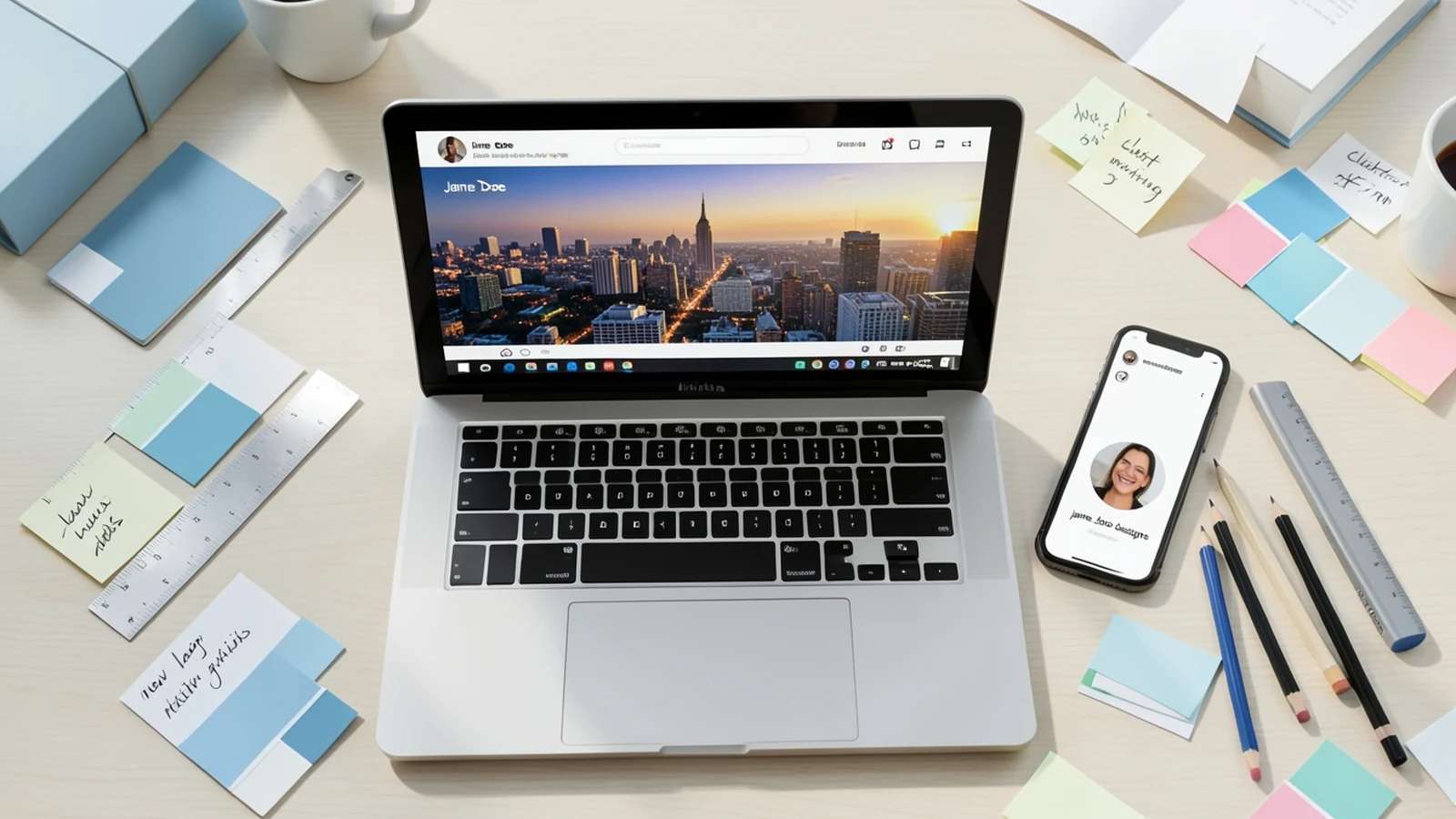
Upload an image at the wrong size and Facebook will crop it, stretch it, or blur it, often cutting off a face or half your headline. Getting the dimensions right the first time keeps your profile, Page, and ads looking sharp on every screen. This guide gives you every Facebook image size you need in 2026, so you can design a cover or post that fits perfectly with a Facebook banner maker.
Below you will find exact pixel dimensions, aspect ratios, and safe zones for profile pictures, cover photos, posts, Stories, events, groups, and ads, each shown on a quick dimension diagram so you can see the shape at a glance.
Facebook image sizes at a glance
Here is the full cheat sheet. Use the recommended upload size for the crispest result, Facebook scales down cleanly but never scales up well.
| Image type | Recommended size | Aspect ratio | Note |
|---|---|---|---|
| Profile picture | 320 x 320 px | 1:1 | Displays as a circle |
| Cover photo | 851 x 315 px | 2.7:1 | Keep key content centered |
| Shared post (landscape) | 1200 x 630 px | 1.91:1 | Also the link preview size |
| Shared post (square) | 1200 x 1200 px | 1:1 | Great for feed reach |
| Shared post (portrait) | 1080 x 1350 px | 4:5 | Maximum feed height |
| Stories and Reels | 1080 x 1920 px | 9:16 | Full-screen vertical |
| Event cover | 1200 x 628 px | 1.91:1 | Shown across the event page |
| Group cover | 1640 x 856 px | 1.91:1 | Wider than a Page cover |
| Feed image ad | 1080 x 1080 px | 1:1 | Also accepts 1200 x 628 |
| Stories ad | 1080 x 1920 px | 9:16 | Leave room for the CTA |
Facebook profile picture size
Your profile picture is square on upload but displays as a circle, so the corners get cropped. Upload at 320 x 320 pixels or larger and keep the subject centered. It appears at 170 x 170 on desktop, 128 x 128 on phones, and as small as 36 x 36 as a thumbnail next to your posts and comments.
Profile picture
- Recommended upload320 x 320 px
- Desktop display170 x 170 px
- Mobile display128 x 128 px
- Aspect ratio1:1 (square)
- Minimum180 x 180 px
The dashed circle shows the visible area. Faces and logos should sit inside it, not in the corners. A clean, high-contrast shot reads best at thumbnail size.
If you want a polished, on-brand look, an AI profile picture maker can generate a centered, circle-ready portrait in the right proportions.
Facebook cover photo size
The cover photo is the big banner across the top of your profile or Page. Facebook recommends uploading at 851 x 315 pixels. It displays at 820 x 312 on computers and 640 x 360 on smartphones, which means the sides are trimmed on mobile and the top and bottom are trimmed slightly on desktop.
Cover photo
- Recommended upload851 x 315 px
- Desktop display820 x 312 px
- Mobile display640 x 360 px
- Aspect ratio2.7:1
- Minimum400 x 150 px
Because desktop and mobile crop different edges, keep logos and text in the middle safe zone. Save as PNG if your cover includes text or a logo to keep edges crisp.

Facebook post image sizes
For images you share to the feed, you have three solid options. Landscape at 1200 x 630 is the classic choice and doubles as the link-preview size. Square at 1200 x 1200 takes up more vertical space in the feed, and portrait at 1080 x 1350 is the tallest Facebook will show, which can help you stand out as people scroll.
Shared post, landscape
- Recommended1200 x 630 px
- Aspect ratio1.91:1
- Doubles asLink preview image
- Minimum600 x 315 px
This is also the size Facebook pulls for link and article previews, so it is the safest all-round choice.
Shared post, square
- Recommended1200 x 1200 px
- Aspect ratio1:1
- Best forFeed presence
- Minimum600 x 600 px
Square images claim more screen height than landscape, which can lift reach in a busy feed.
Shared post, portrait
- Recommended1080 x 1350 px
- Aspect ratio4:5
- Best forMaximum height
- Minimum600 x 750 px
4:5 is the tallest ratio Facebook displays in the feed before it crops, so it is the most attention-grabbing option.

Suggested Read: 9 Best AI Book Cover Generators for Self-Publishers
Facebook Stories and Reels size
Stories and Reels are full-screen and vertical. Design them at 1080 x 1920 pixels in a 9:16 ratio. The interface covers the very top and bottom of the screen with your profile details, caption, and buttons, so keep important text and faces in the central area.
Stories and Reels
- Recommended1080 x 1920 px
- Aspect ratio9:16
- Safe areaCenter ~1080 x 1420 px
- Minimum600 x 1067 px
Reserve roughly 250 pixels at the top and 250 at the bottom for Facebook UI. Anything critical placed there may be hidden behind buttons or text.
Suggested Read: Instagram Image Sizes: The Complete Guide
Facebook event and group cover sizes
Events and groups have their own cover dimensions. An event cover uses the same 1.91:1 shape as a link image but at 1200 x 628, while a group cover is wider and taller at 1640 x 856 to fill the larger header at the top of the group.
Event cover
- Recommended1200 x 628 px
- Aspect ratio1.91:1
- Shown onEvent page and shares
- Minimum400 x 150 px
Put the event name, date, or key visual toward the center so it survives cropping across devices.
Group cover
- Recommended1640 x 856 px
- Aspect ratio1.91:1
- Shown onGroup header
- Minimum400 x 150 px
Group covers are cropped differently on mobile and desktop, so keep logos and text away from the edges.
Suggested Read: Social Media Image Sizes for Every Platform
Facebook ad image sizes
Ad creative has a little more flexibility, but a few sizes do the heavy lifting. Square at 1080 x 1080 works across most feed placements, 1200 x 628 covers link and right-column ads, and 1080 x 1920 is for Stories and Reels placements. Facebook no longer enforces the old 20 percent text rule, but ads with less text still tend to perform better.
Feed image ad
- Recommended1080 x 1080 px
- Also accepts1200 x 628 px
- Aspect ratio1:1
- Minimum width600 px
A 1:1 square fits feed, carousel, and most placements, so it is the safest single ad size to design first.
Stories and Reels ad
- Recommended1080 x 1920 px
- Aspect ratio9:16
- Safe areaCenter of frame
- Minimum width600 px
Keep your headline and call to action clear of the lower third, where the ad button and profile details sit.
To spin up on-spec creative fast, an AI Facebook ads generator can produce square, landscape, and vertical versions of the same ad in one go.
Suggested Read: Aspect Ratio and Standard Photo Sizes, Explained
File format and quality tips for Facebook images
Size is only half the job. The right format and a little prep keep your images sharp after Facebook compresses them.
- Use PNG for graphics with text or a logo. PNG keeps edges and type crisp, which matters most for covers and ads.
- Use JPG for photos. Photographic images compress well as JPG with little visible loss and smaller file sizes.
- Design at the recommended size, not larger than needed. Oversized files get recompressed harder, which can soften detail.
- Use the sRGB color profile. It keeps colors consistent between your editor and the Facebook feed.
- Check it on mobile. Most people see your image on a phone first, so preview the crop there before you post.
Suggested Read: LinkedIn Banner Size: Dimensions and Tips
Why correct Facebook image sizes matter
Wrong dimensions do more than look untidy. When Facebook has to crop or rescale an image, it can cut off a face, hide part of a headline, or blur fine detail, and that happens at the exact moment someone decides whether to stop scrolling. A correctly sized image, on the other hand, fills its space cleanly and reads the same on desktop and mobile.
Sizing also protects your brand. Consistent, sharp visuals across your profile picture, cover, posts, and ads signal that you pay attention to detail, which quietly builds trust before anyone reads a word. It is one of the simplest ways to look more professional on Facebook.
Suggested Read: YouTube Banner Size: The Complete Guide
Conclusion: get your Facebook images right in 2026
You do not need to memorize every number, just the few you use most: 320 x 320 for a profile picture, 851 x 315 for a cover photo, 1200 x 630 for shared posts and links, 1080 x 1920 for Stories, and 1080 x 1080 for most ads. Design at the recommended size, keep key content centered in the safe zone, and pick PNG or JPG to match your content. Do that, and your images will look sharp everywhere Facebook shows them.
Suggested Read: Discord Profile Picture Size, Explained
Frequently asked questions
What is the best Facebook cover photo size in 2026?
Upload your Facebook cover photo at 851 x 315 pixels. It displays at 820 x 312 on desktop and 640 x 360 on mobile, so keep logos and text centered in the safe zone to avoid cropping on either device.
What size should a Facebook profile picture be?
Use 320 x 320 pixels or larger in a square 1:1 ratio. The image displays as a circle at 170 x 170 on desktop and 128 x 128 on phones, so center the subject and leave the corners clear.
What is the best image size for a Facebook post?
For shared posts, 1200 x 630 pixels (1.91:1) is the safest all-round size and also serves as the link preview. Square (1200 x 1200) and portrait (1080 x 1350) images take up more feed space and can boost visibility.
What size are Facebook ad images in 2026?
Most Facebook ads work best at 1080 x 1080 pixels (1:1) for the feed, 1200 x 628 for link and right-column ads, and 1080 x 1920 for Stories and Reels placements. Keep text minimal for stronger performance.
What file format is best for Facebook images?
Use PNG for images with text or a logo, such as covers and ads, because it keeps edges crisp. Use JPG for photographs, since it compresses well with little visible quality loss and smaller file sizes.
Deepak Joshi
Author · Pixazo
Deepak writes about generative AI models, APIs, and the workflows teams use to ship them. Reviewed by Abhinav Girdhar.

