Thank You Card : Create Free Thank You Cards in Minutes with AI
Create Custom Thank You Cards Quickly with Pixazo Best AI Thank You Card Maker. Try for Free!
Get Started
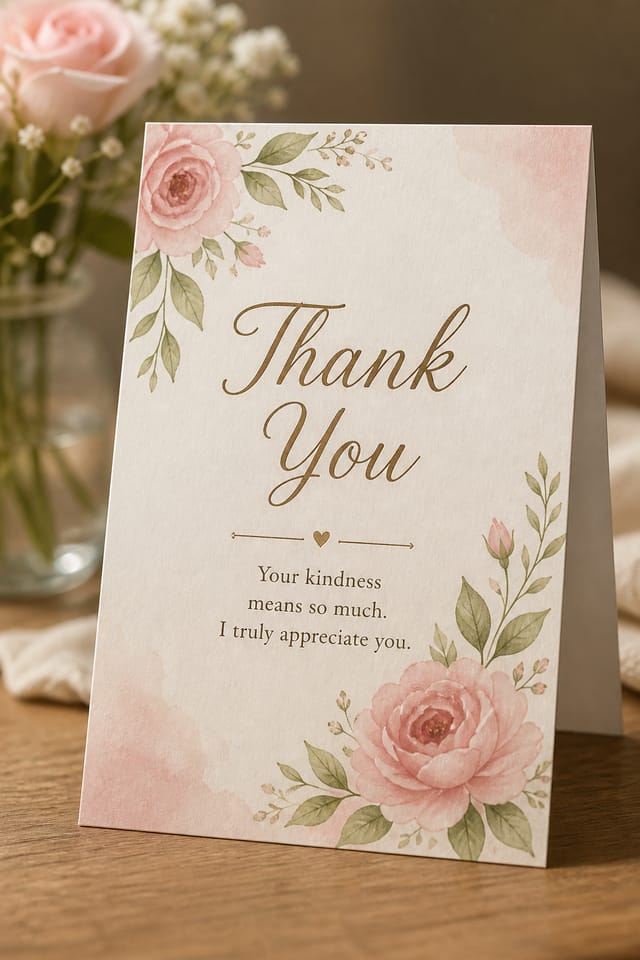
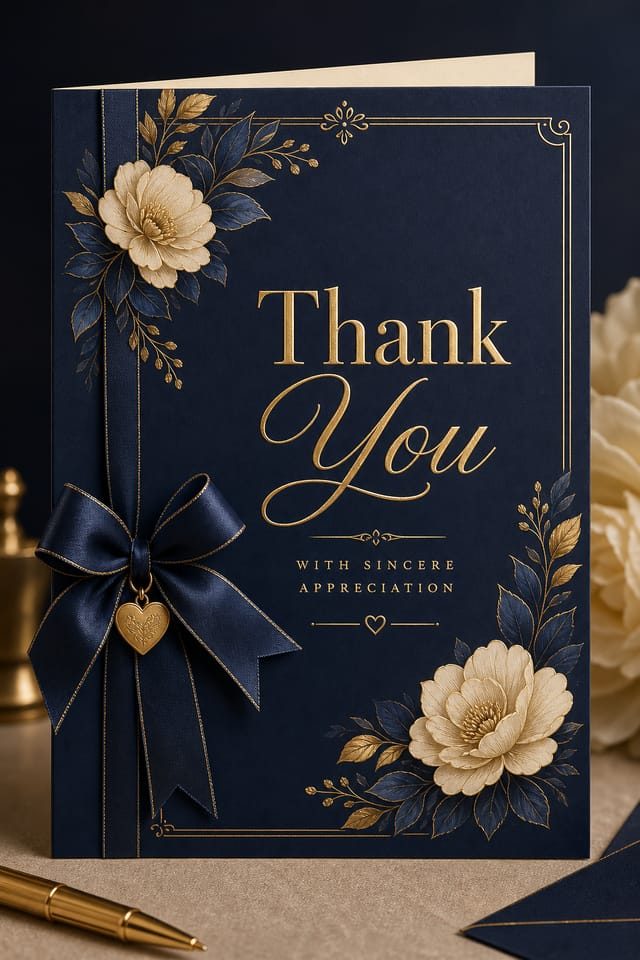
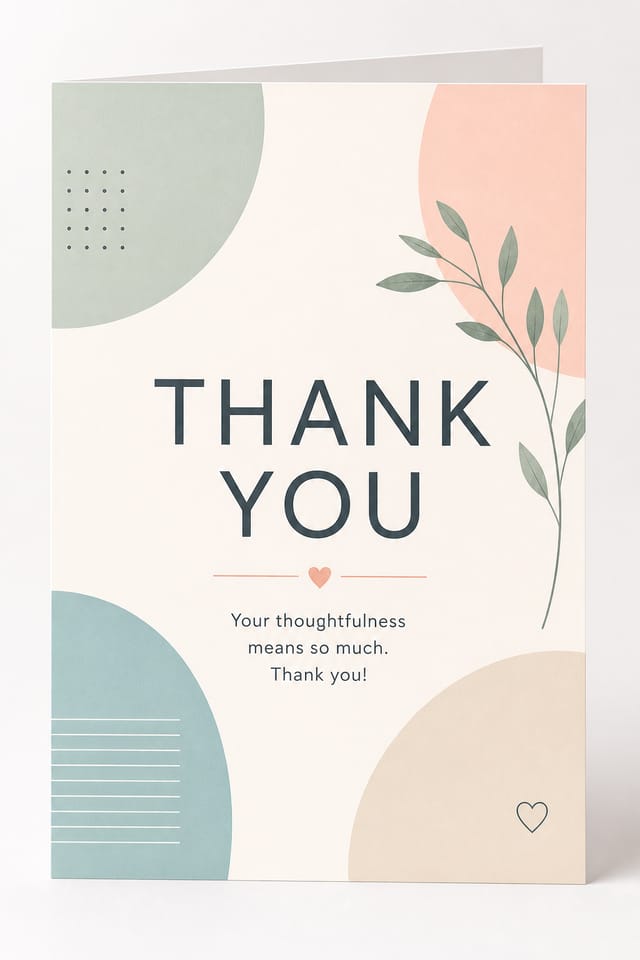
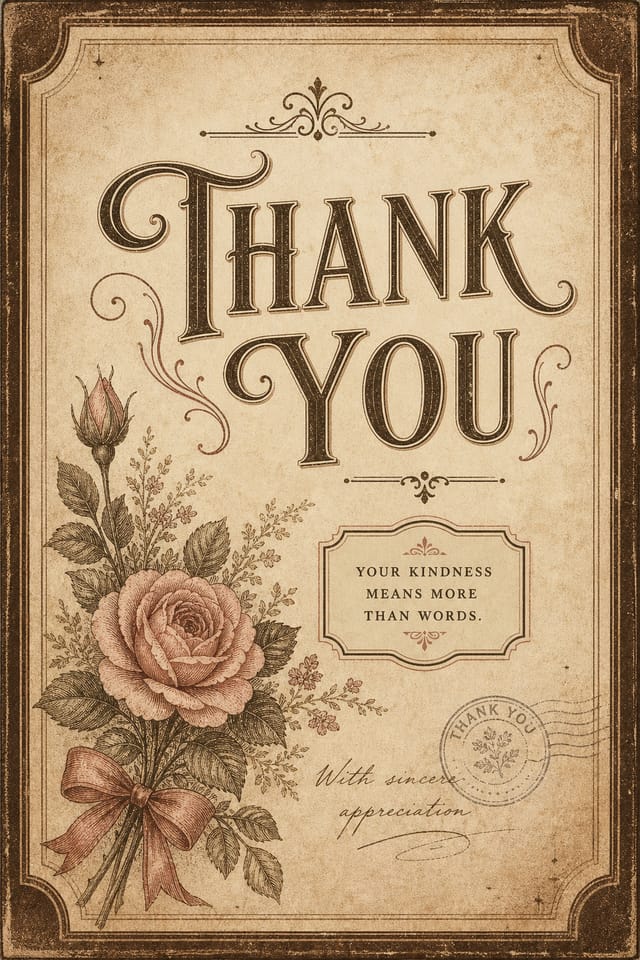
AI Thank-You Card Generator: Create Stunning Designs
Create thank-you cards with accurate style interpretation. Pixazo understands thank-you visual language and applies it to your specific request.
Create Your Thank You Card FreeWhat Makes Thank-You Card Design Work: Specific Knowledge Required
The Logic of Thank-You Card Design
The gap between a professional thank-you card and a mediocre one usually comes down to design decisions made early in the process: palette selection, type hierarchy, and compositional structure.
These choices determine whether the final output reads as thank-you or just looks generic.
Pixazo's AI makes these foundational decisions based on your prompt.
Specify a thank-you card and the system selects design parameters that match thank-you visual expectations, giving you a solid starting point rather than a blank-slate template.
Thank-You Card Design Steps: In Minutes
Declare the Design Direction
Start with a text description of your thank-you card concept. Specify the visual style, colors, layout direction, and key text. Detailed prompts produce more accurate thank-you card designs than general ones.
Screen the Design
Pixazo generates your thank-you card in seconds. Review the design and adjust your prompt to refine specific elements: change the color palette, shift the layout weight, or add visual elements you want included.
Publish the Output
Get your final thank-you card file in one click. Choose your format, download at full resolution, and use the design immediately. No watermarks, no additional fees, no waiting.
Watch: Creating Thank You Card designs step by step
Built for Thank-You Card: Core Strengths
Typography Matching
Typefaces are selected to match thank-you aesthetic expectations. The AI pairs fonts that reinforce your thank-you card's visual identity.
Subcategory Awareness
The AI distinguishes between design subcategories. A thank-you card request produces thank-you-appropriate output, not a generic design with thank-you text added.
Layered Style Application
Combine thank-you style with other design parameters in a single prompt. The AI interprets complex requests and applies multiple style constraints simultaneously.
Color Temperature Control
Specify warm, cool, or neutral color direction for your thank-you card. The AI builds the full palette around your temperature preference.
Resolution Control
Specify output dimensions for your thank-you card. Get files sized for web display, social media, or large-format printing.
Print-Ready Output
Generated thank-you cards are sized and structured for professional printing. Download high-resolution files ready for production.
Getting Started with Thank-You Cards: Key Things to Know
Specify the dimensions in your prompt. Common formats like A3, 18x24 inches, or 1080x1920 pixels for social media stories all work. The AI generates a thank-you card composition appropriate for the specified aspect ratio and use case.
The AI recognizes thank-you design as a distinct visual category with its own conventions. Specifying thank-you style in your prompt triggers appropriate design decisions around color, typography, and composition rather than defaulting to generic poster layout.
Include 'transparent background' in your prompt to generate a thank-you card with no background fill. Download as PNG to preserve transparency. This is useful for thank-you designs that will be composited over other imagery or placed on colored surfaces.
Each generation uses your unique prompt text to produce a distinct thank-you card design. Even similar prompts produce noticeably different outputs due to the AI's generative process. No two users receive identical designs.
Who Creates Thank-You Cards: Everyday and Professional
Holiday and Seasonal Greetings
Design thank-you cards for seasonal holidays, new year wishes, and annual greetings. Timely designs that maintain a personal touch.
Thank-You and Appreciation Notes
Generate thank-you cards expressing gratitude to hosts, teachers, mentors, and colleagues. Designs that feel genuine and considered.
Baby Announcements and Shower Invites
Generate thank-you cards for birth announcements, gender reveals, and baby shower invitations. Charming designs that capture the occasion.
Retirement and Farewell Messages
Create thank-you cards marking career milestones and departures. Respectful designs that celebrate contributions and wish well.
How Thank-You Card AI Excels: Why It Works
Multi-Format Export
Export your completed thank-you card in the format that fits your workflow. PNG for web, PDF for print, and JPG for universal compatibility.
Iterative Refinement
Start with an initial generation and refine your thank-you card through follow-up prompts that adjust specific elements while preserving what already works.
Design Variations for Thank-You Cards: Finding Your Look
Classic Thank-You
Traditional thank-you design principles applied to modern card format. Clean composition, conventional hierarchy, time-tested visual decisions.
High-Contrast Thank-You
Bold thank-you visual treatment with strong tonal contrast. Elements read clearly at any viewing distance.
Minimalist Thank-You
Stripped-back thank-you approach. Fewer elements, more negative space, typography carries more visual weight.
Geometric Thank-You
Structured thank-you composition using grid systems and angular forms. Order and precision define the visual approach.
Editorial Thank-You
Text-dominant thank-you card layout inspired by print publication design. Typographic variety creates visual rhythm.
Writing Thank-You Card Prompts to Try
Copy any prompt below and paste it into Pixazo to generate your design instantly.
Thank-You aesthetic card, palette drawn from thank-you design tradition, layout proportions consistent with thank-you conventions, purposeful use of each elementRefined thank-you card, sophisticated color relationships, intentional whitespace, typefaces appropriate to thank-you style, balanced compositionContemporary thank-you card design, grid-based layout, typographic precision, restrained color palette, no decorative excessHigh-impact thank-you card, immediate visual read at thumbnail size, clear headline dominance, supporting information structured logicallyEditorial-style thank-you card, text-dominant design, typographic treatment carries visual weight, layout proportions inspired by print publication designPortrait-orientation thank-you card, vertical composition, headline at natural reading entry point, supporting information flows downward logicallyStreamlining Thank-You Card Creation: Workflow Breakdown
Research
Collect examples of effective thank-you card designs, note what works, and identify patterns relevant to your project goals.
Refine
Apply targeted edits to your selected thank-you card. Adjust typography, spacing, and color until every element meets your quality standard.
Generate
Use AI to produce multiple thank-you card variations based on your brief. Start broad and narrow down from the strongest options.
Export
Export your thank-you card in the required formats and resolutions. Organize deliverables for handoff to the production or publishing team.
Thank-You Card Community: A Design Gallery
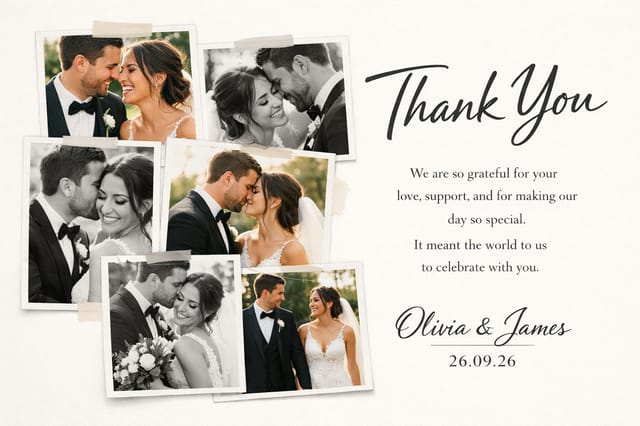
Real creators sharing their thank you designs made with Pixazo AI.
Luxurious thank-you card with gold foil accents on black, thin serif typography, symmetrical centered layout, premium feel
Two-color thank-you card, maximum contrast between primary and secondary color, typography set in one color per level
Contemporary thank-you style card, grid-based structure, disciplined spacing, restrained decoration, readable at viewing distancePro Tips for Thank-You Card Design: Practical Guidance
Check Alignment Carefully
Misaligned elements are one of the most common signs of amateur thank-you card design. Use grid lines and snap-to features to keep things precise.
Keep Typography Simple
Use no more than two typefaces per thank-you card. One for headlines, one for body text. Consistency in typography signals professionalism.
Iterate with Variations
Generate 3-5 versions of your thank-you card before committing. Comparing variations side by side often reveals the strongest direction.
Start with a Clear Brief
Before generating any thank-you card, write down the core message, target audience, and intended use. A focused brief produces better results than iterating from a vague idea.
Thank-You Card Trends to Watch: Design Movements
Retro Revival
Vintage aesthetics from the 1970s and 1990s are influencing thank-you card design with textured backgrounds, serif fonts, and warm gradients.
Organic Shapes
Flowing, irregular forms are replacing sharp geometric shapes in thank-you card backgrounds and decorative elements for a softer visual feel.
Asymmetric Composition
Breaking grid symmetry in thank-you card layouts creates visual tension and a modern, editorial feel that stands out.
Gradient Overlays
Smooth color transitions are being used as primary design elements in thank-you card work, adding depth without the complexity of photographic backgrounds.
Data-Driven Visuals
Incorporating charts, statistics, and structured data directly into thank-you card layouts helps communicate complex messages at a glance.
Current Thank-You Card Limits: Capabilities and Caveats
Known limitations and trade-offs of AI-generated thank you design. Understanding what the AI handles well and where it falls short helps you structure your thank-you card design workflow effectively.

