Vehicle Wrap Mockup : Create Free Vehicle Wrap Mockups in Minutes with AI
Create Custom Vehicle Wrap Mockups Quickly with Pixazo Best AI Vehicle Wrap Mockup Maker. Try for Free!
Get Started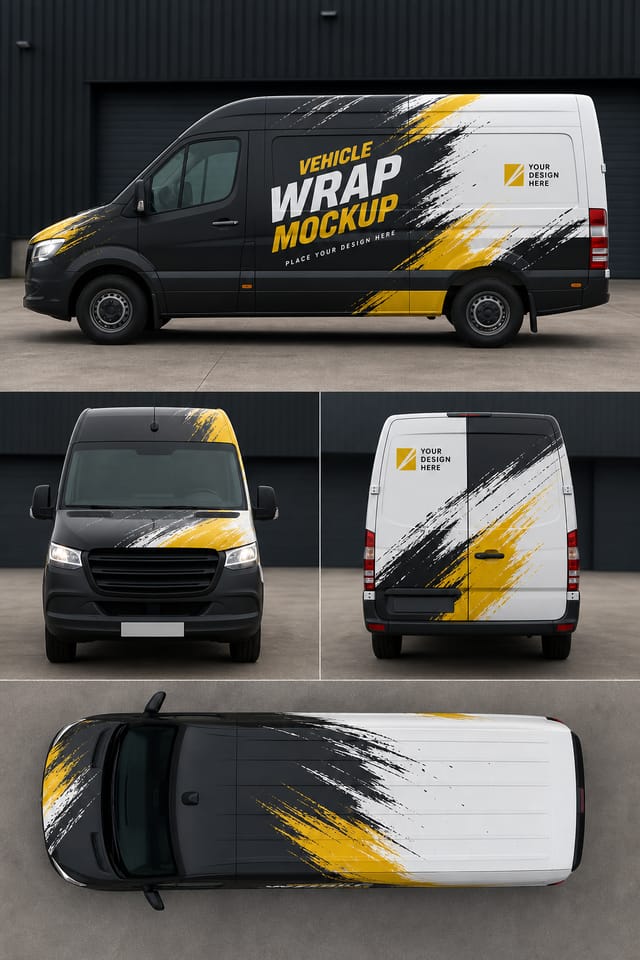
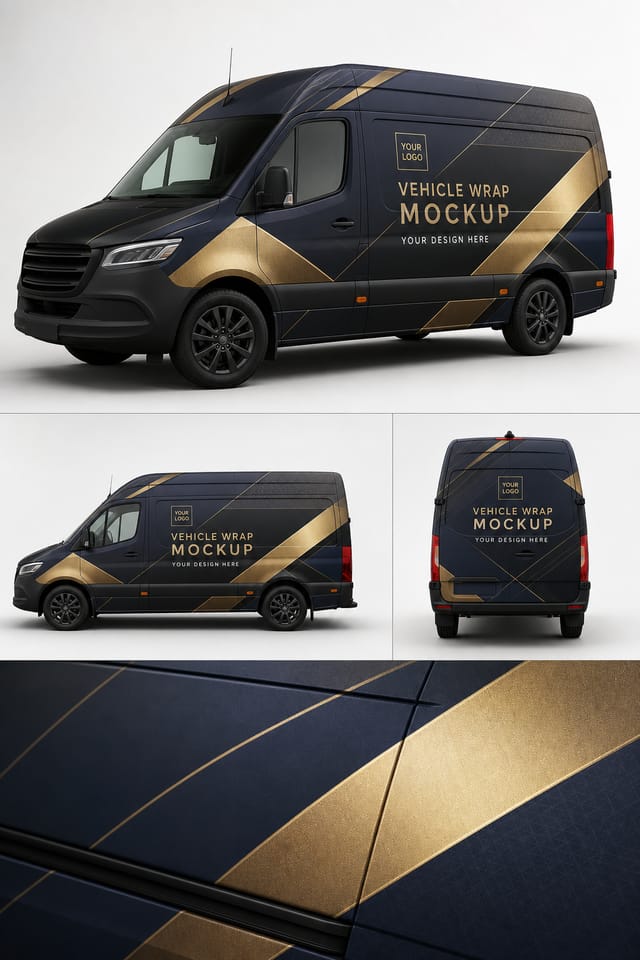
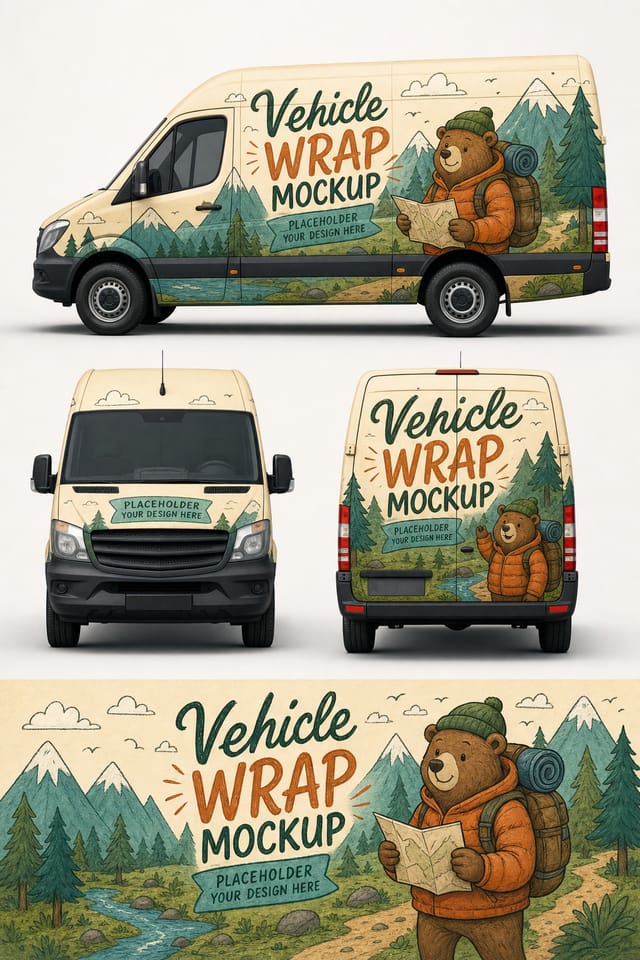
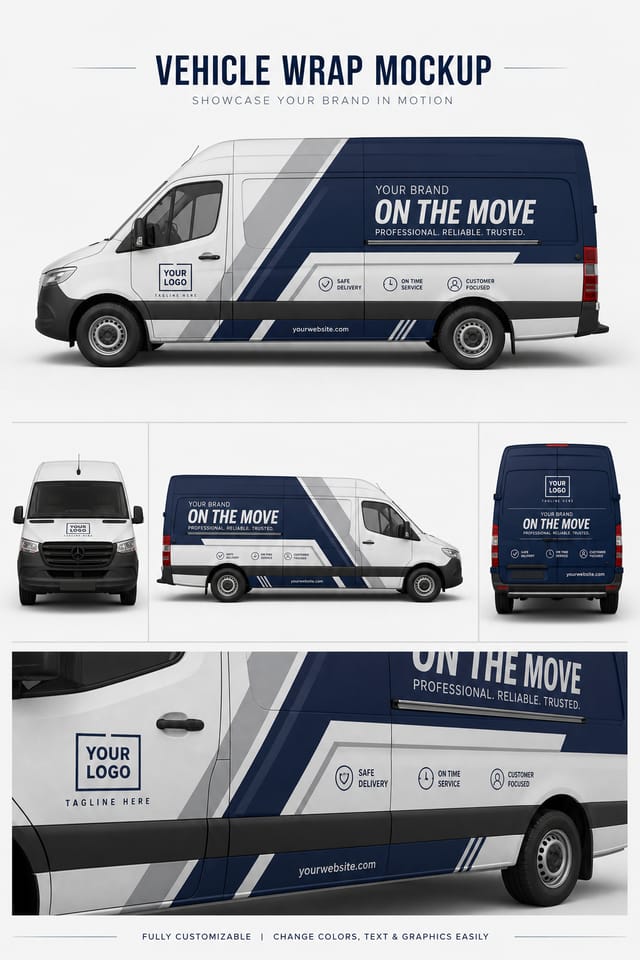
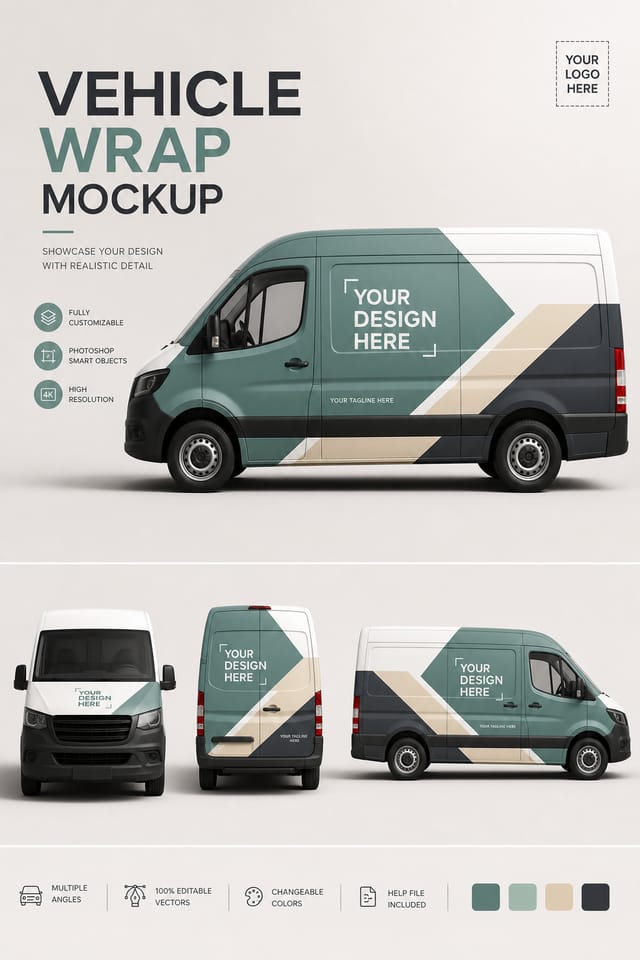
What Powers Vehicle-Wrap Mockup Design: What Sets It Apart
Compositional Structure
Layout and hierarchy decisions reflect vehicle-wrap design patterns. The proportions and arrangement match how vehicle-wrap designs are conventionally structured.
Style-Accurate Generation
The AI interprets vehicle-wrap design conventions and applies them to your mockup, producing output that looks correctly styled rather than generically templated.
Consistency Across Variants
Generate multiple vehicle-wrap mockups for a project and maintain visual consistency across the set. Specify your core design parameters and vary secondary elements.
Text Placement Options
Describe where you want text elements positioned in your vehicle-wrap mockup. The AI follows compositional direction about headline placement and body copy layout.
Fast Generation
Complete vehicle-wrap mockup designs generate in seconds. No rendering queues, no waiting for batch processing.
Effective Vehicle-Wrap Mockup Strategies: Rules Worth Following
Use grids and alignment
Structured layouts in your vehicle-wrap mockup create a sense of order and professionalism that unstructured designs cannot match.
Keep the message focused
A strong vehicle-wrap mockup communicates one primary idea clearly. Supporting details should reinforce, not compete with, the main message.
Maintain brand alignment
Keep your vehicle-wrap mockup design consistent with existing brand colors, fonts, and visual language for a cohesive identity.
Use too many fonts
More than two or three typefaces in a single vehicle-wrap mockup creates visual noise and makes the design feel disjointed.
Rely solely on AI output
AI-generated vehicle-wrap mockup designs are a starting point. Human review catches issues with context, tone, and accuracy that AI can miss.
Forget the call to action
A vehicle-wrap mockup without a clear next step for the viewer is a missed opportunity. Always include direction on what to do next.
Deep Dive into Vehicle-Wrap Mockup AI: What Each Does
Layout Intelligence
AI understands vehicle-wrap mockup layout conventions and applies them automatically
Typography Matching
Font selection that matches the visual tone of your vehicle-wrap mockup design
Composition Rules
Automatic application of design principles like hierarchy and balance
Vehicle-Wrap Mockups Across Fields: Who Benefits Most
Personal Creative Work
Generate vehicle-wrap mockups for personal projects, home display, and creative experiments without spending production time on design execution.
Podcast and Media Branding
Generate vehicle-wrap mockups for podcast covers, episode artwork, and media channel identity. Consistent visual branding across audio and video platforms.
Subscription and SaaS Marketing
Generate vehicle-wrap mockups for software launches, feature announcements, and onboarding campaigns. Clean, modern designs for digital-first audiences.
Professional Projects
Create vehicle-wrap mockups for client work, commercial campaigns, and professional applications where quality and style accuracy matter.
Vehicle-Wrap Mockup Prompts: Prompt Starters
Copy any prompt below and paste it into Pixazo to generate your design instantly.
Monochromatic vehicle-wrap mockup, single-hue palette with value variation for contrast, typographic hierarchy creates visual interest without color complexityLarge-format vehicle-wrap mockup design, elements sized for visibility at print scale, no fine detail that would be lost in productionSeries-compatible vehicle-wrap mockup design, visual language that extends to multiple formats, consistent design system across variantsProfessional vehicle-wrap mockup, minimalist vehicle-wrap approach, negative space used intentionally, readable at multiple viewing distances, print-ready compositionVehicle-Wrap style mockup, bold headline placement, supporting text at appropriate scale, color palette consistent with vehicle-wrap design conventionsHigh-impact vehicle-wrap mockup, immediate visual read at thumbnail size, clear headline dominance, supporting information structured logicallyYour Vehicle-Wrap Mockup Workflow: A Quick Guide
Specify Your Needs
Start with a text description of your vehicle-wrap mockup concept. Specify the visual style, colors, layout direction, and key text. Detailed prompts produce more accurate vehicle-wrap mockup designs than general ones.
Review What Emerged
Pixazo generates your vehicle-wrap mockup in seconds. Review the design and adjust your prompt to refine specific elements: change the color palette, shift the layout weight, or add visual elements you want included.
Perfect the Design
Refine the vehicle-wrap mockup by updating your description with precise changes. Add constraints you didn't include initially or remove elements that aren't working. The AI responds to specific direction.
Transfer the File
Get your final vehicle-wrap mockup file in one click. Choose your format, download at full resolution, and use the design immediately. No watermarks, no additional fees, no waiting.
Watch: Creating Vehicle Wrap Mockup designs step by step
Vehicle-Wrap Mockup Aesthetics: Visual Approaches
High-Contrast Vehicle-Wrap
Bold vehicle-wrap visual treatment with strong tonal contrast. Elements read clearly at any viewing distance.
Atmospheric Vehicle-Wrap
Vehicle-Wrap mockup design where mood takes priority. Color and composition work together to create a specific feeling.
Contemporary Vehicle-Wrap
Current vehicle-wrap design sensibility with updated proportions, modern typefaces, and contemporary color relationships.
Minimalist Vehicle-Wrap
Stripped-back vehicle-wrap approach. Fewer elements, more negative space, typography carries more visual weight.
Classic Vehicle-Wrap
Traditional vehicle-wrap design principles applied to modern mockup format. Clean composition, conventional hierarchy, time-tested visual decisions.
Where Vehicle-Wrap Mockup AI: Known Limitations
Known limitations and trade-offs of AI-generated vehicle wrap design. AI vehicle-wrap mockup generation produces strong results within its design domain. These notes describe where human judgment and manual work remain necessary.
The Vehicle-Wrap Mockup Gallery: Gallery Highlights
Real creators sharing their vehicle wrap designs made with Pixazo AI.

Editorial-inspired vehicle-wrap mockup, text-dominant layout, typographic variety creates visual interest, clean structured alignment
Two-color vehicle-wrap mockup, maximum contrast between primary and secondary color, typography set in one color per level
Vehicle-Wrap mockup with Japanese minimalism influence, abundant whitespace, single focal element, restrained palette of black, white, and one accentHow Vehicle-Wrap Mockup Projects Flow: From Start to Delivery
Brief
Establish the key message, dimensions, color preferences, and target audience for your vehicle-wrap mockup before any design work begins.
Research
Collect examples of effective vehicle-wrap mockup designs, note what works, and identify patterns relevant to your project goals.
Refine
Apply targeted edits to your selected vehicle-wrap mockup. Adjust typography, spacing, and color until every element meets your quality standard.
Approve
Get stakeholder approval on the finished vehicle-wrap mockup. Verify all text is accurate and the design meets brand and technical requirements.
Review
Compare generated vehicle-wrap mockup options against your brief. Mark what works and note specific changes needed for the next iteration.
New to Vehicle-Wrap Mockups? FAQ
Common sizes include 1080x1080 for Instagram feed, 1080x1920 for stories and reels, 1200x628 for Facebook links, 1500x500 for Twitter headers, and 1080x1350 for Pinterest. Specify the platform in your prompt and Pixazo optimizes vehicle-wrap layout for that format.
Include 'transparent background' in your prompt to generate a vehicle-wrap mockup with no background fill. Download as PNG to preserve transparency. This is useful for vehicle-wrap designs that will be composited over other imagery or placed on colored surfaces.
Canva uses fixed templates you customize manually. Pixazo generates original vehicle-wrap mockup designs from your description, so every output is unique. For vehicle-wrap work specifically, the AI applies style-specific design decisions rather than offering generic drag-and-drop templates.
Designs generated through Pixazo are yours to use as you see fit. You retain full usage rights for commercial and personal applications. The platform does not claim ownership over your generated vehicle-wrap mockup output.
Include the target language in your prompt when generating vehicle-wrap mockups with non-English text. The AI selects typographic approaches appropriate for the language and applies vehicle-wrap design conventions to the overall layout regardless of language.

