AI Billboard Ads Maker: Create Free Billboard Ads in Minutes
Create custom billboard ads with Pixazo, an AI billboard generator and billboard maker built for out-of-home. Try for Free!
Get Started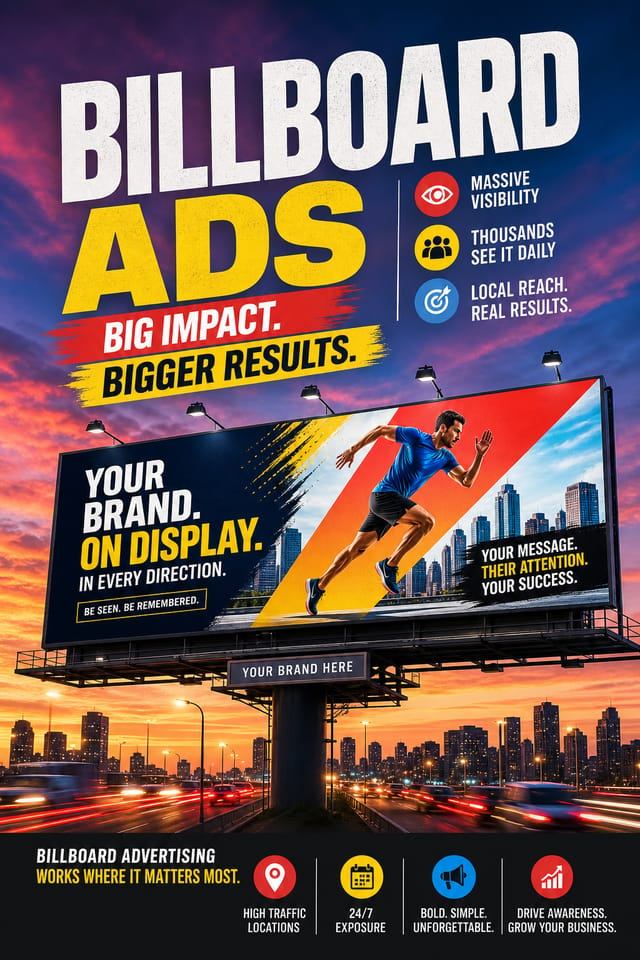
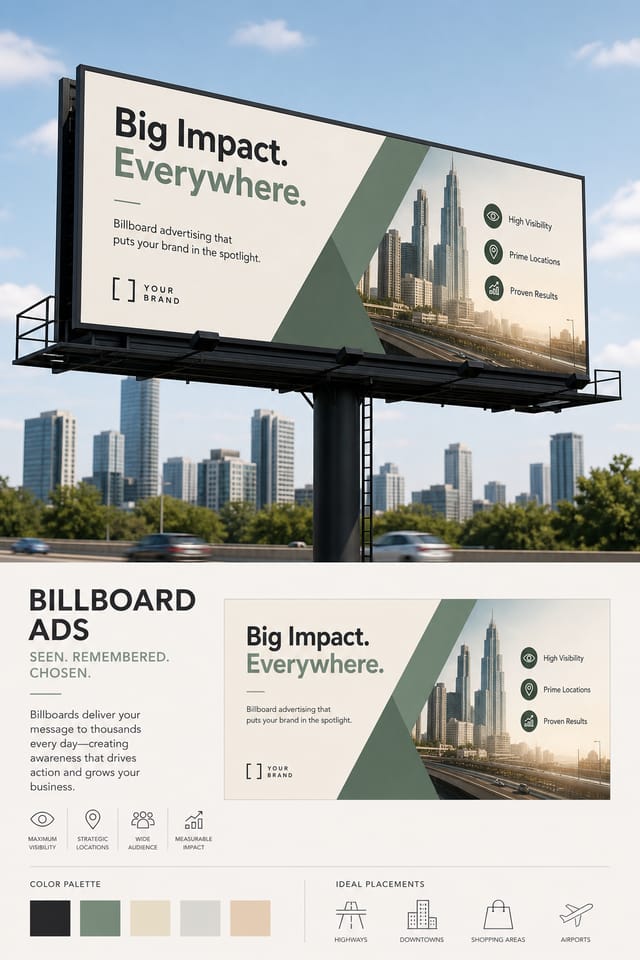
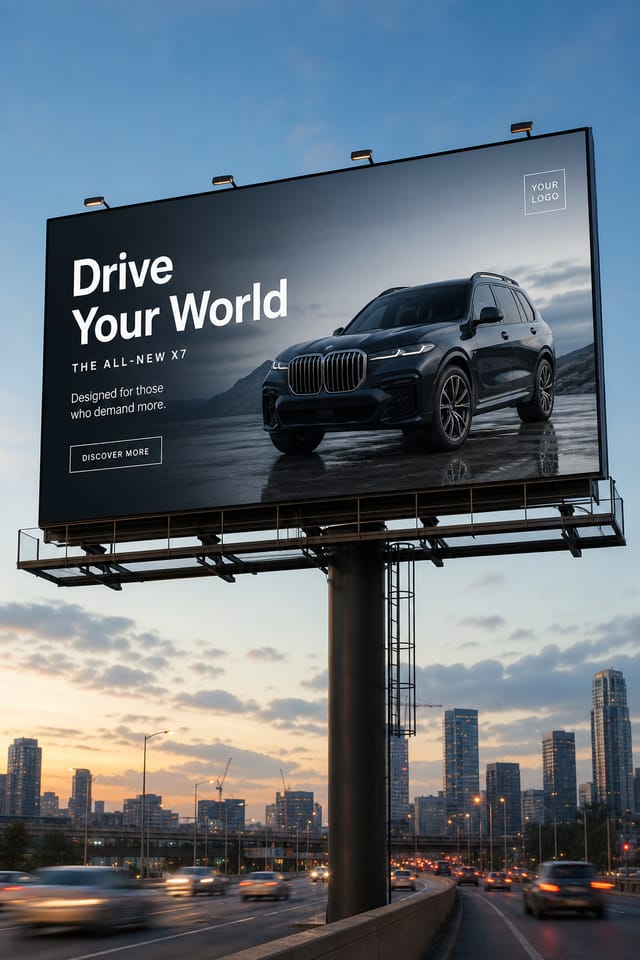
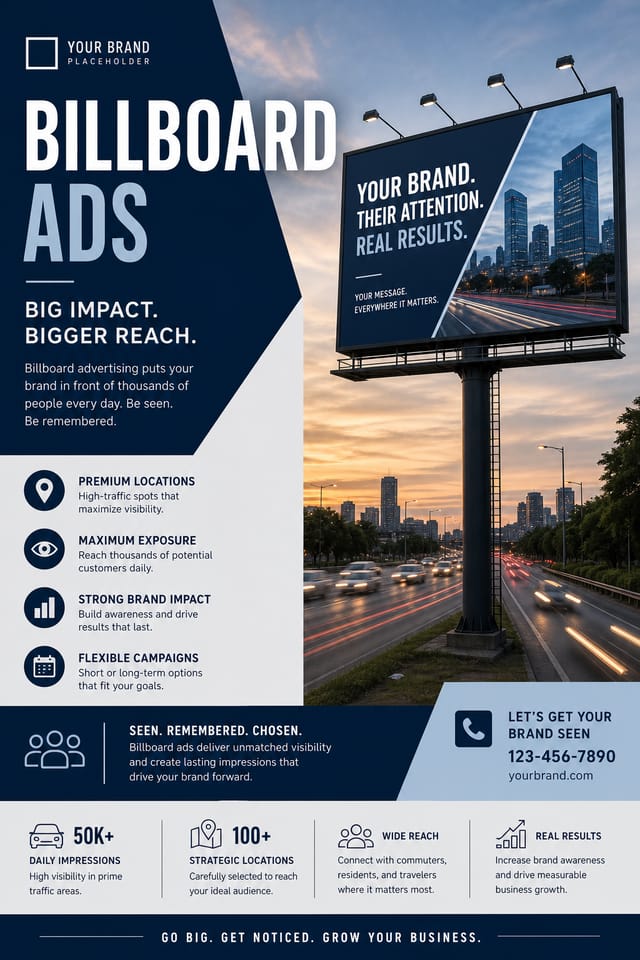
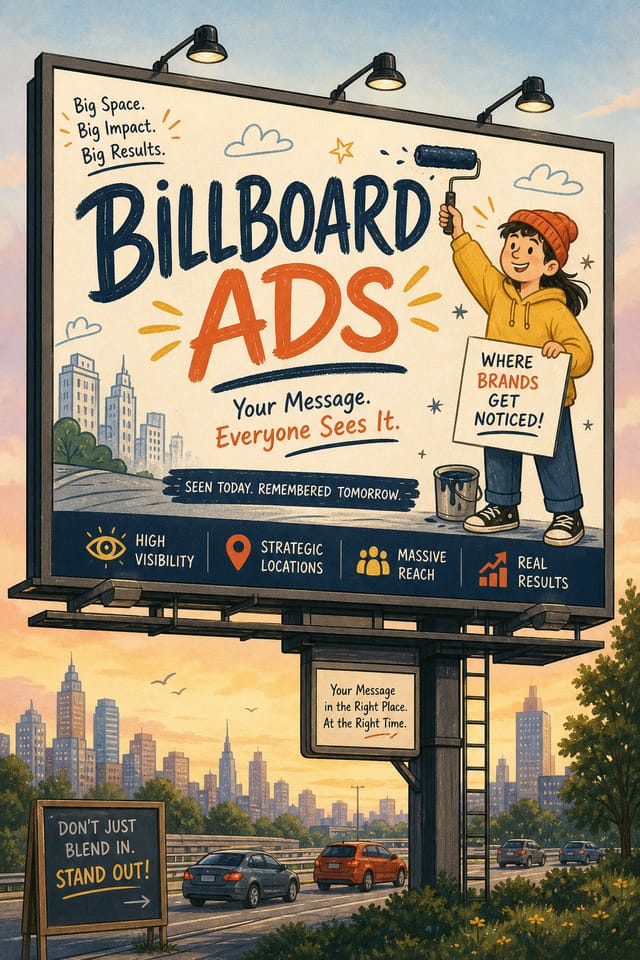
Design Variations for Billboard Ads: Compared
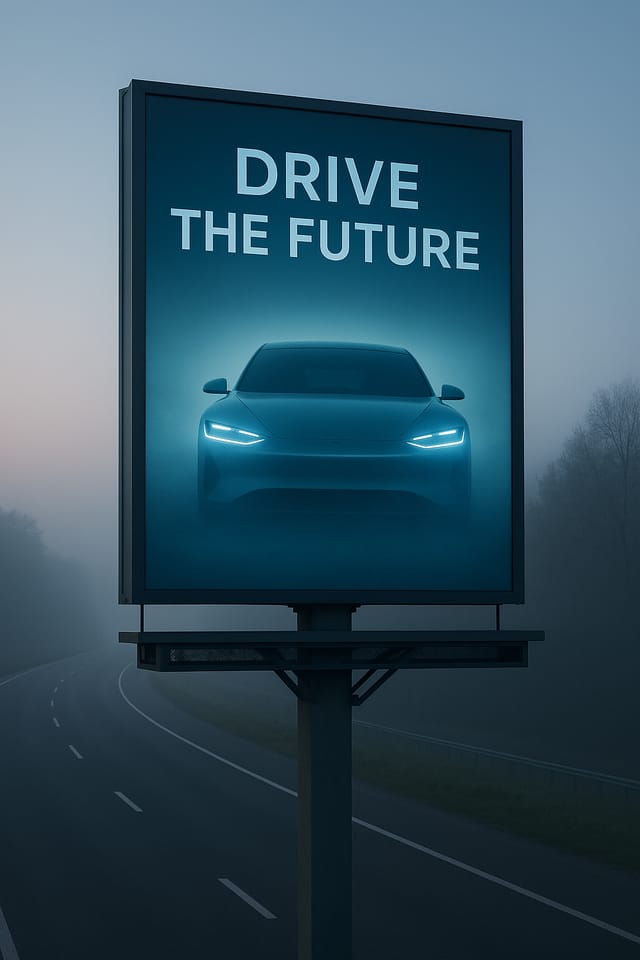
Atmospheric Billboard Ad
Billboard Ad design where mood takes priority. Color and composition work together to create a specific feeling.
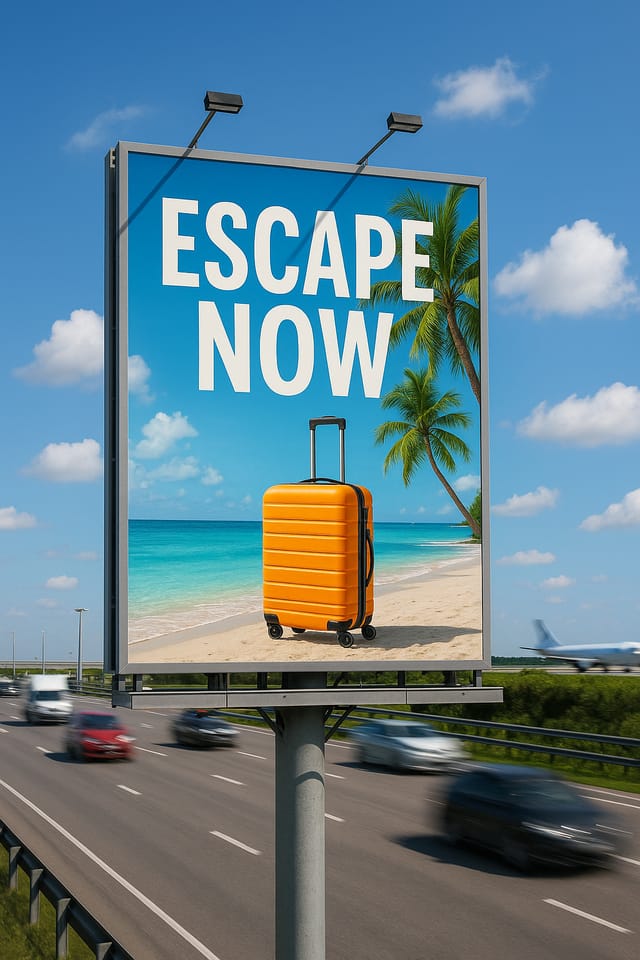
Classic Billboard Ad
Traditional billboard ad design principles applied to modern billboard ad format. Clean composition, conventional hierarchy, time-tested visual decisions, much like the vintage poster maker works from.
Textured Billboard Ad
Billboard Ad design with added surface depth. Background treatments add visual interest without disrupting legibility.
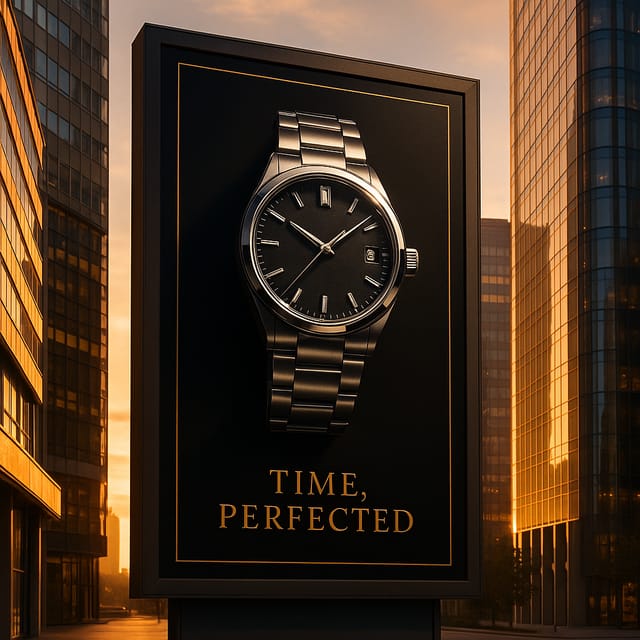
High-Contrast Billboard Ad
Bold billboard ad visual treatment with strong tonal contrast. Elements read clearly at any viewing distance, the same discipline the black and white poster maker is built around.
Billboard Ad Export Guide: Format Guide
PNG
Lossless image format ideal for billboard ad designs with transparency, sharp text, and web display at predictable file sizes.
WEBP
Modern web format offering smaller file sizes than PNG or JPG for billboard ad images without significant quality loss.
JPG
Compressed image format suited for billboard ad designs with photographic elements where smaller file size matters more than pixel-perfect edges.
TIFF
High-fidelity format for billboard ad files destined for professional printing, supporting CMYK color and lossless compression.
SVG
Scalable format for billboard ad designs that need to render crisply at any resolution, commonly used for web and responsive layouts.
The Billboard Ad Feature Set: Professional Features
Typography Matching
Typefaces are selected to match billboard ad aesthetic expectations. The AI pairs fonts that reinforce your billboard ad's visual identity.
Consistency Across Variants
Generate multiple billboard ads for a project and maintain visual consistency across the set. Specify your core design parameters and vary secondary elements.
Print-Ready Output
Generated billboard ads are sized and structured for professional printing. Download high-resolution files ready for production.
Commercial Use Rights
Designs generated with Pixazo are yours to use commercially. No additional licensing required for billboard ad projects, or for anything else in the Pixazo AI tools catalogue.
Fast Generation
Complete billboard ad designs generate in seconds. No rendering queues, no waiting for batch processing.
Ready to mock up your billboard?
This AI billboard generator lays out headline, logo and image at real proportions.
Create a Billboard FreeHow People Use Billboard Ads: Who Benefits Most
E-Commerce Product Promotion
Design billboard ads for online store banners, product launches, and seasonal sales. Conversion-focused visuals for digital retail, and the retail poster maker covers the in-store half of the same campaign.
Sports and Recreation
Produce billboard ads for leagues, tournaments, and recreational programs. Energetic designs that build excitement and communicate schedules; pair them with the event poster maker for fixture-by-fixture artwork.
Restaurant and Food Service
Generate billboard ads for menus, seasonal promotions, and restaurant branding. Designs that reflect cuisine style and dining atmosphere, and the AI menu maker handles the board a diner reads once they are through the door.
Non-Profit Campaigns
Create compelling campaign billboard ads without allocating budget to design production. Focus resources on mission-critical activities, and the campaign poster maker and announcement poster maker extend the same message to smaller placements.
Professional Projects
Create billboard ads for client work, commercial campaigns, and professional applications where quality and style accuracy matter.
Billboard Ad Production Steps: Workflow Breakdown
Export Deliver final files
Export your billboard ad in the required formats and resolutions. Organize deliverables for handoff to the production or publishing team, alongside anything from the advertising poster maker and the advertising flyer maker running in the same campaign.
Research Gather references
Collect examples of effective billboard ad designs, note what works, and identify patterns relevant to your project goals. The business poster maker and the AI banner maker are useful reference for how the same idea scales down.
Refine Polish the design
Apply targeted edits to your selected billboard ad. Adjust typography, spacing, and color until every element meets your quality standard.
Approve Final sign-off
Get stakeholder approval on the finished billboard ad. Verify all text is accurate and the design meets brand and technical requirements.
Review Evaluate and refine
Compare generated billboard ad options against your brief. Mark what works and note specific changes needed for the next iteration.
Billboard Ad Dos and Don'ts: Rules Worth Following
Maintain brand alignment
Keep your billboard ad design consistent with existing brand colors, fonts, and visual language for a cohesive identity. If the mark itself is still unsettled, start at the AI logo maker and work outward.
Keep the message focused
A strong billboard ad communicates one primary idea clearly. Supporting details should reinforce, not compete with, the main message.
Use a consistent visual hierarchy
Structure your billboard ad so the viewer's eye follows a clear path from headline to supporting details to call-to-action.
Ignore accessibility
Low-contrast text and tiny font sizes in your billboard ad exclude a significant portion of your potential audience.
Rely solely on AI output
AI-generated billboard ad designs are a starting point. Human review catches issues with context, tone, and accuracy that AI can miss.
Forget the call to action
A billboard ad without a clear next step for the viewer is a missed opportunity. Always include direction on what to do next.
Built for out-of-home
AI billboards for roadside, transit and mall formats. A billboard AI generator that sizes each one correctly first time.
Try the Billboard MakerThe Path to Your Billboard Ad: The Simple Process
Spell Out the Requirements
Start with a text description of your billboard ad concept. Specify the visual style, colors, layout direction, and key text. Detailed prompts produce more accurate billboard ad designs than general ones.
Watch It Come Together
Pixazo generates your billboard ad in seconds. Review the design and adjust your prompt to refine specific elements: change the color palette, shift the layout weight, or add visual elements you want included.
Course-Correct the Design
Refine the billboard ad by updating your description with precise changes. Add constraints you didn't include initially or remove elements that aren't working. The AI responds to specific direction.
Wrap It Up
Download your completed billboard ad in the format that fits your use case. High-resolution files for print, web-optimized versions for digital, or PDF for production-ready delivery. For a background plate to build the layout on, the AI image generator renders one from the same prompt.
Watch: Creating Billboard Ads Billboard Ads designs step by step
Billboard Ad AI Results: Numbers to Know
Output formats available for every billboard ad generation
Output formats available for every billboard ad generation
Languages supported for text rendering in billboard ad desi
Languages supported for text rendering in billboard ad designs
From initial prompt to finished billboard ad in a simple wo
From initial prompt to finished billboard ad in a simple workflow
Pitch it before you print it
AI billboard design for client decks, and AI outdoor advertising concepts you can show before anything goes to print.
Open the Billboard AIWhere Billboard Ad AI Falls Short: Known Limitations
Known limitations and trade-offs of AI-generated billboard ads design. Understanding what the AI handles well and where it falls short helps you structure your billboard ad design workflow effectively.
Billboard Ad Prompts: Prompts That Work
Copy any prompt below and paste it into Pixazo to generate your design instantly.
Full-bleed billboard ad, background treatment extends to edges, foreground elements positioned for compositional balance, strong central hierarchyTextured billboard ad, surface treatment adds depth without obscuring legibility, texture consistent with billboard ad aestheticTwo-color billboard ad design, high contrast between primary and secondary color, clean separation between graphic and text zonesClean billboard ad design, geometric structure, disciplined typography, color accent used selectively for emphasis, printer-optimized resolutionBillboard Ad design, clean layout, strong typography hierarchy, appropriate color palette for billboard ad aesthetic, high contrast between headline and backgroundLarge-format billboard ad design, elements sized for visibility at print scale, no fine detail that would be lost in productionNew to Billboard Ads? FAQ
Describe your core design parameters in each prompt and vary only the specific elements that should change across the series. Maintaining consistent color palette, typographic approach, and compositional structure across billboard ad variations creates a coherent series.
Longer, more detailed prompts generally produce more accurate results for billboard ad design. Include all the relevant information: style direction, color preferences, content to display, intended use, and any specific design elements you want. There is no strict character limit.
Designs created with Pixazo are available for commercial use. You can use your billboard ads for client projects, product sales, advertising, and other commercial applications without additional licensing fees.
Common sizes include 1080x1080 for Instagram feed, 1080x1920 for stories and reels, 1200x628 for Facebook links, 1500x500 for Twitter headers, and 1080x1350 for Pinterest. Specify the platform in your prompt and Pixazo optimizes billboard ad layout for that format.
The AI recognizes billboard ad design as a distinct visual category with its own conventions. Specifying billboard ad style in your prompt triggers appropriate design decisions around color, typography, and composition rather than defaulting to generic poster layout.
Real Billboard Ads: Creator Highlights
Real creators sharing their billboard ads designs made with Pixazo AI.