
Image
Features
Models
Video
Features
Models
Audio
Features
Models
API
Developers
API hubs
AI VFX
Services
Convert
Image converters
Video converters
Generate professional certificates instantly. Recognition, achievement, and completion designs tailored to your organization—no design experience required.
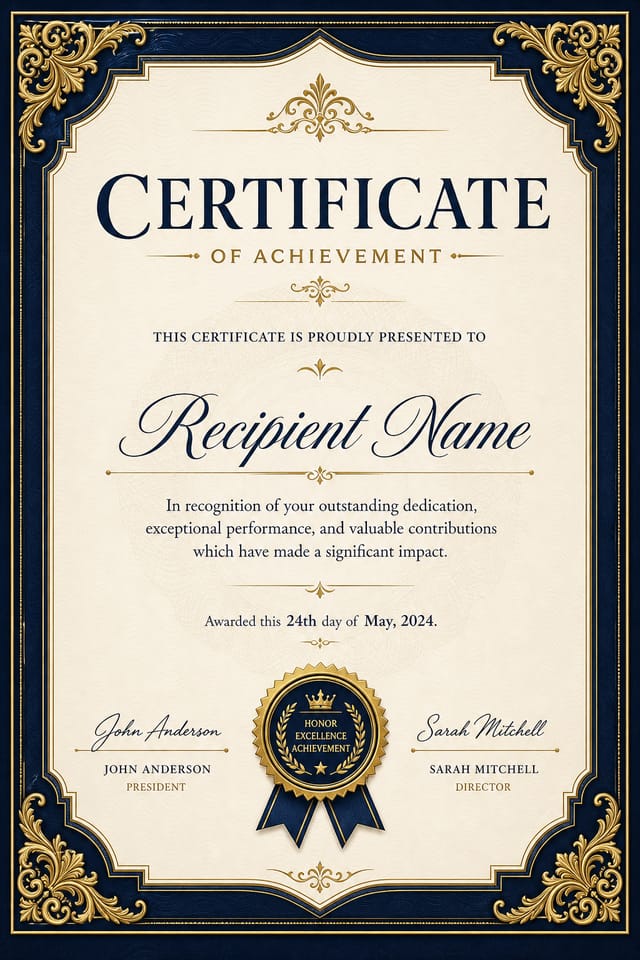
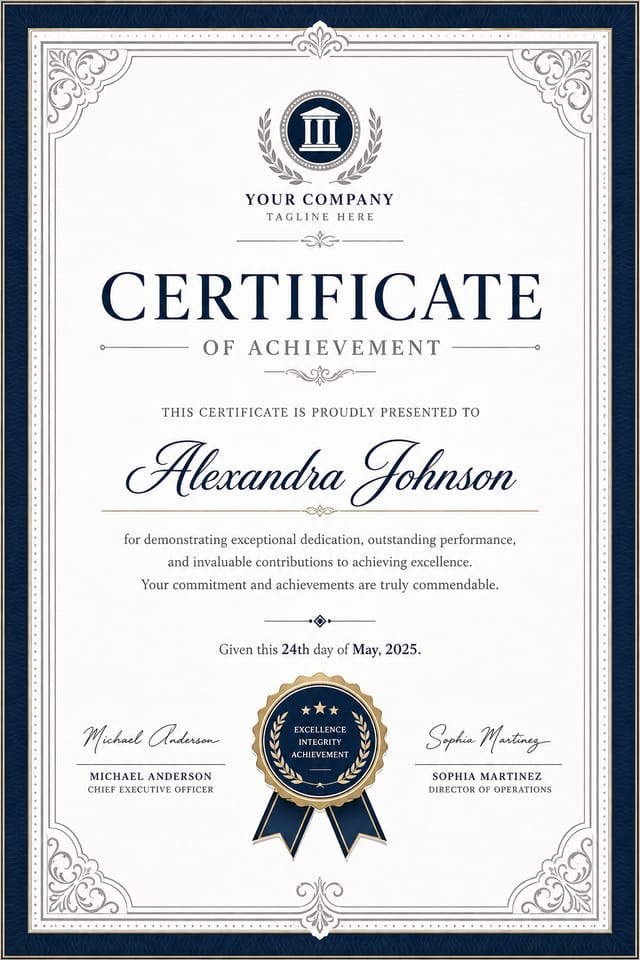
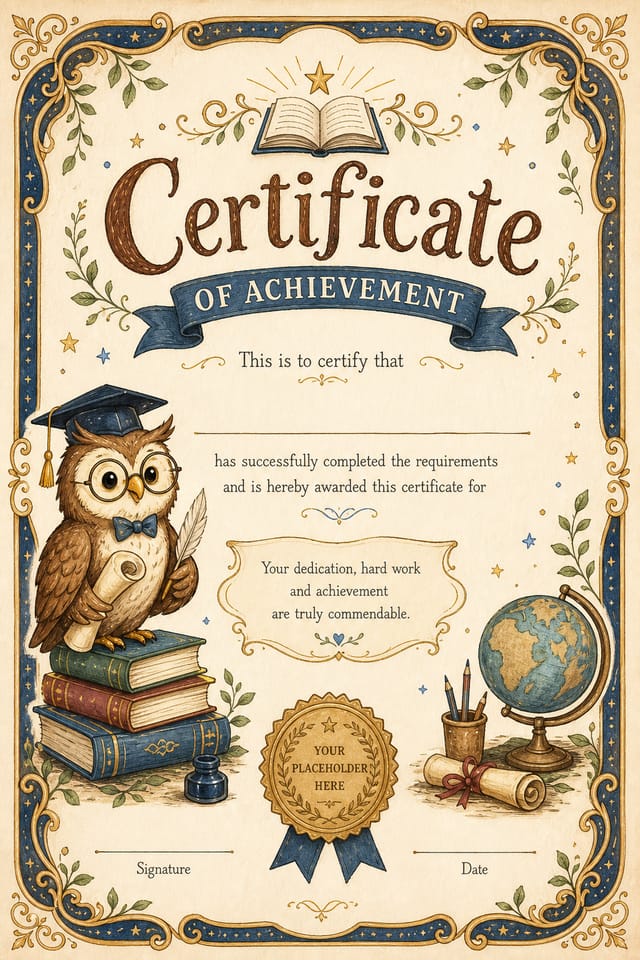
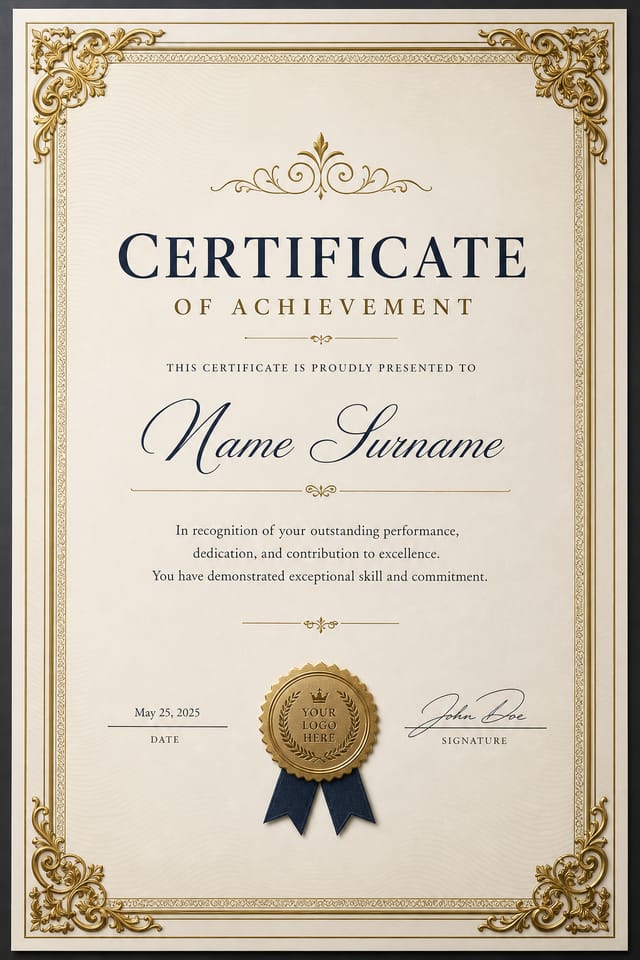
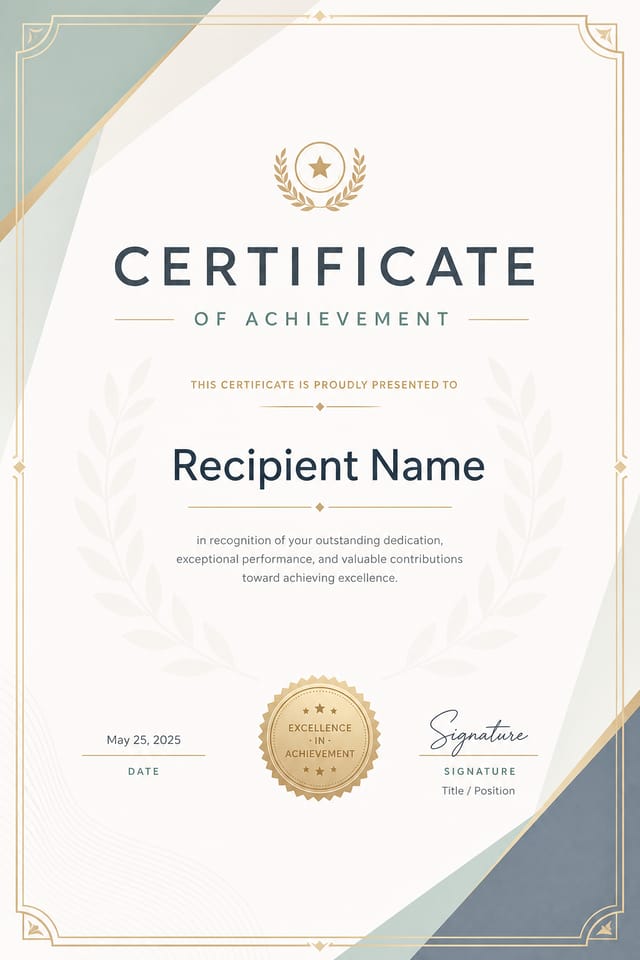
Six starting points, each matched to what the certificate has to do once it is printed and handed over.
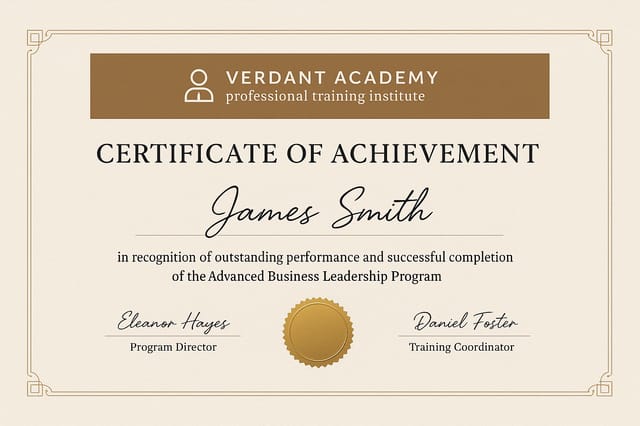
Landscape A4, the most requested layout. Leaves room for the course name on two lines, the date, and two signature blocks at the foot. Keep the title under eight words or it drops to a second line and crowds the name.
Landscape A4 with the organisation mark at the top rather than the centre, so the recipient name sits on the optical middle of the sheet. Works printed at 200 gsm and handed over in a folder.
Portrait A4, bordered, with space for an institutional seal in the lower left and a registrar signature on the right. Portrait is the convention here even though landscape is more common elsewhere.
Landscape A4 with a visible certificate number and an expiry date, which is what separates a compliance record from a decoration. Leave the number field wide enough for a prefix.
Landscape A4, lighter in tone, printed in volume. Designed to survive a single-colour office printer, so avoid large dark fills that drink toner across two hundred copies.
Small format, around 20 by 10 centimetres, with a value field, an expiry date and a serial number. Closer to a voucher than a diploma, and the only one on this list that usually needs a perforated edge.
Print specifics that apply to all six: 300 dpi at the final size, 3 mm bleed on every edge, and at least 10 mm of clear margin inside the border so the trim never cuts into the frame. Paper from 160 gsm upwards stops a certificate feeling like a handout; 200 to 250 gsm is where most awards sit.
Six certificate types tailored to recognition, achievement, and organizational needs. Each design adapts to your context and brand.
Recognition for academic or professional accomplishments with customizable student/employee details and institutional seals.
Mark graduation, course completion, or training milestones with date fields, program names, and signature lines.
Event or program participation recognition including event names, dates, and participant details for conferences.
Thank you and gratitude recognition with warm designs for volunteer appreciation and team recognition.
Outstanding performance and merit recognition with premium designs for top performers and achievers.
Track and recognize event attendance with registration numbers and compliance tracking fields.
Tell the AI what you need: achievement type, recipient details, organizational branding, and color preferences. Include any specific language or design requirements.
Tip: More detail in your prompt yields more personalized results. Include title, achievement level, and desired tone.Pixazo's AI creates a custom certificate layout complete with typography, decorative elements, and organizational styling. Preview the result instantly.
Tip: If design doesn't match your vision, refine the prompt with specific feedback on colors, layout, or embellishments.Download in your preferred format—PDF for professional printing, PNG for digital sharing, or SVG for further editing. Add names and dates as needed.
Tip: For bulk certificates, export as PDF and use mail-merge tools to personalize recipient names and dates.See how educators, HR teams, and organizers use AI Certificate Maker to recognize achievement at scale.
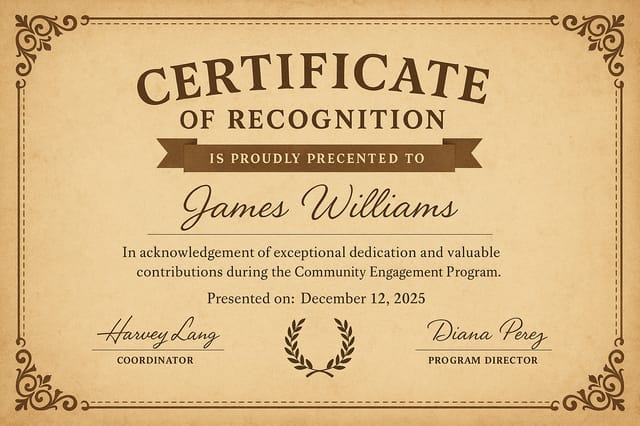
"I create achievement certificates for 150+ students annually. The AI-generated designs save me hours—I just customize names and print on certificate stock."
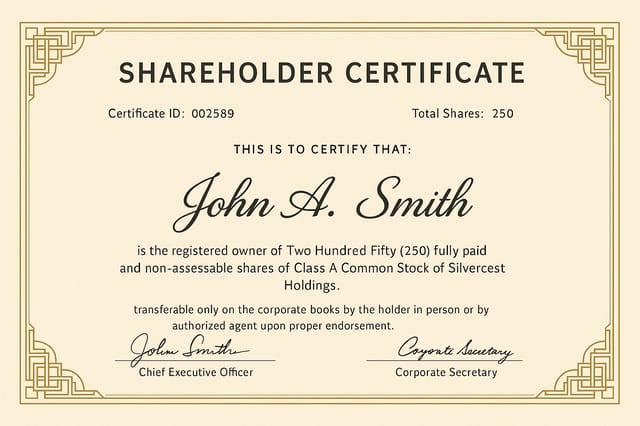
"We use AI certificates for quarterly employee recognition. Our team loves the personalized designs, and it strengthens workplace culture without the cost of traditional services."
"We recognize 500+ volunteers annually. AI certificates let us create personalized recognition without hiring a designer—every volunteer feels valued."
Fine-tune every aspect of your certificate design to match your brand and requirements.
Whether you're an educator, corporate HR, or community organizer, scale recognition efforts without hiring a designer.
Create student achievement certificates and honor roll recognition at scale. Customize for each student in seconds.
Recognize employee excellence, service milestones, and professional development completions. Strengthen company culture.
Issue participation certificates, speaker badges, and attendance recognition for conferences, workshops, and festivals.
Recognize volunteer contributions and community service. Create meaningful appreciation for hundreds of volunteers annually.
Issue course completion and professional certification credentials. Add serial numbers for official record-keeping.
Award athletic achievement, participation medals, and club membership credentials. Motivate members with professional recognition.
Choose the format that works best for your workflow. All exports are print-ready at 300 DPI.
AI Certificate Maker excels at professional design, but here's where it falls short. Transparency helps you plan accordingly.
The AI can design signature lines, but cannot generate realistic handwritten signatures. Plan for blank signature fields where authorized personnel will sign physically or digitally.
Creating certificates in multiple languages requires separate prompts and exports for each language. Special characters and non-Latin scripts may render inconsistently.
AI certificates serve recognition and internal documentation purposes. For official or legally binding credentials, you'll need physical signatures, institutional seals, and legal verification.
Advanced security features (holograms, microprinting, security paper) cannot be generated by AI. For fraud-prevention certificates, partner with professional print services post-export.
Personalizing hundreds of certificates with unique names and dates requires mail-merge integration or manual editing. The AI exports a master template you customize afterward.
Design one certificate template with placeholder fields for recipient name, date, and ID number. Export as PDF, then use Google Docs mail-merge or Adobe InDesign to populate details across bulk certificates—saving hours of manual work.
AI-generated certificates serve recognition and internal documentation purposes within your organization. They are not legally binding without physical signatures and official seals from authorized representatives. For official credentials requiring legal validity, combine AI-generated designs with institutional signatures and verification systems.
Yes. Include logo and seal details in your prompt: "Add Company XYZ logo in top-right corner" or "Integrate official organizational seal centered below the title." The AI integrates branding elements into the design. For precise brand alignment, export as SVG and fine-tune logo placement in a design editor.
Standard certificate sizes: Letter (8.5×11 inches) for framing and digital distribution, A4 (210×297mm) for international use, or landscape 11×8.5 inches for wall display. Export as PDF at 300 DPI for professional printing. Confirm with your print service that they support your chosen dimensions and paper stock.
Yes. Design a master certificate template with placeholder fields like "[Recipient Name]" and "[Date]." Export as PDF, then use mail-merge tools (Google Docs, Microsoft Word, or Adobe InDesign) to populate names and dates across bulk certificates. This scales recognition efforts from one to hundreds of personalized certificates.
Standard glossy or matte certificate paper (80–100 lb. cardstock) works best for professional appearance. However, certificates print correctly on regular printer paper as well. For premium results, use official certificate stock from office supply retailers—it enhances durability and visual impact.
Yes, but each language requires a separate design generation. Create a certificate in English, export it, then generate a new design for Spanish, French, or other languages with a prompt specifying the target language. Special characters and scripts may render depending on font availability in the AI model.

