
10 Best AI Painting Generators by Art Style


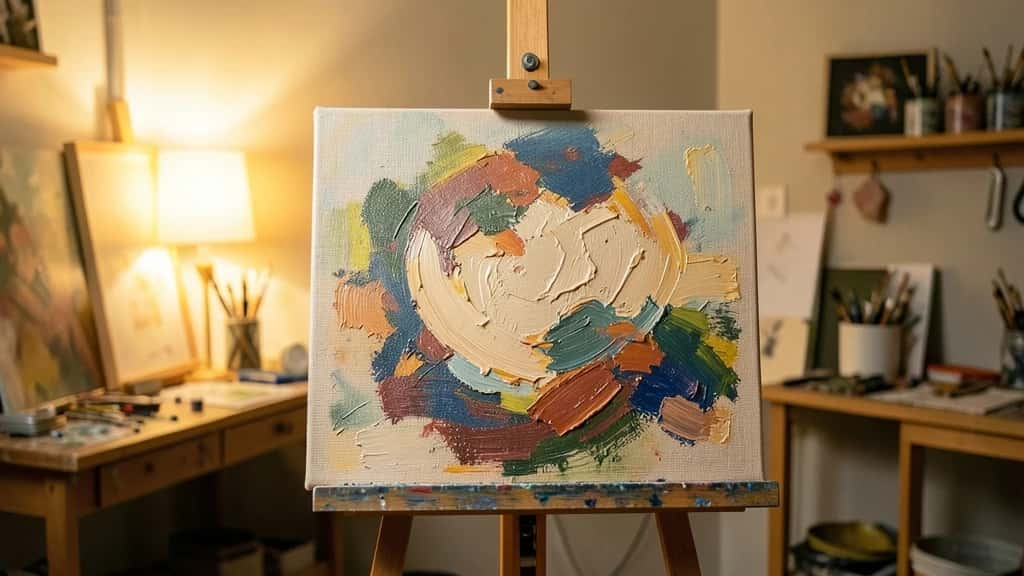
AI painting generators have split into camps: some chase photorealism, while the best painterly tools actually reach for brushstrokes, canvas texture and the feel of a real medium. The right pick depends less on which model scores highest and more on the art style you want, whether that is a thick oil portrait, a loose watercolour landscape, an impressionist scene, concept art, or turning your own photo into a painting. This guide ranks ten of the best, organised by the styles each one does well, including Pixazo’s AI painting generator.
If you just want to paint a photo or an idea without installing anything, you can try Pixazo free, then come back and compare it against the rest of the field below.
What makes a good AI painting generator?
Every tool here can make an image. What separates them for painting is a handful of things:
- ▸Style range: Can it do real painting looks, oil, watercolour, impressionism, gouache, and hold them consistently, rather than a flat filter?
- ▸Control: Can you steer the medium, the brushwork and the art movement, or are you stuck with presets?
- ▸Photo to painting: Does it repaint your own photo, or only generate from text?
- ▸Ease and access: Is it browser-based and quick, or does it need a powerful GPU and a learning curve?
- ▸Rights: Can you use the result commercially, and is the training licensed?
A quick honesty note on pricing: AI tool plans changed repeatedly through 2026, so treat the pricing notes below as a category (free, freemium, or paid only) and confirm the current numbers on each tool’s own pricing page before you buy.
Which AI tool suits which painting style?
Before the ranking, here is the quick map of style to tool, since that is how most people actually choose.
| Art style | Where it shines |
|---|---|
| Oil and impressionism | Midjourney and Stable Diffusion for texture and brushwork; Deep Dream Generator, Fotor and Pixazo for repainting a photo into oil. |
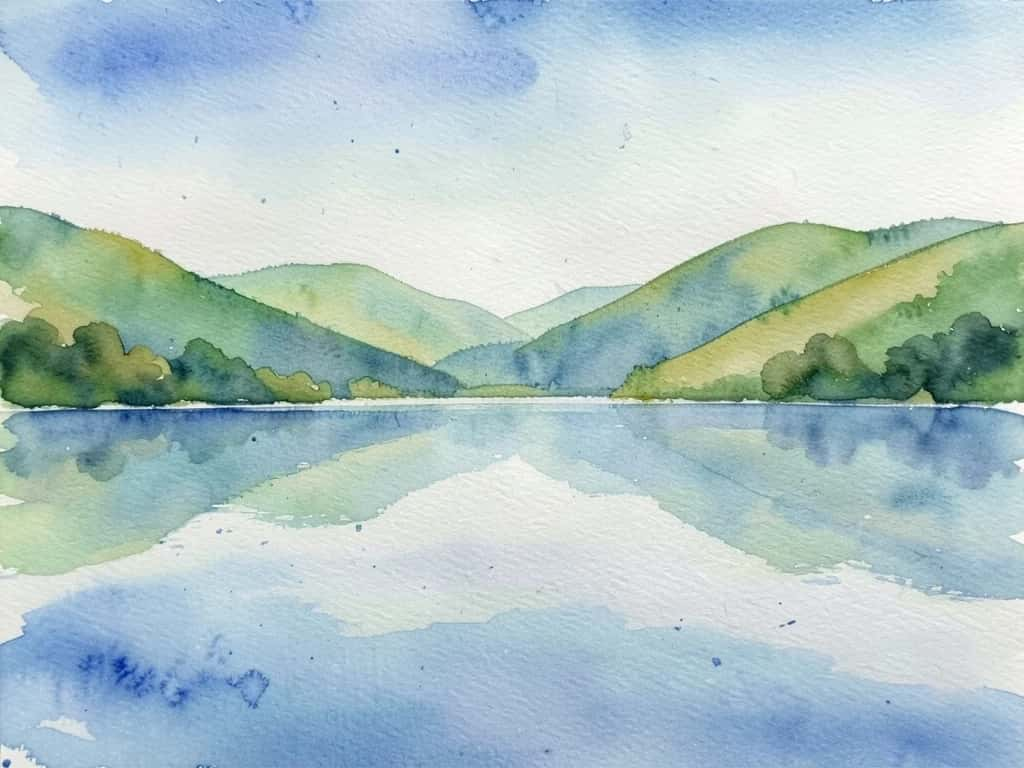
| Watercolour | Midjourney, Leonardo and Pixazo for soft washes; Stable Diffusion watercolour models for exact paper bleed. |
| Concept and fantasy art | Leonardo is the home turf, with Midjourney and Stable Diffusion close behind. |
| Anime and manga | Stable Diffusion anime checkpoints and Leonardo’s anime models; Dream by WOMBO for quick presets. |
| Pixel and retro | Stable Diffusion pixel-art models are the most reliable route. |
| Abstract and surreal | Deep Dream Generator is unique here; Midjourney and NightCafe also deliver. |
| Photo to painting | Deep Dream Generator, Fotor GoArt, NightCafe and Pixazo repaint a photo you already have. |
Suggested Read: How to Make AI Photos Look Real
The 10 best AI painting generators
Midjourney
A subscription text-to-image generator, on Discord and the web, widely regarded as the strongest tool for artistic, painterly, aesthetically finished images. Style reference and stylize controls let you lock a consistent painterly look across a set, and it now does image-to-video too.
Leonardo AI
A broad image platform, now part of Canva, with many fine-tuned models, reusable style Elements and a Canvas editor. It is especially strong for painterly concept work and game art, where its dedicated models shine.
Stable Diffusion
The open-source model family (SDXL and later), run locally through ComfyUI or Automatic1111, or hosted. Its style range is unmatched because the community trains dedicated oil, watercolour, impressionist, pixel and anime models you can stack and weight precisely.
Adobe Firefly
Adobe’s generator, available standalone and inside Photoshop and Express, trained on licensed and public-domain content and marketed as commercially safe. Style presets and reference uploads give you painterly starting points you then refine in Photoshop.
Deep Dream Generator
One of the original AI-art sites, built around neural style transfer, with Deep Style and Thin Style modes plus the classic psychedelic Deep Dream. It applies the style of a chosen painting onto your own photo, a different mechanic from prompt-only tools.
Pixazo’s AI painting generator is a browser tool, powered by Agent P, that repaints a photo or a text prompt as a painting with real brushstrokes and canvas texture, in oil, watercolour, acrylic, impressionist or gouache. There is nothing to install, and it is free to start, so a holiday snapshot becomes an oil painting in seconds.
Krea AI
A creative platform that aggregates top models, including Flux and Stable Diffusion variants, alongside its own, with real-time generation where you draw and it paints, plus style training and upscaling. It is a fast way to iterate painterly concepts.
NightCafe
A web and app generator with a large community that bundles many models together with classic neural style transfer. Its preset and community-style libraries make it easy to turn a photo into artwork across many looks in one place.
Fotor GoArt
An online photo editor whose GoArt feature is a dedicated photo-to-painting converter, with explicit presets for oil, watercolour, traditional Chinese painting and pop art. It is guided and quick rather than deeply controllable.
Dream by WOMBO
A mobile-first and web app with a large menu of one-tap style presets, from oil and watercolour to anime and fantasy, built for fast stylized art on a phone.
Suggested Read: 35+ Prompts to Create Amazing Images using AI
AI painting generators compared
| Tool | Best styles | Pricing | Best for |
|---|---|---|---|
| Midjourney | Oil, impressionism, concept | Paid only | Most beautiful painterly results |
| Leonardo AI | Concept, game, anime | Free + paid | Concept and game artists |
| Stable Diffusion | Any, via trained models | Free self-host / paid | Total style control |
| Adobe Firefly | Watercolour, digital painting | Freemium | Commercially-safe pro work |
| Deep Dream Generator | Style transfer, surreal | Freemium | Photo-to-painting, psychedelic |
| Pixazo | Oil, watercolour, acrylic, gouache | Free to start | Fast photo or text to painting |
| Krea AI | Multi-model, real-time | Free + paid | Real-time iteration |
| NightCafe | Style transfer, many models | Free + paid | Cheap experimenting |
| Fotor GoArt | Oil, watercolour, pop art | Freemium | Guided photo-to-painting |
| Dream by WOMBO | Oil, anime, fantasy | Freemium | Fast mobile art |
Suggested Read: GPT Image 2.5 Prompt Guide
How do you get a specific painting style?
Whichever tool you choose, the prompt does a lot of the work. Three habits that reliably push a result toward real painting:
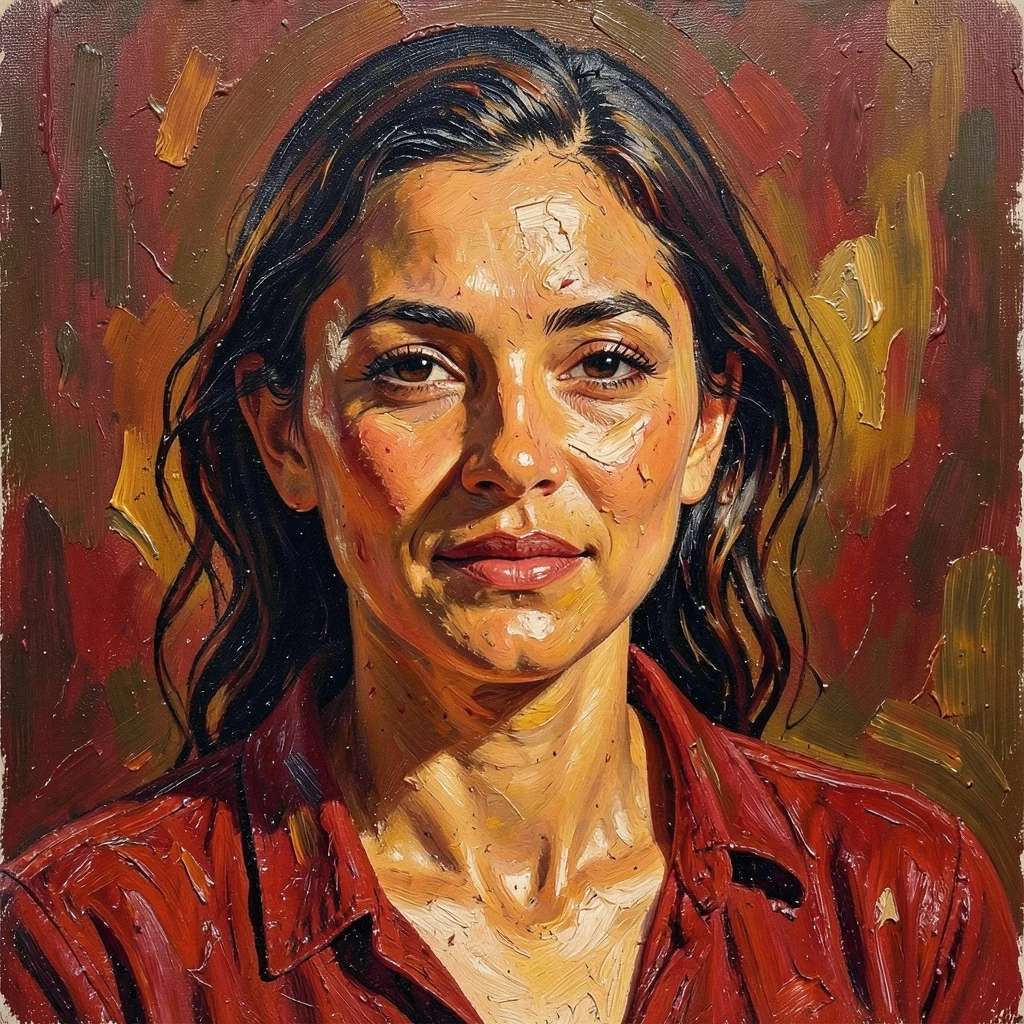
- ▸Name the medium and technique: Do not just say painting. Say oil painting with visible impasto brushstrokes and canvas weave, or a loose watercolour wash with paper bleed.
- ▸Add a movement, light and a style reference: Cite a movement such as impressionist or Baroque chiaroscuro, describe the light, and use the tool’s style-reference feature or a trained model to keep one look across a set.
- ▸Control the cleanliness: To get art rather than a render, raise the painterly settings, lean on a painting-trained model, and avoid piling on words like sharp, 8K and photorealistic when you actually want texture.
Suggested Read: Best AI Image Generation Models Compared
Suggested Read: How to Turn a Photo Into Anime Art (5 Free Ways)
Which AI painting generator should you use?
Pick by the look you want. For the most beautiful painterly results with no setup, Midjourney leads, with Leonardo close behind for concept and game art. For total control of a trained style, Stable Diffusion is unmatched, and Adobe Firefly is the safe pick for commercial, Photoshop-based work. If your goal is to repaint a photo you already have, Deep Dream Generator, Fotor GoArt and Pixazo turn a snapshot into oil, watercolour or acrylic in seconds, and Pixazo is the quickest no-install way to try that for free. Match the tool to the art style, and the result looks painted rather than filtered.
Suggested Read: How to Turn a Photo Into a Cartoon
Frequently asked questions
What is the best AI painting generator for oil or watercolour styles?
For oil and impressionism, Midjourney and Stable Diffusion lead on texture and brushwork. For watercolour, Midjourney, Leonardo and Pixazo handle soft washes well, while Stable Diffusion watercolour models give the most exact paper bleed.
Is there a free AI painting generator?
Yes. Pixazo, Deep Dream Generator, NightCafe, Fotor, Dream by WOMBO and Leonardo all have free tiers or free-to-start access, and Stable Diffusion is free if you self-host it. Free tiers usually add limits, watermarks, or restricted commercial rights, so check each one.
Can AI turn my photo into a painting?
Yes. Photo-to-painting tools such as Deep Dream Generator, Fotor GoArt, NightCafe and Pixazo repaint your own photo in a chosen style, rebuilding it with brushwork rather than just applying a colour filter.
Which AI painting tool is best for beginners?
Browser tools with presets are the gentlest start: Pixazo, Fotor GoArt, Dream by WOMBO and Canva let you pick a look and go. Midjourney and Leonardo give better art but take more learning, and Stable Diffusion is the most advanced.
Do I own AI-generated paintings, and can I use them commercially?
It depends on the tool and your plan. Many paid plans grant commercial rights, while free tiers often do not, and Adobe Firefly markets itself as commercially safe through licensed training. Always check the licence on your specific plan.
What is the difference between an AI painting generator and neural style transfer?
A prompt-based generator builds a new image from your description. Neural style transfer, used by tools like Deep Dream Generator, takes the style of one image and applies it to another, which is why it is the go-to for turning a specific photo into a painting.
How do I get a specific art style like impressionism or anime?
Name the style and technique in your prompt, cite an art movement, and use a style reference or a model trained for that look. Stable Diffusion models and Leonardo’s style models are the most reliable for locking a precise style such as anime or pixel art.
Is AI-generated art legal?
Generating and using AI art is generally allowed, but the rules around training data, copyright and commercial use are still evolving and vary by country and tool. Use tools that are clear about their training and licensing, and check the terms for your use case.
Deepak Joshi
Author · Pixazo
Deepak writes about generative AI models, APIs, and the workflows teams use to ship them. Reviewed by Abhinav Girdhar.

