
How to Turn a Photo Into Anime Art (5 Free Ways)


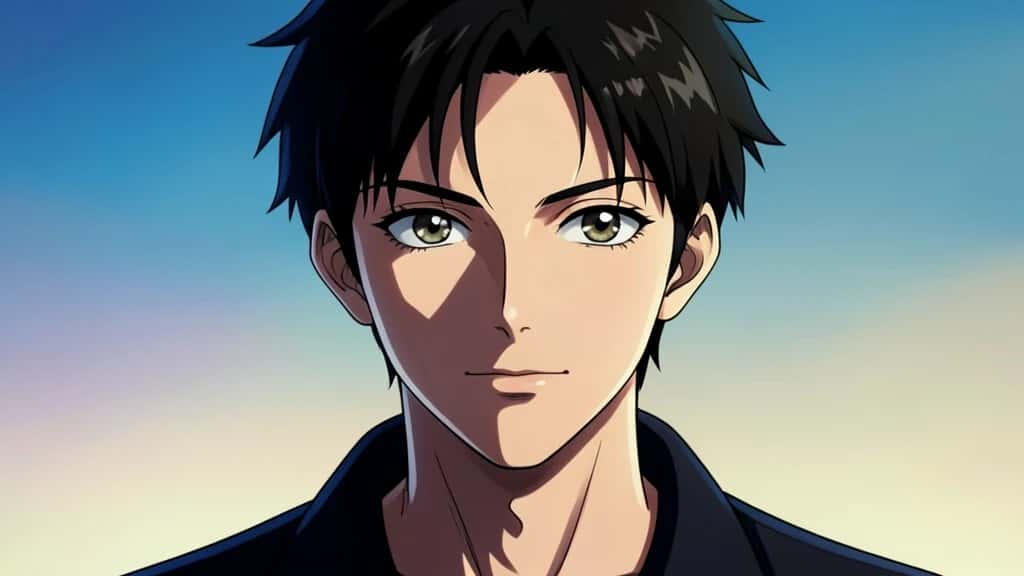
Anime art has jumped from a niche skill to a one-tap trend: turn a selfie into a Studio Ghibli daydream, a holiday photo into a Makoto Shinkai sky, or a headshot into a bold shonen hero. The good news is you do not need to draw, and you do not need to pay. This guide walks through five genuinely free ways to turn a photo into anime art, starting with the fastest, Pixazo’s AI Anime Generator, and ending with the most hands-on. Each one is honest about the catch, because every free route has one.
Turn Your Photo Into Anime Free
What makes a good photo-to-anime result?
Whichever route you pick, the same few things decide whether the result looks like you in anime form or like a random character. Keep these in mind:
- ▸A clear source photo: Good light, a sharp face and a simple background give the AI the best chance of keeping your likeness.
- ▸Likeness versus style: More stylization looks more anime but drifts further from your real face. The best tools let you dial this in.
- ▸Style range: Soft slice-of-life, bold shonen, retro cel and painterly backgrounds are all different looks, so a tool with real style choice helps.
- ▸Resolution and watermarks: Free tiers often cap export size or stamp a watermark, which matters if you want a clean profile picture or print.
- ▸Privacy: Most online tools upload your photo to their servers, so check what happens to it if that concerns you.
Way 1: Pixazo AI Anime Generator
If you want anime art in under a minute with no app to install, Pixazo’s AI Anime Generator is the fastest start. It runs in the browser, accepts your photo, and converts it to anime through a simple chat command, with styles you can re-run until the look is right. Here is the exact flow:
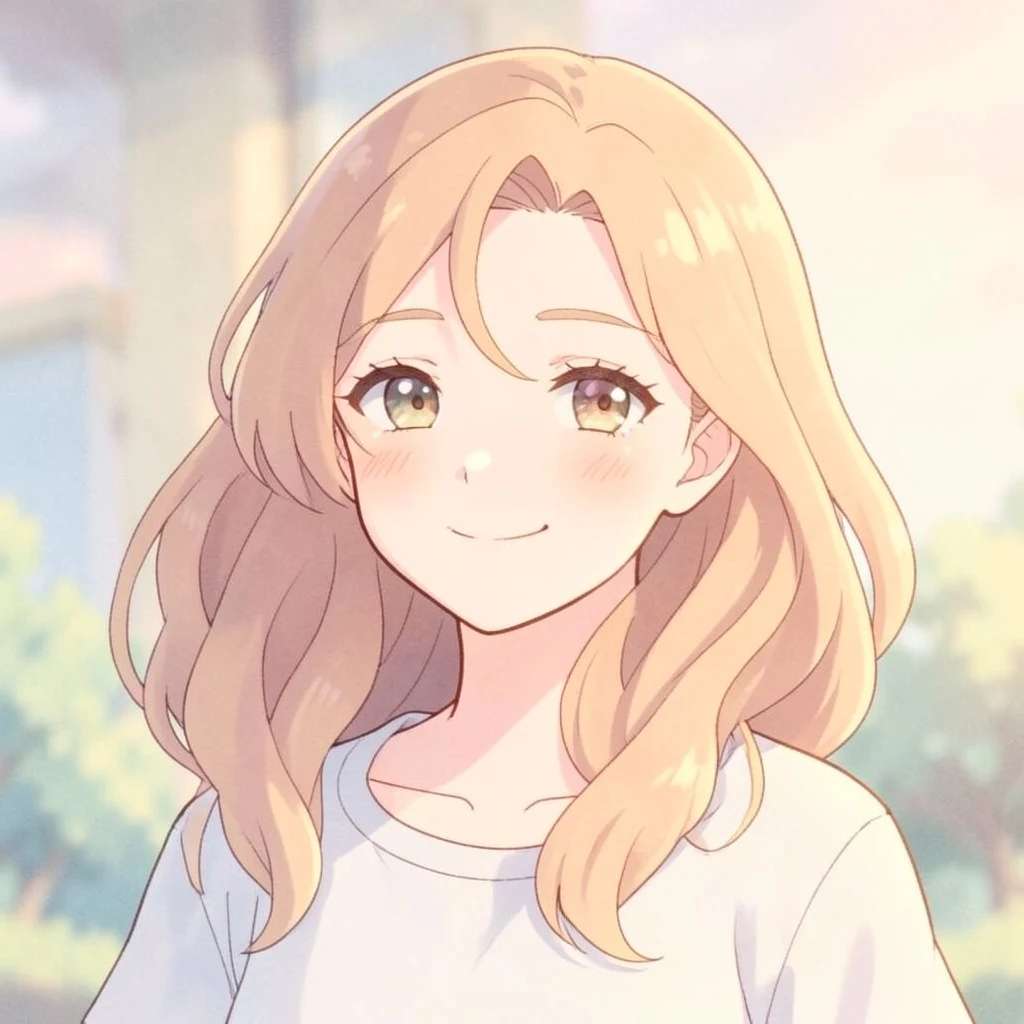
Because it sits on an all-in-one platform, you can follow the anime shot straight into upscaling, background edits or avatar variations without switching tools.
Suggested Read: How to Turn a Photo Into a Cartoon
Way 2: Free online photo-to-anime converter sites
A second no-install route is a browser-based photo-to-anime converter. Many run as free web apps, some hosted on shared community GPUs. You open the page, upload your photo, pick an anime style if offered, click convert, wait for the shared server, then download. It is the lowest-friction option after a dedicated generator.
Way 3: Free anime-filter mobile apps
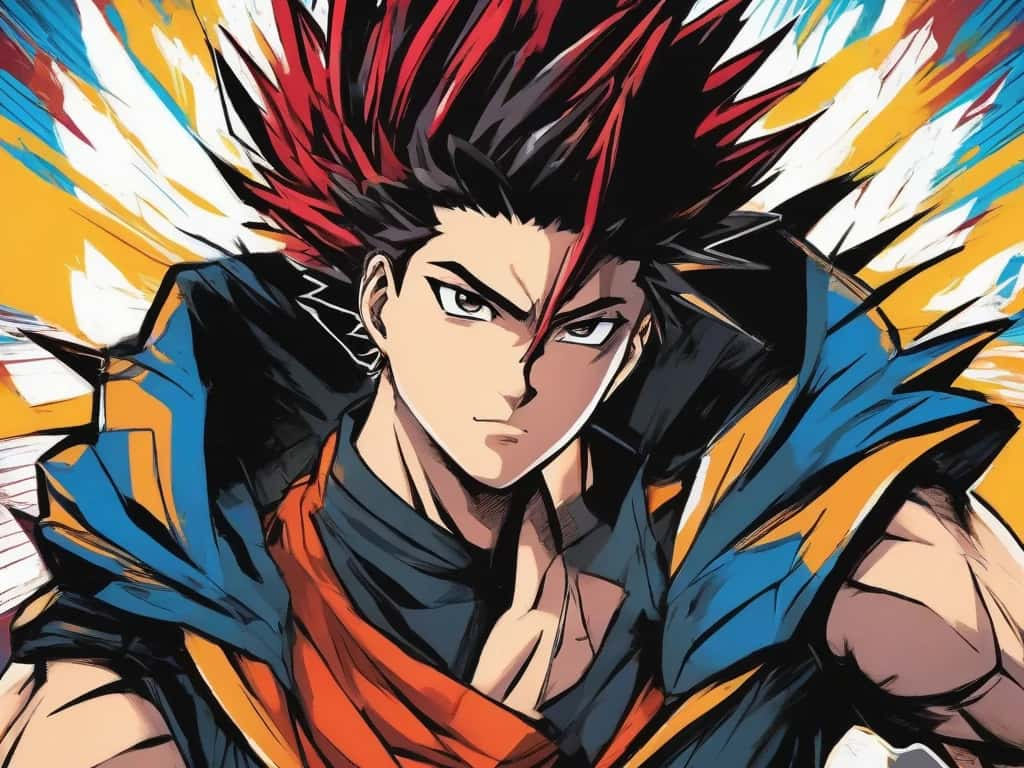
If you live on your phone, a one-tap anime or cartoon filter app is the simplest path. You install a free editor, grant photo access, pick an anime preset, choose or shoot a photo, and the app runs it through a style model in a few seconds, then you save or share. There is no prompt-writing, just style selection.
Suggested Read: Best AI Anime Generators
Way 4: Prompt-based AI image generators
General multimodal assistants that accept an image plus an instruction can also anime-fy a photo. You upload your photo, then describe the transformation in plain language and say what to keep. A prompt in this style works well:
Redraw this photo as hand-drawn anime art. Keep the same face shape, hairstyle, pose and clothing. Use clean line art, cel shading, soft cinematic lighting and a simple blurred background.
Then refine by replying with tweaks such as more muted colors, bigger eyes, or keep the glasses.
Way 5: Self-hosted Stable Diffusion
The most advanced free route is running an open-source Stable Diffusion interface on your own machine with a community anime checkpoint. After install, you open the image-to-image tab, upload your photo, add a short prompt, and set the denoising strength, higher for more stylization, lower to stay closer to the original. It runs entirely on your computer, so your photo never leaves it.
The 5 free ways compared
| Way | Type | Difficulty | Best for |
|---|---|---|---|
| Pixazo AI Anime Generator | Web tool | Very easy | The fastest clean conversion |
| Online converter sites | Web tool | Easy | A quick no-install one-off |
| Anime-filter apps | Mobile app | Easy | Instant results on a phone |
| Prompt-based AI | General gen | Medium | Controllable, custom looks |
| Stable Diffusion | Open-source | Advanced | Unlimited private conversions |
Suggested Read: Best AI Cartoon Generator Tools
How do you keep your likeness in anime art?
Across every method, the same handful of habits lift your results:
- ▸Start with a strong photo: A front-facing, well-lit shot with a clear face beats a dark or busy one every time.
- ▸Name the style: Say slice-of-life, shonen, retro cel or painterly rather than just anime, so the output matches the look in your head.
- ▸Tune the stylization: If a tool lets you, ease off the strength to keep your features, or push it up for a bolder character.
- ▸Re-run before you redraw: Most tools let you regenerate, so a second or third pass often lands the likeness better than editing by hand.
- ▸Check the export: Confirm the resolution and whether there is a watermark before you use the image anywhere important.
Suggested Read: Best AI Avatar Generators
What is the catch with free anime tools?
Free is real here, but every route has a trade-off worth knowing up front. The shared weakness across all AI methods is likeness drift: the model redraws your face rather than tracing it, so small details can wander, especially with bold styles. Beyond that, apps lean on ads and subscriptions for their best looks, converter sites use daily caps and sometimes watermarks, prompt-based tools limit free usage, and Stable Diffusion asks for your own hardware and patience. A dedicated generator built for faces, with easy re-runs and style control, is the simplest way to keep the likeness while staying free to start.
Suggested Read: 35+ Prompts to Create Amazing Images using AI
Which free way should you pick?
Match the method to how much effort you want to spend. For the fastest clean conversion with style control and no install, start with Pixazo’s AI Anime Generator. For a quick one-off, a free converter site works, and for instant results on your phone, an anime-filter app is simplest. If you want to art-direct the look, a prompt-based AI gives you control, and if you want unlimited, private, watermark-free output and do not mind the setup, self-hosted Stable Diffusion is the power-user pick. Whatever you choose, start with a clear photo and name the style, and your anime art will look far closer to what you imagined.
Suggested Read: 10 Best AI Selfie Generators for Better Profile Photos
Frequently asked questions
Can I turn a photo into anime for free?
Yes. You can use a free AI anime generator, a browser-based converter site, a free mobile filter app, a prompt-based AI on its free tier, or self-hosted Stable Diffusion. Each is free, with limits like daily caps, watermarks or your own hardware.
What is the easiest way to make anime art from a photo?
A dedicated AI anime generator is the easiest: you upload a photo, let it convert, preview and download, with no app to install and no prompt to write. Phone filter apps are a close second for one-tap results.
Will the anime version still look like me?
Mostly, if you start with a clear, well-lit, front-facing photo and keep the stylization moderate. All AI methods redraw the face, so bold styles drift further from your real features than soft ones.
Do free anime tools add a watermark?
Some do. Many free converter sites and app free tiers stamp a watermark or cap resolution, and reserve clean HD export for a paid plan. Check the export before using the image anywhere important.
Which anime styles can I get?
Common options include soft slice-of-life, bold shonen, retro cel and painterly backgrounds. Tools with real style choice or prompt control give you the widest range, while one-tap apps offer fixed presets.
Is it safe to upload my photo to anime tools?
Most online tools send your photo to their servers to process it, so read the privacy terms if that matters to you. A local Stable Diffusion setup keeps the photo on your own computer.
Can I use anime art made from my photo commercially?
It depends on the tool and plan. Some grant commercial rights, others limit free-tier use, and rules around AI art are still evolving, so check the licence for the tool you choose.
Do I need any drawing or design skills?
No. Every method here generates the art for you from a photo or a prompt, so you focus on choosing the style and the source image rather than drawing.
Deepak Joshi
Author · Pixazo
Deepak writes about generative AI models, APIs, and the workflows teams use to ship them. Reviewed by Abhinav Girdhar.

