
X (Twitter) Header Size 2027 With Free Templates



The X (Twitter) header size in 2027 is 1500 x 500 pixels, a 3:1 ratio. That is the banner image that stretches across the top of your profile, behind your profile photo. Get the size right and it looks crisp on every screen, and with Pixazo’s AI Banner Maker you can make one from a free template in minutes.
This guide covers the exact dimensions for 2027, the safe zone so nothing important gets cropped, what your profile photo covers, design tips, and free templates to start from.
What is the X (Twitter) header size in 2027?
Upload at exactly 1500 x 500 pixels for the cleanest result. X will accept larger images at the same 3:1 ratio and scale them down, but matching the display size avoids any softening.
X header dimensions and file requirements
| Spec | Value | Notes |
|---|---|---|
| Recommended size | 1500 x 500 px | Sharpest on desktop and mobile |
| Aspect ratio | 3:1 | Keep this ratio at any size |
| Minimum size | 1080 x 360 px | Smaller than this looks soft |
| File formats | JPG, PNG, GIF | PNG keeps text and logos crisp |
| Max file size | 2 MB (up to 5 MB for GIF) | Compress large photos first |
| Color | RGB | Export for screen, not print |
A static JPG or PNG is best for a clean, professional look. Animated GIF headers are supported but can feel busy and load slower.
What is the X header safe zone?
Your header looks different depending on the device, and two things sit on top of it, so keep anything important in the middle.
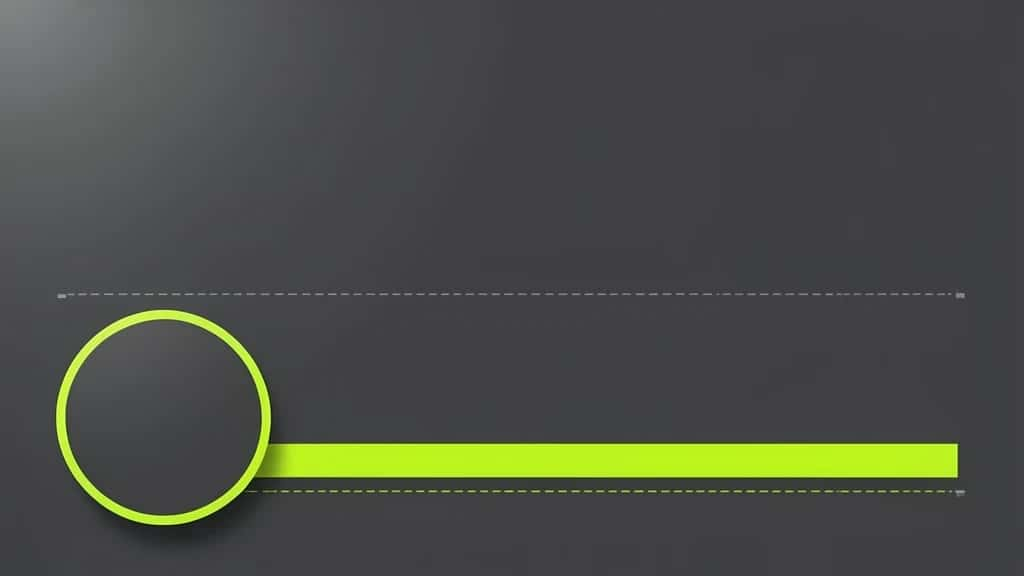
- ▸Profile photo overlap: Your round profile picture sits over the lower left of the header, so do not place a logo or face there.
- ▸Mobile cropping: On phones, X trims the top and bottom slightly, so keep text and logos away from the edges.
- ▸Center safe zone: Keep anything that must be seen within the middle band, roughly the central 60% of the image.
- ▸Right side is safest: The upper right area stays visible across devices, a good spot for a tagline or logo.
Suggested Read: LinkedIn Banner Size Guide
How to make an X header in 2027
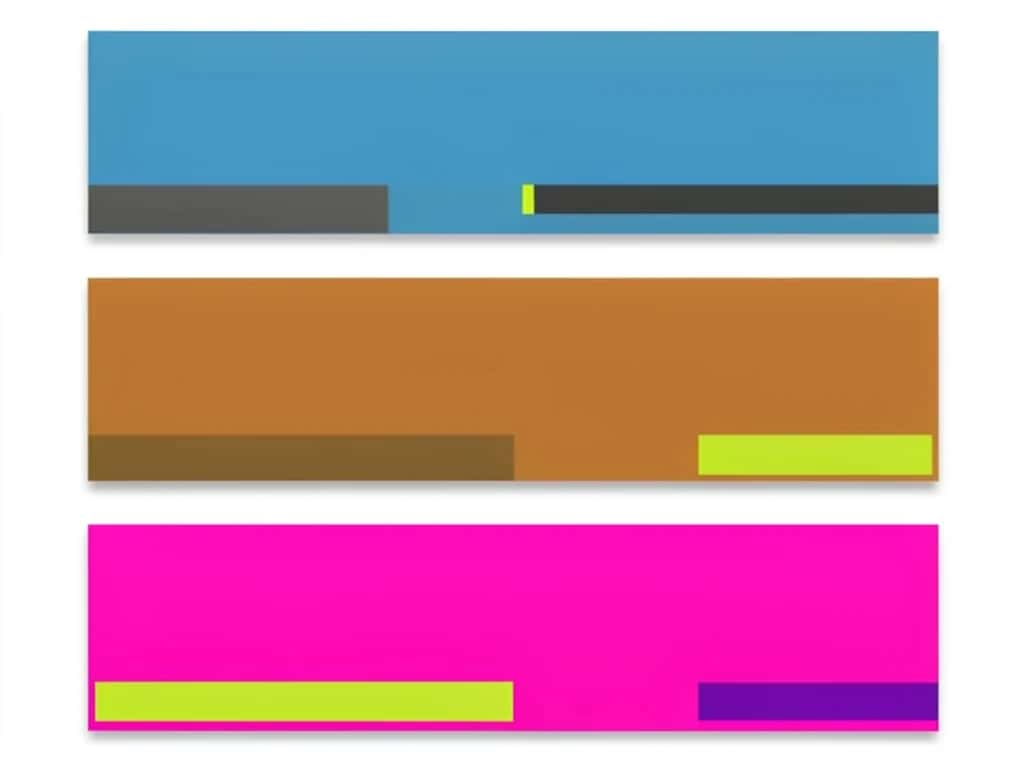
You do not need design software. Pixazo’s AI Banner Maker builds a header at the right size from a prompt or a template, so it fits X on the first try.
Suggested Read: YouTube Banner Size Guide
Free X header templates to start from
Templates save you the guesswork on layout and spacing. Each one is already the right 3:1 size with the safe zone built in, so you just swap in your own content.
- ▸Personal brand: A clean background with your name or handle on the right and plenty of breathing room.
- ▸Business or creator: Your logo, a tagline and a brand color block, balanced away from the profile photo.
- ▸Portfolio or shop: A strip of product or work thumbnails with a simple call to action on the right.
- ▸Event or launch: A bold background with a date and a short line, easy to refresh for each campaign.
- ▸Minimal: A single brand color or subtle texture, letting your profile photo and bio do the talking.
Pick one, adjust the colors to match your brand, and keep the text short so it reads at a glance.
Suggested Read: Creative Header Design Ideas
X header design tips for 2027
- ▸Design at 1500 x 500 px so what you see is what X shows.
- ▸Keep key text and logos in the center and upper right, clear of the profile photo and edges.
- ▸Use high contrast so the header reads in both light and dark mode.
- ▸Limit yourself to two or three brand colors and one or two fonts.
- ▸Leave empty space, a crowded header looks cluttered on a small screen.
- ▸Export at full resolution and keep the file under 2 MB for a fast load.
Suggested Read: Instagram Image and Video Sizes
Common X header mistakes
- ▸Important content in the corners: Logos or faces in the lower left vanish behind the profile photo, and edges get cropped on mobile.
- ▸Uploading a small image: Anything under 1500 x 500 px is stretched and looks soft. Scale up or start fresh at full size.
- ▸Too much text: Long lines are unreadable at header size. Keep it to a few words.
- ▸Ignoring dark mode: A design that only works on a white background can disappear for dark-mode users.
- ▸Wrong ratio: Uploading a square or 16:9 image forces X to crop it. Stick to 3:1.
X header size vs other platforms
Every platform uses a different header or cover size, so resize per platform rather than reusing one image everywhere.
| Platform | Header or cover size | Ratio |
|---|---|---|
| X (Twitter) | 1500 x 500 px | 3:1 |
| LinkedIn (profile) | 1584 x 396 px | 4:1 |
| YouTube (channel) | 2560 x 1440 px | 16:9 |
| Facebook (page cover) | 1640 x 856 px | About 1.9:1 |
| No cover; posts 1080 x 1350 px | 4:5 |
Suggested Read: Facebook Image Sizes Guide
Conclusion
The X header size for 2027 is 1500 x 500 px at a 3:1 ratio. Design at that exact size, keep your key content in the safe zone away from the profile photo and cropped edges, and export a clean file under 2 MB. Start from a free template to get the layout right on the first try, and your profile will look sharp on every device.
Suggested Read: How to Make a Flex Banner
FAQ
What is the X (Twitter) header size in 2027?
The X header size is 1500 x 500 pixels, a 3:1 aspect ratio. Design at that exact size for the sharpest result on both desktop and mobile.
What is the difference between the X header and profile photo?
The header is the wide 1500 x 500 px banner across the top of your profile. The profile photo is the small round image that sits over the lower left of the header.
Why does my X header look blurry?
Usually the image is too small or the wrong ratio. Upload at 1500 x 500 px in the 3:1 ratio, and keep the file under 2 MB so it is not over-compressed.
What part of the X header gets cut off?
Your profile photo covers the lower left, and phones trim the top and bottom slightly. Keep important text and logos in the center and upper right.
What file format is best for an X header?
PNG keeps logos and text crisp, while JPG is fine for photos and gives a smaller file. GIF is supported for animation but can load slowly.
Can I make an X header for free?
Yes. Use a free AI banner maker to start from a template already set to 1500 x 500 px, add your brand, and download it without paying.
What is the safe zone for an X header?
The safe zone is the central area that stays visible on every device. Keep key elements within roughly the middle 60% and clear of the profile photo.
Can I use the same header on X and LinkedIn?
Not without resizing. X uses 1500 x 500 px (3:1) and LinkedIn uses 1584 x 396 px (4:1), so export a correctly sized version for each.
Deepak Joshi
Author · Pixazo
Deepak writes about generative AI models, APIs, and the workflows teams use to ship them. Reviewed by Abhinav Girdhar.

