55 Flyer Ideas for Events, Sales and Small Business


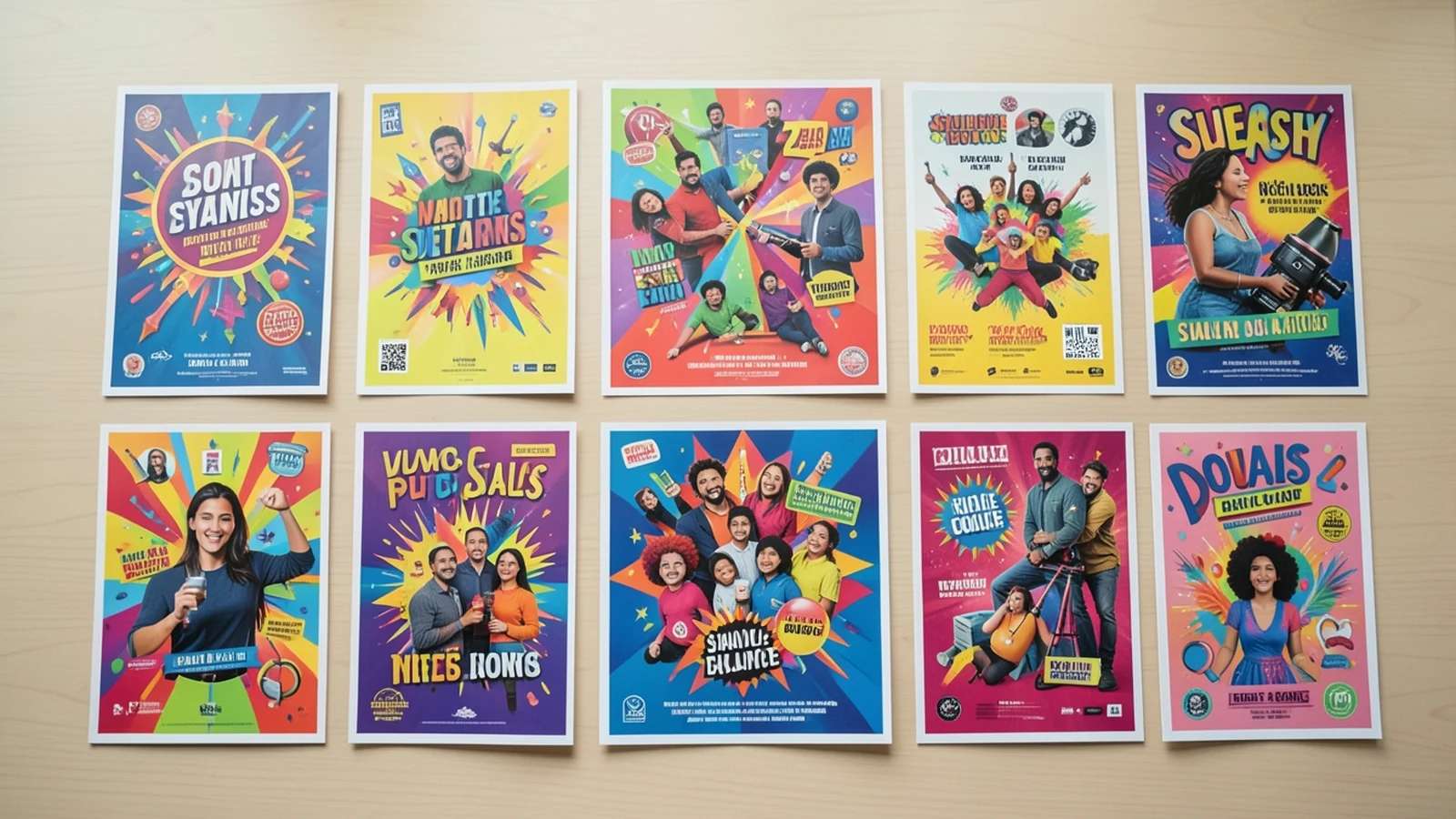
A flyer has one job: stop someone mid-scroll or mid-stride and make the next step obvious. The hard part is almost never the printing or the posting, it is landing on a concept worth a second look, one that fits the occasion and still feels unmistakably yours. Staring at a blank page is where most good intentions stall, and it is exactly where an AI flyer maker turns a rough idea into a finished, on-brand design in minutes.
Below are 55 concrete flyer concepts, grouped for events, for sales and promotions, and for small businesses. Each one names a specific visual hook, a layout, or a motif you can brief straight into a design, so you are not reworking the same clearance-sale template everyone else is. Skim for your occasion, lift the idea you like, and adapt the colors, copy, and photos to match your own brand.
The 55 ideas below are grouped by what you are actually making a flyer for, events, sales and promotions, and small business, so you can jump straight to your situation. Each one is a concrete concept, not a vague prompt, so you can run with it as is or remix it.
Event flyer ideas
Concepts built to sell a moment, from gigs and festivals to screenings, markets, and conferences.

A glowing hand-lettered band name over a dark grainy gradient, the date stacked vertically down one edge and the lineup set as a torn-paper list below.
An overhead flat-lay of plates arranged like a clock face, each dish labeled with the food-truck vendor it comes from circling the rim.
A single oversized serif initial fills the page in muted plaster white, with the show details tucked inside the negative space of the letterform.
A looping dotted race route drawn across the whole flyer, its start and finish pins doubling as the time and venue callouts.
A sunset gradient split by a flat skyline silhouette, string-light bulbs spelling the date in dotted cursive across the top.
A mock film strip runs down the left margin as scene thumbnails, with the synopsis set like subtitles along the bottom bar.
Hand-drawn produce crates stacked into a grid, with chalkboard-style price tags repurposed to hold the stall hours and the location.
A lone spotlight circle on a black stage, the headliner's punchline set as the headline, and the mic cable curling down into the date.
A calm pastel gradient with one continuous line-drawing of a stretching figure, generous margins, and a tiny map pin for the meetup spot.
A flight of four pint glasses as columns, each filled to a different amber level and labeled with its brewery and pour time.
A chalk-blueprint grid background with sketched beakers and gears, project categories arranged as little planets orbiting the date.
A record crate seen from above, the flip-dividers acting as seller section labels, with times and venue stamped on like a price sticker.
A deep navy sky with a glowing bokeh trail forming the path, the event name rendered in frosted, icy-condensation lettering near the top.
A bold monospace terminal layout with a blinking-cursor headline and speaker slots listed like a countdown timeline down the center column.
A torn cardboard-sign aesthetic with marker scrawl, arrows pointing outward to addresses, and price-tag stickers holding the sale dates.
A flickering jack-o'-lantern glow lights one corner of a black page, with drippy horror lettering and prize tiers listed on a tombstone shape.
A warm candlelit amber palette with a saxophone silhouette bleeding into smoke, and set times printed across a folded napkin graphic.
A confetti burst frames a central balloon where the child's age sits huge, with details looped around on a party-streamer ribbon.
A glowing projector beam cuts across a dusk field, the film title sitting inside the light cone and blanket-and-popcorn icons marking start time.
A clean isometric grid in brand lime, speaker headshots as stacked cards, and the agenda laid out as a boarding-pass strip along the bottom.
Suggested Read: 10 Best AI Flyer Generator Tools in 2026
Sales and promotion flyer ideas
Offer-driven concepts engineered to create urgency and make the deal impossible to misread.
An oversized split-flap departure-board headline ticks the discount percentage, with the end time glowing red in the corner for pressure.
A mirrored split-screen layout duplicates and flips the product down a center seam, with the offer printed right along the fold line.
Slanted bold banners stacked like warehouse tape, with red strikethrough prices tumbling across the page at loose, chaotic angles.
A scissors-cutting-ribbon motif slices the headline in half, with confetti and a percentage badge sealed by a wax-stamp call to action.
A torn calendar page reveals the two sale days highlighted in lime, while the rest of the week sits greyed out and crossed through.
A stamp-card grid where the final square is a golden gift, the reward tiers climbing like a staircase up one side of the page.
A gradient fading from full color to grey shows stock running out, with remaining sizes listed as a dwindling bar chart.
A dotted parcel-tracking line crosses the flyer and a bouncing box icon lands on the doormat, where the promo code sits waiting.
A silver scratch-off panel illustration covers the reveal, with torn flecks scattered around and instructions set like a playful ticket stub.
Three products nest inside one open gift box drawn from above, with a bracket pulling them together to a single slashed bundle price.
A sunrise gradient with a worm-and-clock motif, tiered prices rising with the sun and the cheapest tier glowing right at dawn.
Two linked speech bubbles pass a coupon between them along a dotted share-arrow loop, with each side's reward printed inside its bubble.
An unboxing illustration with a surprise item popping out on a spring, and the spend threshold wrapped around it as the ribbon.
A phone-notification banner mockup serves as the headline, the old price swiping away to reveal the new one underneath it.
A torn notebook-paper layout with doodled margins, the discount circled in red pen and the valid-ID note run through with highlighter.
A coin-shower motif rains into an open wallet, with the cashback percentage embossed on the biggest coin front and center.
A near-empty shelf with one spotlit item, a red low-stock bar beneath it, and the restock-ends time ticking in the corner.
Suggested Read: How to Design a Flyer for Your Business
Small business flyer ideas
Service-and-storefront concepts that make what you do, and how to book it, instantly clear.
A latte seen from above with the shop name drawn in foam art, and the opening hours circling the saucer rim like a clock.
A vintage barber pole runs the full height as a side rail, with services listed on a hand-lettered price mirror beside it.
A cross-section of a layered cake where each tier is labeled with a product line, and the address is iced along the bottom layer.
A bold 24/7 badge shaped like a dripping tap, with the service checklist routed as a pipe diagram leading to the phone number.
A before-and-after split of a scruffy then fluffy dog, with a paw-print trail leading to the booking QR code in the corner.
A weekly grid drawn as a calm breathing wave, class names riding the crests and the intro offer tucked into a trough.
A hand-drawn city map with a dotted route and a pin flag where the truck parks today, the menu stacked down the side.
A split room of cluttered versus sparkling, a ticked-off checklist of rooms, and a satisfaction guarantee stamped like a polished badge.
A contact-sheet grid of thumbnail frames with one enlarged as the hero shot, and rates set into the film-margin frame numbers.
A four-panel strip shows one yard transformed from spring through winter, with the service offered labeled beneath each season.
A paper-doll flat-lay arranges garments head-to-toe with price tags dangling, and the shop handle stitched along the hem.
A dumbbell silhouette whose stacked plates are the membership tiers, the weakest-to-strongest progression doubling as the pricing ladder.
A pegboard wall of tools, each hung beside the service it performs, with the hourly rate chalked onto the workbench below.
An open exercise-book spread lists subjects as homework headings, with a gold-star rating and a first-session-free note in the margin.
A fanned hand of five painted nails, each one a different design swatch labeled with its treatment name and price.
A water-beaded car hood close-up with a soap-bubble ring circling the package tiers, and the location sprayed on in foam lettering.
An overhead wrapped-bouquet flat-lay whose stems fan into a radial menu of arrangements, with the delivery radius drawn as a ring.
A crayon-and-cutout collage with building-block letters spelling the name, and age groups sorted into colorful labeled toy bins.
Suggested Read: 80 Poster Ideas for Every Occasion and Style
Quick flyer design tips
Whichever idea you pick, these fundamentals keep a flyer working hard whether it is pinned to a board or shared in a feed.
Suggested Read: How to Make a Poster: Sizes, Layout and Free Templates
Flyer sizes and specs at a glance
Match the size to where the flyer will live. Print sizes allow for a small bleed; digital sizes are set up for feeds and stories.
| Format | Dimensions | Pixels at 300 DPI | Best for |
|---|---|---|---|
| A4 (standard) | 210 x 297 mm | 2480 x 3508 px | Detailed handouts, notice boards |
| A5 (compact) | 148 x 210 mm | 1748 x 2480 px | Leaflets, mailers, giveaways |
| US Letter | 8.5 x 11 in | 2550 x 3300 px | US print, office noticeboards |
| DL (one third A4) | 99 x 210 mm | 1169 x 2480 px | Racks, countertops, inserts |
| Half page | 5.5 x 8.5 in | 1650 x 2550 px | Budget print runs, flyers in bulk |
| Digital / social | 1080 x 1350 px | Portrait, no bleed | Instagram, stories, WhatsApp, email |
Suggested Read: How to Make a Brochure: Folds, Layout and Templates
Turn a flyer idea into a finished design
The hard part, the idea, is handled; 55 of them are sitting above. From here it is about execution: pick the concept that fits your occasion, lock in your date, price and call to action, and build the layout around that single focal point. If you would rather skip the blank canvas, describe the flyer you want and let the AI flyer maker generate editable options in seconds, then fine-tune the one that lands.
Suggested Read: 9 Best AI Book Cover Generators for Self-Publishers
Frequently asked questions
What size should a flyer be?
The most common print flyer is A4 (210 x 297 mm) or US Letter (8.5 x 11 in), with A5 and DL popular for leaflets and racks. For digital flyers shared on social media, a portrait 1080 x 1350 px works across feeds and stories.
What makes a flyer effective?
One clear focal point, a single dominant headline, and a strict hierarchy, hook first, key detail (date, price or offer) second, call to action third. Keep plenty of white space and make the text readable from a few steps away.
How do I make a flyer for free?
Start from one of the ideas above, then use a free AI flyer maker: describe the flyer you want, generate layout options, and edit the one you like. It removes the blank-canvas problem and gives you print- and social-ready sizes without design software.
What information should a flyer include?
Lock the essentials first: what the event or offer is, the date and time, the location or how to buy, the price or deal, and a clear next step such as a QR code, short link or phone number. Design around those rather than squeezing them in later.
Should a flyer be printed or digital?
It depends on your audience. Print still wins for local footfall, noticeboards, counters and events, while digital flyers are faster and free to share on social media, WhatsApp and email. Many campaigns use both, one design exported at a print size and a social size.
Deepak Joshi
Author · Pixazo
Deepak writes about generative AI models, APIs, and the workflows teams use to ship them. Reviewed by Abhinav Girdhar.