
10 Best AI Selfie Generators for Better Profile Photos


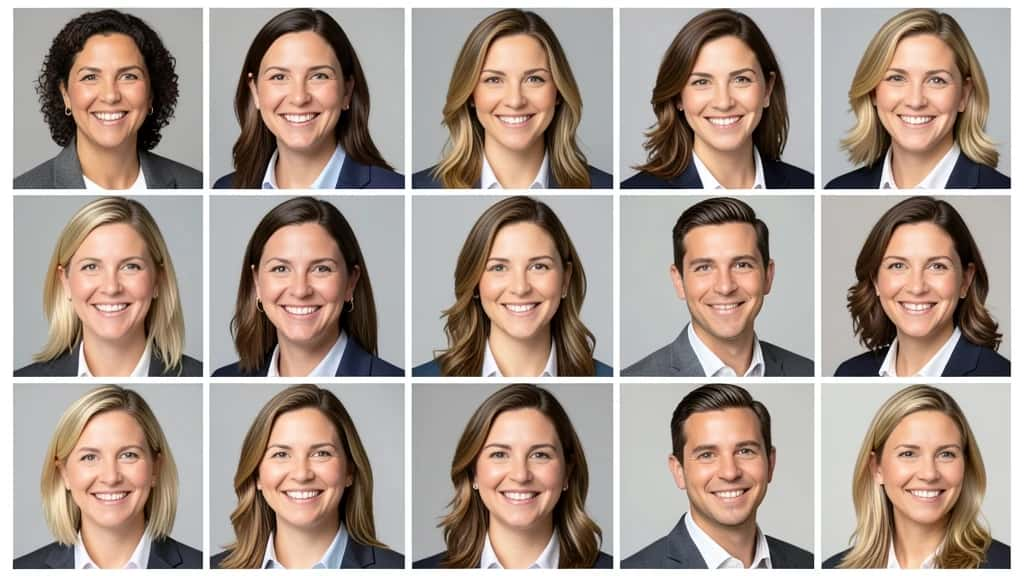
Your profile photo is the first thing anyone sees, on LinkedIn, a dating app, a team page or a social bio, and a sharp one earns more trust than a blurry selfie taken at arm’s length. AI selfie generators close that gap: you upload a few of your own photos and get back polished headshots, portraits and avatars without booking a studio. The catch is that they vary a lot, from corporate headshot engines to playful avatar apps. These are the ten best, including Pixazo’s AI selfie generator, each with honest strengths, limits and a best-for pick.
What makes a good AI selfie generator?
A selfie generator is more than a filter. The ones worth your time get five things right:
- ▸Likeness: The output has to look like you, not a stranger. This is the hardest part and depends heavily on the photos you upload.
- ▸Realism and polish: Professional lighting, clean backgrounds and natural skin, without the plastic over-smoothed look.
- ▸Variety: A range of outfits, backgrounds and expressions from one upload, so you can pick the right shot per platform.
- ▸Speed and ease: How quickly you go from upload to usable photos, and how little effort it takes.
- ▸Value: Whether it is free, freemium or a one-time pack, and what you actually get for the price.
A quick honesty note on pricing: plans in this space change often and vendor figures openly disagree, so treat the pricing below as a category, free, freemium or paid, and confirm current numbers on each tool’s own site.
What types of AI selfie tools are there?
- ▸Dedicated headshot studios: Upload a batch of selfies and the tool trains on your face to return professional, corporate-ready portraits. Best for LinkedIn and work.
- ▸Avatar and mobile apps: One-tap phone apps that turn selfies into stylized avatars and fun profile pictures, more creative than corporate.
- ▸All-in-one platforms: Image tools where selfie and headshot generation sits beside editing, backgrounds, upscaling and avatars, so you finish everything in one place.

Suggested Read: Best Profile Picture Makers
AI selfie generators compared
| Tool | Type | Best for | Pricing |
|---|---|---|---|
| Aragon AI | Headshot studio | Work headshots that look like you | Paid packs |
| HeadshotPro | Team studio | Whole teams at once | Paid packs |
| BetterPic | Headshot studio | High-res customizable portraits | Paid packs |
| Lensa AI | Avatar app | Creative avatars on mobile | Freemium |
| Remini | Enhance and avatars | Cleaning up real selfies | Freemium |
| Pixazo | All-in-one platform | Fast selfies you can then edit | Free to start |
| Secta AI | Headshot studio | A big varied HD set | Paid |
| Photo AI | Creator platform | Lots of varied on-model images | Subscription |
| Fotor | All-in-one editor | Make and finish a profile photo | Freemium |
| Dreamwave AI | Headshot studio | Trying a studio before paying | Freemium to paid |
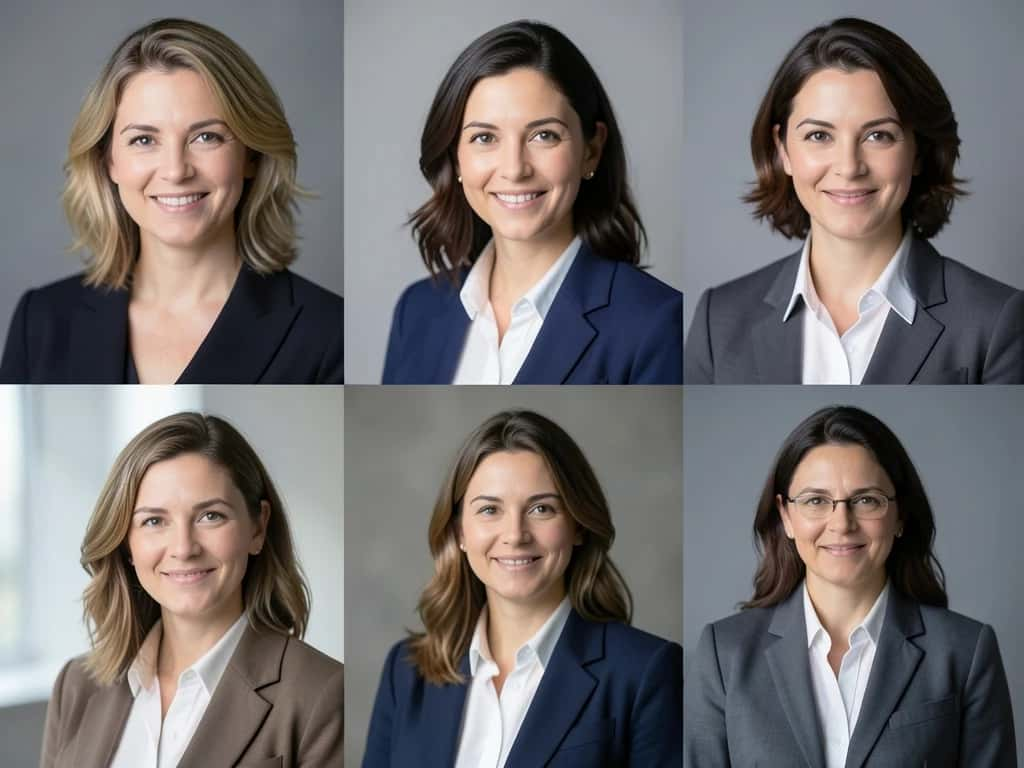
The 10 best AI selfie generators
Suggested Read: Best AI Avatar Generators
Suggested Read: Best Profile Picture Design
How do you get better AI selfies?
The tool matters, but your inputs matter just as much. These habits lift results on almost any generator:
- ▸Upload varied, clear photos: Different angles, expressions and lighting teach the model your face better than ten near-identical shots.
- ▸Use recent photos: Current photos give a likeness that actually matches how you look now.
- ▸Keep the background simple: A clean, uncluttered backdrop helps the AI separate your face from the scene.
- ▸Match the style to the use: Pick a professional preset for LinkedIn and a creative one for social, rather than one look everywhere.
- ▸Generate a batch and curate: Create several options and keep the few that nail the likeness, instead of forcing the first result.
Suggested Read: How to Turn a Photo Into a Cartoon
What are the honest limits of AI selfies?
AI selfies are impressive, but three limits are worth knowing before you rely on one.
- ▸Likeness depends on your photos: Every studio tool is only as good as the selfies you feed it. Weak, blurry or too-similar inputs produce a face that is not quite yours.
- ▸Stylized is not always suitable: LinkedIn and some platforms expect a photo that reflects your real appearance, so heavily stylized avatar outputs can look out of place for professional use.
- ▸Your photos are uploaded: Most tools send your images to their servers to train and generate, so check the privacy and deletion terms if that matters to you.
Suggested Read: Best AI Character Generators
Match the tool to the job. For work headshots that clearly look like you, Aragon AI and BetterPic lead, and HeadshotPro is the pick when a whole team needs them at once. For fun, creative avatars on your phone, Lensa is the easy choice, and Remini is best when your raw selfies need cleaning up first. For a fast single-photo selfie you can then upscale, restyle and edit without switching apps, Pixazo is the quickest all-in-one start, while Photo AI suits creators who need a constant stream of varied images. Whatever you choose, upload clear, varied, recent photos, and the generator will do the rest.
Suggested Read: How to Turn a Photo Into Anime Art (5 Free Ways)
Frequently asked questions
What is the best AI selfie generator in 2026?
It depends on the goal. Aragon AI and BetterPic are best for professional headshots, HeadshotPro for whole teams, Lensa for creative avatars, and Pixazo for a fast single-photo selfie you can then edit and upscale in one place.
Is there a free AI selfie generator?
Yes. Pixazo is free to start, Lensa, Remini and Fotor are freemium, and some studios like Dreamwave have at times offered a limited free option. Most dedicated headshot studios are paid packs, so confirm current terms.
Do AI selfies actually look like me?
They can, if you upload clear, varied, recent photos. Likeness is the hardest part and depends heavily on your inputs, and more stylized outputs drift further from your real face than professional presets.
Can I use AI selfies on LinkedIn?
Yes, and professional headshot tools are built for it. Keep the result realistic rather than heavily stylized, since LinkedIn and similar platforms expect a photo that reflects how you actually look.
How many photos do I need to upload?
It varies. Some tools work from a single photo, while dedicated studios often ask for roughly 10 to 20 selfies to train a stronger, more consistent likeness.
Are AI selfie generators safe and private?
Most upload your photos to their servers to process them, so read each tool’s privacy and deletion terms. If privacy is a priority, prefer tools with clear deletion-on-request policies.
Can I use AI selfies commercially?
Often yes, but it depends on the tool and plan. Many paid plans grant commercial rights while free tiers may not, so check the licence before using an image for business.
What is the difference between an AI selfie generator and a filter?
A filter restyles one photo on the surface. A selfie generator creates new images of you, often learning your face from several uploads to produce varied headshots, portraits and avatars.
Deepak Joshi
Author · Pixazo
Deepak writes about generative AI models, APIs, and the workflows teams use to ship them. Reviewed by Abhinav Girdhar.

