
How to Make an ID Card Online (Free, Step by Step)



You can make an ID card online for free in about 10 minutes. With a tool like Pixazo’s ID Card Maker, you pick a template, add a photo and details, then download it to print or share.
ID cards are used every day by offices, schools, colleges, clubs, events and volunteer groups. They show who someone is, which team they belong to, and whether they can enter a building or event.
This guide covers how to create an ID card online or with your phone, how to edit an ID card and ID picture, and which apps and AI tools make it easy.
How to make an ID card: quick steps
- Open a free online ID card maker.
- Choose a template: employee, student, event, visitor or membership.
- Upload a clear photo and your logo.
- Add the name, role, ID number and any other details.
- Download as PNG or PDF, then print or share it.
How to create an ID card online, step by step
Step 1: Pick the type of ID card
Decide who the card is for. This changes what details you need.
| ID card type | Who uses it | Details to include |
|---|---|---|
| Employee ID | Staff at offices, shops, factories | Name, job title, department, employee number |
| Student ID | Schools, colleges, coaching centers | Name, class or course, roll number, academic year |
| Event badge | Conferences, festivals, workshops | Name, company, pass type (guest, speaker, staff) |
| Visitor pass | Offices, hospitals, campuses | Visitor name, host, date, valid until |
| Membership card | Gyms, clubs, libraries, NGOs | Member name, member ID, expiry date |

Step 2: Choose a template and size
Start from a template instead of a blank page. The standard ID card size is 3.375 x 2.125 inches (85.6 x 54 mm), the same as a bank card. Pick horizontal for a classic look or vertical for lanyards.
Step 3: Add the photo and logo
Upload a front-facing photo with a plain background. Add your organization’s logo at the top so the card is easy to recognize.
Step 4: Add the details
Type the name in the largest font, then the role and ID number. Keep it short: an ID card should be readable from about one meter away.
Step 5: Add a QR code or barcode (optional)
A QR code or barcode can link to an attendance system, a digital profile or a door access system. Many ID card makers let you generate one inside the editor.
Step 6: Design the back side
Use the back for an emergency contact, the address of your organization, terms of use, or an “If found, please return to” line.
Step 7: Download and print
Download as a high-quality PDF or PNG. Print on PVC cards with an ID card printer, or on thick card stock and laminate it. You can also share a digital ID on phones.
Suggested Read: Best Online Passport Photo Makers
How to create an ID card with your phone
You can make an ID card on your phone in the same way as on a computer. Use an ID card maker app or open an online editor in your mobile browser.
- Open an ID card maker app or website on your phone.
- Pick a template that fits your card type.
- Take a photo with your phone camera, or pick one from your gallery. Stand in front of a plain wall with good light.
- Fill in the name, role and ID number.
- Preview the card, then save it to your phone or send it to print.
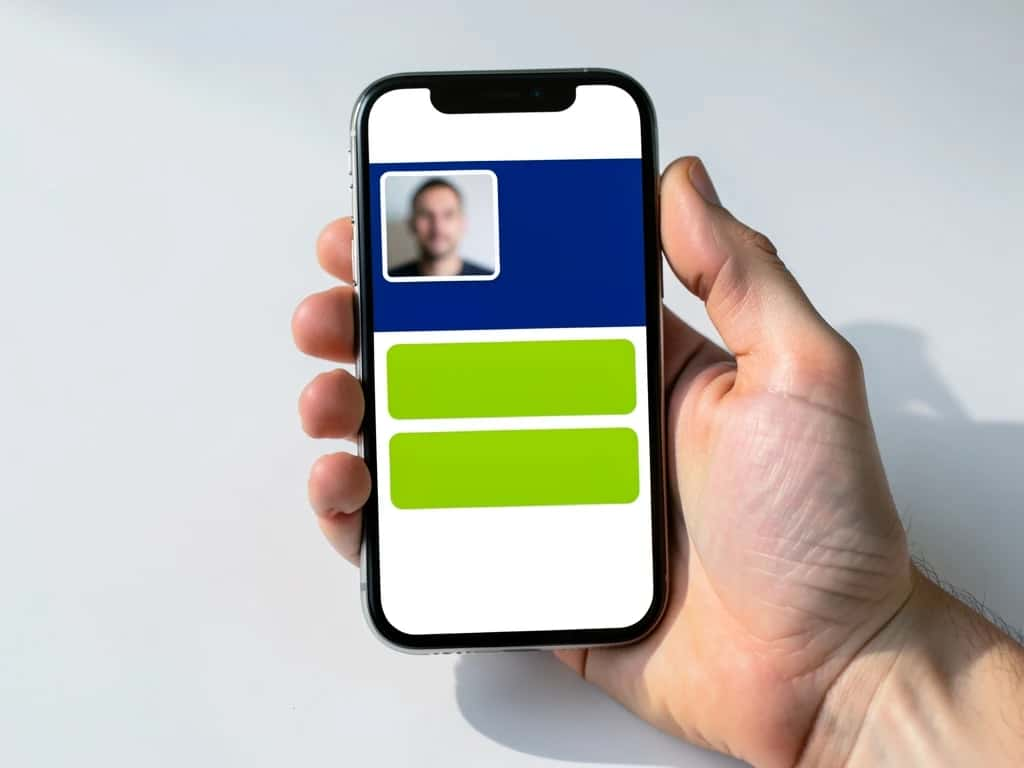
Tip: turn your phone sideways while editing. The bigger screen makes it easier to line up text and photos.
How to edit an ID card online
The easiest way to update an ID card is to reopen the design you saved and change it there. This keeps fonts, colors and layout the same for everyone in your team.
Common updates:
- ▸A new job title, department or class
- ▸A new expiry date or academic year
- ▸A new photo
- ▸An updated logo or brand colors
If you only have the image file of a card you designed, upload it to an online editor, select the text you want to change, and type the new details in the same font.
Suggested Read: What is the Best AI Headshot Generator App?
How to edit an ID picture
A good ID photo makes the whole card look professional. Here is how to edit the picture before you add it:
Suggested Read: 10 Best AI Selfie Generators
Best apps and AI tools to create and edit ID cards
For most people, an online ID card maker with ready templates is the quickest option. Pick the tool based on how many cards you need and how much design control you want.
| Tool | Best for | Price | Works on phone |
|---|---|---|---|
| Pixazo ID Card Maker | Fast cards from templates, AI photo cleanup | Free to start | Yes |
| Canva | Custom designs with many ID templates | Free plan; more on paid | Yes |
| Adobe Express | Branded cards with your logo and colors | Free plan | Yes |
| Microsoft Word or PowerPoint | Simple cards using built-in templates | Included with Microsoft 365 | Limited |
| AI background removers | Cleaning up ID photos | Free options | Yes |
Which AI can edit an ID card? AI design tools can remove photo backgrounds, fix lighting, suggest layouts and replace text on a card you designed while keeping the same font. Look for an editor that lets you upload your card design and edit the text and photo in one place.
Making cards for a whole team? Choose a tool with bulk create or a spreadsheet upload, so you can make 50 or 500 cards from one template without typing each one.
Suggested Read: Best Profile Picture Makers
ID card design tips
- ▸Use two or three colors from your brand, not more.
- ▸Keep the name in a bold font of at least 14 pt.
- ▸Leave space at the top for a lanyard hole or clip.
- ▸Use high contrast: dark text on a light background is easiest to read.
- ▸Use the same template for everyone so cards look consistent.
- ▸Add an expiry date for cards that need renewing.
Suggested Read: How to Create a Professional LinkedIn Banner
Conclusion
Making an ID card online takes a few minutes: pick a template, add a clear photo and the right details, and download it to print or share. Whether it is for employees, students, events or members, a good template keeps every card neat and consistent.
Suggested Read: How to Edit Text in an Image (Free)
FAQ
How do I make an ID card online for free?
Open a free online ID card maker, choose a template, add the photo and details, and download it. Most tools offer free templates and free PNG downloads.
Can I create an ID card with my phone?
Yes. Use an ID card maker app or an online editor in your phone’s browser. You can take the photo, design the card and save it, all on your phone.
What app can I use to create an ID card?
Online AI ID card makers work well and have free plans, and design tools like Canva and Adobe Express also include ID templates. Word and PowerPoint have basic templates too.
How do I generate an ID number for my cards?
Use a simple pattern, like a short code for your organization plus a number (for example ABC-0001). Keep a spreadsheet of who has which number so you can track and replace cards.
What size is a standard ID card?
The standard size is 3.375 x 2.125 inches (85.6 x 54 mm), known as CR80. It fits most card holders and ID card printers.
How do I edit my ID card after making it?
Open your saved design in the same tool and update the text, photo or dates. Download it again and reprint.
What makes a good ID photo?
A front-facing shot with a plain background, even lighting and a natural expression. Crop to the head and shoulders, and avoid heavy filters so it still looks like the person.
Can I print the ID cards at home?
Yes. Download a high-quality PDF or PNG, then print on thick card stock and laminate it, or send the file to an ID card printer for PVC cards.
Deepak Joshi
Author · Pixazo
Deepak writes about generative AI models, APIs, and the workflows teams use to ship them. Reviewed by Abhinav Girdhar.

