10 Best AI Face Generators for Realistic Portraits
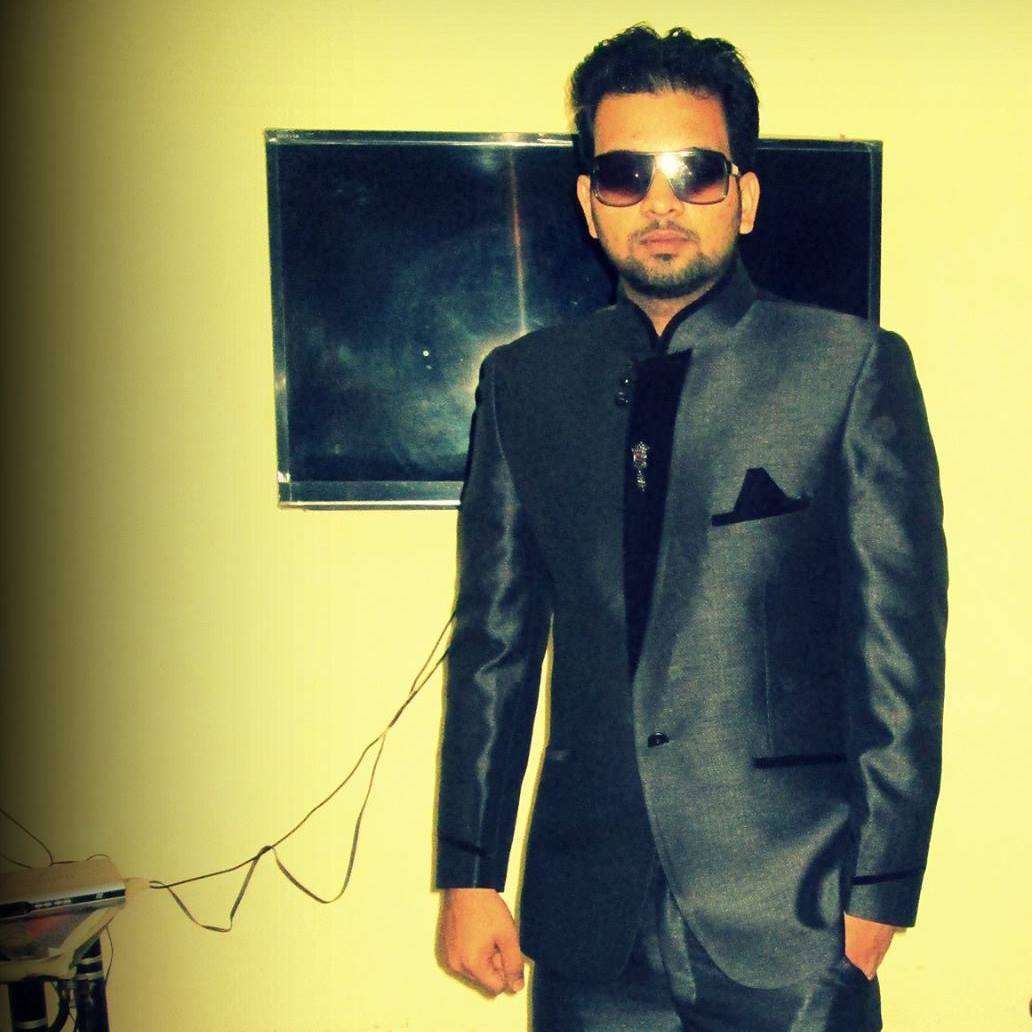

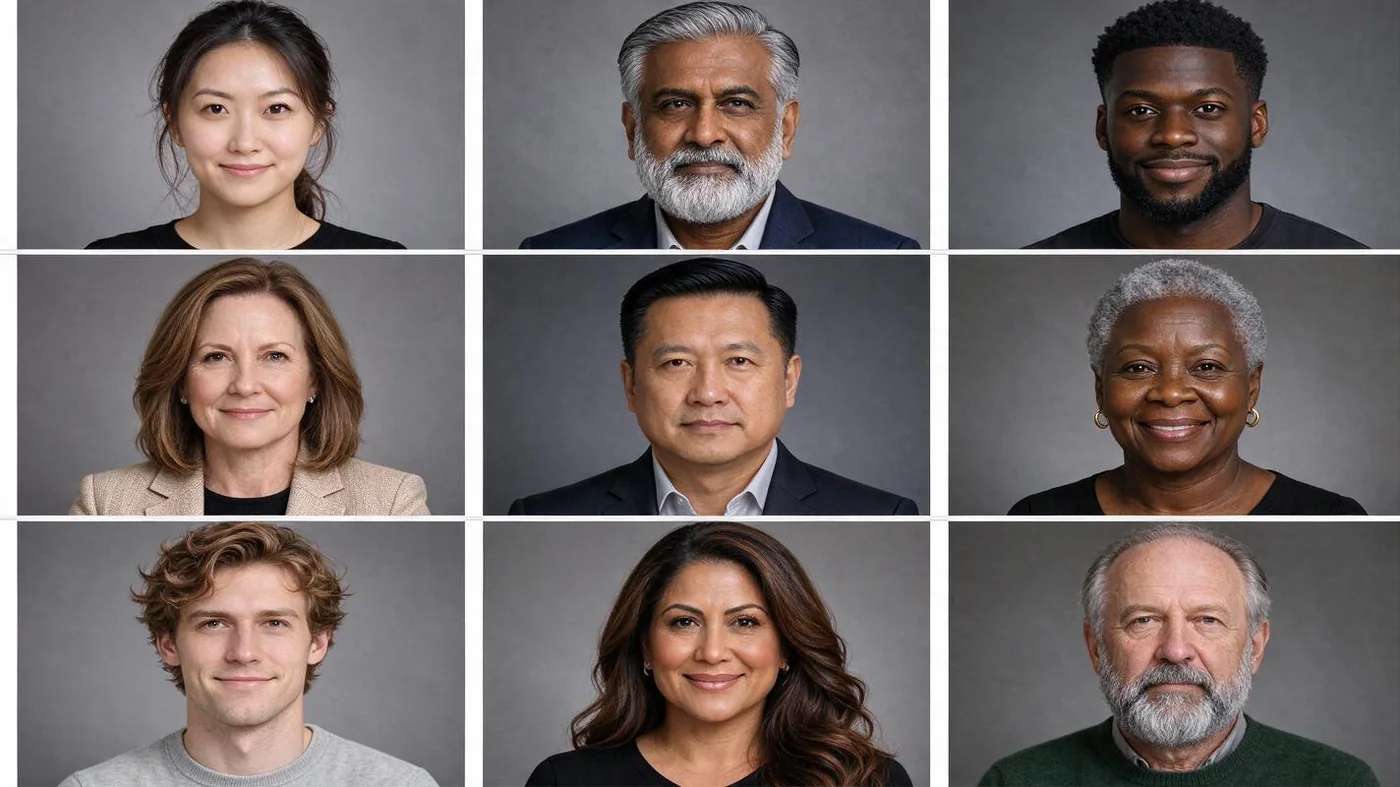
AI can now invent a human face so convincing you would never guess no such person exists. Whether you need a royalty-free stranger for a mockup or a photoreal portrait from a prompt, an AI face generator gets you there in seconds. This guide ranks the 10 best for realistic portraits in 2026, and shows you how to judge realism for yourself.
One distinction first, because it decides which tool you want. Face generators create a person who does not exist; profile-picture and headshot makers restyle a photo of you. This post is about the former: generating brand-new faces from scratch or a text prompt.
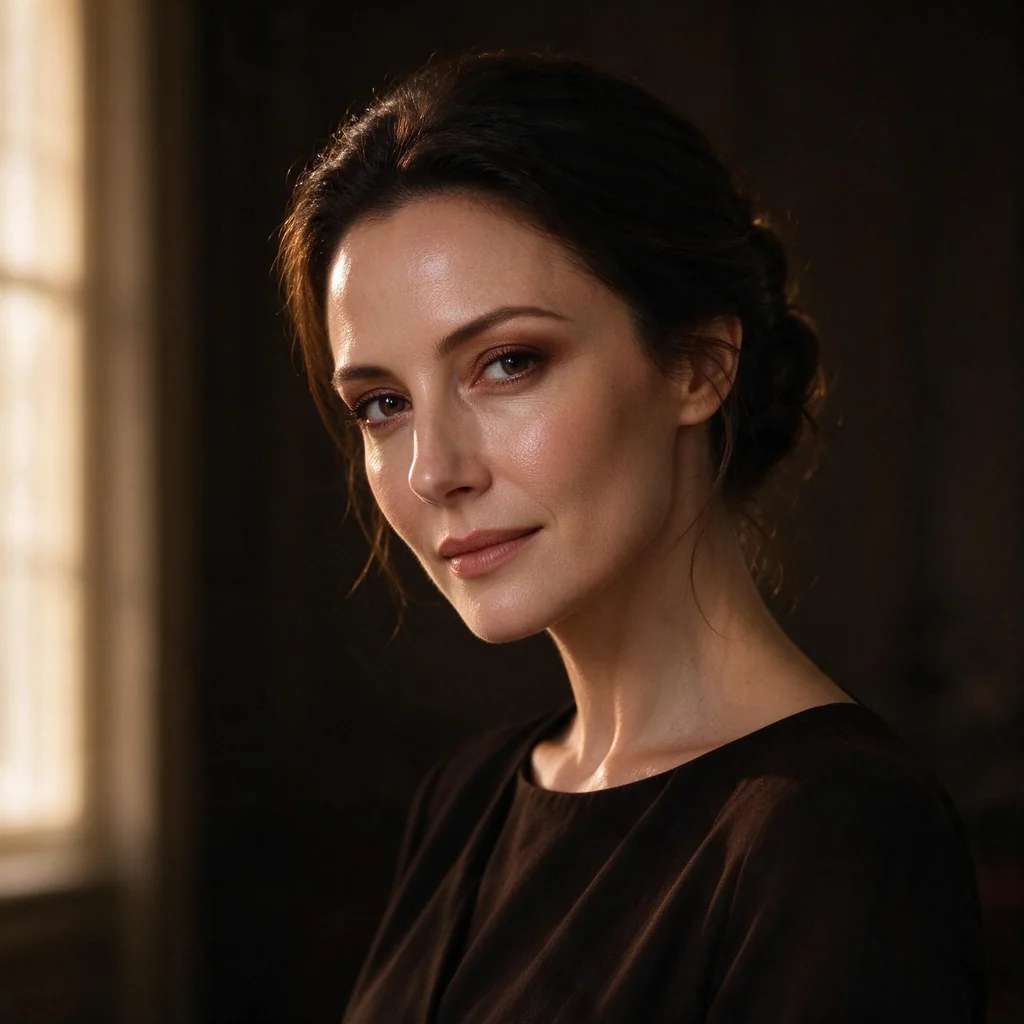
Two kinds of face generator
Readers constantly conflate two very different tools. Sorting them makes the whole category easy to shop:
- Synthetic face generators invent brand-new, royalty-free people, often from a random seed (This Person Does Not Exist) or attribute filters (Generated Photos). Great for stock, placeholders and diverse avatar sets.
- Prompt-to-portrait models turn a written description into a photoreal face you direct (Midjourney, FLUX, Pixazo). Great for concept art, characters and editorial portraits.
We have tagged every tool below so you can jump to the track you need.
The 10 tools at a glance
| # | Tool | Track | Input | Free tier | Best for |
|---|---|---|---|---|---|
| 1 | Midjourney | Prompt | Text prompt | No free plan | Editorial portraits |
| 2 | FLUX | Prompt | Text / API | Free Schnell | Photoreal skin at scale |
| 3 | Generated Photos | Synthetic | Attribute filters | Trial, then paid | Stock + placeholders |
| 4 | Google Nano Banana | Prompt | Text + edit | Free, limited | Consistent characters |
| 5 | This Person Does Not Exist | Synthetic | Random (refresh) | Free | Instant free faces |
| 6 | Pixazo | Prompt | Text prompt | Free to start | PFPs + concept faces |
| 7 | Fotor | Prompt | Text + styles | Free credits | Casual + editing |
| 8 | Artbreeder | Synthetic | Blend + sliders | Free tier | Character variations |
| 9 | Icons8 Faces | Synthetic | Library + filters | Free w/ attribution | UI avatars |
| 10 | Unreal Person | Synthetic | Random (refresh) | Free | Quick placeholders |
Midjourney is the aesthetic benchmark for AI portraits: prized for lighting, skin and mood, it turns a prompt into strikingly convincing faces. If you want a hero portrait with real atmosphere, start here.
Watch out: No free plan, and plans are sold as fast GPU hours rather than a fixed image count. It offers no reliable way to reproduce the exact same face, and it can over-beautify or mangle hands and teeth.
FLUX from Black Forest Labs is repeatedly rated among the most photorealistic models for skin texture and natural detail. Its Ultra and Pro tiers give raw, lifelike portraits, and an open Schnell variant is free.
Watch out: It is mostly API and developer oriented rather than a polished consumer app, and the naming (1.1 Pro, 2 Pro, FLUX.2) plus per-provider pricing (roughly $0.02 to $0.05 an image) is confusing, so verify costs with your provider.
Generated Photos is the go-to for royalty-free synthetic people: a library of 2.6 million-plus pre-made faces plus an on-demand generator, with filters for age, pose, skin tone, emotion and more. Built for ads, mockups and diverse avatar sets.
Watch out: Outputs can betray AI tells on close inspection (odd eye reflections, asymmetric earrings), and pricing and licensing have shifted over time. Current terms: a 3-day watermarked trial, about $8.97 for a one-time image, or roughly $19.99 a month for 15 photos. Confirm commercial rights before you ship.
Google’s Gemini image models (Nano Banana and Nano Banana Pro) generate and edit photoreal faces with strong character consistency and reference fusion, so you can keep the same person across several images. They win a lot of community realism tests.
Watch out: The free quota in the Gemini app is small and reverts to a weaker model once spent, and every output carries Google’s invisible SynthID provenance watermark. Portrait-specific quality limits are thinly documented.
The original demo of the idea: refresh the page and NVIDIA’s StyleGAN renders a brand-new, often strikingly real face. No account, no limits, nothing to pay. The fastest way to grab a believable random face.
Watch out: Zero control: you cannot set age, gender or pose, or reproduce a face you liked. Output is 512px StyleGAN, so hair, ears, accessories and backgrounds can glitch on close inspection.
Pixazo’s AI face generator turns a written description (age, gender, features, expression, lighting) into a download-ready photoreal portrait in seconds, with an optional reference photo to steer the likeness. It sits inside Pixazo’s wider creative platform, so your faces live next to your other image work.
Watch out: The page notes hands, teeth and jewellery can render with quirks that need a regenerate, there is no published per-plan price, and controls run through the text brief rather than dedicated sliders. It is not built for full-body shots or official ID photos.
Fotor’s face generator makes faces from text or image prompts in several styles, and sits next to a full editor with background removal, upscaling and retouching. A convenient all-in-one for casual portraits.
Watch out: It is essentially one general model, so realism is inconsistent and prompt adherence weakens on complex instructions. The free tier is credit-limited and some AI features may carry a watermark.
Artbreeder lets you breed two or more faces together and tune traits with sliders, evolving portraits rather than writing them from scratch. Newer SDXL-based tools sharpen the results. Ideal when creative control and variation matter.
Watch out: Its signature blended look can read as stylised or uncanny rather than strictly photoreal, and current pricing tiers are opaque across sources.
Icons8 offers a big library of AI-generated faces plus a generator, aimed at giving designers royalty-free synthetic people for UI mockups, avatars and placeholders. Handy and cheap for prototype work.
Watch out: Free use has historically hinged on attribution and current license terms are ambiguous, so check them. Faces are library-style and can look generic or show AI tells at full resolution; they read best at avatar size.
Unreal Person is another free, StyleGAN-style site that spits out random synthetic faces for quick placeholder use, in the mould of This Person Does Not Exist.
Watch out: It is the least-transparent entry here: claims (free, GAN-powered, licensing) come mainly from third-party directories rather than a verified source, and there is little control over output. Confirm commercial-use terms before relying on it.
Suggested Read: Top Profile Picture Ideas and Designs
How can you tell if an AI face is realistic?
Every tool claims realism; few prove it. Judge any output yourself with this six-point check. The closer a face passes all six, the more convincing it is.
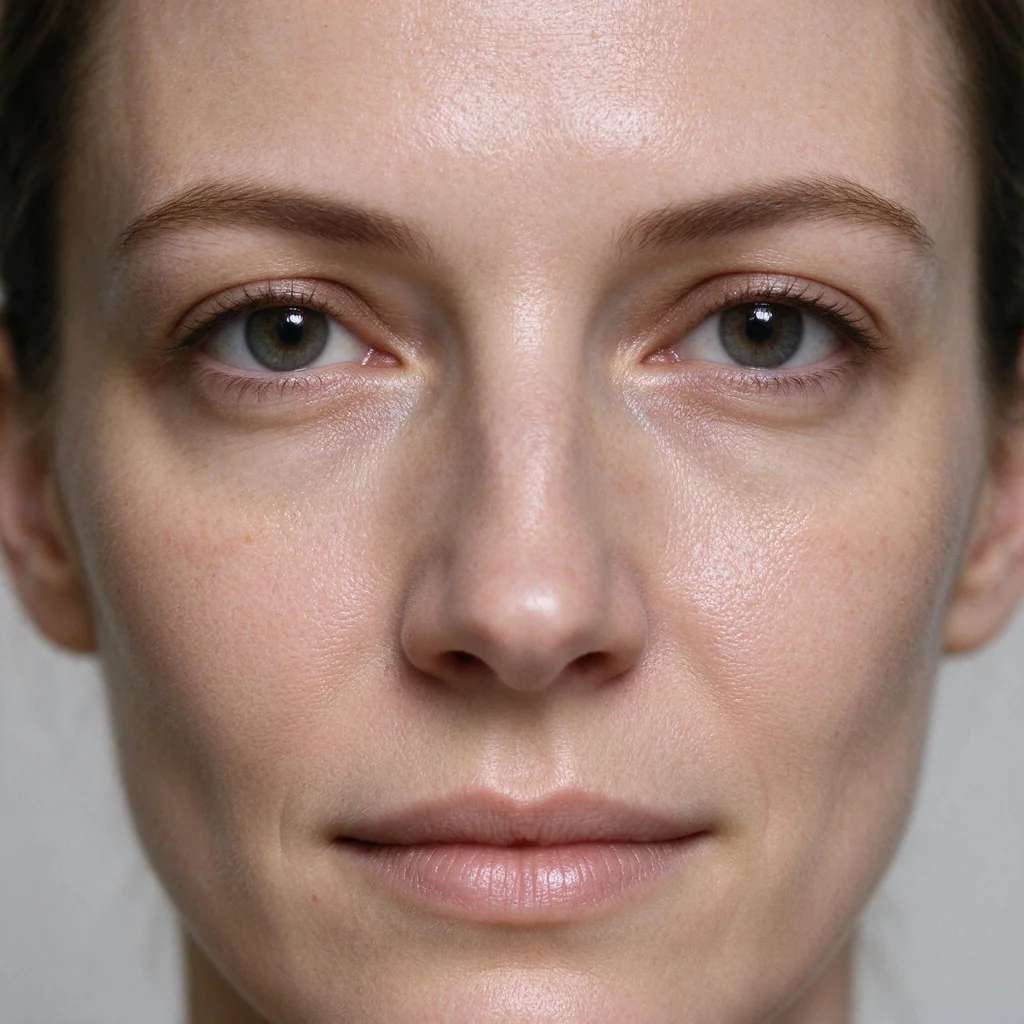
- Skin texture. Real skin has pores, fine lines and uneven tone. Plastic-smooth skin is the clearest tell.
- Eye catchlights. Both eyes should reflect light the same way; mismatched or missing catchlights look off.
- Symmetry. Faces are never perfectly symmetrical, but AI often warps one side, an ear, or a pair of glasses.
- Ears, hands and fingers. The classic failure points. Check earrings match and fingers count correctly.
- Hair edges. Strands should blend naturally into the background, not smear or halo.
- Background coherence. Warped doorframes or melting objects behind the subject give the game away.
Suggested Read: 12 Best Profile Picture Makers for Every Platform
Use AI faces responsibly
Synthetic faces are powerful, which makes responsible use non-negotiable. A few ground rules:
- Disclose AI in ads and editorial. Many regions now expect it, and audiences reward honesty.
- Do not fake real people. Generating a face that resembles a specific person, or using one to invent a testimonial, risks likeness and consent violations.
- Check the commercial licence. A purely synthetic face is usually royalty-free, but terms vary by tool, so confirm before using one in a paid campaign or on a product.
- Never use it to deceive. Fake profiles, impersonation and misinformation are exactly what erodes trust in the technology.

Suggested Read: What Is the Best AI Headshot Generator App?
Which face generator should you use?
- Need many free placeholder faces: This Person Does Not Exist or Generated Photos’ trial.
- Want a directed, photoreal portrait: Midjourney, FLUX or Pixazo, where a prompt gives you control.
- Need the same character across images: Google Nano Banana for its consistency.
- Designing UI mockups: Icons8 Faces or Generated Photos for quick royalty-free avatars.
- Exploring character variations: Artbreeder’s blend-and-slider approach.
Suggested Read: How to Restore Old Photos With AI
The bottom line
For realistic portraits, the prompt-to-portrait models lead on quality: Midjourney for mood, FLUX for raw skin, Google Nano Banana for consistency, and Pixazo for a quick, free prompt-to-face flow inside a full creative platform. For royalty-free strangers in bulk, Generated Photos and This Person Does Not Exist are the fastest. Whichever you choose, judge the output with the six-point realism check, confirm the licence, and use synthetic faces honestly.
Suggested Read: Best AI Avatar Generators in 2026
What is the best AI face generator for realistic portraits?
For directed, photoreal portraits, Midjourney, FLUX and Google Nano Banana lead, with Pixazo a strong free-to-start option. For royalty-free synthetic strangers, Generated Photos and This Person Does Not Exist are the quickest. The right pick depends on whether you want to prompt a face or grab a random one.
Is there a free AI face generator?
Yes. This Person Does Not Exist and Unreal Person are completely free random-face sites, FLUX has a free Schnell variant, and Pixazo, Fotor and Google’s Gemini app all let you start free. Free tiers often limit resolution, add watermarks or cap generations, so check the terms.
Are AI-generated faces free to use commercially?
A purely synthetic face is usually royalty-free because no real person is depicted, but licence terms vary by tool and have changed over time. Always confirm the current commercial licence, and never generate a face that resembles a specific real person for ads or testimonials.
How can I tell if a face is AI-generated?
Zoom in and check six things: skin texture (real skin has pores), matching catchlights in both eyes, facial symmetry, ears and fingers, hair edges, and the background. AI tends to slip on at least one, especially ears, hands and hair.
What is the difference between a face generator and a profile picture maker?
A face generator invents a brand-new person who does not exist. A profile picture or headshot maker restyles a photo of you. If you want to improve your own image, use Pixazo’s profile picture maker or face editor instead of a face generator.
Deepak Joshi
Author · Pixazo
Deepak writes about generative AI models, APIs, and the workflows teams use to ship them. Reviewed by Abhinav Girdhar.