
What Are AI HD Image Converters?
AI HD Image Converters leverage state-of-the-art deep learning models to transform low-resolution, blurry, or pixelated photos into crisp, high-definition images. Powered by convolutional neural networks (CNNs) and generative adversarial networks (GANs), these tools analyze visual data, predict fine details, and reconstruct textures—often reaching up to 4K clarity. From restoring vintage photographs to optimizing product images for e-commerce, AI HD Image Converter tools help users convert low-resolution images into high-quality images in just a few clicks. If you’re looking to improve image quality online without manual edits, this AI-driven solution streamlines the process. And for those wanting to generate entirely new visuals from scratch, the AI Image Generator opens up endless creative possibilities.
How to Use AI HD Photo Converters at Work?
Integrating these converters into your professional workflow ensures every visual asset meets high-resolution standards, boosting credibility and engagement. Creative teams can instantly adjust image dimensions for various platforms using the AI Image Resizer, while motion designers can repurpose static assets with ease through the AI Image to Animation Generator. Whether you’re upscaling product shots for catalogs, batch-enhancing banners for web design, or refining internal visuals like HR training materials, AI-powered enhancement tools bring consistency and polish to every image.
- Upscaling ratio: 2×–4× is ideal for digital use; 8× or more works well for print or signage.
- Batch processing: Upload entire folders to speed up large campaigns.
- Output formats: Use PNG or TIFF for maximum detail; choose JPEG when file size is a concern.
- Automation: Leverage APIs to embed the converter into your CMS or creative suite.
Suggested Read: Introducing FLUX.1 Kontext, GFPGAN & CodeFormer APIs on Pixazo
What Makes the Best AI HD Image Converters?
Top platforms combine powerful upscaling with intuitive editing workflows. Look for an AI Image Upscaler that minimizes artifacts, as well as an AI Photo Editor designed for streamlined batch culling.
- Super-resolution quality: Accurate detail reconstruction without over-smoothing.
- Batch & API support: Process multiple files or integrate into pipelines.
- Format flexibility: Support for JPG, PNG, TIFF, RAW, and large uploads (10 MB+).
- Speed & scalability: Fast processing with cloud or local GPU acceleration.
- Privacy & security: GDPR-compliant handling and optional local processing.
- Pricing transparency: Free tiers, clear credit models, and competitive subscriptions.
Which Are the Best AI HD Image Converters at a Glance?
Pixazo offers a full suite of AI-driven creative tools. From simple upscalers to advanced editors, everything you need is in one place: Pixazo.
| Tool | Best For | Features | Pricing |
|---|---|---|---|
| Pixazo | AI-Powered Instant HD Conversion | JPG/PNG upscaling, edge sharpening, noise removal (up to 5MB) | Free Trial; $8/month |
| Pokecut | No-Signup 4K Upscale | 1080p→4K HD, batch support | Free |
| Remaker | Ease of Use | One-click HD converter | Free |
| insMind | Batch Enhancement | Fix blur, restore old, color boost | Free |
| Phot.AI | Pro-Level Control | Multi-format HD converter, API | Freemium (from $9/mo) |
| Designify | Pixelation Fix | Auto-sharpen, super-resolution | Free & Pro ($39/mo) |
| Picsart | Social Media Ready | One-click photo quality enhancer | Free & Subscription |
| VanceAI | 4K Upscaler | Online/local modes, 2–4K upscaling | Freemium (from $4.95) |
| Upscale.media | High-Res & Bulk | 2×/4×/8× upscaler, batch, API | Freemium (from $25/mo) |
| Pica AI | 4× Resolution Boost | 4× upscaler, 20-image batch, 3K+ | Free |
How We Select the Best AI Design Generator Platforms at Pixazo
At Pixazo, we carefully evaluate AI design generator platforms to help users skip the overwhelming trial-and-error process. Our experts, with extensive experience in AI-powered design tools, assess each platform based on creativity, ease of use, customization options, and overall performance. We put these tools to the test by creating designs across different categories to ensure they deliver high-quality results effortlessly. Every recommendation is based on thorough research and real-world testing, with no paid placements or outside influence. Want to know how we pick the best AI design platforms? Explore our detailed evaluation process.
Disclaimer – Portions of this article were drafted with AI and reviewed by Jayesh Chaubey
What Are the Best AI HD Image Converters?
These Best AI HD Image Converter tools represent the top solutions for anyone looking to convert low quality image into high quality, whether you need free online upscaling or advanced 4K upscalers. These top converters turn low-quality pictures into high-definition masterpieces, whether you need a free online tool or a premium 4K upscaler.
New users can follow how to use AI image generators effectively, or explore best PNG to 3D converters to bring flat assets into three-dimensional space.
Best AI HD Image Converters
- Pixazo – Free AI HD photo converter for instant 1080p–4K upscaling.
- Pokecut – No-signup 4K HD Pic Converter for quick, free enhancements.
- Remaker – Simple online HD converter to sharpen and clarify images.
- insMind – AI Image Enhancer with batch fixes for blurry or old photos.
- Phot.AI – Freemium HD converter with API and advanced editing.
- Designify – Auto-sharpen and super-resolution for pixelated images.
- Picsart – One-click photo quality enhancer ideal for social media.
- VanceAI – Online/local AI HD Converter up to 4K or higher.
- Upscale.media – High-resolution converter with 2×/4×/8× upscaling and bulk API.
- Pica AI – 4× smart HD photo converter with batch processing for up to 20 images.
1. Pixazo AI HD Photo Converter
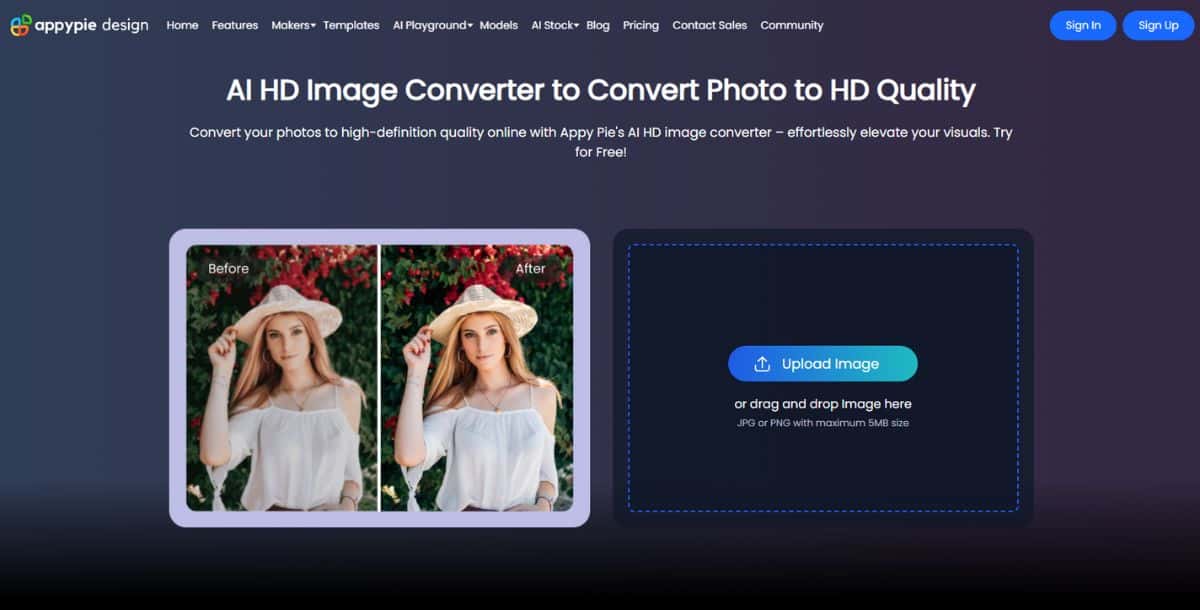
Pixazo’s AI-powered HD Photo Converter enhances image quality using advanced neural upscaling algorithms. It effortlessly transforms low-resolution JPG or PNG files (up to 5 MB) into sharp, high-definition visuals by applying edge refinement, noise reduction, and texture restoration—all in a few clicks.
Key Features:
- AI-based resolution enhancer with deep learning
- Drag-and-drop interface for instant HD conversion
- Smart noise removal and edge sharpening
- No editing skills needed – perfect for beginners
Pros:
- Accurate AI enhancement for photo clarity
- Quick HD output with minimal input
- User-friendly interface
Cons:
- 5 MB max upload size per image
- Only supports JPG and PNG formats
- No bulk or batch processing
Pricing:
Free Trial Available | Paid Plans: $8/month or $84/year
2. Pokecut
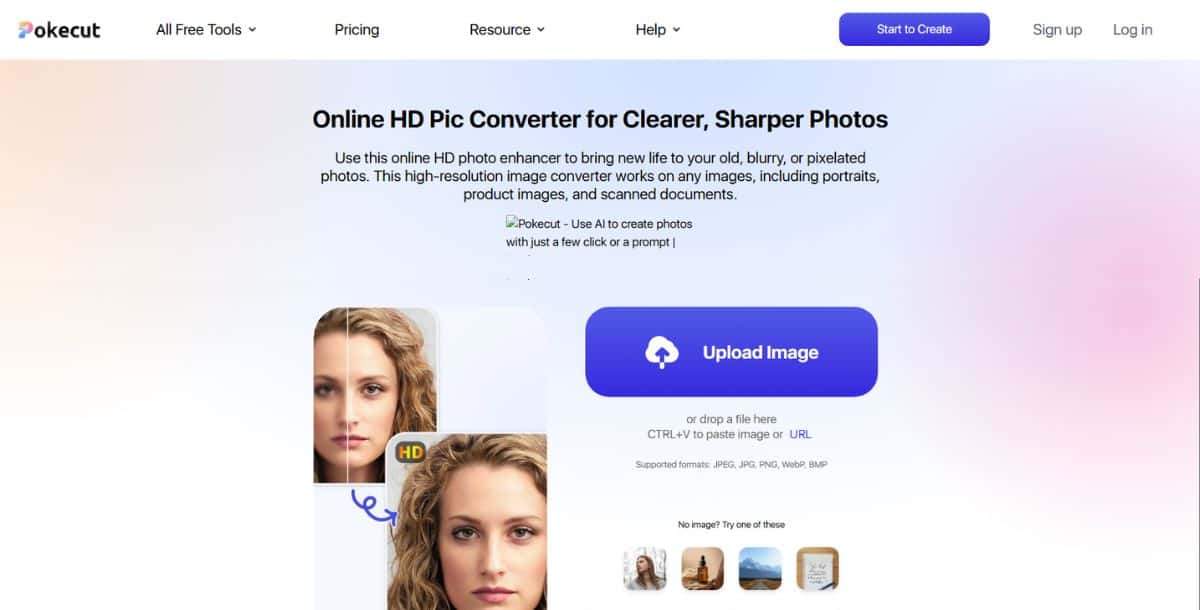
Pokecut’s HD Pic Converter offers instant 1080p to 4K upscaling with no registration required. It’s a browser-based tool tailored for fast, free enhancements. Ideal for personal and casual use, it supports batch uploads and maintains image textures without harsh smoothing effects.
Key Features:
- One-click 4K upscaling for multiple images
- No login or sign-up needed
- Preserves fine details while reducing artifacts
Pros:
- Completely free and easy to use
- Allows bulk image upload
- Supports high-quality 1080p to 4K conversion
Cons:
- Limited editing or customization options
- File size restrictions apply
- No offline or mobile app version
Pricing:
100% Free
3. Remaker
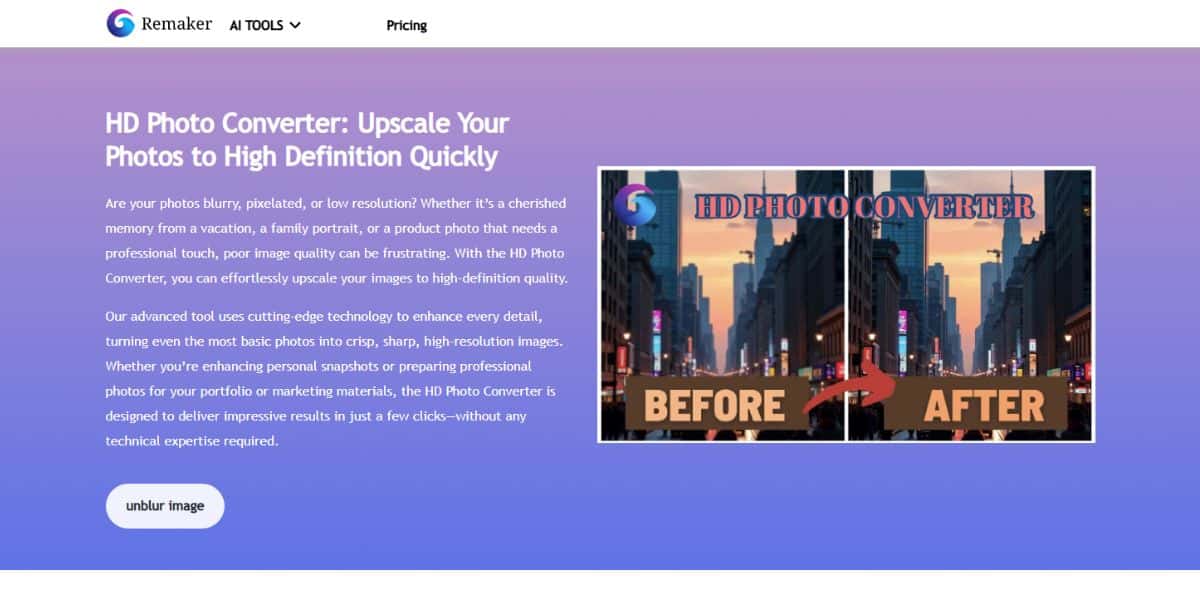
Remaker’s AI HD Converter upgrades blurry or compressed images with one-click automation. It’s especially useful for bloggers, eCommerce sellers, or social media marketers needing high-quality visuals. The platform automatically corrects noise, enhances textures, and sharpens edges without any technical steps.
Key Features:
- Single-click conversion to HD quality
- Neural processing for detail recovery
- Cloud-based—no software installation required
Pros:
- Fast and free HD conversion
- Great for digital content creators
- Maintains image details with high consistency
Cons:
- No manual control over enhancement settings
- Requires an internet connection to use
- Processes one image at a time
Pricing:
Free
4. insMind
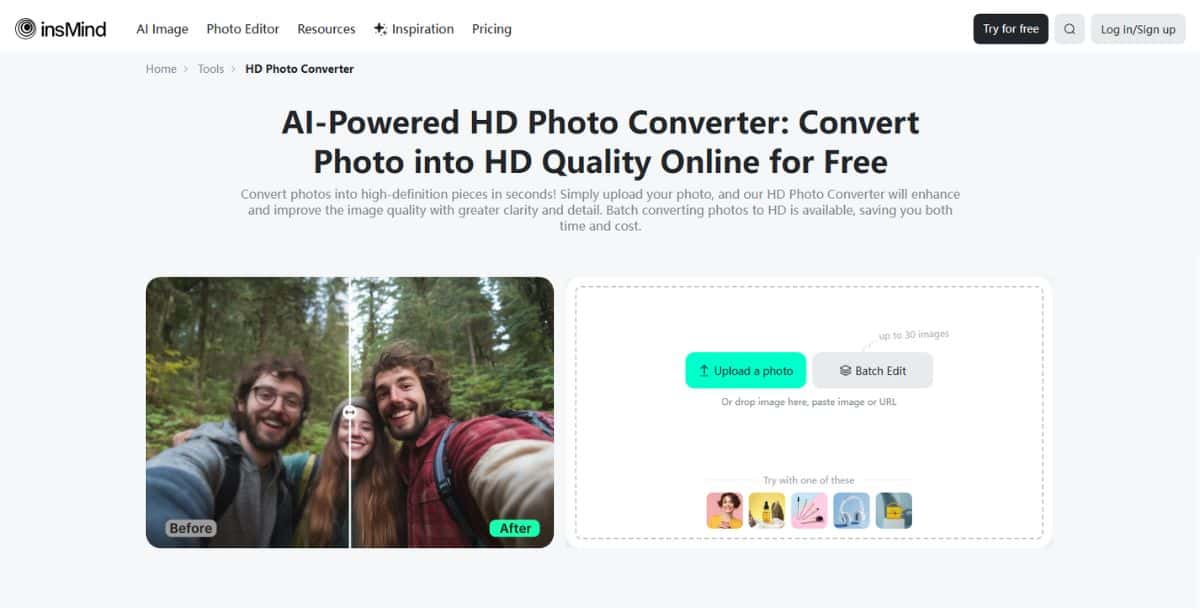
insMind’s AI Image Enhancer blends super-resolution with AI restoration, making it ideal for repairing blur, color degradation, and aging effects in old or damaged photos. The tool supports batch processing for up to 30 images, making it highly suitable for digital archiving, e-commerce product listings, or bulk social media preparation.
Key Features:
- Fixes motion blur and low-resolution artifacts
- Color enhancement and noise reduction
- Batch edit up to 30 images simultaneously
Pros:
- Great for restoring old or vintage images
- Fast batch processing without losing quality
- Effective for e-commerce platforms and archives
Cons:
- User interface may feel basic for power users
- Performance varies with server load
- Lacks manual fine-tuning controls
Pricing:
Free
5. Phot.AI
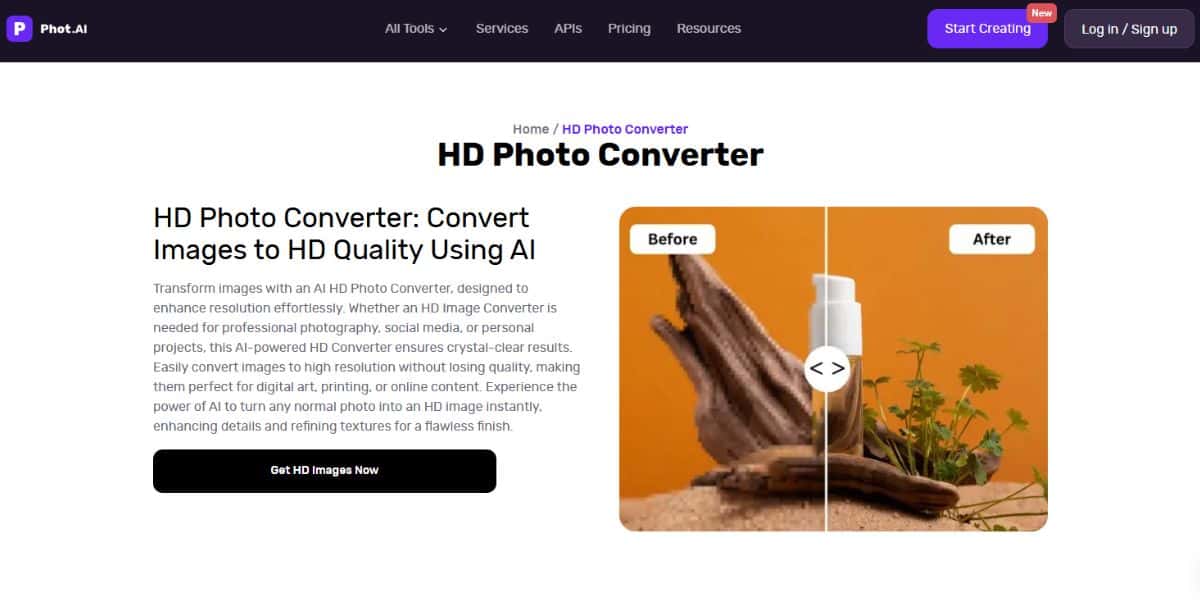
Phot.AI is a business-grade image enhancer with multi-format HD upscaling, batch editing, and API integration for automation workflows. It supports high-resolution inputs including JPG, PNG, TIFF, and RAW, making it an ideal choice for agencies, studios, and enterprise platforms that handle large image volumes regularly.
Key Features:
- Supports JPG, PNG, TIFF, and RAW file formats
- Batch processing and image workflow automation
- Developer-ready with robust API support
Pros:
- Perfect for scaling up enterprise image tasks
- RAW file support allows high-fidelity editing
- Automatable with API for bulk image enhancement
Cons:
- Complex setup for non-technical users
- Limited features on free plan
- Monthly subscription needed for volume use
Pricing:
Freemium (limited use); Premium starts at $9/month
6. Designify
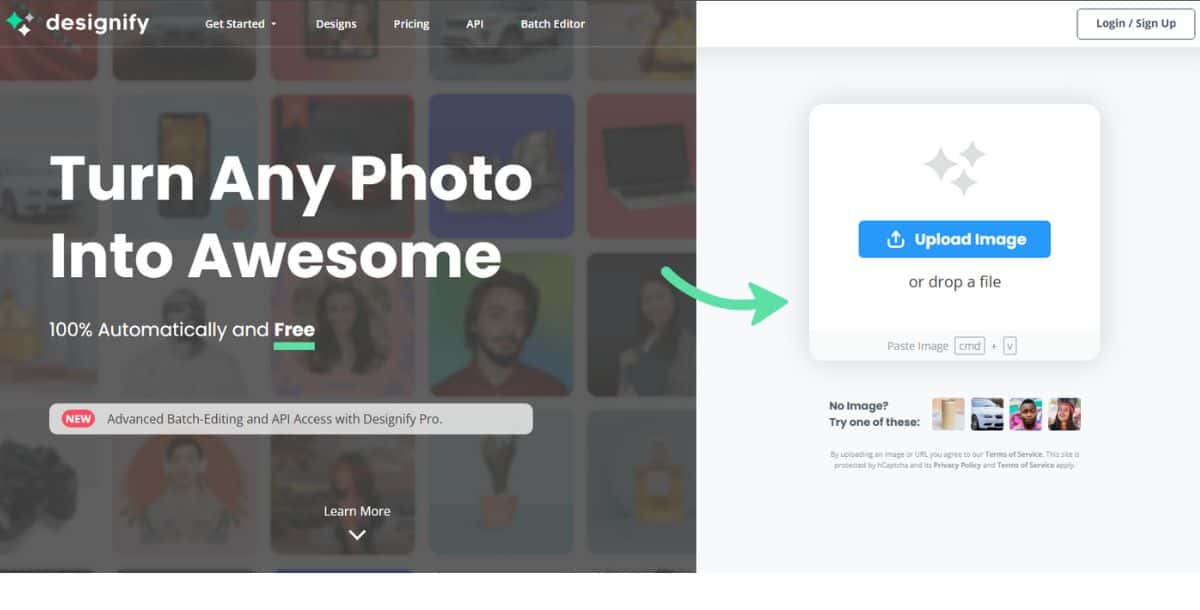
Designify’s AI-driven Super Resolution tool repairs pixelation, sharpens edges, and enhances image clarity—particularly effective for digital marketing, product photos, and branding visuals. It also includes auto background removal and color correction, offering additional post-processing options. The free plan supports resolutions up to 1440×1440 px, while higher formats are available with a Pro plan.
Key Features:
- AI enhancement for pixelated or low-res images
- Built-in background remover and color optimizer
- API access for scalable batch editing
Pros:
- Efficient for marketing and eCommerce visuals
- Multi-tool editing: fix, clean, and enhance
- Batch API available for large-scale use
Cons:
- Free version capped at 600×600 px resolution
- High-resolution export requires Pro plan
- No desktop or offline software version
Pricing:
Free up to 600×600 px; Pro plan starts at $39/month
7. Picsart
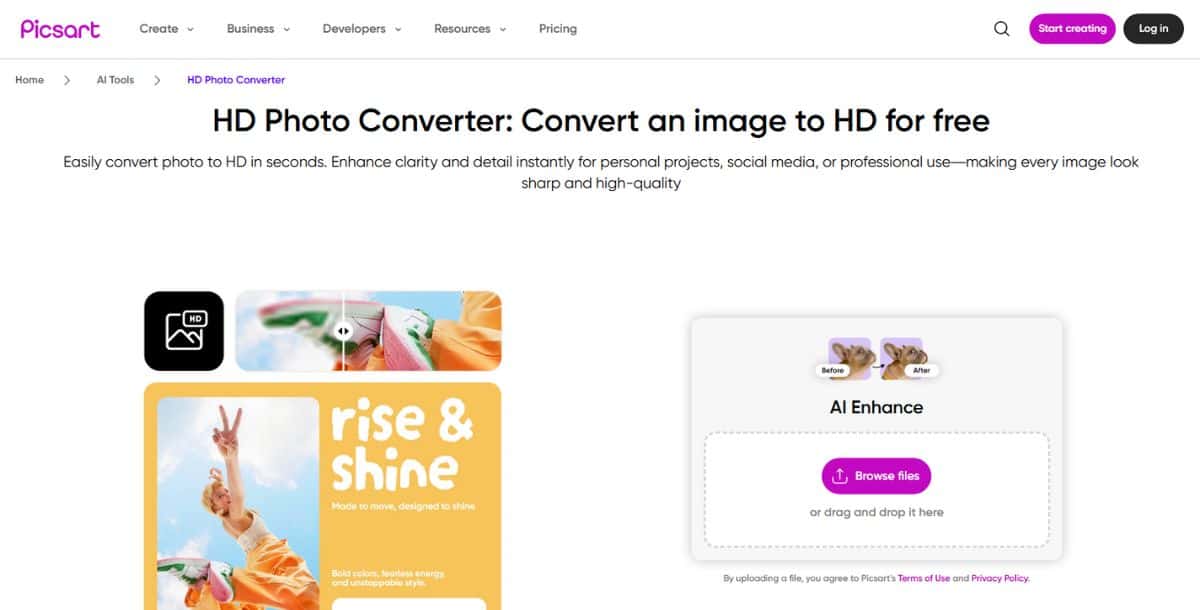
Picsart’s AI-based HD photo converter offers one-click clarity enhancement, color correction, and noise removal for both web and print media. It supports popular formats like JPG and PNG and is geared toward social media users, influencers, and casual editors. Free access includes basic upscaling, while the subscription plan unlocks batch editing and advanced filters.
Key Features:
- One-tap HD enhancement for social-ready visuals
- Basic filters and editing tools included
- Compatible with multiple image formats (JPG, PNG, etc.)
Pros:
- Fast and intuitive interface
- No sign-up needed for basic tasks
- Great for influencers and marketers
Cons:
- Ad interruptions on the free plan
- Export size limitations without Pro
- Batch processing restricted to paid tier
Pricing:
Free with ads; Subscription starts at $5.99/month
8. VanceAI
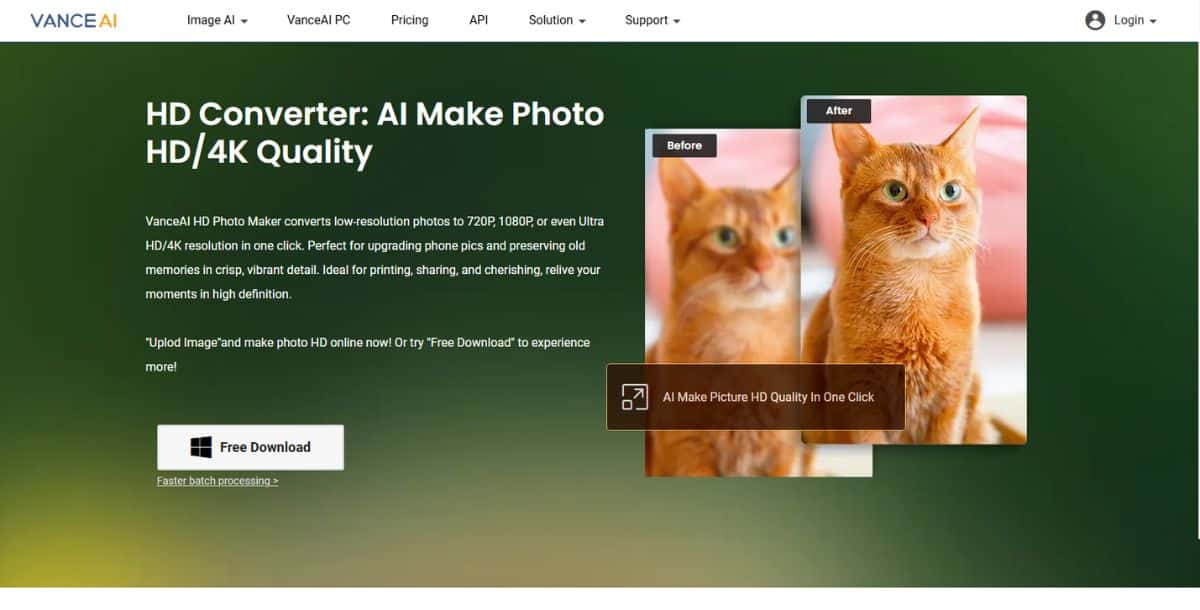
VanceAI’s advanced AI 4K upscaler enhances image quality through deep learning, available both online and via its desktop app. It supports high-resolution formats including RAW, PNG, JPG, and WebP, and is designed for professionals who need consistent high-quality results. Local GPU acceleration makes batch jobs quicker for Pro users.
Key Features:
- Supports online and offline workflows
- Handles up to 4K resolution and beyond
- GPU acceleration via desktop app
Pros:
- High-quality upscale for professional output
- API access for automation
- RAW and WebP support
Cons:
- Free version offers limited monthly credits
- RAW upscaling only available via desktop app
- Paid plans required for bulk usage
Pricing:
Freemium (with credits); Paid plans start at $4.95/month
9. Upscale.media
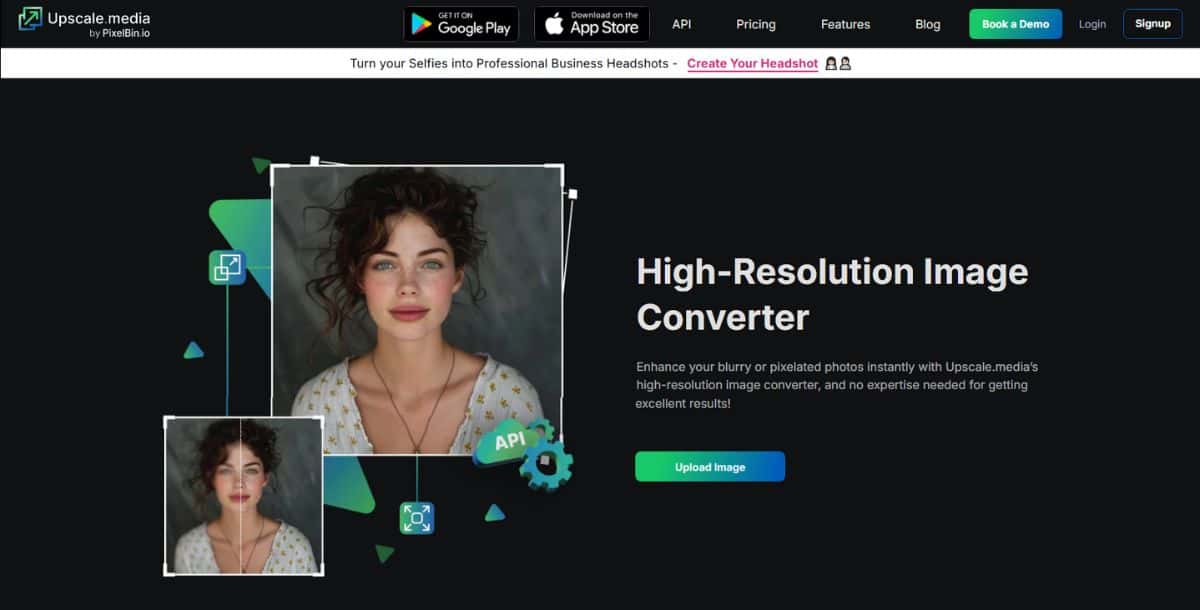
Upscale.media, powered by PixelBin.io, boosts image resolution by 2× to 8× with AI while maintaining natural textures and crisp details. It supports bulk editing and API access, with export resolutions up to 10,000 × 10,000 px, making it a top pick for agencies, photographers, and design teams handling large assets.
Key Features:
- AI upscaling: 2×, 4×, or 8× output options
- PixelBin API for automated workflows
- High-resolution export up to 10K px
Pros:
- No watermarking in free version
- Scalable for professional pipelines
- Batch enhancement available
Cons:
- Account required for maximum output size
- Credit-based pricing can get expensive
- Premium plans start at a higher entry point
Pricing:
Freemium with limits; Premium starts at $25/month
10. Pica AI
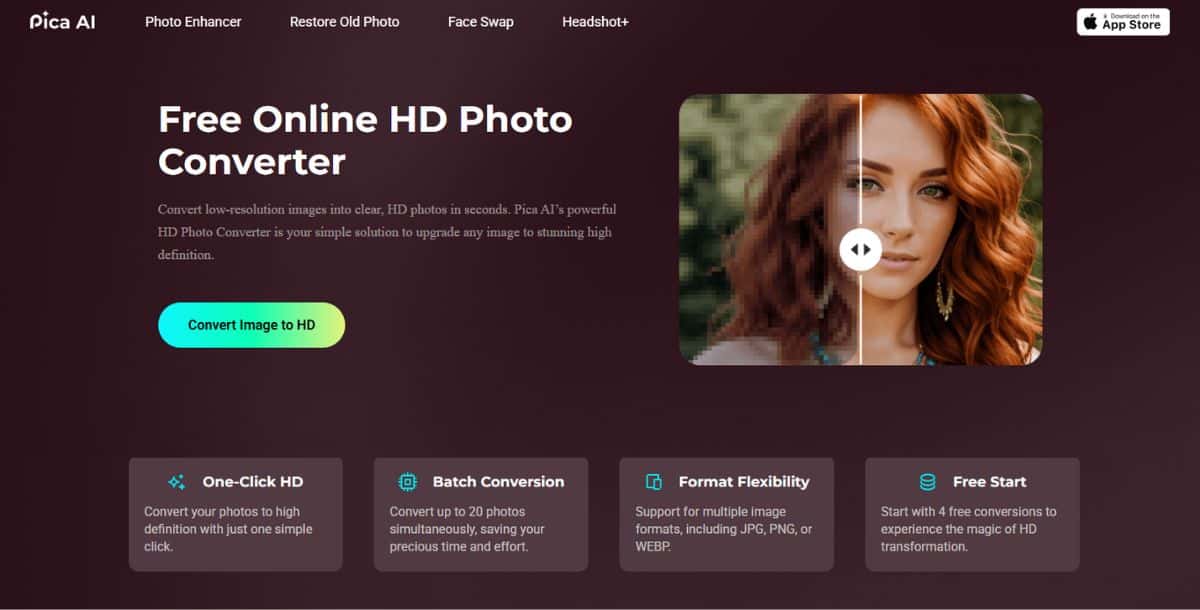
Pica AI provides 4× super-resolution upscaling with natural detail retention and batch processing support for up to 20 images per session. It’s fast, user-friendly, and requires no login—making it ideal for casual users, students, and small teams needing quick, watermark-free HD outputs.
Key Features:
- AI-powered 4× upscale in seconds
- Batch processing of up to 20 images
- HD output beyond 3000×3000 px
Pros:
- No sign-up or watermark even in free plan
- Simple and fast interface
- Ideal for casual use or quick enhancements
Cons:
- Free tier has image size and usage limits
- No manual settings for advanced users
- Resolution capped slightly above 3K
Pricing:
100% Free
How to Use AI HD Photo Converters?
To enhance image quality and convert standard visuals into high-resolution formats, follow this simple, guided process using an AI HD photo converter:
- Step 1 – Access the Tool: Launch your preferred platform—whether it’s a desktop app or an online AI HD Image Converter. For browser-based workflows, tools like the Pixazo HD Photo Converter offer fast, no-install access.
- Step 2 – Upload Your Image: Drag and drop your photo or use the upload button. Most AI tools support common formats like JPEG, PNG, and WebP. If you need to resize your image before enhancement, try the AI Image Resizer to optimize dimensions first.
- Step 3 – Choose the Upscaling Factor: Select the desired resolution boost—commonly 2× for social media, 4× for websites, or 8×+ for print-quality graphics.
- Step 4 – Fine-Tune (Optional): If the tool offers it, adjust settings like face refinement, edge sharpness, and noise reduction. These options are especially useful when enhancing portraits, scanned documents, or vintage photos.
- Step 5 – Process and Preview: Click “Enhance” or “Convert.” The AI will analyze the image and apply enhancements, using deep learning to reconstruct missing details, textures, and sharp edges.
- Step 6 – Download Your HD Image: Once the conversion is complete, preview the result and download your file. Use PNG or TIFF for maximum detail, or opt for compressed JPEG if you’re preparing images for web upload or email marketing.
- Bonus Workflow – Animate or Customize: Want to take your enhanced images further? Use the AI Image to Animation Generator to add motion or effects. You can also integrate tools like these into your workflow with AI-generated product videos for richer visual storytelling.
Conclusion: What Is the Final Take on AI HD Image Converters?
AI HD Image Converters have transformed the way we handle visual content—making it easier than ever to turn blurry, compressed, or low-resolution images into sharp, high-definition assets. Whether you’re an individual looking to upscale old family photos or a brand managing visual consistency across platforms, these tools offer scalable, AI-powered enhancement without the need for manual editing or design expertise.
From fast online converters to advanced batch-processing features, the right tool can save hours while improving output quality across marketing, design, e-commerce, and more. If you’re aiming for deeper improvements—like boosting texture clarity or color richness—check out our curated list of the best AI image enhancers that go beyond basic resolution.
Frequently Asked Questions (FAQs)
How do AI features speed up converting low-quality images into high-quality?
AI-driven super-resolution analyzes pixel patterns and uses generative models to enhance details and reduce noise in one click, eliminating manual editing. Pixazo’s HD Image Converter, for example, uses neural enhancement to auto-sharpen edges, clean up noise, and improve texture—all with a drag-and-drop interface that delivers results in under a minute.
What upscaling ratios are common among top AI HD Image Converters?
Most tools offer 2×, 4×, and 8× upscaling options; some advanced platforms like Upscale.media or VanceAI support up to 16× or custom ratios for 4K+ outputs. Pixazo’s converter efficiently handles upscaling from 720p or 1080p to near-4K quality, making it suitable for both web and light print use without overwhelming the user with complex settings.
Can I process multiple images at once?
Yes—many converters, including insMind, Upscale.media, and Phot.AI, support batch processing to enhance dozens or hundreds of images in a single session. While Pixazo currently supports single image conversion to ensure optimal output quality, it’s ideal for users looking for quick results without diving into batch setup or workflow customization.
What formats should I use for printing?
For print, export as PNG or TIFF with CMYK settings and bleed margins; these formats retain maximum detail and color accuracy compared to JPEG. Pixazo outputs high-quality PNG files that preserve detail and transparency—ideal for flyers, banners, and social posts that require sharp, scalable visuals.
Are free AI HD Photo Converters safe for confidential images?
While many platforms delete files after processing, for sensitive content choose converters with local desktop apps or on-premises options to ensure privacy and control. Pixazo does not store images after processing, ensuring privacy for users who need secure handling of personal or business-related media.
Suggested Read: 10 Best AI Image Editors in 2026: Free & Paid AI Photo Editors

Deepak Joshi
Author · Pixazo
Deepak writes about generative AI models, APIs, and the workflows teams use to ship them. Reviewed by Abhinav Girdhar.