

What are the Best AI PNG to 3D Converter Tools?
Pixazo AI PNG to 3D Converter stands out for its ease of use and batch processing capabilities. Meshy shines as a top-tier AI 3D Model Generator with text-to-3D functionality. These tools—and the seven others below—represent the pinnacle of PNG to 3D innovation.
Best AI PNG to 3D Converter Tools harness the power of advanced neural networks to turn flat PNG files into lifelike 3D renderings in seconds. Whether you’re a game developer, product designer, or hobbyist, these platforms streamline the text to 3d process and remove manual modeling headaches.
Here’s a quick look at the top nine picks:
- Pixazo AI PNG to 3D Converter for rapid prototyping
- png3D.com for vivid depth mapping
- 3Dpea for high-precision mesh export
- Aspose 3D for enterprise API integration
- Fabconvert for streamlined 3DS output
- Conholdate for multi-format support
- Dorchester 3D for photogrammetry-grade results
- Meshy as an AI 3D Model Generator powerhouse
- MiConv for lightweight browser-based conversion
How can you use AI PNG to 3D Converter Tools at work?
You can use AI PNG to 3D Converter tools at work to turn flat PNG images into interactive 3D models that boost productivity across multiple industries. These tools help businesses quickly create 3D product previews, AR-ready assets, or prototypes without manual modeling.
For example, Pixazo’s AI PNG to 3D Converter allows teams to convert product images into lightweight 3D files ideal for e-commerce, virtual stores, or AR displays. You can also:
- Generate 3D previews for product catalogs, packaging designs, or virtual try-on experiences.
- Embed a convert PNG to 3Ds Online API into your CMS, making it easy for non-technical teams to create 3D content.
- Visualize concepts in 3D using best 2D image to 3d model converter tools integrated with design platforms like Blender or Unity.
- Automate 3D model generation for marketing assets, AR/VR content, or product development pipelines.
What makes the best AI PNG to 3D Converter?
The best AI PNG to 3D Converter delivers accurate depth reconstruction, realistic textures, and seamless export options for 3D models. Tools like Pixazo’s AI PNG to 3D Converter stand out by offering a beginner-friendly interface, fast processing, and support for popular formats like OBJ, STL, and glTF.
For businesses and creators, it’s essential that the converter:
- Maintains high detail and texture quality from your original PNG.
- Uses AI-powered 3D model generation to predict depth and geometry accurately.
- Supports quick export to formats suitable for AR, VR, gaming, or 3D printing.
- Offers API access for automated workflows or integration into existing platforms.
Choosing a reliable converter ensures your 3D models look professional and are ready for real-world applications like e-commerce, digital twins, or virtual experiences.
How We Select the Best AI Design Generator Platforms at Pixazo
At Pixazo, we carefully evaluate AI design generator platforms to help users skip the overwhelming trial-and-error process. Our experts, with extensive experience in AI-powered design tools, assess each platform based on creativity, ease of use, customization options, and overall performance. We put these tools to the test by creating designs across different categories to ensure they deliver high-quality results effortlessly. Every recommendation is based on thorough research and real-world testing, with no paid placements or outside influence. Want to know how we pick the best AI design platforms? Explore our detailed evaluation process.
Disclaimer – Portions of this article were drafted with AI and reviewed by Jayesh Chaubey
How do AI PNG to 3D Converter Tools work?
AI PNG to 3D Converter tools use artificial intelligence to analyze your 2D PNG images and automatically create structured 3D models. These tools scan the image to detect edges, shapes, and shading patterns to estimate depth and structure.
Leading platforms, such as Pixazo’s AI PNG to 3D Converter, apply machine learning techniques like:
- Edge detection and luminance analysis to map image contours.
- AI-trained depth completion to predict hidden areas and fill gaps.
- 3D meshing to convert the image into polygonal models ready for export.
The final output is often available in formats like OBJ, STL, or glTF, ready for use in AR apps, 3D printing, product visualizations, or virtual simulations.
What are the Best AI PNG to 3D Converter Tools at a Glance?
| Tool | Parent Company | Best For | Key Features | Pricing |
|---|---|---|---|---|
| Pixazo AI PNG to 3D Converter | Pixazo | Rapid Prototyping | Batch conversion, API access, OBJ exports | Free trail; paid from $8/mo |
| png3D.com | png3D Inc. | Vivid Depth Mapping | Real-time preview, threshold controls | Free basic; $5/convert |
| 3Dpea | 3Dpea LLC | Mesh Precision | High-res polygon outputs, mesh decimation | $19/license |
| Aspose 3D | Aspose | Enterprise APIs | .NET/Java API, multi-format support | Subscription from $29/mo |
| Fabconvert | Fabconvert Tech | 3DS Output | 3DS, OBJ, PLY exports | Free trial; paid plans |
| Conholdate | Aspose | Multi-format Support | OBJ, STL, glTF, FBX | Free tier; $9/mo |
| Dorchester 3D | Dorchester Labs | Photogrammetry-Grade | Texture stitching, calibration | $49/mo |
| Meshy | Meshy AI | AI 3D Model Generator | Text-to-3D, image-to-3D, community models | Free; enterprise pricing |
| MiConv | MiConv Ltd. | Browser-Based Conversion | In-browser mesh editor, USB export | Pay-as-you-go |
Which AI PNG to 3D Converter tools are best for rapid prototyping?
1. Meshy
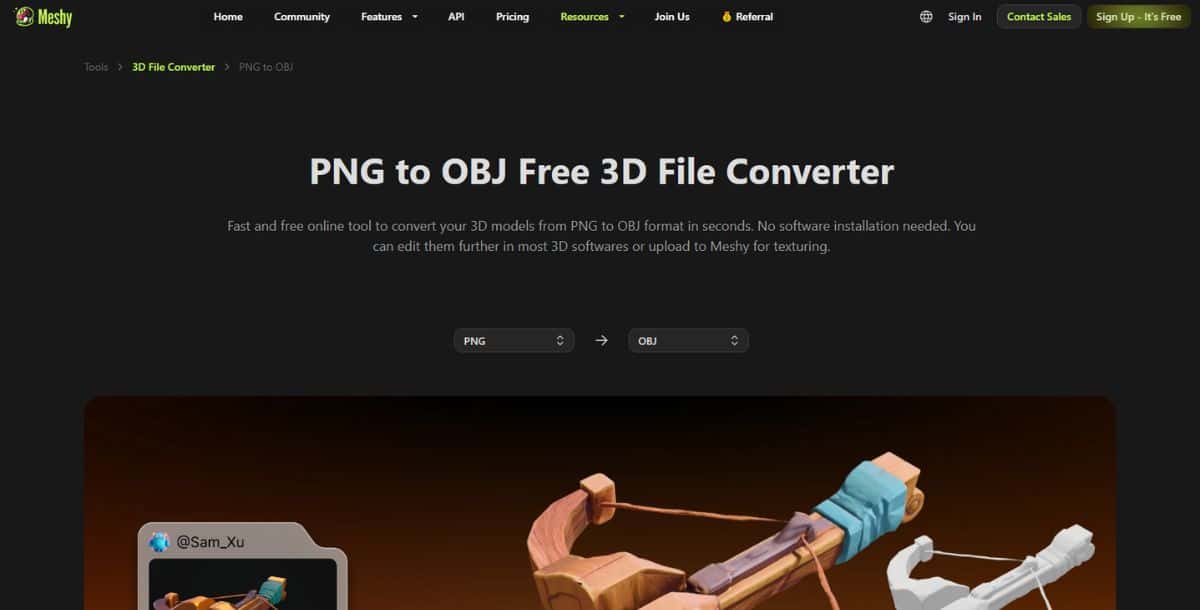
Meshy delivers a robust mix of AI-driven text-to-3D and PNG to 3D conversion in a single platform. It supports both image-to-3D and text to 3d modes, making it a versatile AI 3D Model Generator. Meshy employs a dual latent diffusion architecture and a neural radiance field (NeRF) refinement stage to reconstruct complex geometry with high fidelity. The PNG to 3d image converter utilizes an initial depth prediction network followed by a generative diffusion model to fill in unseen surfaces, producing watertight meshes that integrate smoothly into game engines like Unreal Engine and Unity. For creators exploring AI Image Generator tools, Meshy’s interface feels familiar, bridging the gap between flat asset generation and volumetric model creation.
Beyond its core conversion capabilities, Meshy offers an intuitive web-based editor for mesh cleanup and UV adjustments. Users can refine topology, retopologize for animation rigs, and apply texture baking—all within the same platform. The tool’s integration with community-driven asset libraries lets users leverage pre-trained AI 3D model generation APIs to import styles or material presets, accelerating the creative process. Meshy also provides an SDK for Python and JavaScript, enabling developers to embed mesh generation into custom pipelines or interactive web apps. Collaborative features include shared workspaces and version control, so teams can iterate on assets without conflict.
Common use cases include rapid prototyping of game assets, AR/VR scene population, and educational applications where students learn 3D modeling concepts. Meshy’s automation scripts can convert entire icon sets or UI kits into 3D glyphs overnight, ready for integration into WebGL and Three.js projects. Its real-time preview supports PBR lighting, and exports extend to OBJ, glTF, FBX, and STL formats.
Pros:
- Combined text-to-3D and image-to-3D workflows
- Real-time NeRF-enhanced depth reconstruction
- Community asset library and style presets
Cons:
- Browser-based editor can lag on large meshes
- Requires modern GPU for best performance
- Limited offline functionality
Pricing:
Free tier available; Pro plans from $15/month; Enterprise pricing on request.
2. Aspose 3D
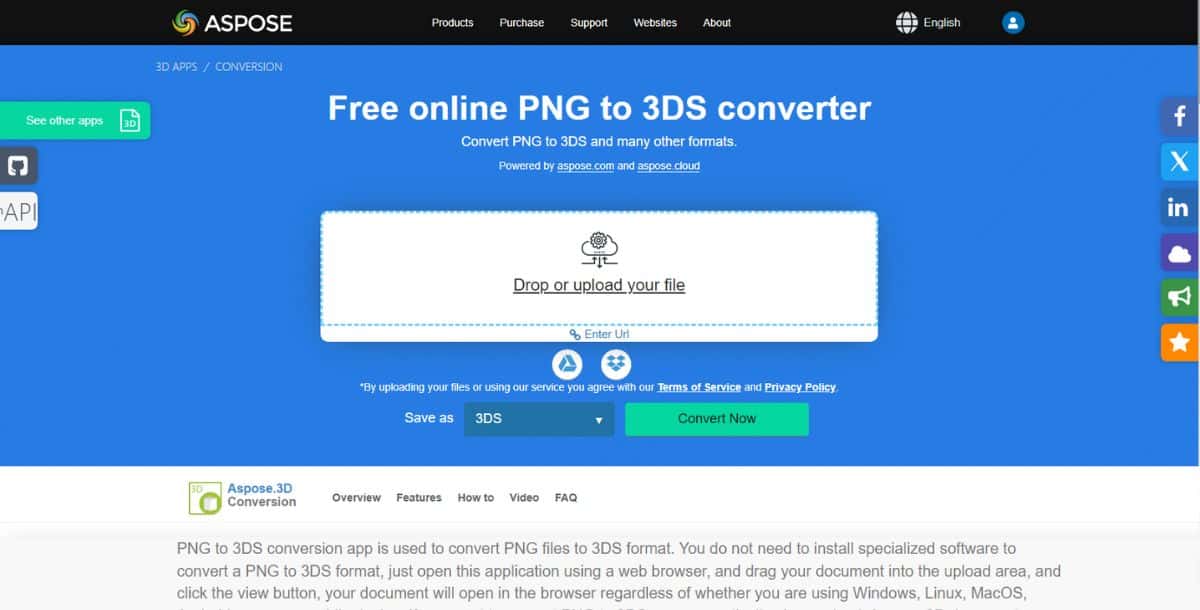
Aspose 3D delivers a robust enterprise-grade API for converting PNGs into 3D models with exceptional format flexibility. It supports multiple programming languages, including .NET, Java, and Python, making integration seamless across varied tech stacks. The tool leverages a multi-stage pipeline: first, a depth estimator generates a raw depth map from pixel intensities; next, a mesh reconstruction engine builds a watertight 3D surface; finally, a texture mapper applies original PNG artwork onto the mesh.
Beyond simple conversion, Aspose 3D offers advanced features vital for enterprise users. Automated occlusion handling fills in missing geometry using AI-driven inference, ensuring complete model surfaces even when input images lack backing information. Developers can customize mesh resolution and decimation levels to balance visual fidelity against polygon count for real-time applications. Additionally, the SDK provides out-of-the-box support for OBJ, FBX, glTF, STL, and 3DS export, with fine-grained control over unit scaling, axis orientation, and material definitions. For teams working on best AI 3D model generator tools comparisons, Aspose 3D stands out for its reproducible results across enterprise environments, with thread-safe operations and detailed logging for audit trails.
Example use cases include:
- Automated generation of 3D product previews from 2D catalogs.
- Integration into CI/CD pipelines for continuous asset updates.
- On-demand conversion services within SaaS platforms.
Key enhancements—such as hardware acceleration via GPU bindings and optional cloud-based processing—enable conversions of high-resolution PNGs in under 30 seconds. The API’s modular design allows developers to swap in custom depth-estimation networks trained on proprietary datasets, ensuring models align with brand-specific visual styles. Comprehensive documentation and sample code simplify initial setup, while enterprise support ensures rapid issue resolution.
Suggested Read: Best AI 3D Model Generators in 2026: A Comparison Guide
Pros:
- Multi-language SDKs for .NET, Java, Python
- Enterprise-grade SLAs and support
- Wide export format coverage
Cons:
- Higher cost for small teams
- Requires development effort for integration
- Cloud processing adds latency
Pricing:
Subscription plans start at $29/month; enterprise custom pricing available.
3. 3Dpea
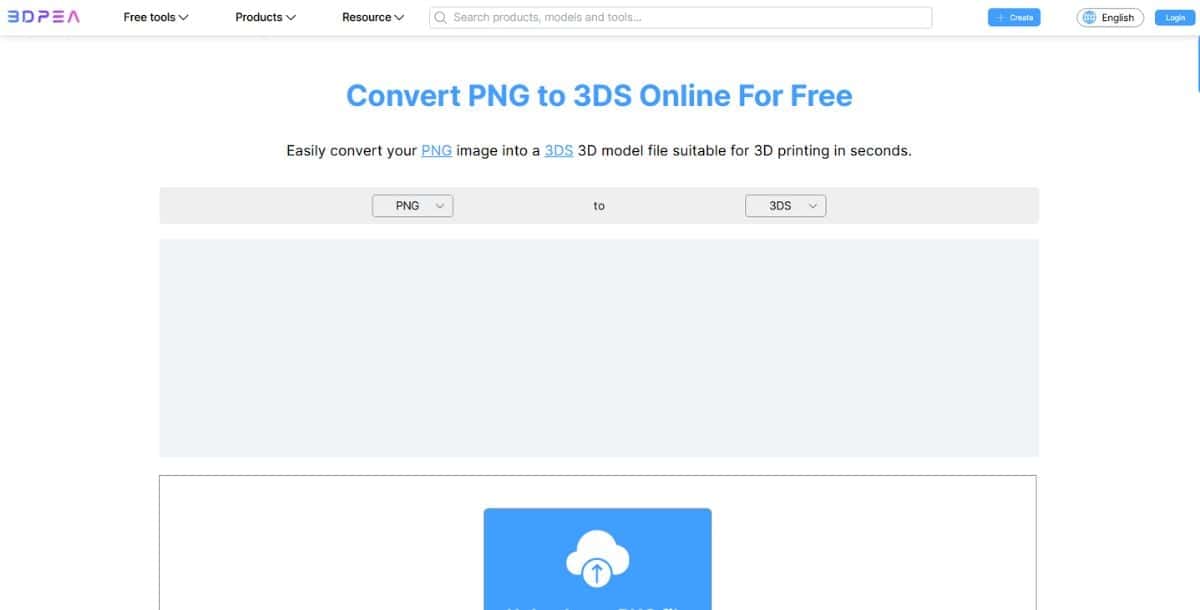
3Dpea delivers exceptional mesh precision by leveraging multi-view training data and advanced edge-detection algorithms. As an AI 3D Converter, it excels at preserving sharp corners and thin structures that often get lost in generic text-to-3d conversions. The proprietary mesh decimation and smoothing pipeline ensures optimal polygon counts—critical for game-ready assets. Coupled with its command-line interface and robust RESTful API, 3Dpea is a favorite among backend dev teams automating asset pipelines.
In practical use, studios employ 3Dpea to convert concept art into production-ready 3D assets. By integrating with Unity’s asset pipeline, artists can import their 3Dpea-generated models directly into scenes with proper collider setups and material assignments. The AI PNG to 3D Converter Tool also supports PBR material export, ensuring realistic lighting interactions in engines like Unreal. Additionally, for teams exploring AI 3D model generation APIs, 3Dpea offers plugin support for Blender’s Python API, allowing for scripted batch conversions within animation workflows.
Beyond PNG conversion, 3Dpea integrates with popular CI tools like Jenkins, allowing batch jobs that turn entire asset libraries into optimized 3D catalogs. Its support for LOD (Levels of Detail) generation makes it perfect for realtime applications, from AR mobile apps to WebGL experiences. For those exploring How to Make a 3D Model from flat assets, 3Dpea’s developer portal provides detailed code samples in Python, JavaScript, and C#—enabling seamless integration into existing toolchains.
Key features include:
- High-fidelity edge preservation
- Automatic LOD generation
- CLI and REST API access
- Export formats: OBJ, FBX, COLLADA
Pros:
- Outstanding mesh quality
- LOD generation for performance tuning
- Extensive developer documentation
Cons:
- Steeper learning curve
- No web-based UI
- Pricing can be high for enterprise
Pricing:
Single-server license at $19/month; enterprise custom plans available.
4. png3D.com
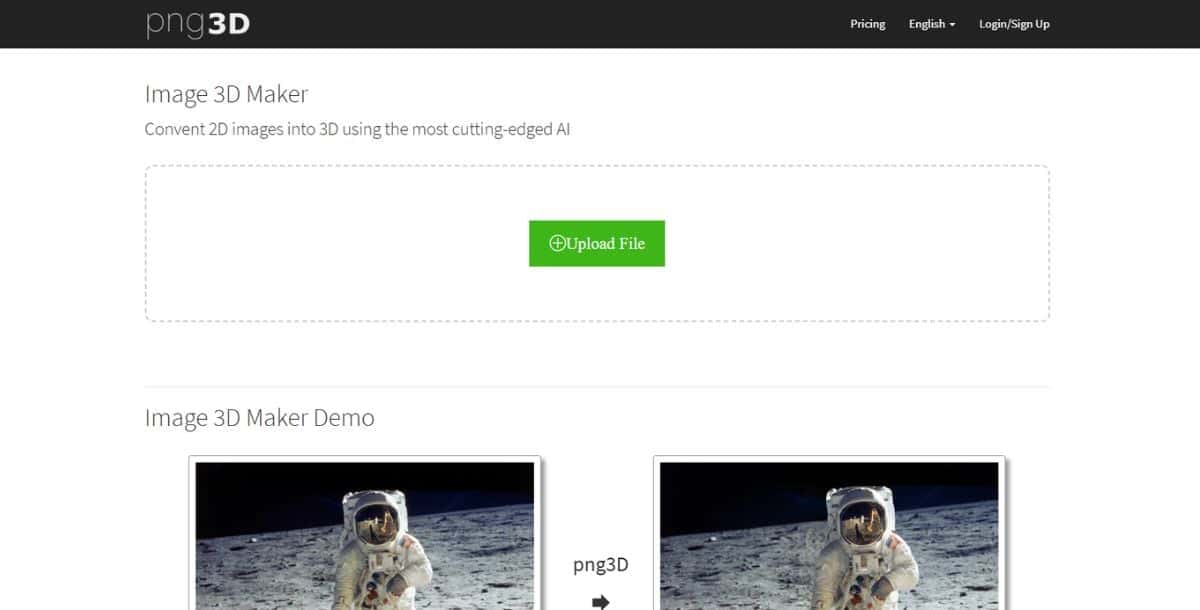
png3D.com stands out for its vivid depth mapping and customizable threshold controls. The AI PNG Converter uses a dual-network approach—one to estimate initial depth from pixel intensity and another to refine occluded regions—delivering textured 3D meshes that require minimal post-processing. As one of the Best AI 2D Image to 3D Model Converter Tools, it supports real-time preview sliders and manual depth tweaks, making it ideal for digital artists and concept designers seeking an interactive conversion experience. The platform seamlessly integrates with Blender via a plugin and exports directly to FBX for use in game engines and AR/VR apps.
One of png3D.com’s standout innovations is its use of neural radiance fields (NeRF) to enhance volumetric fidelity. This cutting-edge approach—common among the best AI 3d model generators—enables the converter to capture subtle shadows and fine surface undulations. Coupled with GPU acceleration, conversions complete in under a minute for 2K resolution PNG inputs. For teams exploring How to Make a 3D Model from simple artwork, png3D.com offers a guided tutorial series and comprehensive documentation, making it accessible even to non-technical users. The platform constantly updates its AI models with community feedback, ensuring improvements in both mesh quality and texture accuracy.
Typical applications include product visualization, rapid prototyping of UI elements, and turning logos or flat assets into 3D icons for interactive presentations. The service also offers an API endpoint, allowing dev teams to embed png to 3d converter functionality into internal dashboards or CI/CD pipelines—great for continuous asset generation workflows.
Key features include:
- Threshold-based depth adjustment
- Real-time preview and manual edits
- Plugin for Blender and Unity
- Exports: OBJ, FBX, STL
Pros:
- Highly adjustable depth controls
- Plugin integrations for major 3D tools
- Fast processing times
Cons:
- Limited batch support
- No free-tier for API
- Texture mapping can require manual tweaking
Pricing:
Free basic conversions; API access starts at $5/convert.
5. MiConv

MiConv offers a lightweight, browser-based PNG to 3D Converter that prioritizes privacy and speed. Built on WebAssembly and GPU-accelerated WebGL, it performs depth estimation and mesh reconstruction entirely client-side—ensuring user data never leaves their device. The tool shines for quick conversions of avatars, simple icons, and low-poly game assets, making it an ideal choice for designers on the go. Its in-browser mesh editor includes vertex painting, edge smoothing, and direct STL export for 3D printing, bridging the gap between digital design and physical prototyping.
Despite its compact footprint, MiConv integrates advanced AI 3D Converter techniques like multi-scale feature aggregation and differentiable rendering. This enables the PNG to 3d conversion process to infer hidden surfaces and generate plausible backside geometry. Users can toggle between low, medium, and high fidelity modes, balancing speed against detail. For developers, MiConv exposes a JavaScript API that ties into web apps and Electron-based tools, making it simple to add AI 3D Model Generator functionality without server-side infrastructure.
MiConv supports batch processing through drag-and-drop upload and offers integration guides for popular frameworks like React and Vue. Its privacy-centric design, open-source core, and MIT license make it especially appealing for educational institutions and startups. Exports include OBJ, PLY, STL, and GLB, with an optional compression plugin for glTF files to optimize web delivery.
Pros:
- Client-side processing for privacy
- No server dependency or login required
- Open-source and MIT-licensed
Cons:
- Best suited for low-poly assets
- Limited texture mapping capabilities
- Browser compatibility issues on older devices
Pricing:
Completely free and open-source; optional paid support.
Suggested Read: Best Closed Source 3D Model Generation APIs in 2026
How to use AI PNG to 3D Converter Tools
Using an AI PNG to 3D Converter is quick and beginner-friendly, making it ideal for designers, marketers, and developers alike. Most tools follow a simple, no-code process:
- Upload your PNG file via drag-and-drop or file selection.
- Choose your preferred 3D output format, such as OBJ, STL, or glTF.
- Preview the generated 3D model and make adjustments if needed.
- Download the 3D file for use in your project.
Pixazo’s AI PNG to 3D Converter also offers API access, allowing developers to automate 3D model generation at scale, ideal for e-commerce platforms or AR experiences.
For best results, follow these expert tips:
- Use high-quality, high-contrast PNG images with clean edges.
- Provide multiple image angles when possible for more accurate 3D reconstruction.
- Export glTF files for web-based 3D viewers or OBJ/STL for 3D printing and CAD tools.
- Leverage batch-processing options to handle large product catalogs or icon sets efficiently.
Which AI PNG to 3D Converter tools excel at NeRF-powered depth reconstruction?
NeRF-powered AI PNG to 3D Converters use advanced neural networks to create realistic 3D models, especially when dealing with complex lighting or occluded areas. NeRF, or Neural Radiance Fields, helps reconstruct detailed depth and texture by analyzing light patterns and viewpoints.
Tools like png3D.com and Meshy are known for their NeRF-powered depth reconstruction, offering photorealistic 3D models ideal for AR, VR, and product visualizations. Pixazo’s AI PNG to 3D Converter is also evolving its platform with AI-driven depth estimation, making it a reliable choice for businesses looking for fast, high-quality 3D conversions without complicated setups.
When using NeRF-capable tools:
- Provide multiple image views or sketches when possible to guide depth prediction.
- Use them for products with reflective, transparent, or intricate surfaces that traditional methods struggle to model.
- Export to glTF or OBJ formats for easy integration into AR, VR, or game development workflows.
For developers working with AI 3D model generation APIs, choosing a NeRF-enabled tool ensures more accurate, realistic, and production-ready 3D assets for industries like retail, gaming, or digital twins.
For a complete comparison of upscaling tools, check out our guide to the best AI HD image converters available in 2026.
Also Read: Best Open Source 3D Model Generation APIs in 2026
Frequently Asked Questions
6. Pixazo AI PNG to 3D Converter
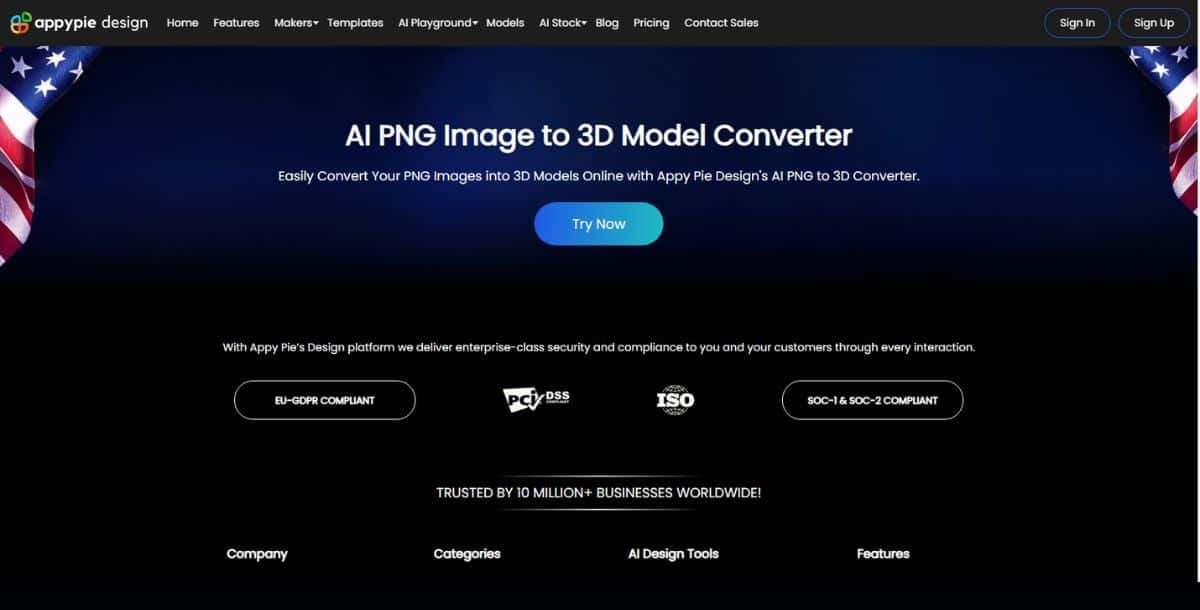
Pixazo excels at transforming complex PNGs into detailed 3D models in just seconds using its intuitive, no-code interface. The platform’s processing and robust API simplify integrating PNG to 3D conversions directly into your workflows, whether you’re developing prototypes or building product catalogs. With support for OBJ export, it’s an indispensable AI 3D model generator for designers who demand speed without sacrificing quality. The AI employs advanced depth estimation and mesh reconstruction networks—part of its AI 3D model generation APIs—to ensure minimal artifacts and accurate topology.
Beyond just conversion, Pixazo integrates seamlessly with tools like Blender and Unity, enabling you to import models with proper colliders and material assignments. For those experimenting with How to Create 3D Images Using Bing AI, Pixazo’s REST API mirrors similar workflows, letting you automate PNG to 3DS Online pipelines in minutes. The platform also includes on-the-fly texture mapping and UV unwrapping, so your output is ready for PBR shading in game engines. Whether you’re building a virtual showroom, crafting AR experiences, or simply exploring How to Make a 3D Model, Pixazo’s converter empowers rapid iteration without a single line of code.
Key features include:
- Easy conversion of PNGs
- REST API for Convert PNG to 3Ds Online workflows
- Export format: OBJ
- Interactive preview and texture mapping controls
Pros:
- Easy no-code setup
- High throughput for batch jobs
- Seamless integration with design tools
Cons:
- Limited advanced mesh editing
- Limited 7 Day Free Trial
- Requires internet connection
Pricing:
Free tier available; paid plans start at $8/month.
7. Fabconvert
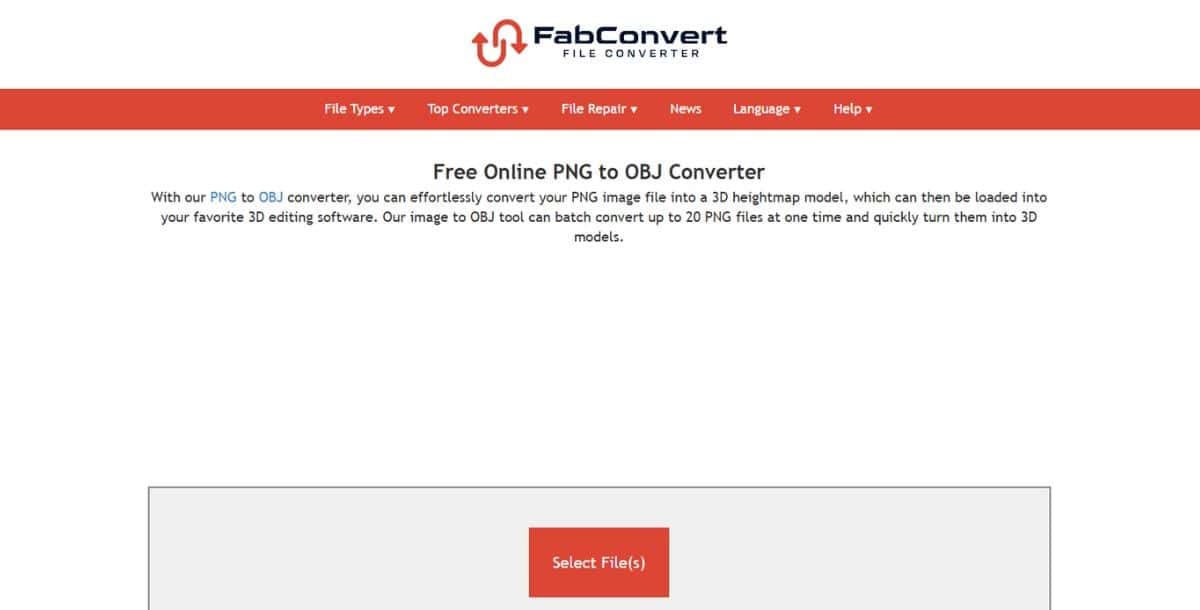
Fabconvert specializes in seamless conversion of 2D PNG assets into 3DS files, optimized for downstream CAD and CAM workflows. Its engine uses AI-backed edge detection and polygonization algorithms to produce clean, man-ready models suitable for manufacturing prototypes and jewelry design. The interface guides users through precise threshold adjustments to isolate silhouettes, then reconstructs 3D geometry with automated smoothing and beveling options.
Designed with precision engineering in mind, Fabconvert integrates depth-from-shading and curvature-aware reconstruction to retain fine details like embossed text or intricate pattern work. Users can define exact mesh tolerances, specify boolean operations for multi-part assemblies, and apply parametric scaling to meet production specifications. For teams exploring AI 3D Model Generator benchmarks, Fabconvert’s focus on CAD interoperability—exporting directly to 3DS, STEP, and IGES—sets it apart from general-purpose converters. The platform also supports texture baking and UV packing, enabling streamlined handoff to rendering engines or CNC toolpaths.
Fabconvert is ideal for:
- Rapid prototyping of mechanical components from schematic diagrams.
- Jewelry design workflows requiring high-fidelity surface details.
- Integration with slicers for 3D printing pipelines.
Unique capabilities include a built-in mesh analyzer that automatically flags non‐manifold edges and suggests fixes, plus support for parametric feature extraction to capture holes, fillets, and chamfers as editable elements. The tool can process batches of icons or logos, converting them into parametric CAD models ready for feature-based editing in SolidWorks or Fusion 360. Comprehensive audit reports detail vertex counts, mesh quality metrics, and conversion logs—critical for regulated industries.
Pros:
- Direct CAD format exports (STEP, IGES)
- Parametric feature preservation
- Mesh quality analysis tools
Cons:
- Steeper learning curve for non-engineers
- Limited texture mapping options
- Batch processing limited to 10 files
Pricing:
Free trial; paid plans from $49/month, enterprise quotes on request.
Suggested Read: How AI 3D Model Generation Models Are Ranked: Inside the Pixazo Leaderboard
8. Conholdate
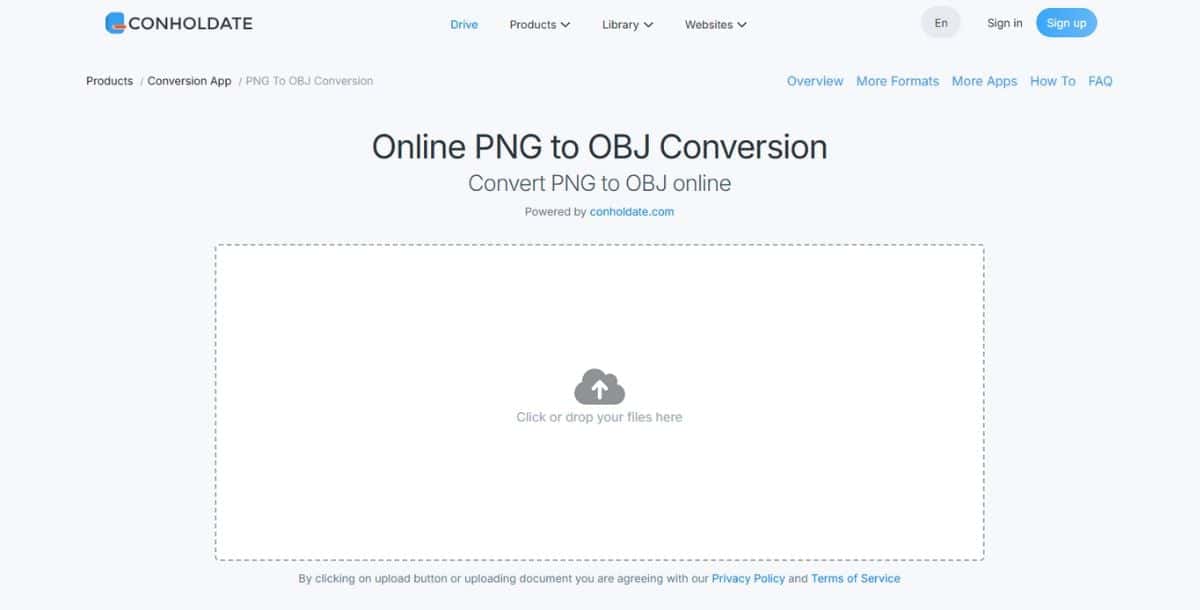
Conholdate 3D offers a unified cloud API to convert PNGs to 3D formats while also handling document and image processing in a single SDK. As part of the Conholdate suite, the 3D module integrates smoothly with document workflows—allowing you to embed 3D previews into PDFs or Word docs. Its AI-driven pipeline combines depth-map extraction with template-based mesh reconstruction to produce consistent results across different asset types.
Conholdate’s 3D converter excels at supporting a wide array of use cases—from embedding product visuals in interactive documents to generating AR-ready GLB files. Developers can choose from synchronous REST calls or asynchronous batch jobs with callback notifications. The service includes built-in compression for glTF files, optimizing them for web and mobile delivery, and features a JavaScript viewer SDK for in-browser previews. It also integrates with Conholdate’s OCR and document conversion APIs, enabling workflows where text annotations and 3D visuals coexist.
Common applications include:
- Publishing interactive 3D catalogs for e-commerce.
- Automating 3D asset insertion into reports and presentations.
- On-demand AR content generation within mobile apps.
The platform’s security features—like OAuth2 support, token-based authentication, and GDPR compliance—make it suitable for enterprise deployments. Real-time logging and dashboard analytics let teams monitor conversion success rates, API latencies, and error breakdowns. For those implementing AI 3D model generation APIs, Conholdate’s unified SDK reduces overhead by consolidating multiple AI services under one billing account.
Pros:
- Unified API for docs and 3D processing
- WebGL viewer for in-browser previews
- Async batch jobs with callbacks
Cons:
- Limited to cloud processing
- Pay-per-use pricing can spike
- Dependency on internet connectivity
Pricing:
Free tier; pay-as-you-go at $0.02/convert; custom enterprise plans available.
9. Dorchester 3D
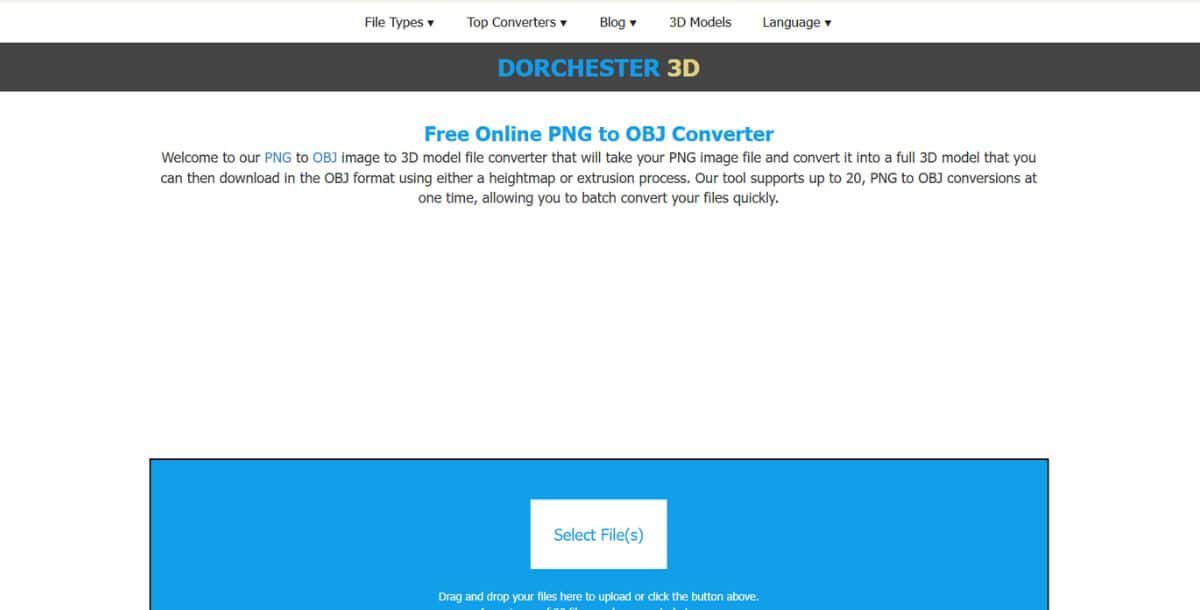
Dorchester 3D targets photogrammetry-grade CGI by combining multi-angle inference with texture synthesis. While most PNG-to-3D tools rely solely on single-image depth estimation, Dorchester 3D employs a hybrid approach: users can upload supplementary reference images to guide mesh reconstruction, resulting in richer geometry and more accurate UV maps. Its engine stitches depth layers, applies mesh fusion techniques, and runs a neural renderer to generate lifelike textures.
The platform is favored by visual effects studios and heritage preservation projects for its ability to reconstruct high-detail artifacts from limited image sets. Dorchester’s toolkit includes calibration routines to correct lens distortion, auto-generated control points for alignment, and dynamic mesh decimation to balance polygon budgets. Converted models can be exported to OBJ, PLY, or glTF, complete with PBR materials and normal maps. For developers, an SDK exposes endpoints for both single-image and multi-image workflows, allowing for graded fidelity based on asset criticality.
Key use cases:
- Digital archiving of cultural heritage objects.
- Visual effects asset creation with photorealistic detail.
- AR/VR scene population with high-fidelity props.
Unique to Dorchester 3D is its texture re-projection system, which blends AI-generated details with original image data to preserve authenticity. Real-time collaboration features let multiple artists comment on mesh artifacts directly within the web viewer, streamlining feedback loops. The service also supports private cloud deployment for security-sensitive projects.
Pros:
- Multi-image photogrammetry workflows
- High-fidelity texture synthesis
- Collaborative review tools
Cons:
- Longer processing times for multi-image jobs
- Higher cost tier
- Complex setup for custom pipelines
Pricing:
Starts at $49/month; usage-based overages apply.
What file formats can AI PNG to 3D Converter tools export?
Most tools support OBJ, STL, and glTF; some also offer FBX, PLY, and 3DS for compatibility with game engines, CAD software, and 3D printers.
Do I need a powerful GPU to use these converters?
Browser-based tools like MiConv run on consumer GPUs, but for enterprise-grade or NeRF-powered conversions, a modern GPU or cloud-based service is recommended.
Can I automate PNG to 3D conversions?
Yes, many platforms provide RESTful APIs or CLI tools to batch-process images, integrate into CI pipelines, or embed within web applications.
How do I improve conversion quality?
Use high-resolution, high-contrast PNGs, adjust depth thresholds, and provide multiple views for NeRF-enabled converters.
Are these tools suitable for 3D printing?
Yes, converters that export to STL or OBJ can be used with slicing software to prepare models for 3D printing. Ensure the mesh is watertight and units are correctly scaled.
What is the difference between depth-map and NeRF-based conversion?
Depth-map methods build meshes from pixel luminance, while NeRF-based tools infer volumetric fields to capture lighting and occlusion, resulting in more realistic textures and smoother surfaces.
Can I edit the mesh after conversion?
Most platforms include basic mesh editing—like smoothing and retopology—and export to standard formats for further refinement in tools like Blender or MeshLab.
How much do these tools cost?
Pricing varies: free tiers exist, with Pro plans ranging from $5 to $49/month, and enterprise options available for custom requirements.
How do AI PNG to 3D converters ensure realistic textures in models?
AI PNG to 3D converters use advanced algorithms to analyze color gradients, edges, and lighting in your 2D image to generate realistic textures for 3D models. Many tools apply AI-driven texture mapping and neural rendering techniques to preserve fine details like shading, reflections, and surface patterns. Some platforms, including Pixazo’s AI PNG to 3D Converter, also enhance realism by intelligently filling occluded or hidden areas, ensuring smooth, photorealistic surfaces in the final model.
What industries benefit most from AI PNG to 3D conversion tools?
Industries like e-commerce, gaming, AR/VR development, product design, and 3D printing benefit significantly from AI PNG to 3D conversion tools. These tools help online retailers create interactive product previews, assist game developers with rapid asset generation, and support designers in prototyping new concepts. They are also widely used in architecture, digital twins, and education, where realistic 3D models can improve visualization and training experiences.
How does Pixazo’s tool compare in speed and accuracy to others?
Pixazo’s AI PNG to 3D Converter offers fast processing speeds and competitive accuracy, making it ideal for businesses that need quick, high-quality 3D models. Compared to other tools, Pixazo stands out for its easy-to-use interface and reliable depth estimation, delivering results suitable for e-commerce, AR, and 3D printing. While highly specialized platforms like Meshy may offer more advanced options for photorealistic rendering, Pixazo provides a balanced solution for both beginners and professionals looking for speed and consistency.
Can these tools integrate with popular design platforms like Blender or Unity?
Yes, most AI PNG to 3D converters export models in formats like OBJ, STL, and glTF, which are fully compatible with platforms like Blender, Unity, and Unreal Engine. Tools like Pixazo’s AI PNG to 3D Converter make it simple to download ready-to-use 3D files, which can be imported into these design environments for further editing, animation, or integration into AR/VR projects. API access also allows developers to automate model generation and directly feed assets into their design pipelines.
What makes Meshy’s text-to-3D functionality stand out from competitors?
Meshy’s text-to-3D functionality is known for its AI-driven diffusion and NeRF technology, which enables the creation of highly realistic 3D models from simple text prompts. Unlike many competitors, Meshy combines neural rendering with advanced texture synthesis, producing photorealistic geometry and detailed surfaces. This allows artists, game developers, and marketers to generate production-quality 3D assets with minimal manual effort, making it one of the most powerful tools for text-to-3D generation in 2026.

Deepak Joshi
Author · Pixazo
Deepak writes about generative AI models, APIs, and the workflows teams use to ship them. Reviewed by Abhinav Girdhar.