
9 Best AI Animation Video Generator Tools in 2026

Creating engaging animated videos once required expensive software, technical expertise, and hours of manual work. But in 2026, that’s no longer the case. Thanks to rapid advancements in artificial intelligence, anyone can now create stunning animations with the help of an AI Animation Video Generator.
Whether you’re a marketer, educator, YouTuber, or content creator, these tools are making video production faster, cheaper, and more accessible than ever. In this blog, we’ll explore the Best AI Animation Video Generator Tools available this year — from beginner-friendly platforms to pro-level generators — and help you find the right one for your needs.
Table of Content
Why You Need AI Animation Video Generator Tools
If you’ve ever struggled with expensive animation software or time-consuming video editing, switching to an AI Video Generator might be the smartest move you make this year.
AI-powered animation tools allow you to:
- Convert text into engaging animated visuals
- Create storyboards and explainer videos in minutes
- Customize characters, voiceovers, and motion styles
- Reduce production time without compromising on quality
An AI Animation Generator uses deep learning and image synthesis models to bring static ideas to life. For example, if you’ve ever used an AI Image Generator to visualize concepts, you’ll find AI video tools equally intuitive — but far more dynamic.
Whether you're building a brand presence on social media or enhancing online learning modules, these tools open the door to high-quality animation without needing any design or coding skills.
How We Select the Best AI Design Generator Platforms at Pixazo
At Pixazo, we carefully evaluate AI design generator platforms to help users skip the overwhelming trial-and-error process. Our experts, with extensive experience in AI-powered design tools, assess each platform based on creativity, ease of use, customization options, and overall performance. We put these tools to the test by creating designs across different categories to ensure they deliver high-quality results effortlessly. Every recommendation is based on thorough research and real-world testing, with no paid placements or outside influence. Want to know how we pick the best AI design platforms? Explore our detailed evaluation process.
Disclaimer - Portions of this article were drafted with AI and reviewed by Jayesh Chaubey
Best AI Animation Video Generator Tools You Can Try
While Pixazo stands out for its beginner-friendly interface, there are several other AI animation video generator tools worth exploring, each offering unique features depending on your use case, skill level, and budget.
1. Pixazo AI Animation Video Generator
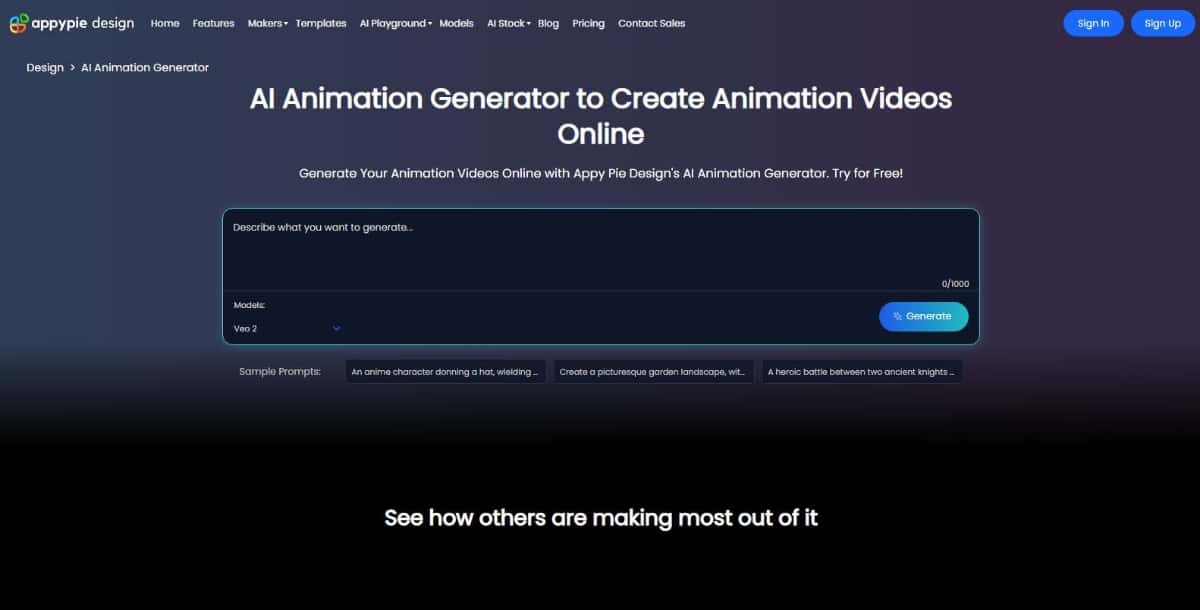
Pixazo's AI Animation Video Generator is a top choice in 2026 for creators who want high-quality animated videos without the hassle of complex software. Designed for speed and simplicity, it empowers users to turn scripts or prompts into animations in just a few clicks.
Best For- Beginners and small businesses
- Content marketers and educators
- Anyone looking for an AI Video to Animation Generator
- Text-to-animation support
- Drag-and-drop storyboard editor
- Character and scene customization
- Built-in AI voiceover generator
- Instant cloud-based rendering
- Easy to use, even for non-designers
- Free version available
- Fast export times
- Integrates well with AI voice and AI Image Generator tools
- Not suitable for complex 3D animation
- Limited advanced editing features compared to pro-grade tools
What makes Pixazo’s AI Animation Generator special is how accessible it is. With minimal input, users can generate professional-grade animations for social media, explainer videos, or training content. It bridges the gap between ease of use and creative control, making it one of the best AI image to animation video generator tools for everyday creators.
2. Animaker
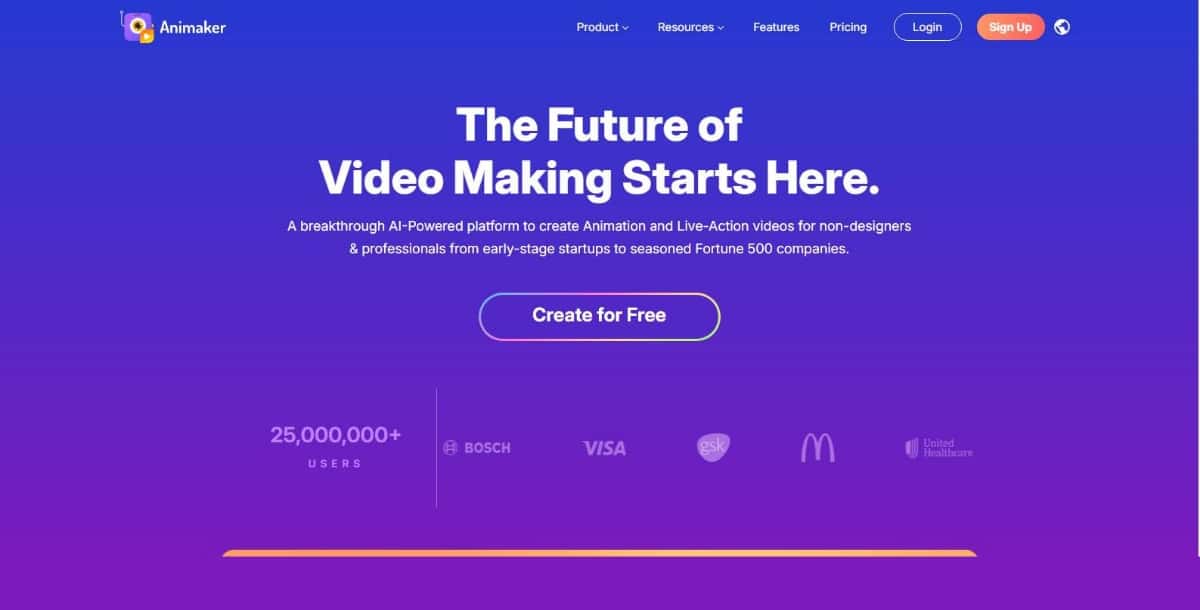
Animaker is a popular AI animation video generator designed for beginners and professionals alike. It offers a drag-and-drop interface, pre-built templates, and a vast asset library to simplify video creation. Whether you're making explainer videos, product demonstrations, or educational content, Animaker helps bring ideas to life with minimal effort. Its text-to-animation features also make it easy to convert scripts into engaging visuals..
Best For: Teams, educators, startups
Key Features:
- AI-assisted animation templates
- Drag-and-drop video builder
- Pre-built characters and scenes
- Voiceover sync with AI-generated avatars
Pros:
- User-friendly interface
- Vast library of assets
- Supports collaboration
Cons:
- Watermark on free version
- May lag with complex scenes
Why Try It: Animaker strikes a balance between usability and functionality, making it a go-to AI video generator for non-designers.
3. Leonardo AI
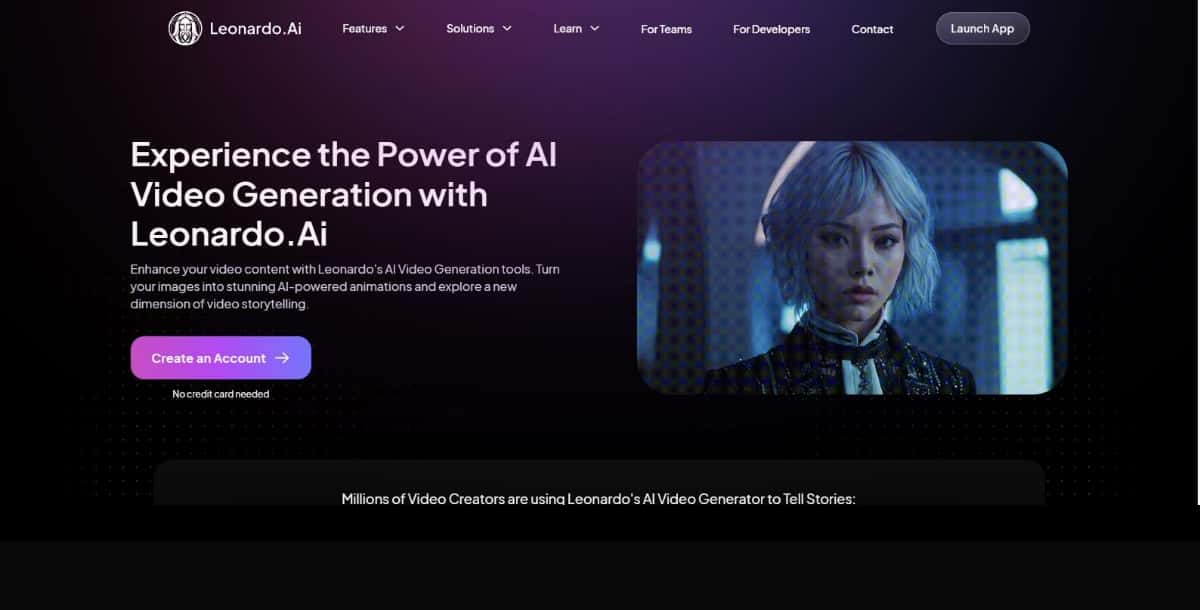
Known for its high-quality visuals, Leonardo AI combines powerful AI image generation with video sequencing tools to create visually rich, artistic animations. It's especially popular among designers and creators looking to transform still images into smooth, cinematic motion. The platform offers fine control over frame transitions, making it ideal for storytelling, concept art animation, and visually expressive projects.
Best For: Artists, designers, visual storytellers
Key Features:
- Style-based visual generation
- Prompt-driven animation output
- High-res asset support
Pros:
- Exceptional visual quality
- Unique creative control
- Integrated AI image + video tools
Cons:
- Less intuitive for beginners
- Limited pre-made templates
Why Try It: If you’re already using an AI image generator, Leonardo AI helps you evolve into motion storytelling without needing external tools.
4. Mango Animate
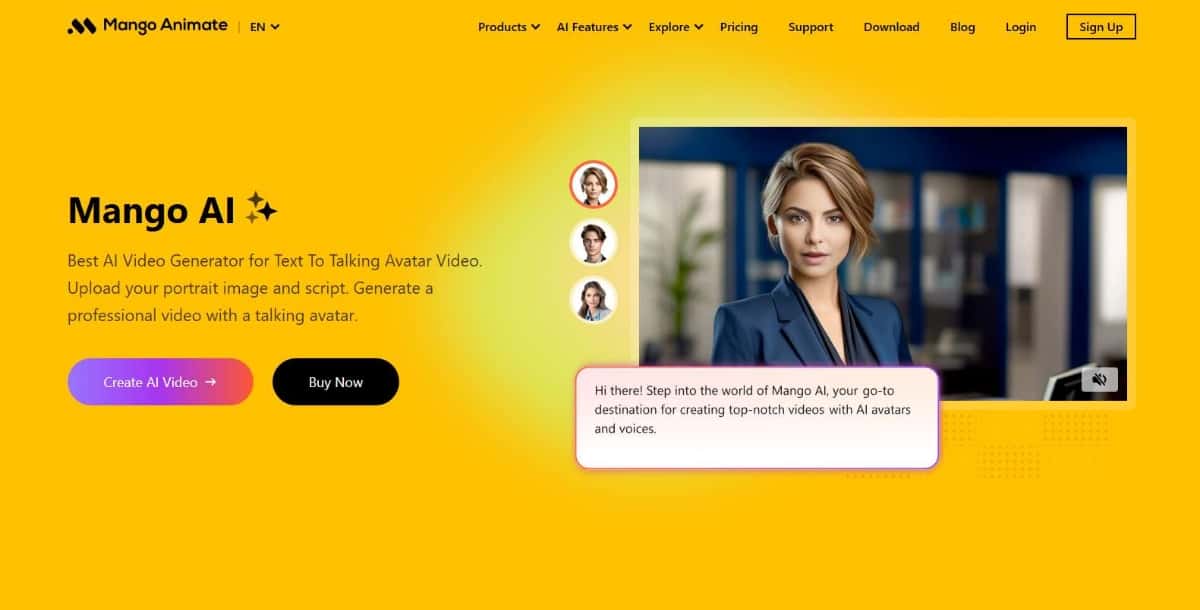
Mango Animate is an easy-to-use and budget-friendly AI animation generator, perfect for creating whiteboard, cartoon-style, and explainer videos. It features a simple timeline editor, pre-animated characters, and voiceover tools, making it ideal for marketers, educators, and small businesses. With ready-made templates and drag-and-drop functionality, users can produce engaging videos in minutes without any design experience.
Best For: Small businesses, educators, online trainers
Key Features:
- AI text-to-speech and animation
- Whiteboard animation builder
- Extensive character libraries
Pros:
- Easy learning curve
- Budget-friendly
- Offline software available
Cons:
- Limited export options on free plan
- UI feels dated
Why Try It: Perfect for e-learning or corporate presentations, this AI animation video generator excels in speed and affordability.
5. AnimateAI Pro
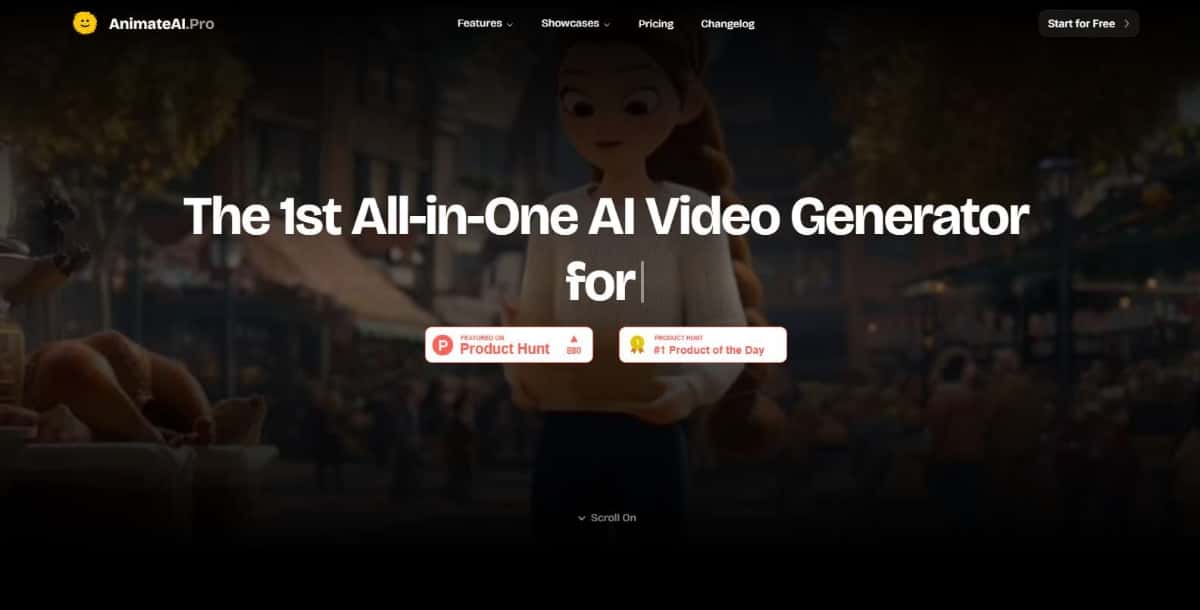
AnimateAI Pro specializes in AI-powered motion capture, using advanced body-tracking technology to create highly personalized, lifelike animations. It captures nuanced movements—like gestures and expressions—to generate realistic character performances. With seamless integration of captured data into animation timelines, it excels in projects that demand authentic, human-like motion for games, virtual influencers, and digital storytelling.
Best For: Game designers, 3D content creators, advanced users
Key Features:
- AI motion capture engine
- Custom 3D avatar animation
- Supports OBJ/FBX import/export
Pros:
- Realistic movement rendering
- High-end animation quality
Cons:
- Not beginner-friendly
- Requires higher system specs
Why Try It: For professionals needing lifelike animations, AnimateAI Pro delivers what few other AI animation generators can.
6. Veed IO
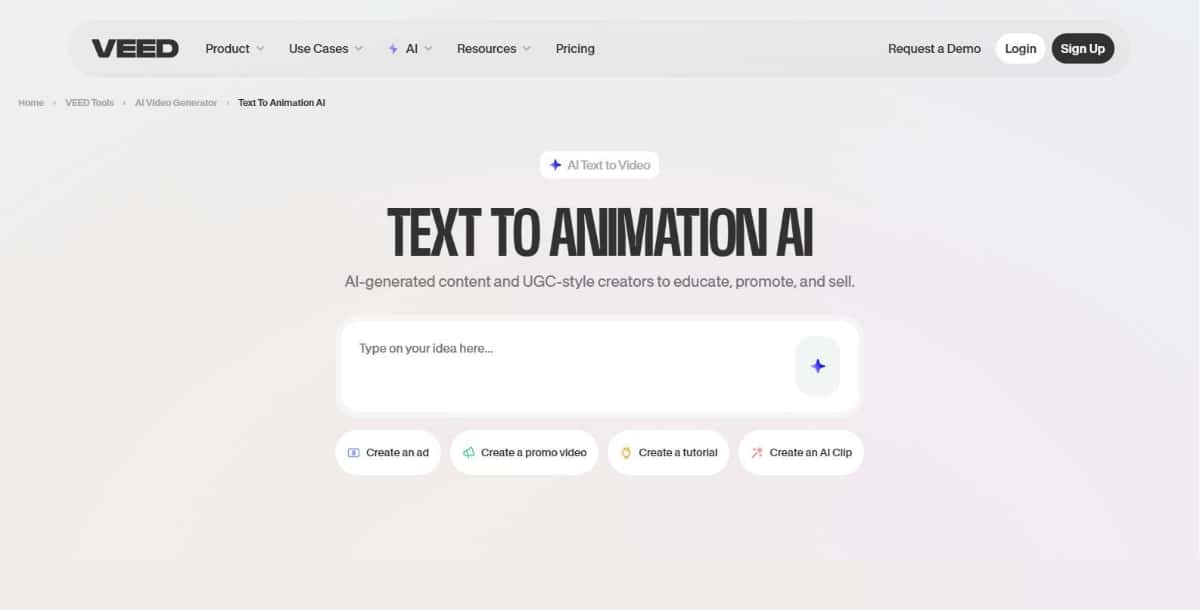
Overview: Veed IO is a versatile online editor with a robust AI video generator suite, including text-to-video, subtitles, and avatars.
Best For: Marketers, YouTubers, freelancers
Key Features:
- Auto subtitles and transcriptions
- AI avatars and presenters
- Online collaboration and storage
Pros:
- Polished UI/UX
- Frequent feature updates
- No software download required
Cons:
- Some features gated behind premium tiers
- Occasional rendering delays
Why Try It: Veed IO is ideal if you want a multipurpose AI animation video generator and editor in one browser-based platform.
7. Dzine AI
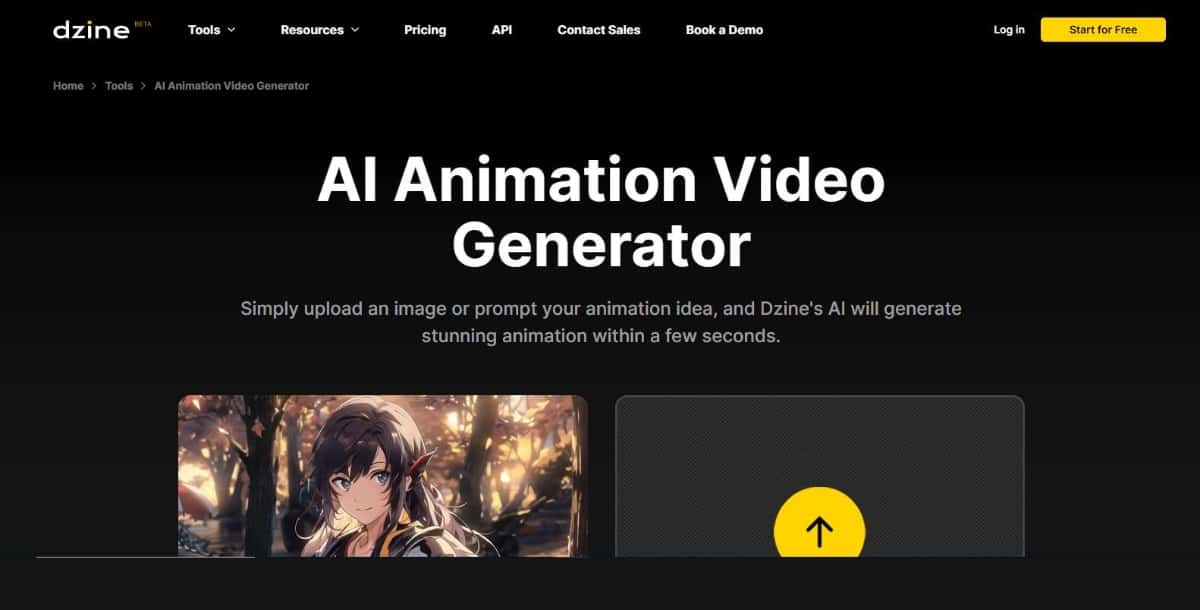
Dzine AI leverages pre-trained design models and prompt-driven automation to swiftly generate short, branded animated clips tailored to your specifications. With a simple upload or text input, it crafts polished visuals in seconds—perfect for social media, presentations, or ad campaigns. Its intuitive interface and AI-powered asset library help maintain brand consistency across animations.
Best For: Social media managers, product marketers
Key Features:
- Auto branding tools
- Text-to-animation capability
- AI layout suggestion engine
Pros:
- Fast turnaround
- Mobile-friendly exports
- Smart brand style matching
Cons:
- Limited to short-form content
- Narrow template selection
Why Try It: If you're working on high-volume social content, Dzine AI is a lightweight yet effective AI animation video generator.
8. Revid AI
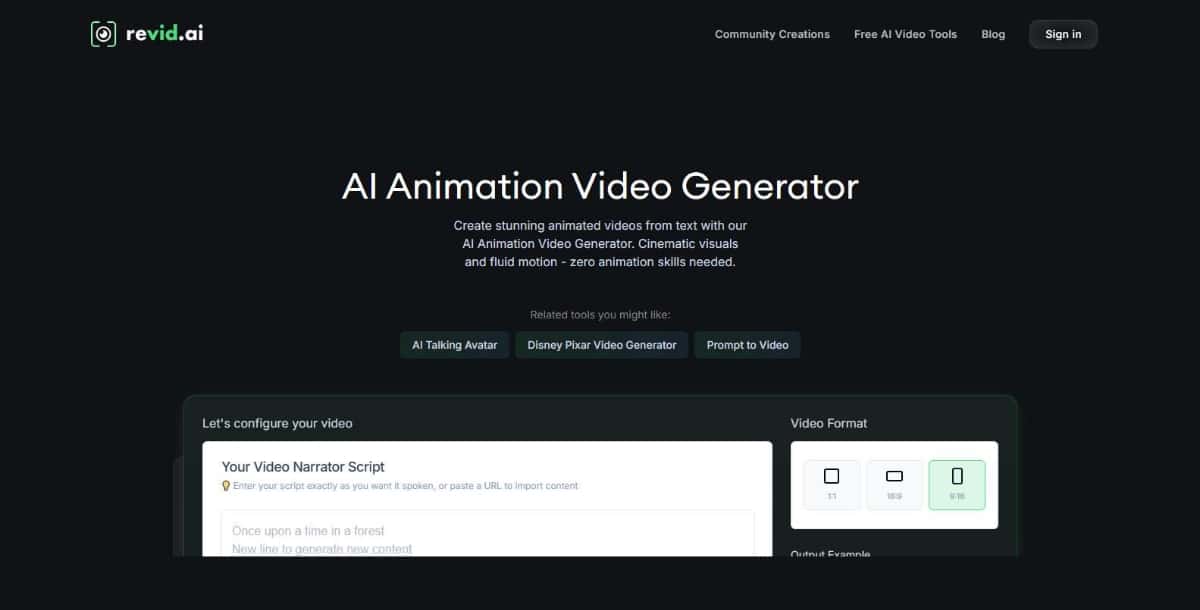
Revid AI excels at repurposing long-form content—such as blogs, webinars, podcasts, or full-length videos—into polished short videos complete with AI-generated edits, voiceovers, captions, and animated overlays. Its algorithm automatically extracts key highlights, syncs text and visuals, and adds dynamic motion to create engaging vertical videos tailored for social media platforms.
Best For: Content repurposing, SEO, marketing
Key Features:
- Text-to-video repurposing
- Keyword-to-visual mapping
- SEO-focused animations
Pros:
- Time-saving automation
- Integrates with CMS tools
Cons:
- Narrow animation styles
- Requires good input structure
Why Try It: This AI video generator is best for marketers looking to scale their video content quickly from existing written assets.
9. Vondy
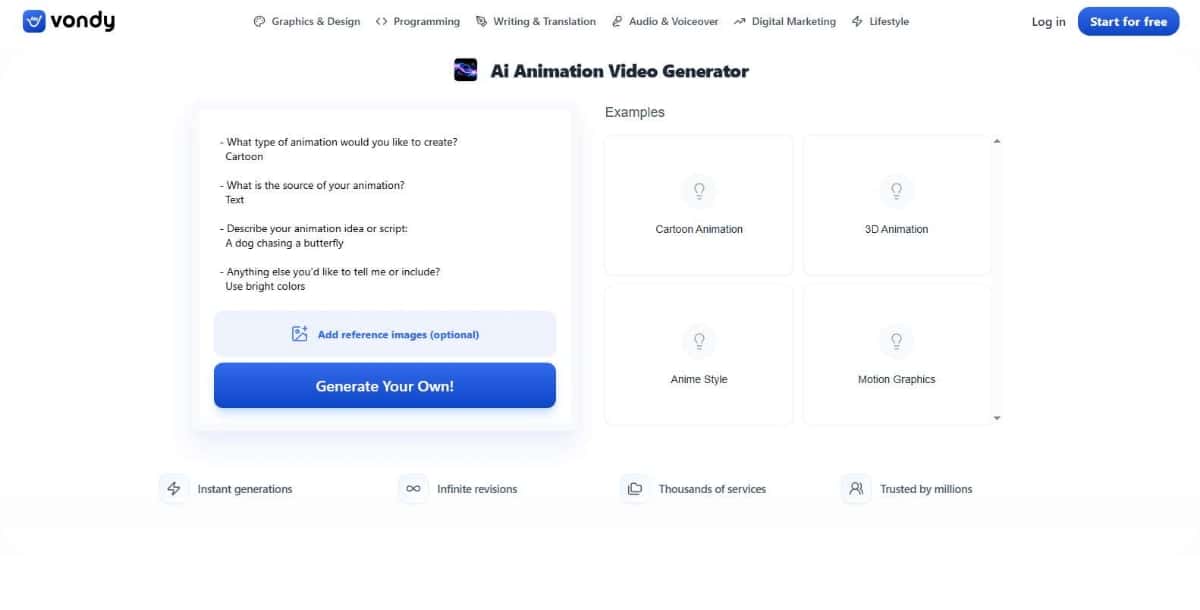
Vondy offers a modern twist on traditional animation by seamlessly combining its AI-powered animation generator with built-in storytelling templates. Users can choose from styles like cartoon, 3D, or motion graphics, then upload text, images, or video as the foundation for their animation. The platform automatically interprets the content and tailors it to the chosen template, allowing creators to easily refine styles, characters, and scenes via intuitive customization controls
Best For: Storytellers, content creators, branding teams
Key Features:
- Narrative-first animation structure
- AI-powered story templates
- Visual + audio AI sync
Pros:
- Great for branded storytelling
- Fast preview cycles
Cons:
- May lack customization depth for pros
Why Try It: Vondy is ideal for turning simple ideas into polished, narrative-driven animations using an intuitive AI animation video generator interface.
Suggested Read: How to Create Animated Videos For Business?
Best AI Animation Video Generator Comparison Table
| Tool Name | Best For | Key Features | Free Plan | Standout Factor |
|---|---|---|---|---|
| Pixazo AI Animation Video Generator | Beginners, educators, marketers | Text-to-animation, voiceovers, character customization | ✅ | Easiest no-code AI animation tool |
| Animaker | Teams, educators, startups | Drag-and-drop builder, AI avatars, subtitle automation | ✅ | Rich template library |
| Leonardo AI | Artists, designers, storytellers | AI image + video generation, style prompts, cinematic visuals | ✅ | High-quality, artistic animations |
| Mango Animate | Small businesses, e-learning | Whiteboard animation, TTS, drag-and-drop editor | ✅ | Ideal for training & presentations |
| AnimateAI Pro | 3D animators, game designers | Motion capture, 3D avatar control, FBX/OBJ support | ❌ | Advanced motion realism & 3D integration |
| Veed IO | Marketers, freelancers, YouTubers | AI avatars, subtitles, templates, online editing | ✅ | All-in-one AI video editor + animation |
| Dzine AI | Social media marketers | Brand automation, text-to-animation, fast render | ✅ | Social-friendly short-form animations |
| Revid AI | Content repurposing & SEO | Auto video from text, keyword mapping, CMS integrations | ✅ | Turns blog posts into animated videos |
| Vondy | Storytelling, branding teams | Narrative templates, AI syncing audio & visuals | ✅ | Best for branded, story-driven animations |
How to Choose the Tool You Need
With so many AI Animation Video Generator tools on the market, choosing the right one can feel overwhelming. But the best tool isn’t always the most expensive or feature-packed — it’s the one that fits your specific goals, skill level, and workflow.
Here’s a quick guide to help you pick the right AI Video Generator:
1. Define Your Purpose
Are you creating marketing videos, explainer animations, educational content, or short social clips?
- If you're focused on storytelling and branding, tools like Vondy or Leonardo AI might suit you best.
- For high-volume output (e.g., social media reels), Dzine AI or Revid AI can automate the process.
Tip: Some tools specialize in character animation, while others lean into voiceovers or whiteboard presentations.
2. Consider Your Skill Level
- Beginners should start with tools like Pixazo, Mango Animate, or Animaker. These AI design tools are intuitive, require no prior design experience, and often offer drag-and-drop functionality.
- Advanced users might prefer AnimateAI Pro or Leonardo AI, which provide deeper creative control and integration with 3D models or AI Image Generator tools.
3. Evaluate Customization & Features
Ask yourself:
- Can I customize characters and scenes?
- Does it support text-to-video or AI voiceovers?
- Does it integrate with other creative tools I use?
A good AI Animation Generator will offer flexibility while automating the repetitive parts of video creation.
4. Check Export Quality and Speed
Look at:
- Maximum export resolution (1080p, 4K, etc.)
- Rendering time
- File format support (MP4, MOV, GIF)
Some AI animation video generator tools offer lightning-fast cloud rendering, which is perfect for creators on a tight schedule.
5. Balance Budget with Value
While some tools are free or freemium, others require a monthly subscription. Free plans often include:
- Watermarked videos
- Limited templates or exports
- Lower priority rendering
Premium plans usually unlock full HD exports, AI avatars, and branding options — worth it if you're using the tool frequently.
6. Test Before You Commit
Many AI video generators offer a free trial or a limited free plan. Use this to:
- Explore the interface
- Test rendering speed
- Check compatibility with your workflow
Trying 2–3 tools before committing is the best way to ensure you're choosing the best AI animation video generator tool for your specific needs.
Conclusion
AI is your creative partner, now empowering anyone to produce high-quality animated content. Whether you're building explainer videos, educational content, or engaging reels, the right AI Animation Video Generator can save you hours of manual work while delivering professional results.
In this post, we explored the best AI Animation Video Generator tools of 2026 — from beginner-friendly platforms like Pixazo and Animaker, to advanced tools like AnimateAI Pro and Leonardo AI.
Your ideal tool depends on your goals, experience level, and workflow needs. But regardless of which one you choose, you’ll benefit from:
- Faster production time
- Lower costs
- Creative freedom through automation
Start with one or two tools, experiment with their free plans, and find the one that feels right. The future of animation is AI-powered — and it’s more accessible than ever.
FAQs
1. What is an AI Animation Video Generator?
An AI Animation Video Generator is a tool that uses artificial intelligence to automate the creation of animated videos. It typically transforms text prompts, scripts, or images into fully animated scenes with characters, transitions, and voiceovers.
2. Which is the best free AI animation generator in 2026?
Pixazo, Animaker, and Mango Animate offer generous free plans and are considered among the best free AI animation generator tools this year. They’re perfect for beginners and marketers who need quality without the cost.
3. Can AI really create entire animation videos?
Yes. Modern AI video generators can create full videos with scenes, animations, background music, and even AI-generated voiceovers. While they may not replace full-scale 3D animation studios, they are more than capable for explainer videos, YouTube intros, and social media content.
4. How is an AI animation generator different from an AI image generator?
An AI animation generator creates motion-based content, complete videos or animated sequences. In contrast, an AI image generator creates static visuals or illustrations. However, some tools like Leonardo AI blur the line by offering both.
5. Do these tools require any video editing or design skills?
Most AI animation video generators are designed for non-designers. Tools like Pixazo and Veed IO feature drag-and-drop interfaces and guided workflows, so you can create professional-looking videos without needing animation or editing experience.
Related Articles
- 10 Best AI Gift Tag Maker Tools in 2026
- What is a Collage? Meaning, Types and Uses Explained
- Introducing Pixazo’s AI Infographic Generator: Instantly Turn Ideas Into Stunning Visuals
- 11 Best AI Character Generators in 2026: Top Tools for Creating Stunning Digital Avatars
- 10 Best AI Menu Maker Tools in 2026
- 10 Best AI Letterhead Generator Tools in 2026
- What are the Best AI Headshot Generator Apps in 2026?
- Top 9 Free AI Pay Stub generators – 2026
- Top 10 AI Photo Frame Generators in 2026
- 11 Best AI Voice Cloning Tools in 2026
- 10 Best AI Favicon Generator Tools in 2026
- How to Design Wallpaper On Your Own?
- Ethical concerns related to voice cloning & misuse of AI-generated Voiceovers
- Top 17 AI Voice Generators (Text-To-Speech) in 2026
- Finding the Perfect Pitch: The Leading AI Voiceover Tools of the Digital Era
Most Popular Posts
- Best AI Image and Video Generators in 2026
- Best AI 3D Model Generators in 2026
- Best AI Image Generation Models in 2026
- Best AI Video Generation Models in 2026
- Best Open Source Image Generation Models in 2026
- Best Open Source Video Generation Models in 2026
- Best Prompts to Create Amazing Videos using AI