Introducing Seedance 2.5 API on Pixazo API: 30-Second Video with Native Sound


ByteDance’s Seedance line has been one of the most capable families in AI video, and the newest release raises the ceiling again. The Seedance 2.5 API is arriving on Pixazo API, and it changes what a single request can produce: up to thirty seconds of video in one native pass, at resolutions up to 1080p, with sound generated alongside the picture. Where earlier models handed you a short clip to stitch together, Seedance 2.5 hands you a whole scene.
It also widens what you can feed in. A single generation accepts up to fifty references across images, video and audio, so you can lock a character, a location and a soundtrack before the model draws a frame. This post walks through what Seedance 2.5 does, how the API works on Pixazo API, what you can build with it, and how to get started.
See Seedance 2.5 in motion
Every clip below was generated with Seedance 2.5 on Pixazo API from a text prompt alone, and each one carries the sound the model composed with the picture, so turn your volume on. These are single-request scenes, not stitched loops, including a full thirty-second single take.
Meet the Seedance 2.5 API
Seedance 2.5 is ByteDance’s latest video generation model, built for text to video, image to video and reference to video work. Its headline change is length: a single native pass now runs up to thirty seconds, long enough to carry a complete beat rather than a loop, and multi round extension chains passes together into coherent sequences that run for several minutes.
On Pixazo API, Seedance 2.5 sits in the Seedance family alongside the earlier versions, behind one API key and one request pattern. If you already call any Seedance model, moving to 2.5 is a matter of pointing at the new version. Everything below is drawn from the model’s published capabilities.
The length jump is worth pausing on, because it quietly removes a whole workflow. Producing a thirty-second scene used to mean generating five or six short clips, praying the character and lighting matched, then hiding the seams in an editor. Every seam was a chance for the illusion to break. A single native pass has no seams: the pacing, the light and the sound all belong to one continuous generation, which is why a Seedance 2.5 take reads like a scene somebody shot on purpose rather than a montage of lucky fragments.
Generating the sound in the same pass matters just as much. When audio is produced with the picture rather than layered on afterward, footsteps land when feet do and a beat hits on the cut that was built for it. You can still replace the track later if a project needs a licensed song or a recorded voice, but the default output is already something you can watch, not a silent plate waiting for post.
What can Seedance 2.5 do?
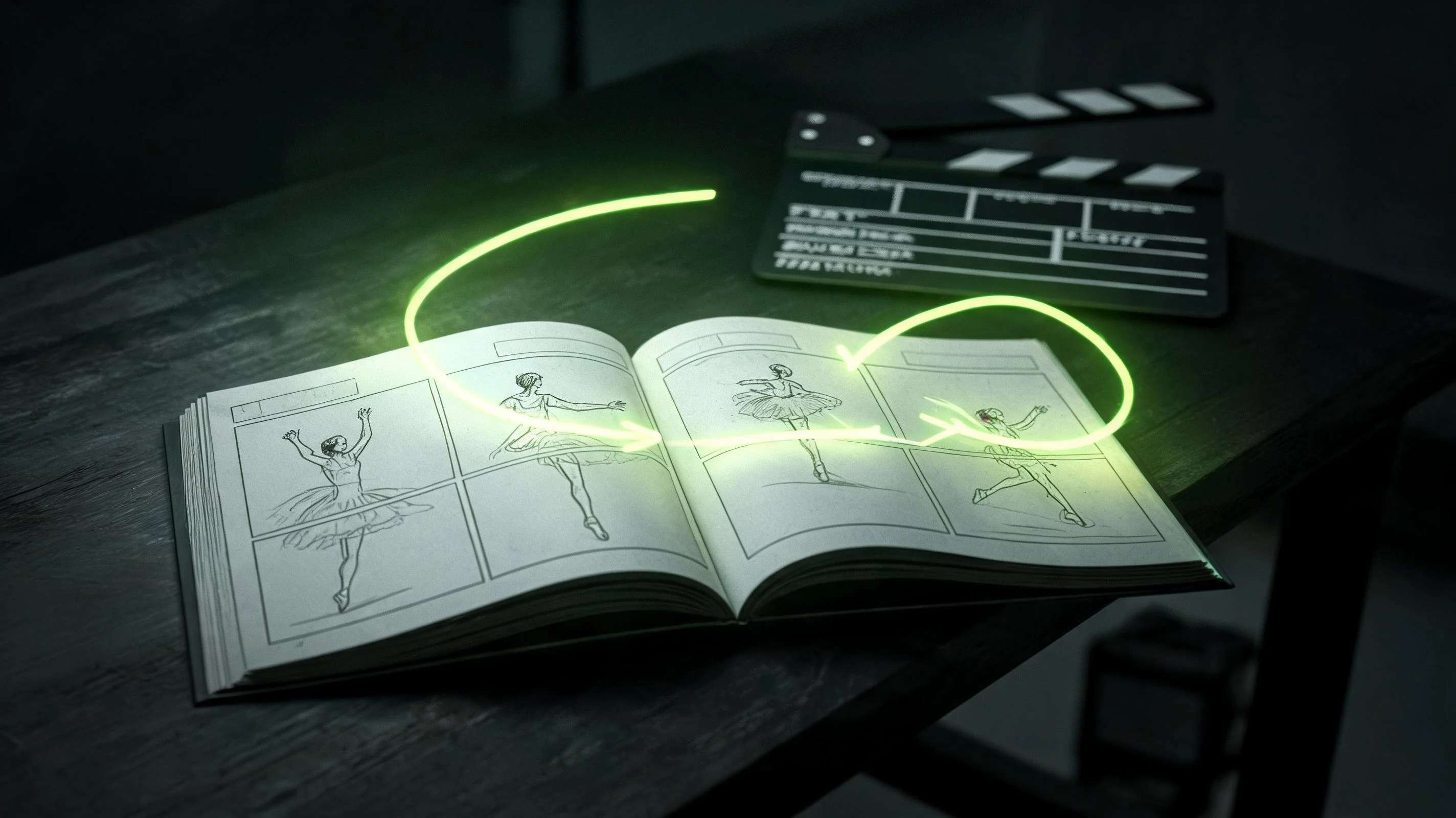
Think of each capability as a panel on a storyboard. Together they describe a model built to direct a scene, not just fill a frame.
Suggested Read: Pixazo Launches Wan 2.5 with Cinematic Quality and One-Prompt Audio-Video Sync
Fifty references in, one scene out
The biggest practical change in Seedance 2.5 is how much context you can hand it. A single generation accepts up to fifty multimodal references, so you are not describing a character in words and hoping; you are showing the model exactly what it should look, move and sound like.
That breaks down into up to thirty images, ten video clips and ten audio tracks per generation. Images lock identity and style, video clips carry motion and framing you want echoed, and audio tracks drive pacing and lip sync. Used together, they turn a prompt into a brief the model actually follows.
In practice this is what makes a consistent series possible. Point the model at a set of character images and the same face carries from shot to shot. Add a location plate and the world stays put. Feed a music bed and the edit moves to it. The references do the heavy lifting that a text prompt alone never could, and because they all go into a single call, you are directing one coherent generation rather than negotiating with the model shot by shot.
How does the API work?
Seedance 2.5 uses the same asynchronous pattern as the rest of Pixazo API. Longer clips render in the background, so you submit a job and collect it when it is ready rather than holding a connection open.
A submit call is a single POST:
And the immediate response hands you the job to track:
The exact endpoint path and the full set of request parameters for each mode, text to video, image to video and reference to video, are listed on the Seedance model page, next to the earlier Seedance versions if your pipeline already uses them.
Suggested Read: Best Reference to Video API Providers Compared in 2026
What does it cost?
Because billing is per second of generated video, duration is a real budgeting lever: prototype a beat at 480p or 720p, then re render the keeper at 1080p, and you only ever pay for finished output. Failed requests are not billed, and the live per second rate for each resolution is always on the model page.
What can you build?
Thirty seconds of sound-complete video from a single request changes the unit of work from clip to scene. That opens up a lot:
- Short films and episodic scenes. Carry a complete beat in one take, then chain passes with multi round extension for sequences that run for minutes.
- Ads and social spots. Picture and sound from one prompt, iterated as fast as you can rewrite the brief.
- Music-driven pieces. Feed an audio track as a reference and let the model beat match the cut to it.
- Lip-synced dialogue. Native audio with lip sync keeps dialogue in time with the scene.
- Character-consistent series. Lock a character with image references and keep them on model across every shot.
- Previs and pitch reels. Block a sequence with camera control and references to communicate an idea in minutes.
Suggested Read: Best Image To Video APIs in 2026
The common thread is that each of these used to require either a shoot or a stitch-heavy AI workflow. When a single request returns a sound-complete scene with consistent characters, the unit of work becomes the beat, and one person with an API key can produce a day’s worth of beats before lunch.
Prompting Seedance 2.5
Because Seedance 2.5 generates motion and sound together and takes references, the brief does more work than a still-image prompt. A few habits help:
- Direct the shot. Name the camera move, the pacing and how the scene begins and ends, so the model has a shape to fill across thirty seconds.
- Add an audio note. Describe the voice, music or effects you want, since the sound is generated with the picture.
- Show, do not only tell. Attach image, video and audio references to lock identity, motion and rhythm rather than describing them in words.
- Pick resolution for the job. Draft at 480p or 720p, deliver at 1080p, and set duration to whatever the beat needs.
Start building with Seedance 2.5
The fastest way in is the Seedance model page on Pixazo API: grab an API key, check the Seedance 2.5 request parameters and the live pricing, and send your first request. The same page documents every earlier Seedance version behind the same authentication, so one key covers the whole family.
Read the Seedance 2.5 API documentation and get an API key
Suggested Read: Best Consistent Character Video Generator Tools in 2026
Frequently asked questions
What is the Seedance 2.5 API?
It is ByteDance’s Seedance 2.5 video model, available as a hosted API on Pixazo API. It generates finished video with native sound from text, images or references, with a single pass running up to thirty seconds at resolutions up to 1080p.
How long can a Seedance 2.5 video be?
A single native pass runs up to thirty seconds. Multi round extension chains passes into coherent sequences several minutes long.
Suggested Read: Best AI Animation Video Generators in 2026
Does Seedance 2.5 generate audio?
Yes. Native audio is produced with the video: a voice, a music bed or sound effects, with pacing, beat matching and lip sync.
How many references can I use?
Up to fifty per generation: as many as thirty images, ten video clips and ten audio tracks, used together to lock identity, motion and sound.
Suggested Read: Best Open Source AI Video Generation Models in 2026
What modes does it support?
Text to video, image to video and reference to video, plus video editing and multi-round video extension.
How much does the Seedance 2.5 API cost?
Billing is per second of generated video, set by the resolution you request. The live rate for each tier is on the Seedance model page, and new accounts start with free credit.
Suggested Read: Best Audio Generation APIs in 2026
Deepak Joshi
Author · Pixazo
Deepak writes about generative AI models, APIs, and the workflows teams use to ship them. Reviewed by Abhinav Girdhar.