Top Viral AI Video and AI Photo Trends in 2026


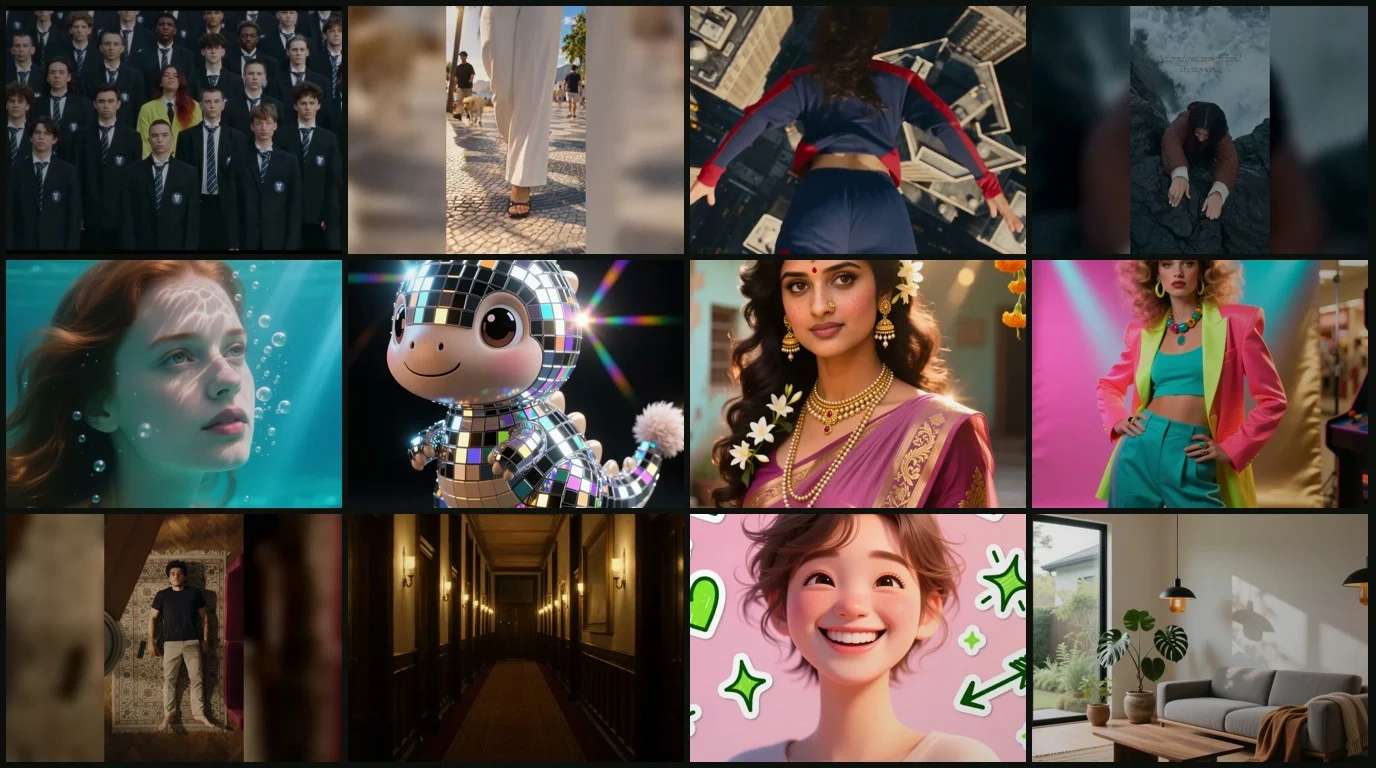
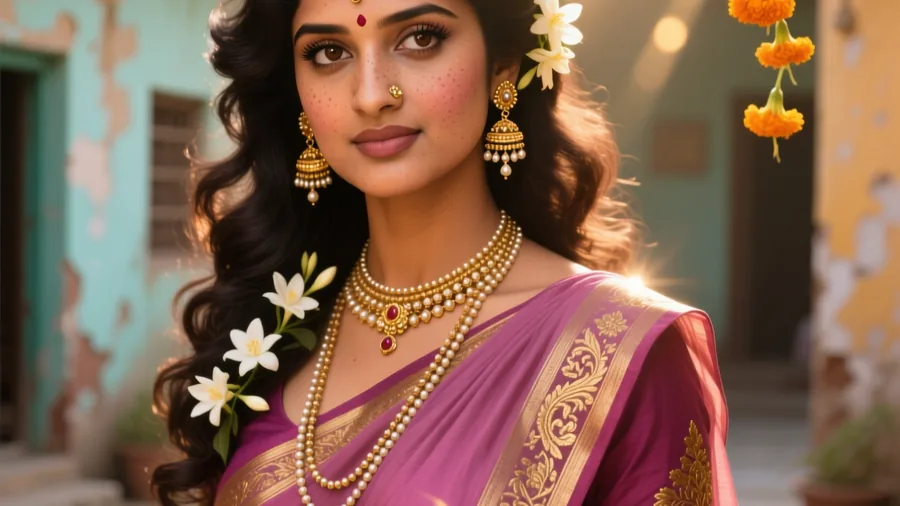
AI trends move fast, and in 2026 the best viral AI video trends and viral AI photo trends turn a single selfie into a scene you would swear was shot on a film set. People are freezing themselves inside storms, swinging across skylines like superheroes, and slipping into vintage saree portraits, all in a few seconds. This roundup collects the top AI video trends and AI photo trends of the year, each one live on Pixazo so you can try it the moment it catches your eye. To make your own from scratch, the AI Video Generator and the trend pages below do the heavy lifting.
What changed this year is speed and realism. The newest viral AI video trends render believable motion, lighting and physics in a few seconds, while the sharpest viral AI photo trends nail skin, fabric and mood in a single pass. Below you will find twelve of them, six AI video trends and six AI photo trends, ranked and ready to try, with a real example on every card so you know exactly what you are getting before you upload a single photo.
· 12 viral effects, 6 video and 6 photo, ranked and ready to try. Every one starts from a clear photo of you.
The Viral AI Video Trends
These are the AI video trends, motion effects that animate a short, shareable clip around you from one still photo. Every one of them is live on Pixazo, so tap a card to open it, upload a picture, and watch the scene move.
Suggested Read: AI Image to Video Generation Model Comparison – Top 8 Models in 2026
The Viral AI Photo Trends
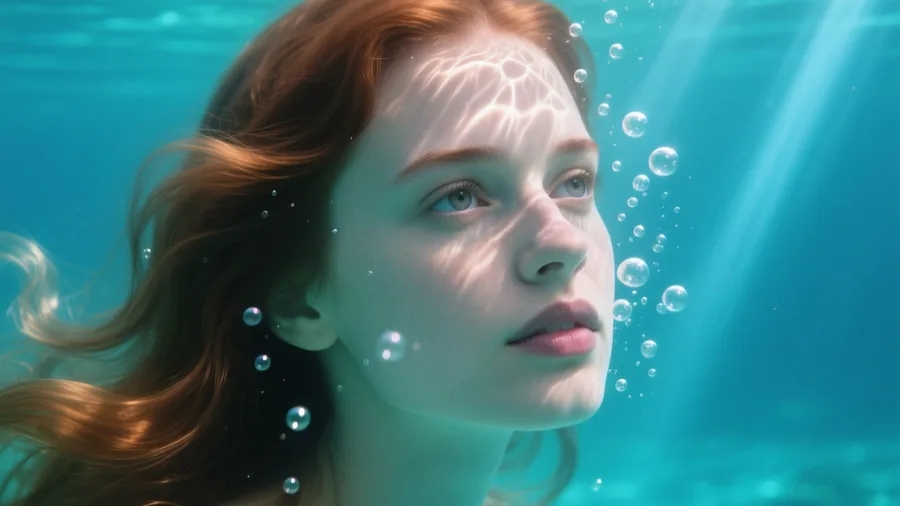
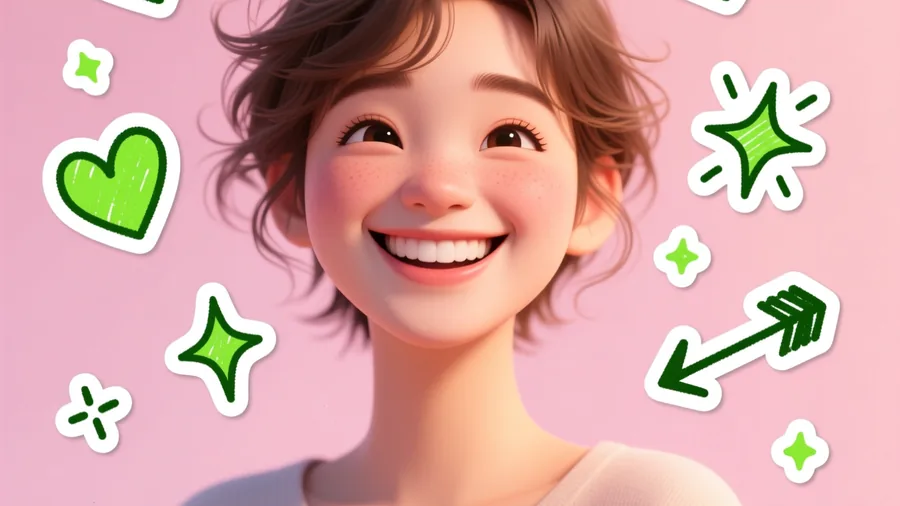
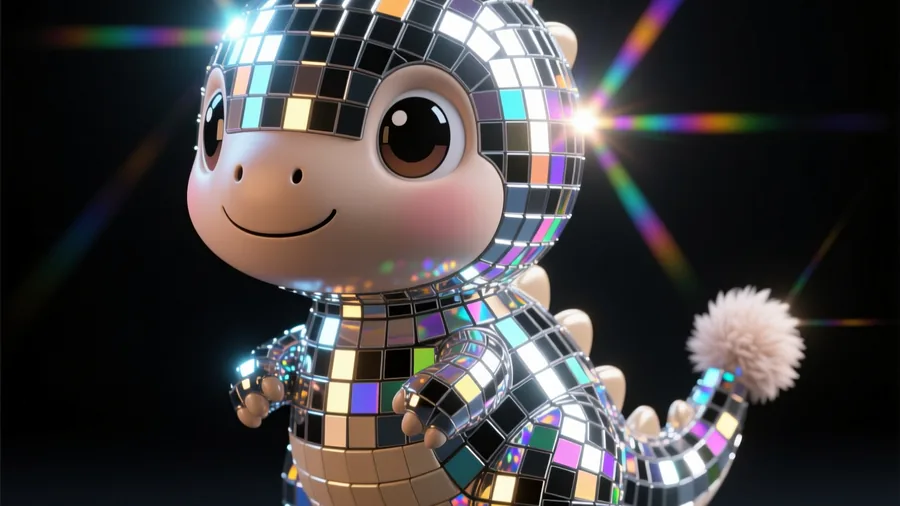
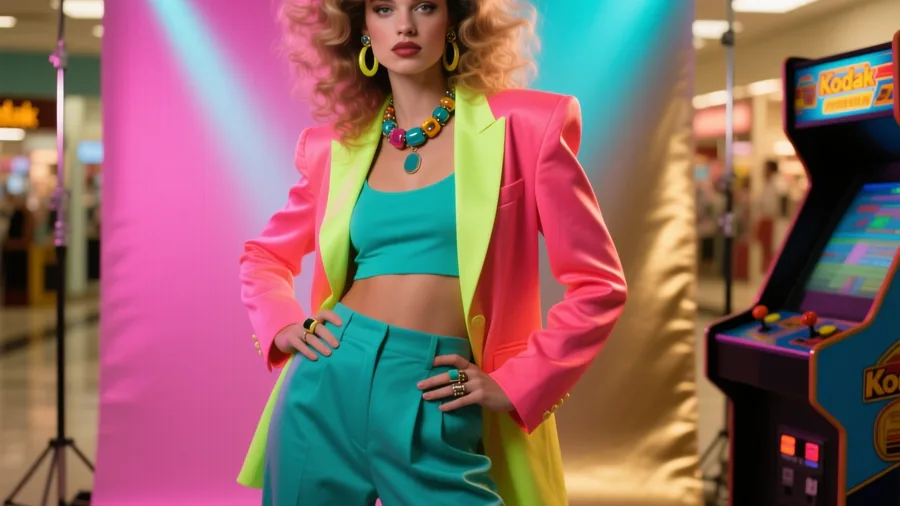
These are the AI photo trends, still-image effects that turn one photo into a striking, on-trend portrait with no editing skills needed. They run from dreamy and cinematic to playful and retro, and each one keeps your face clearly recognizable.
Suggested Read: How to Create Viral AI Cat Videos with Pixazo?
What Makes These Trends Go Viral
The AI video trends and AI photo trends that spread all share three things. First, they keep your face recognizable, so friends can tell it is really you inside the storm or the saree. Second, they take one tap rather than an afternoon in an editor, which drops the barrier to joining in. Third, they are surprising to watch, so people finish the clip and immediately want to make their own. Pixazo curates this board around exactly those qualities and refreshes it as new viral AI video trends and viral AI photo trends take off, which is why the same effect can jump from a niche corner of the internet to millions of recreations in a single week.
Suggested Read: How to Create Animated Videos For Business?
Where These Trends Spread
Most of these effects break out on short-form video first. The AI video trends tend to explode on TikTok, Instagram Reels and YouTube Shorts, where a three-second loop is enough to stop a scroll, while the AI photo trends spread through Instagram feeds, Stories and Pinterest, where one striking frame does the work. It pays to watch both formats, because the viral AI photo trends often gain a motion version a few weeks later, and the most-shared viral AI video trends inspire still spin-offs in return. Jumping in early, while a trend is still climbing, is how creators catch the biggest reach.
How to Jump on Any Trend in Three Steps
Every trend on the board follows the same simple flow, whether it is one of the AI video trends or the AI photo trends. No timeline, no keyframes, no editing suite, just a photo and a tap.
Pick a trend from the board above and open its page. Each one shows a live example so you know what you are getting.
Upload a clear photo of yourself, ideally well lit with your face visible. That single image is all the AI needs.
Generate and download. The effect renders in seconds, and you can share the result straight to your feed.
Suggested Read: 50+ Prompts to Transform Your Christmas Look and Photos
Try the Trends Yourself
All twelve effects are live on the Pixazo trending board, most of them free to start, with new accounts beginning on 100 credits. Whether you are chasing the latest viral AI video trends for a reel or the best viral AI photo trends for your feed, the flow is the same: pick one, upload a photo, and you are on-trend in seconds. Bookmark the board and check back often, because the effect that goes viral next month is usually already climbing this grid today, and being early is half the game.
Frequently Asked Questions
Q1. What are AI photo and video trends?
They are viral effects, like the Storm still-lead trend or the superhero swing, that people recreate from their own photos using AI. Each one turns an ordinary photo into a shareable, on-trend clip or portrait in seconds, with no editing skills needed.
Q2. How do I make a viral AI trend?
Pick a trend from the board above and open it, then upload a clear photo of yourself and hit generate. The AI applies the effect and you download the result. Most trends are free to start, and each keeps your face recognizable where it matters.
Suggested Read: How to Make a Product Video with AI: A Complete Guide in 2026
Q3. Are the AI trend generators free?
You can create on free models while you build, and new accounts start with 100 credits. Higher-resolution downloads and the premium real-time models use credits, so you only pay if you scale up.
Q4. Which AI trend is going viral right now?
Right now the surreal Invisible City reveal, the Storm still-lead trend and the superhero city-swing are among the most viral, alongside evergreen favourites like underwater portraits and vintage saree photos. The board is refreshed as new trends rise, so the top of the grid is the best place to look.
Suggested Read: Google Veo 3.1 Prompts Collection — Create Cinematic AI Videos
Q5. Can I use my own photo for these trends?
Yes. Every trend works from a clear photo of yourself. Upload it, hit generate, and the effect is applied while keeping your face recognizable. Good lighting and a visible face give the best results.
Q6. What is the difference between the video and photo trends?
Video trends animate a short clip around you, like the bullet-time orbit or the fan-transition outfit change. Photo trends produce a single striking still, like the disco mirror-ball look or the 80s throwback portrait.
Q7. How often are new trends added?
Pixazo curates and refreshes the trending board regularly as new AI photo and video effects take off worldwide, so it is worth checking back to catch, and be early on, the next viral trend.
Suggested Read: 35+ Prompts to Create Amazing Images using AI
Deepak Joshi
Author · Pixazo
Deepak writes about generative AI models, APIs, and the workflows teams use to ship them. Reviewed by Abhinav Girdhar.