Slogan Poster : Create Free Slogan Posters in Minutes with AI
Create Custom Slogan Posters Quickly with Pixazo Best AI Slogan Poster Maker. Try for Free!
Get Started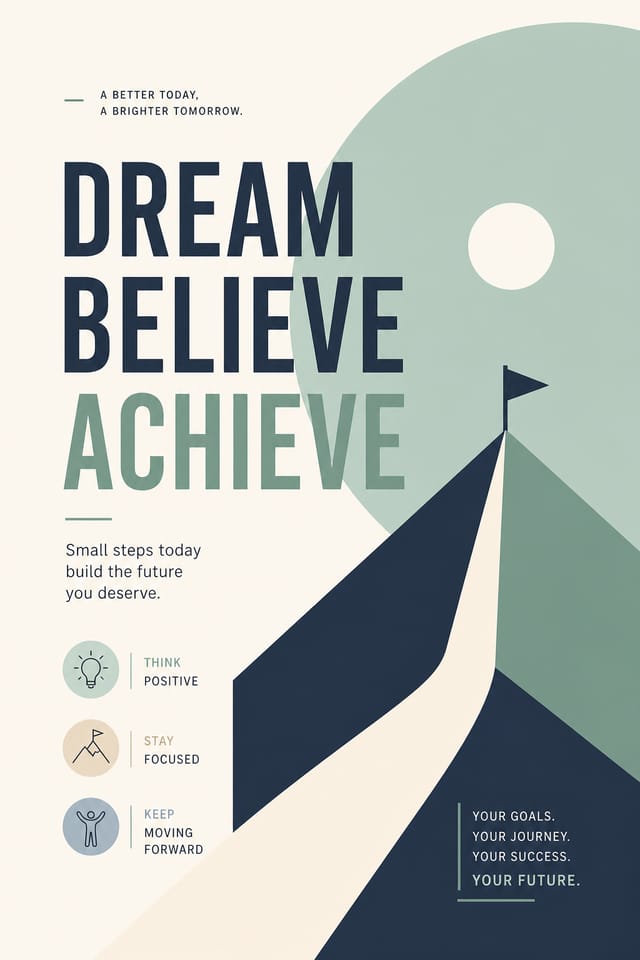
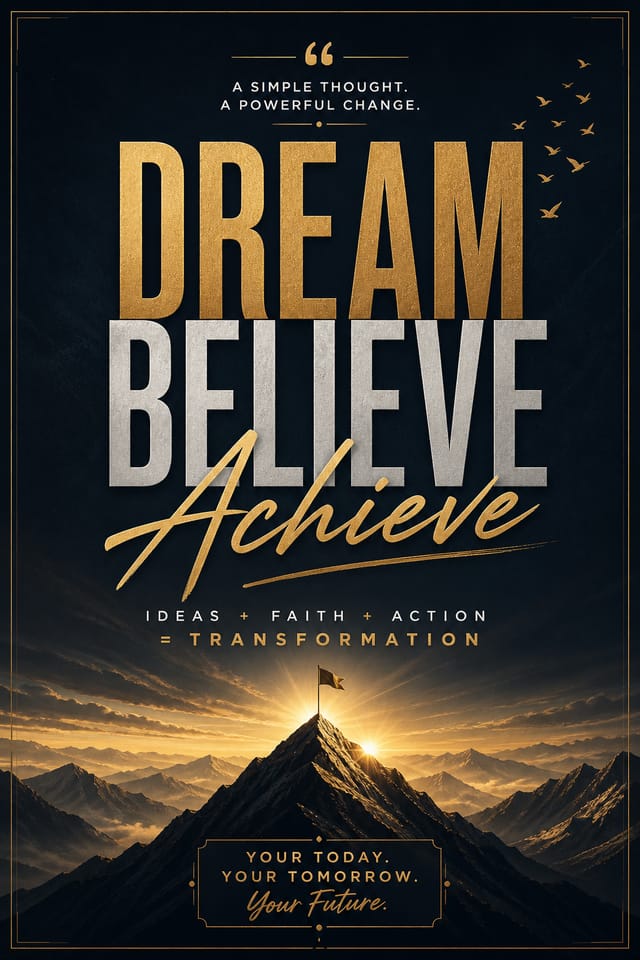
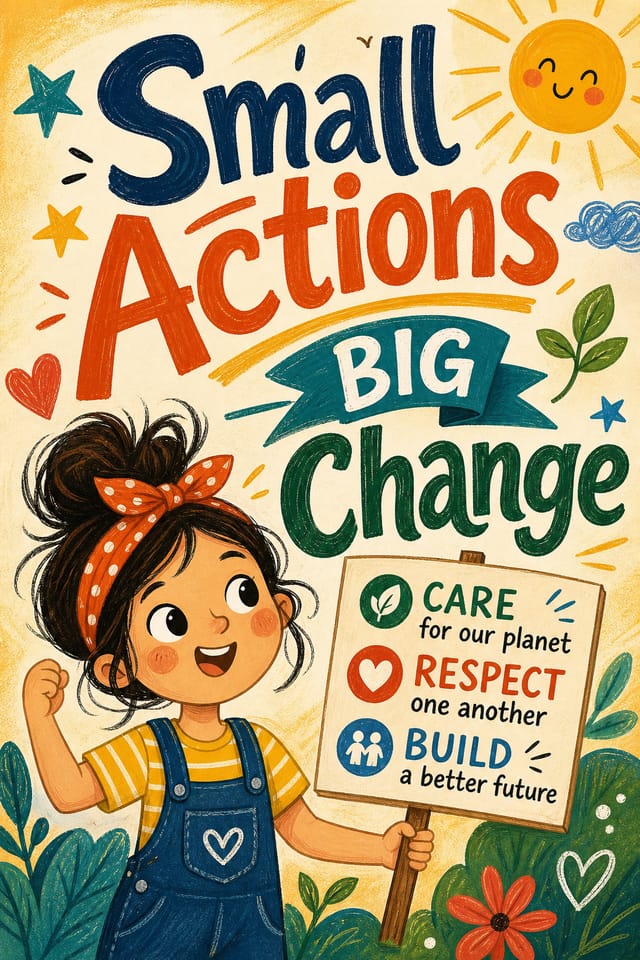

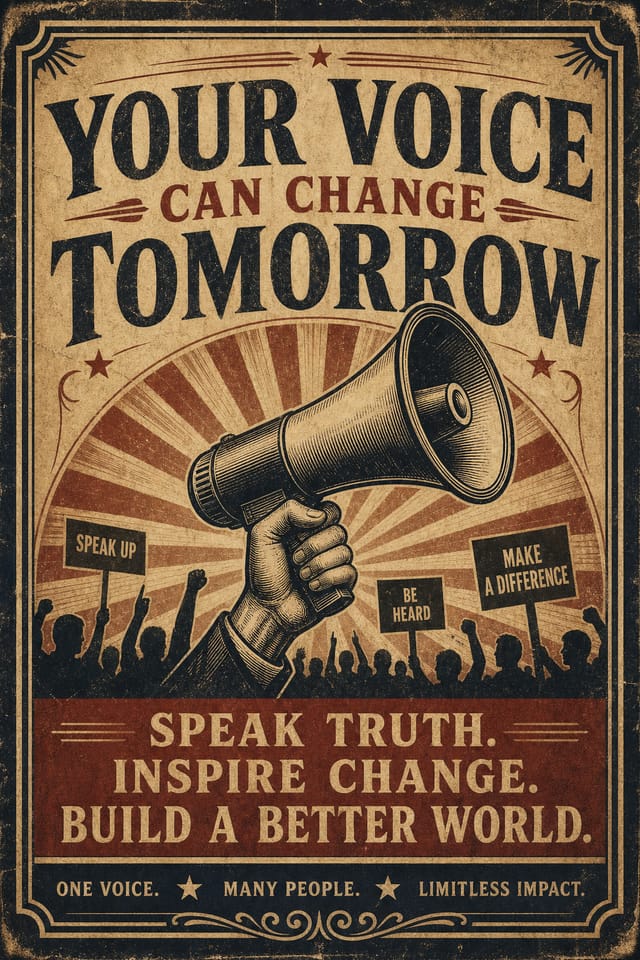
The Slogan Design Approach: What the AI Understands
Slogan Visual Language: AI Interpretation
Professional slogan poster design involves more than applying a color filter to a generic layout.
The visual language of slogan design encompasses distinctive compositional approaches, characteristic color affinities, and typographic choices that signal quality and intentionality.
When you use Pixazo to create a slogan poster, the AI applies this visual knowledge to your specific request.
The result looks deliberate and style-appropriate, not accidental or template-derived.
Creating Your Slogan Poster: Three Easy Steps
Watch: Creating Slogan Poster designs step by step
What Powers Slogan Poster Design: Core Strengths
Background Variation
Generate slogan posters with different background treatments. Solid, gradient, textured, or pattern backgrounds all available for slogan style.
Commercial Use Rights
Designs generated with Pixazo are yours to use commercially. No additional licensing required for slogan poster projects.
Consistency Across Variants
Generate multiple slogan posters for a project and maintain visual consistency across the set. Specify your core design parameters and vary secondary elements.
Prompt Refinement
Adjust your description to refine any aspect of the slogan poster design. The AI responds to specific direction about colors, layout, or content.
Color Temperature Control
Specify warm, cool, or neutral color direction for your slogan poster. The AI builds the full palette around your temperature preference.
Slogan Poster AI: Your Questions Answered
Include 'transparent background' in your prompt to generate a slogan poster with no background fill. Download as PNG to preserve transparency. This is useful for slogan designs that will be composited over other imagery or placed on colored surfaces.
Professional slogan poster design comes down to the right color relationships, appropriate typographic hierarchy, and compositional balance that fits slogan aesthetic conventions. Generic designs miss these details because they apply neutral defaults rather than style-specific decisions. Pixazo applies slogan design knowledge when you specify the style.
Common sizes include 1080x1080 for Instagram feed, 1080x1920 for stories and reels, 1200x628 for Facebook links, 1500x500 for Twitter headers, and 1080x1350 for Pinterest. Specify the platform in your prompt and Pixazo optimizes slogan layout for that format.
Include the target language in your prompt when generating slogan posters with non-English text. The AI selects typographic approaches appropriate for the language and applies slogan design conventions to the overall layout regardless of language.
Pixazo supports PNG, JPEG, and PDF export for slogan posters. PNG preserves transparency if your design uses it. JPEG works well for web and social media. PDF is the preferred format for print production of slogan posters.
Yes. Set up separate brand kits for each client or brand, then switch between them when generating slogan posters. Each brand kit stores its own colors, fonts, and logo so the AI applies the correct identity to every slogan poster without manual reconfiguration.
Slogan Poster Dos and Don'ts: A Quality Guide
Optimize for the display medium
Tailor your slogan poster resolution, color space, and text size to the specific platform or physical context where it will appear.
Maintain brand alignment
Keep your slogan poster design consistent with existing brand colors, fonts, and visual language for a cohesive identity.
Test with real content
Never finalize a slogan poster with placeholder text. Real copy often has different lengths and line breaks that affect the design.
Overcrowd the layout
Filling every pixel of your slogan poster with content makes it harder to read and reduces the impact of every individual element.
Rely solely on AI output
AI-generated slogan poster designs are a starting point. Human review catches issues with context, tone, and accuracy that AI can miss.
Skip proofreading
Typos and grammatical errors on a slogan poster undermine credibility instantly. Always have someone else review the final text.
Slogan Posters Across Fields: Who Uses Them
Freelance Design Work
Use Pixazo to generate slogan poster concepts for client review. Present multiple directions quickly before committing to detailed execution.
Interior Display
Generate slogan posters for home and office wall display. Get print-ready files that look considered rather than stock-photo generic.
Professional Projects
Create slogan posters for client work, commercial campaigns, and professional applications where quality and style accuracy matter.
Travel and Tourism Promotion
Design slogan posters for destinations, tour packages, and hospitality brands. Aspirational visuals that inspire booking decisions.
Personal Creative Work
Generate slogan posters for personal projects, home display, and creative experiments without spending production time on design execution.
Practical Slogan Poster Tips: Expert-Level Advice
Prioritize Hierarchy
Every slogan poster needs a clear reading order. Make sure the most important information is the largest and most prominent element in the layout.
Consider the Context
Think about where your slogan poster will appear. A design optimized for social media needs different proportions and density than one for a physical bulletin board.
Start with a Clear Brief
Before generating any slogan poster, write down the core message, target audience, and intended use. A focused brief produces better results than iterating from a vague idea.
Iterate with Variations
Generate 3-5 versions of your slogan poster before committing. Comparing variations side by side often reveals the strongest direction.
Leave White Space
Resist the urge to fill every area of your slogan poster. Breathing room around key elements makes the overall design more effective.
Why Slogan Poster AI Works: The Value Proposition
Multi-Format Export
Export your completed slogan poster in the format that fits your workflow. PNG for web, PDF for print, and JPG for universal compatibility.
Professional Output Quality
Every slogan poster is generated at production quality with proper resolution, color space handling, and typography rendering suitable for both digital and print use.
Style Approaches for Slogan Posters: Aesthetic Choices
Minimalist Slogan
Stripped-back slogan approach. Fewer elements, more negative space, typography carries more visual weight.
Contemporary Slogan
Current slogan design sensibility with updated proportions, modern typefaces, and contemporary color relationships.
Textured Slogan
Slogan design with added surface depth. Background treatments add visual interest without disrupting legibility.
Atmospheric Slogan
Slogan poster design where mood takes priority. Color and composition work together to create a specific feeling.
Geometric Slogan
Structured slogan composition using grid systems and angular forms. Order and precision define the visual approach.
The Slogan Poster Pipeline: From Start to Delivery
Research Gather references
Collect examples of effective slogan poster designs, note what works, and identify patterns relevant to your project goals.
Approve Final sign-off
Get stakeholder approval on the finished slogan poster. Verify all text is accurate and the design meets brand and technical requirements.
Review Evaluate and refine
Compare generated slogan poster options against your brief. Mark what works and note specific changes needed for the next iteration.
Brief Define requirements
Establish the key message, dimensions, color preferences, and target audience for your slogan poster before any design work begins.
Generate Create initial designs
Use AI to produce multiple slogan poster variations based on your brief. Start broad and narrow down from the strongest options.
Tested Slogan Poster Prompts to Try
Copy any prompt below and paste it into Pixazo to generate your design instantly.
High-impact slogan poster, immediate visual read at thumbnail size, clear headline dominance, supporting information structured logicallyRefined slogan poster, sophisticated color relationships, intentional whitespace, typefaces appropriate to slogan style, balanced compositionSlogan poster for digital display, optimized proportions for screen viewing, colors calibrated for RGB output, legible at typical viewing distanceSlogan style poster, bold headline placement, supporting text at appropriate scale, color palette consistent with slogan design conventionsEditorial-style slogan poster, text-dominant design, typographic treatment carries visual weight, layout proportions inspired by print publication designSlogan Poster Creators: Creator Highlights
Real creators sharing their slogan designs made with Pixazo AI.
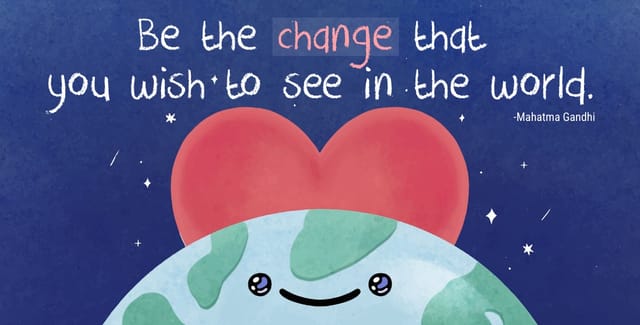
Slogan poster with retro 1970s color palette, warm oranges and browns, groovy display type, textured paper background feel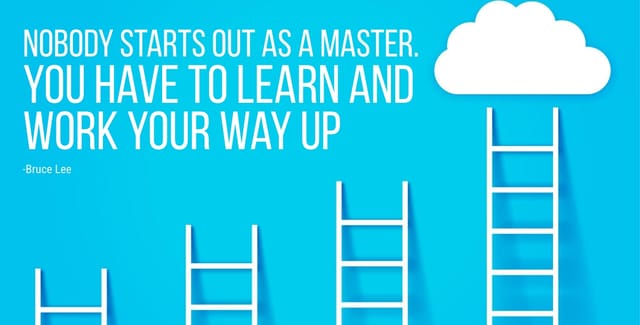
Square slogan poster at 1080x1080 for LinkedIn post, professional tone, balanced text-to-visual ratio, brand-safe composition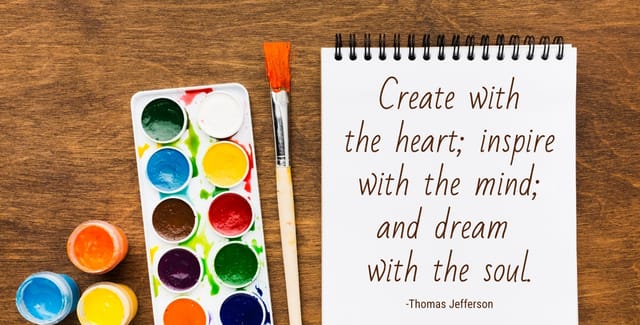
Contemporary slogan style poster, grid-based structure, disciplined spacing, restrained decoration, readable at viewing distanceSlogan Poster Generation: Areas for Improvement
Known limitations and trade-offs of AI-generated slogan design. Being specific about what AI poster generation can and cannot do helps you plan your workflow and set accurate expectations.

